I would like to share some feedback regarding the latest D5 Render update. Unfortunately, this version introduced several bugs that are significantly affecting my daily workflow. Here are some of the issues I have encountered:
In any texture mapping input field, if I type the “-” character and accidentally press Enter, D5 Render immediately crashes.
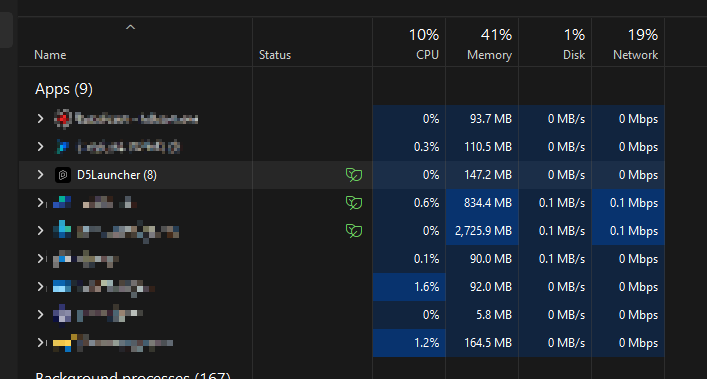
After a crash, D5 Render does not fully close all of its processes. I have to manually open Task Manager and terminate the remaining D5 processes before I can launch the software again.
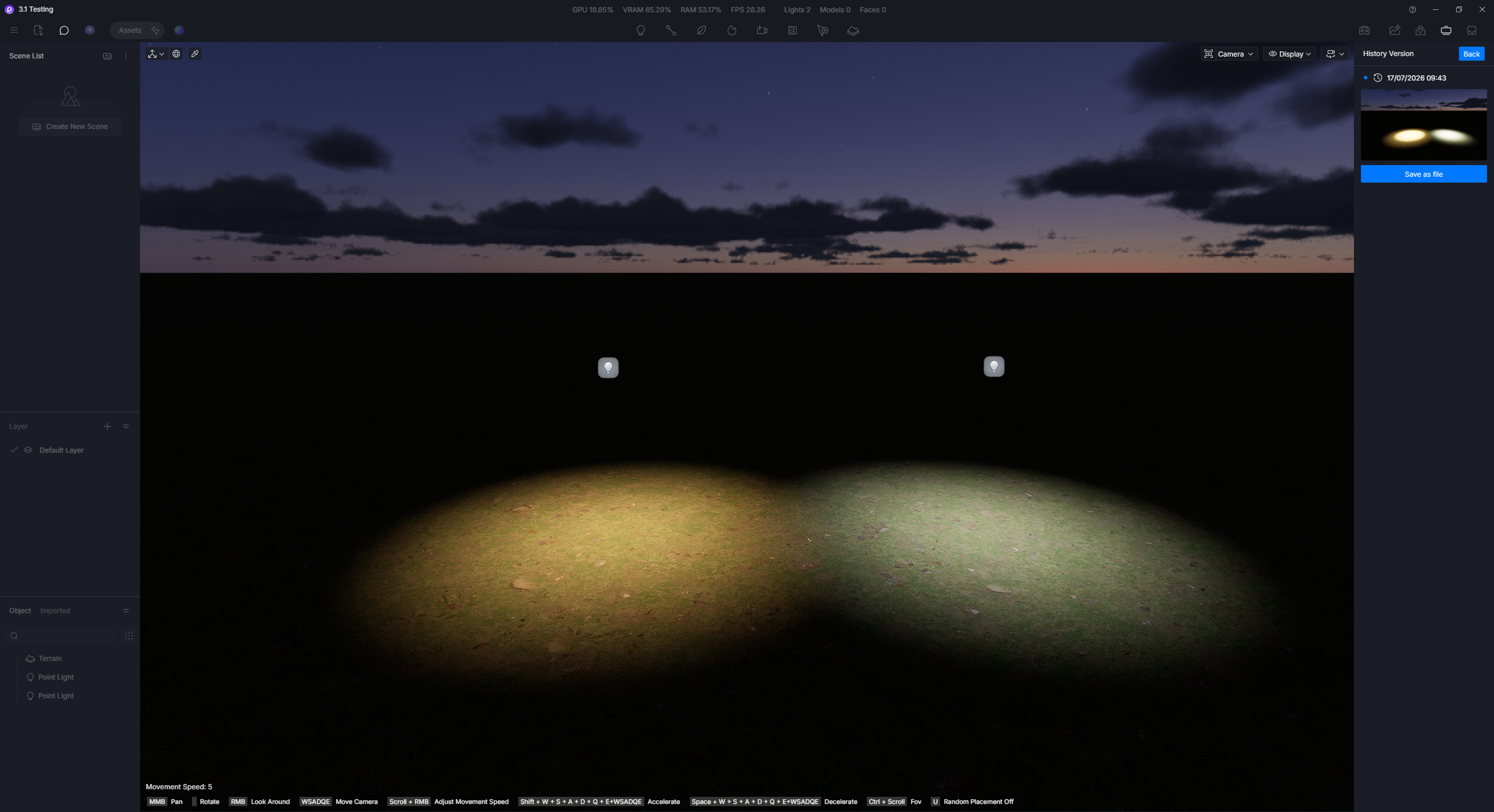
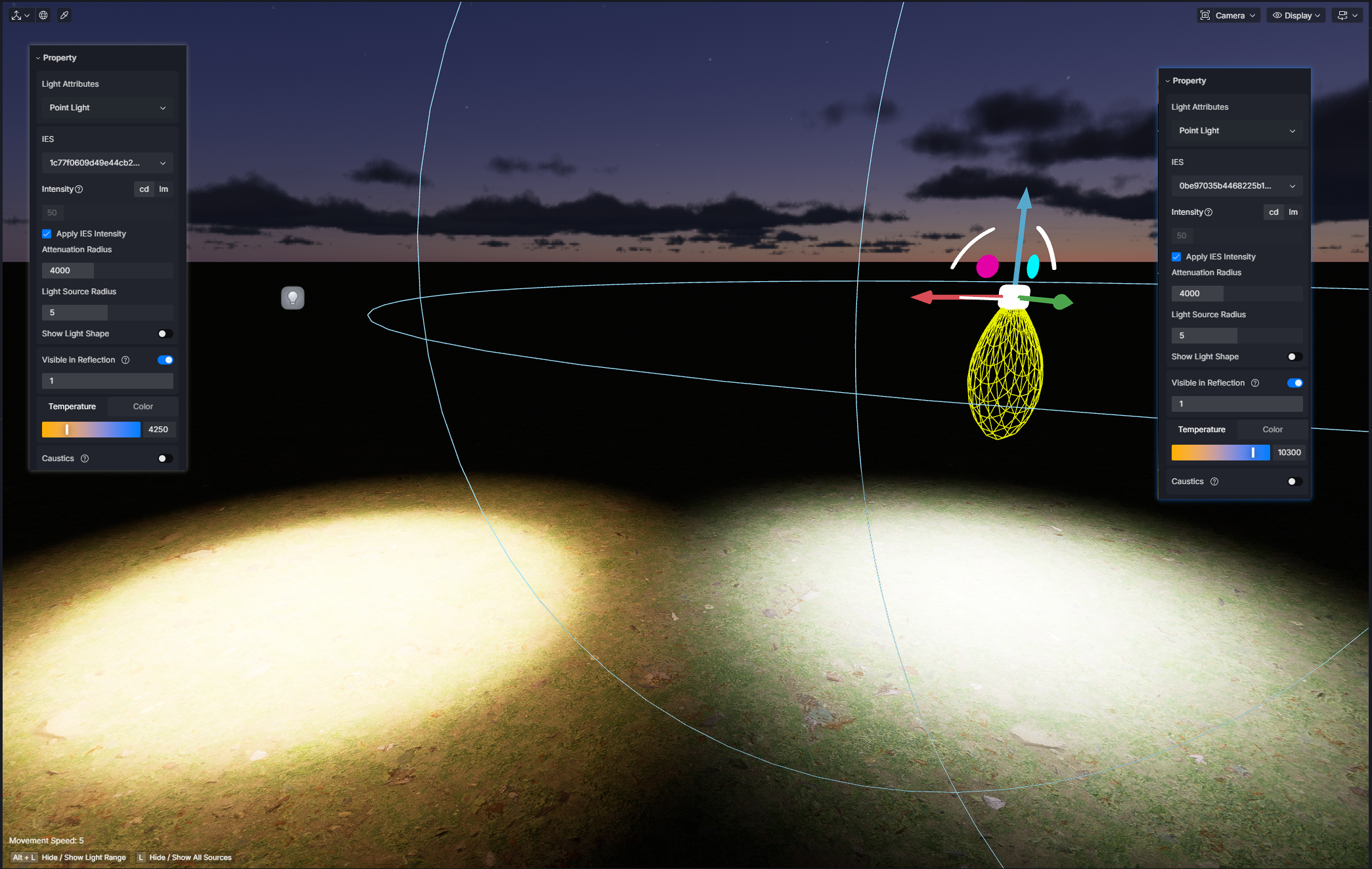
When opening a project recovered through Auto Recovery, all IES light settings become corrupted or reset, making the recovery file practically unusable for projects that rely on IES lighting.
Whenever I use the Ctrl + Alt key combination while working, D5 Render becomes extremely slow, starts freezing, and its overall performance drops dramatically.
When I copy a group, mirror it, and then try to rotate it, all of the subgroups become corrupted. Instead of rotating together as a single object, each subgroup rotates independently in different directions, making the model unusable.
These are only some of the issues I have experienced. There are several other bugs and inconsistencies in this release that make the software much less stable than previous versions.
I use D5 Render every day for professional architectural visualization projects, and this update has had a significant negative impact on my productivity. I hope these issues can be investigated and resolved as soon as possible in an upcoming update.
Thanks for your feedback. I’ve actually tested all the issues you mentioned and was able to replicate 2 of them.
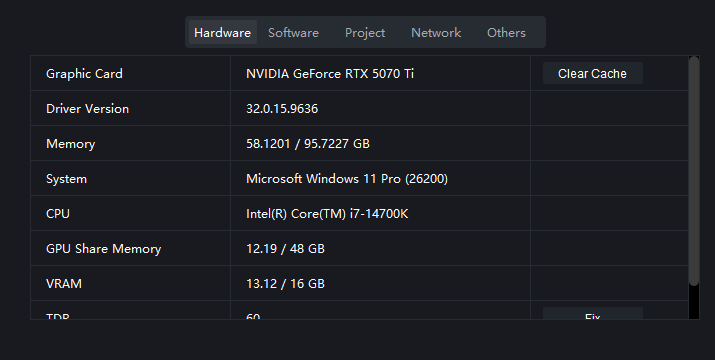
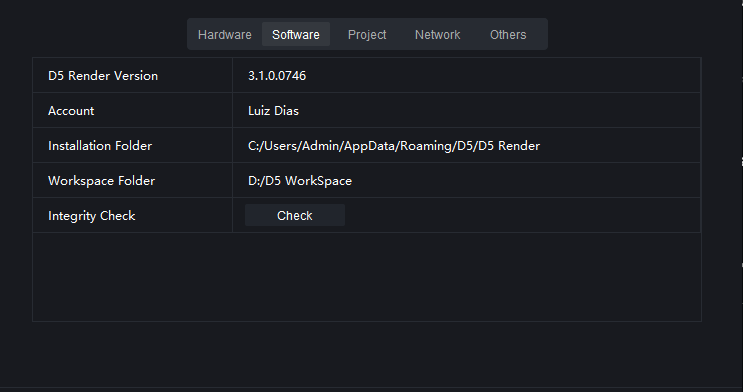
These issues are replicated on my end, both using 3.0.1 and 3.1 versions.
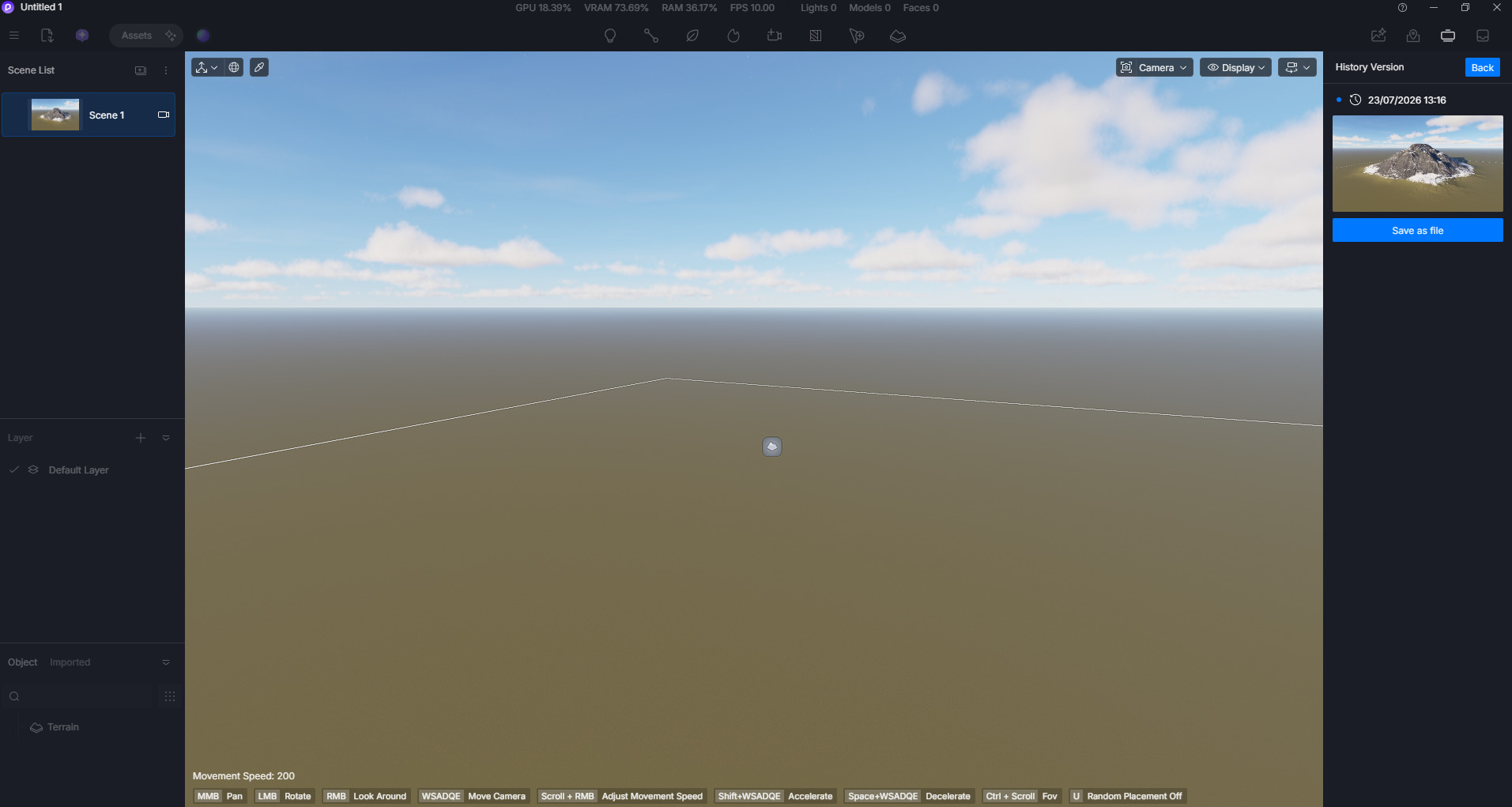
D5 Render crashes when entering only “-” in a texture mapping input field
IES light settings malfunction after opening an Auto Recovery project : Despite having the same numerical parameters, there is a significant visual difference when opening the recovery file vs the original file.
– Recovered
As for these issues, no replication occurs on my end, with both 3.0.1 and 3.1. If possible, please send us a video recording showing these issues.
After a crash, D5 Render does not fully close all of its processes. I have to manually open Task Manager and terminate the remaining D5 processes before I can launch the software again.
Results: After a crash, D5 Render immediately disappears from my Taskmanager
Whenever I use the Ctrl + Alt key combination while working, D5 Render becomes extremely slow, starts freezing, and its overall performance drops dramatically.
When I copy a group, mirror it, and then try to rotate it, all of the subgroups become corrupted. Instead of rotating together as a single object, each subgroup rotates independently in different directions, making the model unusable.
We would also like to collect your log files along with your Screen Recording
I tested it again and, fortunately, the issue hasn’t happened anymore. It may have just been a one-time glitch. Thank you for your feedback and for looking into it!
Since we’re already talking, I have a few other issues that have been a bit frustrating, and it would be great if they could be improved:
When I select an asset from the Local Library and then drag a category, the selection changes to that category, which can easily mess things up if you don’t notice it. (Video 01)
Double glass still causes some issues and seems to be bugged. (Video 02)
Other thing, when change the fov in camera modem all scnes changes thhe FOV. (Video 03)
All my files low fps for no reason, after update.
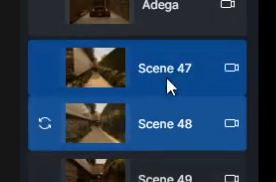
I would love to have an option to copy only specific scene settings instead of all of them. For example, I may want to copy only the Effects settings without changing the Sun settings when copying parameters from one scene to another. (Screenshot 01)
One feature I would really love is the ability to place an asset so that it is visible only in the current scene and automatically hidden in all other scenes. Or perhaps an option to select an asset and hide it in every scene by default, then manually enable it only in the scenes where I want it to appear.
Thank you again for all your work and for continuing to improve D5 Render!
When I select an asset from the Local Library and then drag a category, the selection changes to that category, which can easily mess things up if you don’t notice it. (Video 01)
It is very annoying. My entire library are chaotic.
Other thing, when change the fov in camera modem all scnes changes thhe FOV. (Video 03)
I understand that this editing behavior is a new feature, but I honestly don’t think it can remain in D5 in its current state.
Since the latest update, my scenes keep changing unexpectedly. The camera FOV is frequently reset, and many of my saved scenes become misconfigured without me making any intentional changes. This has become a serious issue because I can no longer trust that my scenes will remain exactly as I left them.
Please reconsider this feature or at least provide an option to completely disable it.
Even when the viewport is running at around 40 FPS, the interface becomes completely unresponsive in this new version. The rendering performance seems fine, but the UI freezes, making it very difficult to interact with the software.
What I meant about changing subfolders is that when an asset is selected, if I accidentally drag over the subcategories, the asset gets moved to a different folder.
The problem is that there isn’t any intentional “drag to move” action, so it’s very easy to reorganize assets by mistake. As a result, assets end up in the wrong folders without me realizing it, leaving my local library completely disorganized.
It would be great if moving assets between folders required a dedicated action or at least a confirmation, to prevent accidental changes.
Another issue I’ve encountered is that D5 occasionally asks me to sign in to D5 Pro again, even though I’m already logged in. This only happens with certain assets, and it forces me to log in again before I can use them.
I think this is possible when using Layers. You may assign layers to assets to have better control in their visibility.
That could work, but I would need to create multiple layers just to hide objects in specific scenes, which would be impractical.
There’s also another limitation: it’s not possible to copy and paste only the layer visibility settings between scenes. Because of that, I have to manually adjust or remove the objects in each scene one by one, which is very time-consuming.
For some reason, the Scene panel randomly freezes. When this happens, I can’t scroll through the scene list or interact with it anymore.
The only way to make it work again is to click into a text field (such as renaming something) and then exit it. After that, the Scene panel becomes responsive again.
Sorry for all the feedback, but I’ve been collecting these issues over time and decided it was better to report them all now, since many of them are significantly affecting my workflow.
I really enjoy using D5, and I’m sharing these issues because I hope they can help improve the software. Thanks for taking the time to review them.
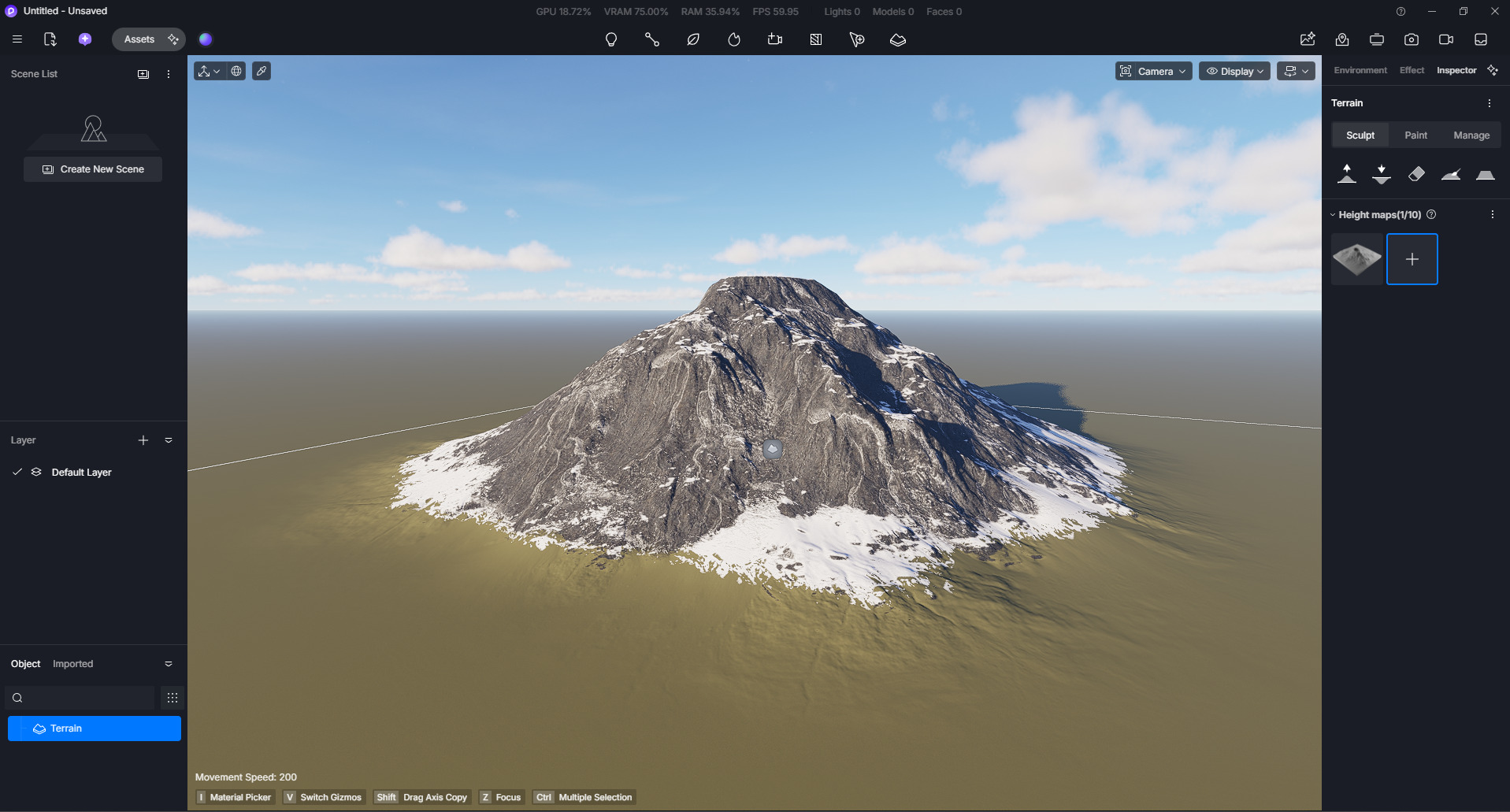
If I have to go back to a backup version, I simply lose all the terrain work I’ve done, since those changes aren’t transferred. That makes reverting to a backup a very costly option.
I know I can go into SketchUp and explode the groups/components to work around this issue, but it’s really inconvenient to have to do that every time I need to scale blocks.
Would it be possible to implement a solution directly in D5? For example, automatically so users don’t have to modify the original SketchUp model every time. It would make the workflow much smoother.
Please update to the 3.1 hotfix, as it resolves the major issues you’ve been experiencing with the recent update. It’s still in grayscale release, so you may or may not have received the update window.
As for your feedback, I’ve already forwarded it further to our team, but it might also be best to post it in Ideas & Requests; we have a category dedicated to feedback since our team will surely go over these posts. Latest Ideas & Requests topics - D5 RENDER FORUM