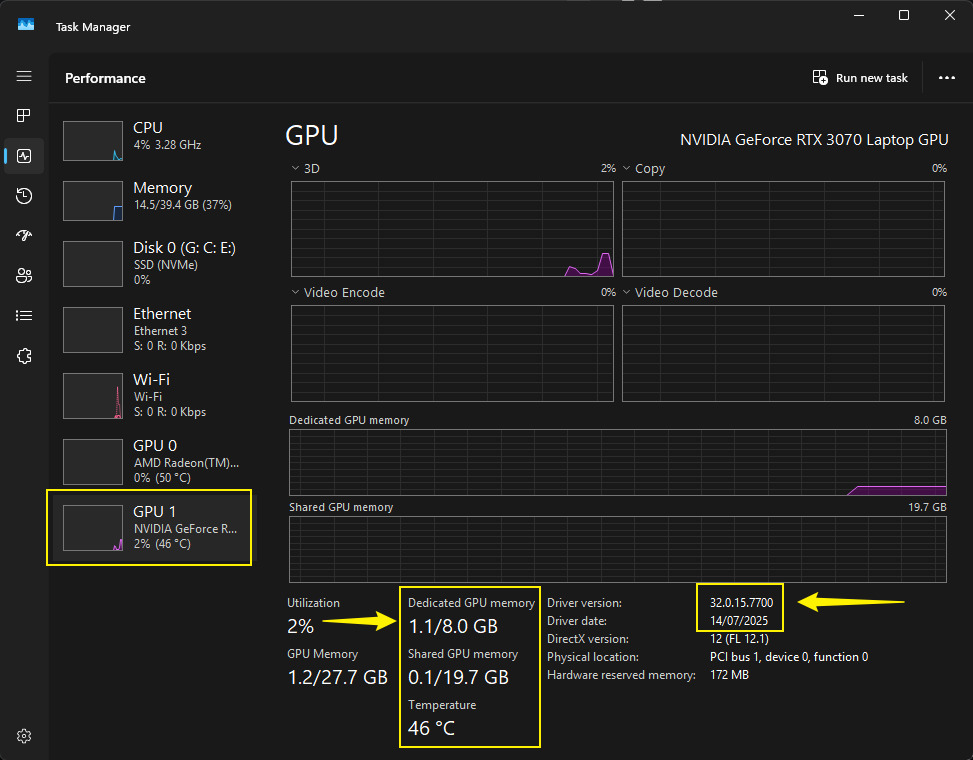
Hello,
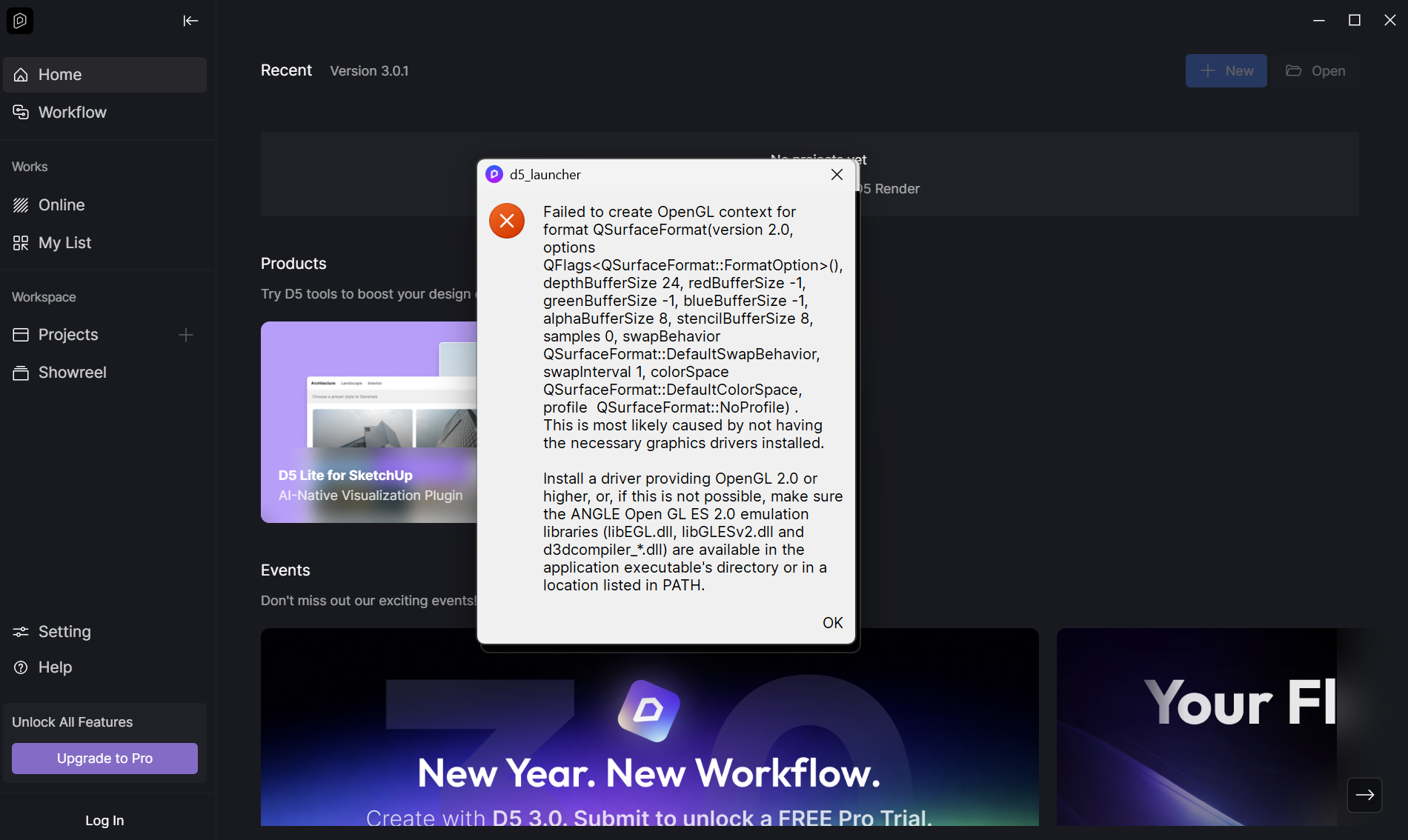
I’m new in the community, I’ve been using the free version of D5 for more or less a week now. Today I couldn’t open it anymore because of the error of “Failed to create OpenGL context” that appeared in D5 Launcher once I click on ‘New Project’ or try to open previous files. I’ll upload the screenshot of it below (hope it shows it) :
My graphic card is an NVIDIA RTX 5060, so I doubt the problem is that I need to update the graphic driver (?), also because it was working perfectly until yesterday.
I think the version of D5 I’m using is 3.0.1.0683 , or that’s what it showed on the ‘Home’ page. When I go in the ‘Setting’ tho, at the bottom says “Version 1.1.1.0005”.
I already tried to uninstall and install again everything and it didn’t work, it always gives the same error.
Have anyone experienced the same problem? Could you please tell me what the problem is and how to fix it?
Thank you a lot.