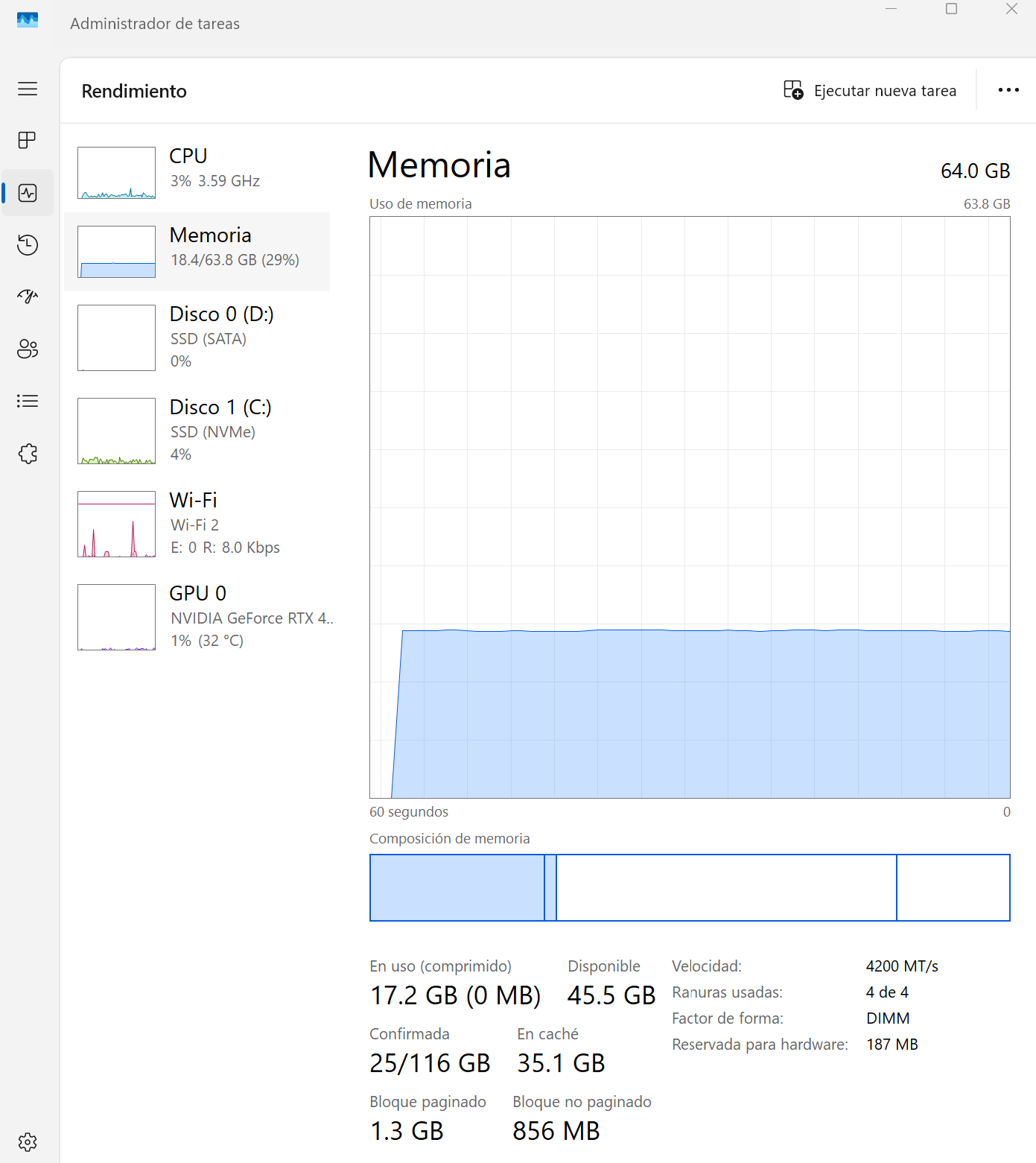
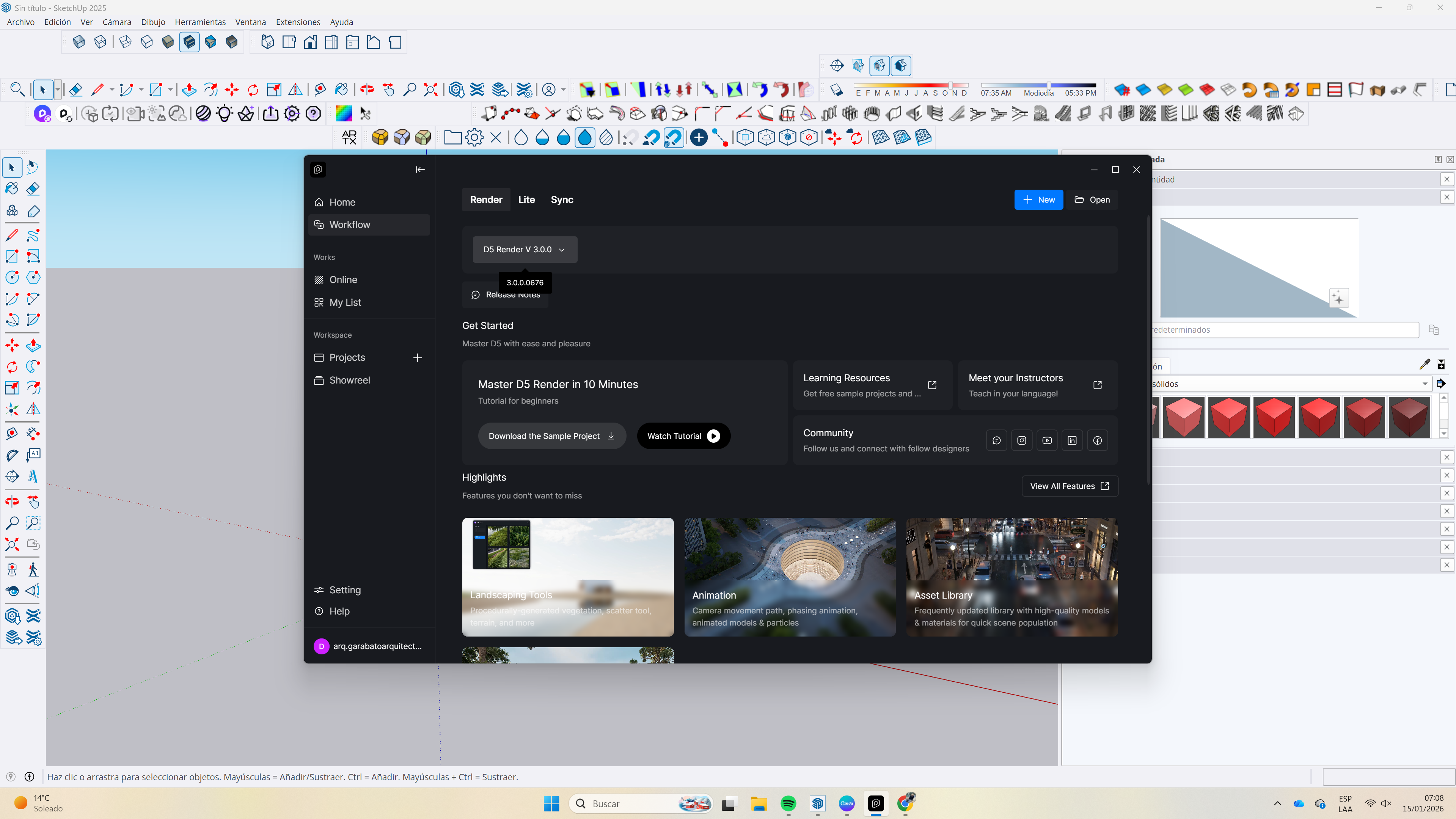
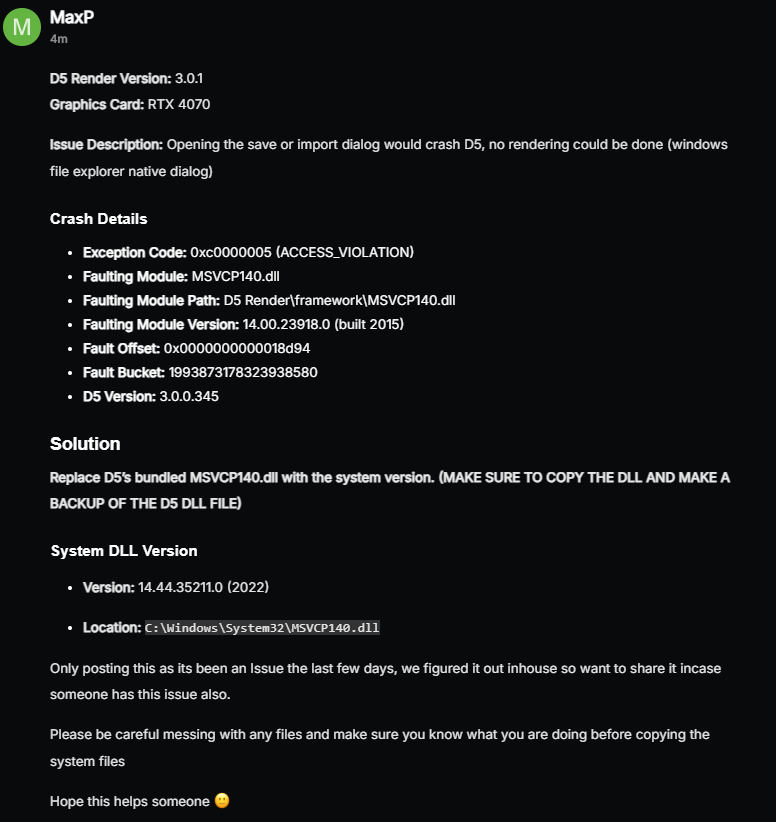
Me comunico para reportar un inconveniente técnico que estoy experimentando con el software. Cuento con dos cuentas Pro distintas , ya que trabajo desde varias computadoras; sin embargo, no utilizo ambas cuentas de manera simultánea .
El problema ocurre al crear archivos nuevos desde cero: al intentar guardarlos, el programa se cierra de forma inesperada y el trabajo realizado se pierde por completo, sin posibilidad de recuperación. Este comportamiento no se presenta con archivos antiguos; los proyectos previamente guardados sí me permiten trabajar y guardar cambios con normalidad.
Este error está afectando directamente mi flujo de trabajo y productividad, ya que resulta muy tedioso perder el trabajo realizado en proyectos nuevos. Agradecería mucho su apoyo para identificar la causa del problema y brindarme una solución lo antes posible.
Thank you for reaching out, and I apologize for any inconvenience this may have caused. To help us investigate further, could you please confirm the following details:
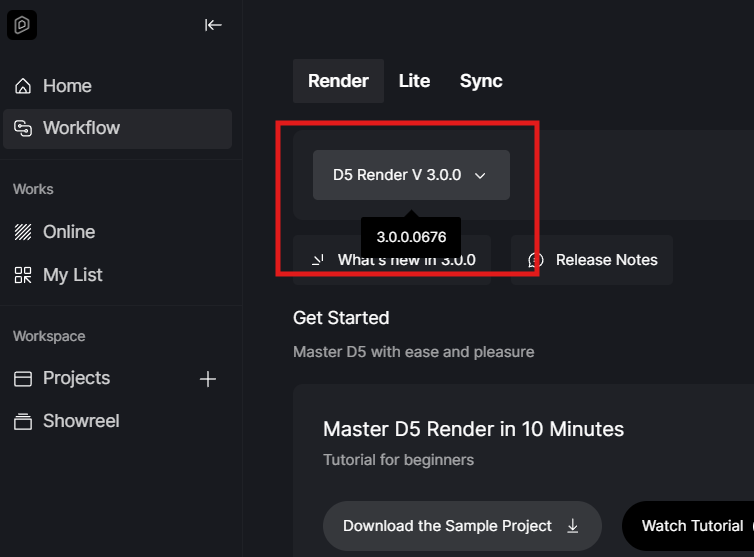
Which D5 client version are you currently using?
When did this issue start occurring—did it begin suddenly, or after a specific update?
Does the crash happen every time you attempt to save a newly created project, or only intermittently?
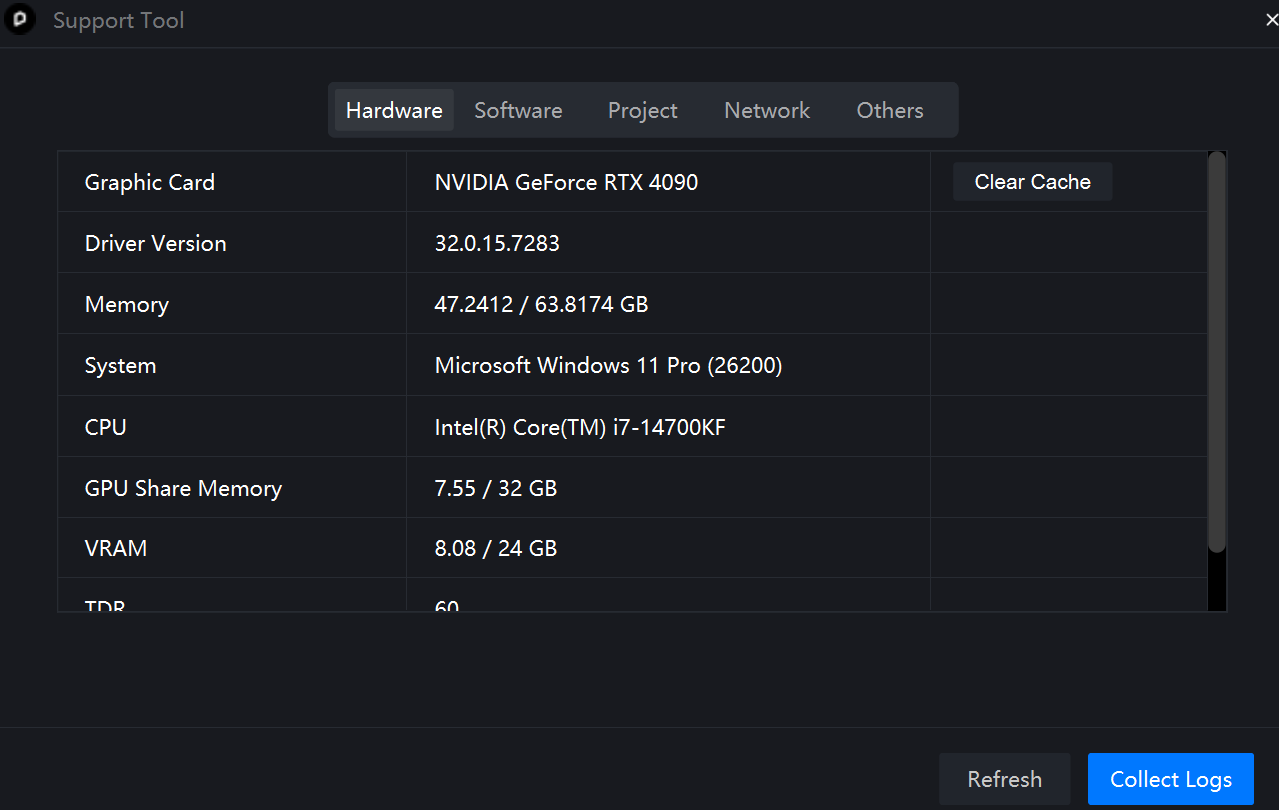
Additionally, to rule out any potential system-related issues, could you please provide:
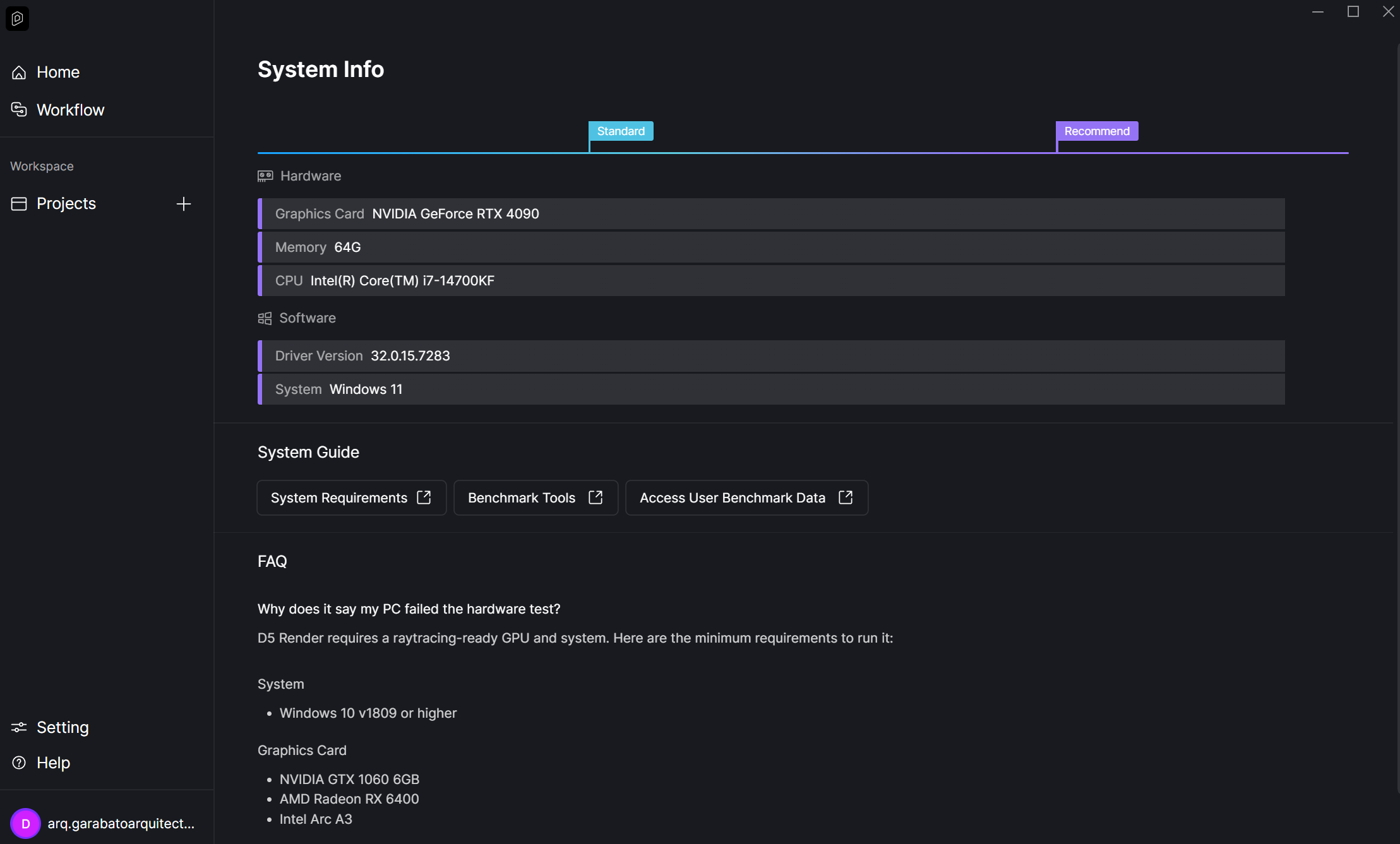
A screenshot of your System Info page from the D5 Launcher
Crashes related to saving have been a known hot issue recently, so this information will help us determine whether your case is related and how best to proceed with a solution.
We appreciate your patience and cooperation, and we look forward to your response so we can assist you promptly.
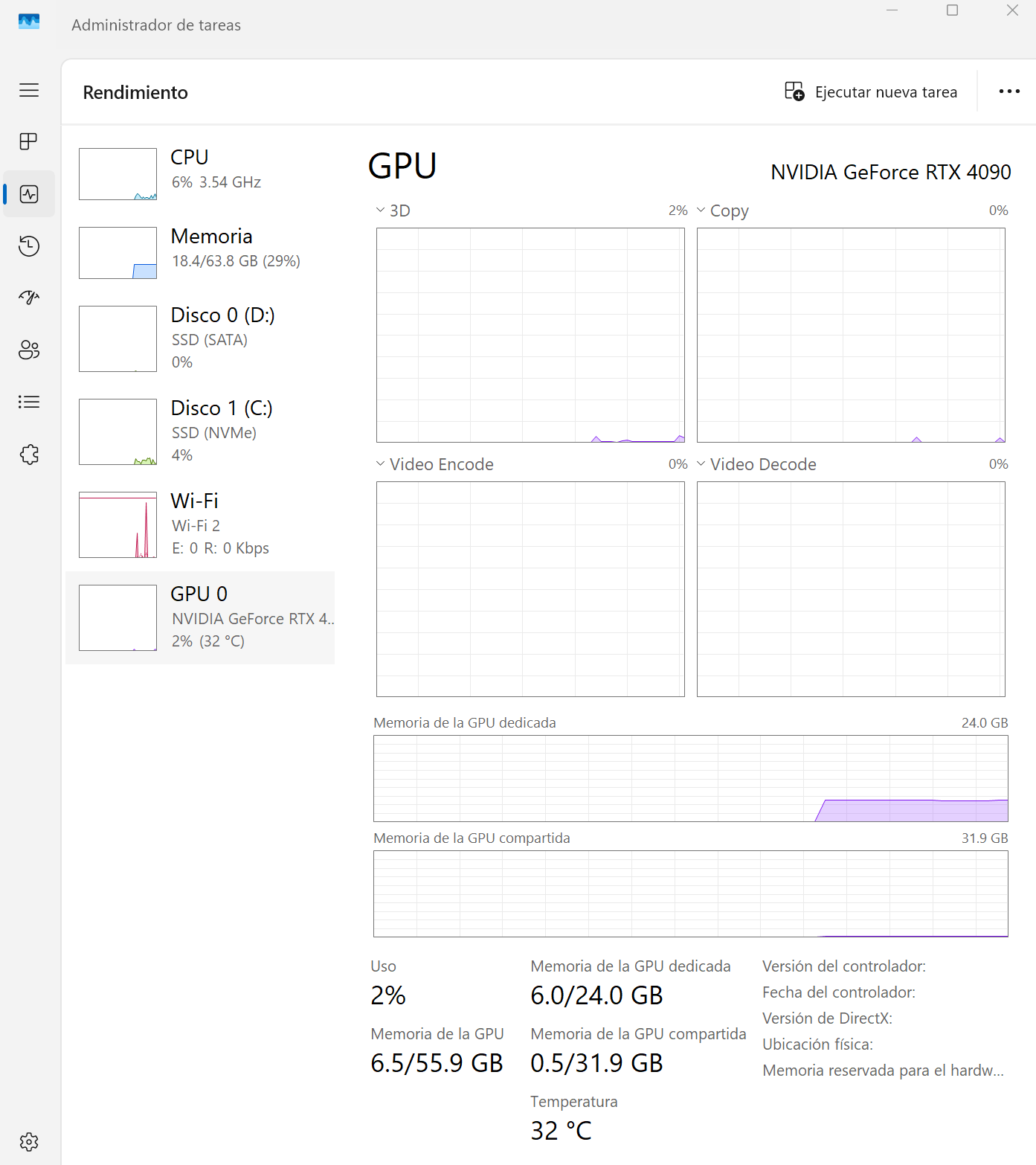
Thank you for attaching the screenshots. Crashes upon saving new files are a known issue that has been reported recently. To confirm, could you please let us know:
Does your device have only one Windows user account?
Does D5 Render have full access/control permissions on your system?
Have you tried running D5 Render as an administrator?
Which version of D5 Render are you currently using?
Thank you for your patience, and we look forward to your reply.
Mi dispositivo tiene una sola cuenta de usuario Windows
D5 render tiene todos los permisos del sistema normalmente.
Probé usar D5 render como administrador y el problema persiste
Todo estuvo bien hasta que hoy en la mañana actualice el programa.
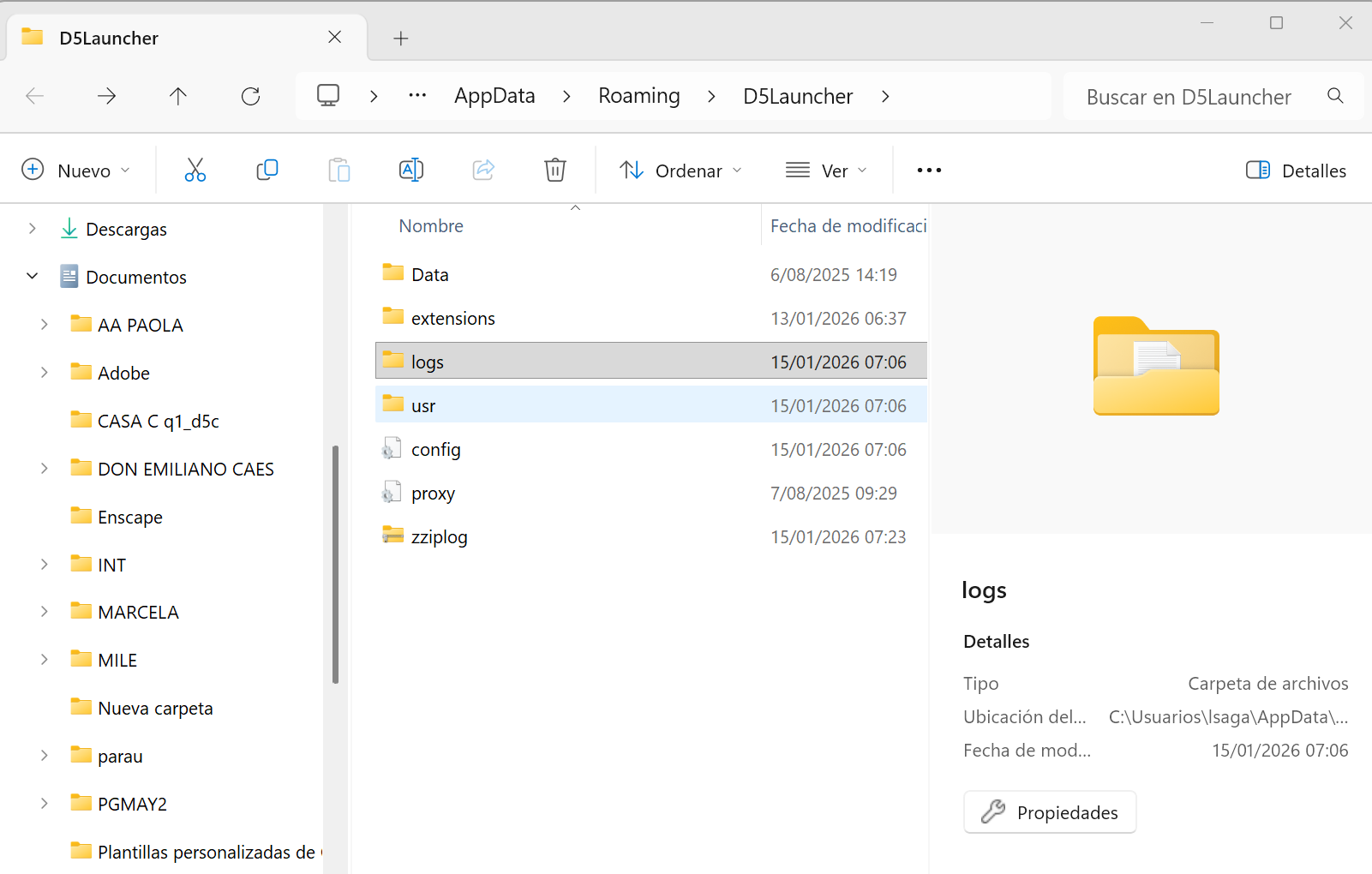
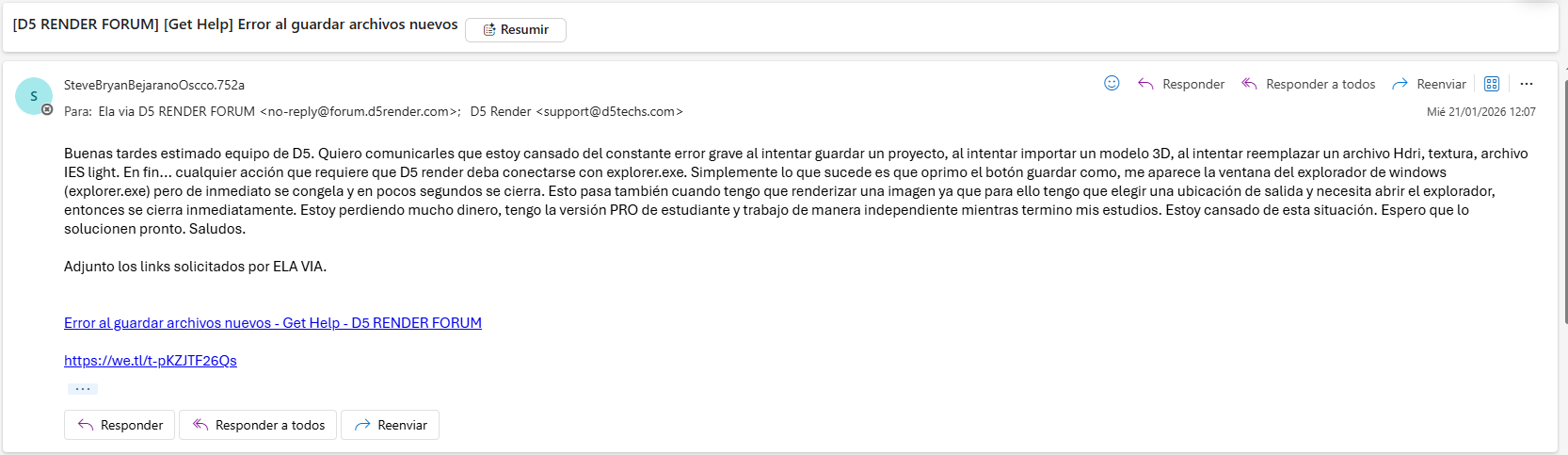
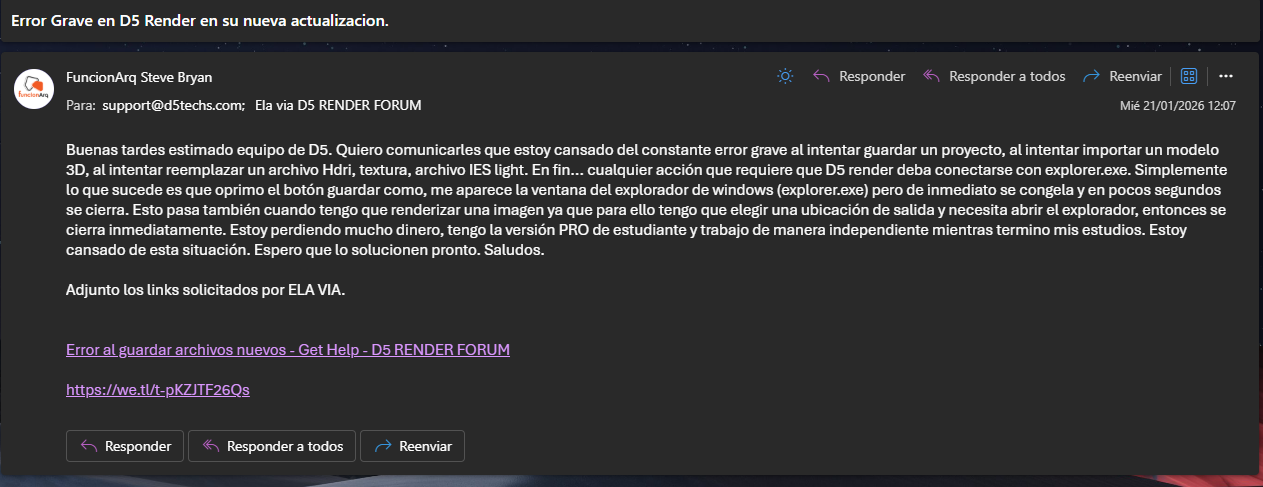
Please compress the log files into a ZIP file, upload it via WeTransfer, and send the download link to support@d5techs.com. Please tag me and include this forum link in your email. Thanks in advance.
Your D5 project folder is simply the entire folder where your project (.drs file) is saved on your computer. Please upload the whole folder that contains the .drs file, similar to the example shown in the image shared above.
For the log files, you do not need to locate them manually. You can follow the complete step-by-step guide using the link provided above. After we receive both the project folder and the log files, we’ll be able to investigate the issue further and assist you as quickly as possible.
Thank you for your patience and cooperation. We truly appreciate it.
LA semana pasada envie lo que me pedias y no obtuve respuesta, acabo de reenviar el email. son los destinatarios que me pediste. espero respondan enseguida.
Thank you, and apologies for the delayed response. I’ve received your email. We’re troubleshooting the issue on our end, and I’ll keep you updated as soon as we have any findings or next steps to share.