Sorry for the inconvenience. The RTX 2060 is still supported in D5 Render and can render videos — it hasn’t been deprecated.
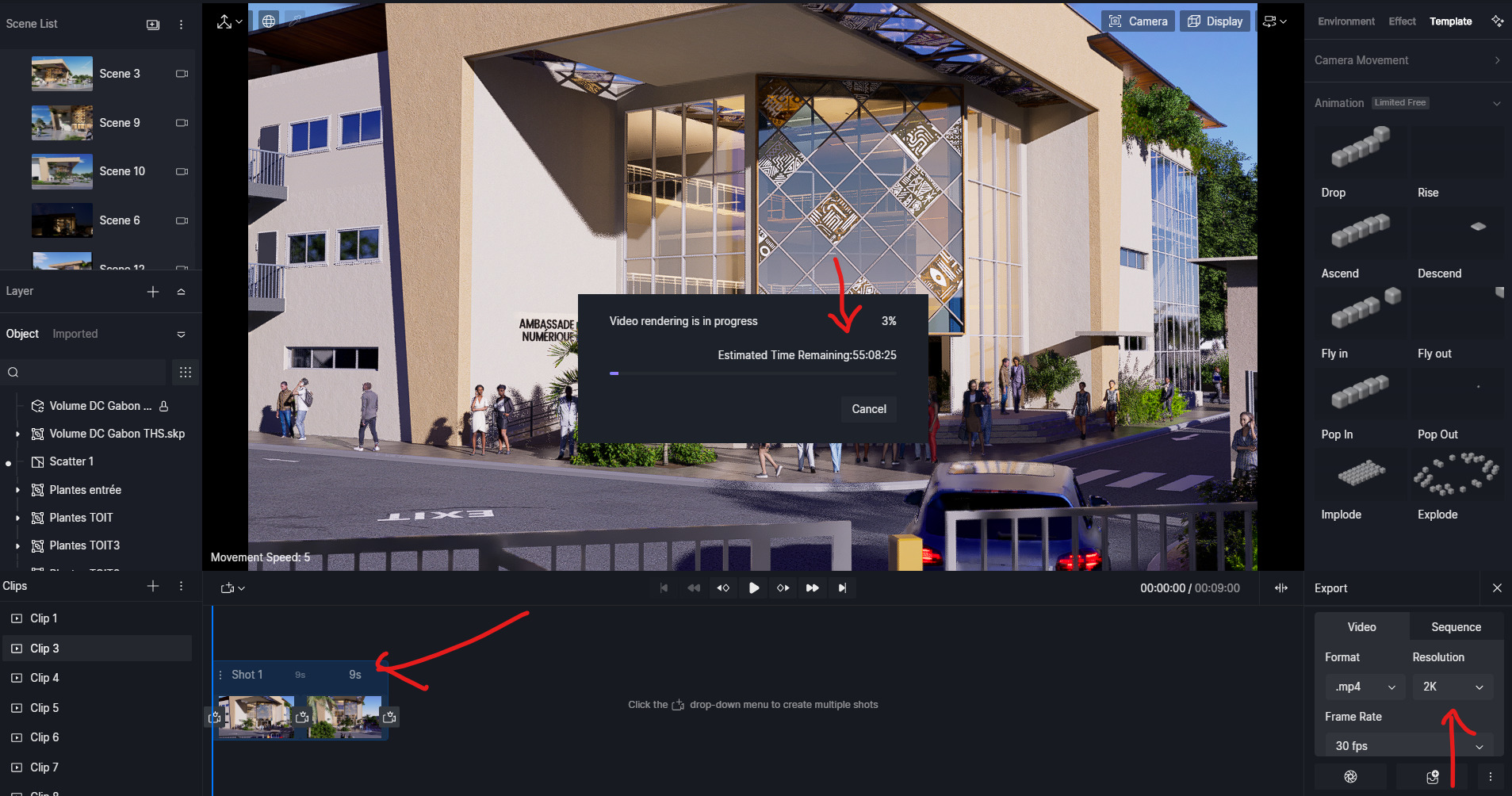
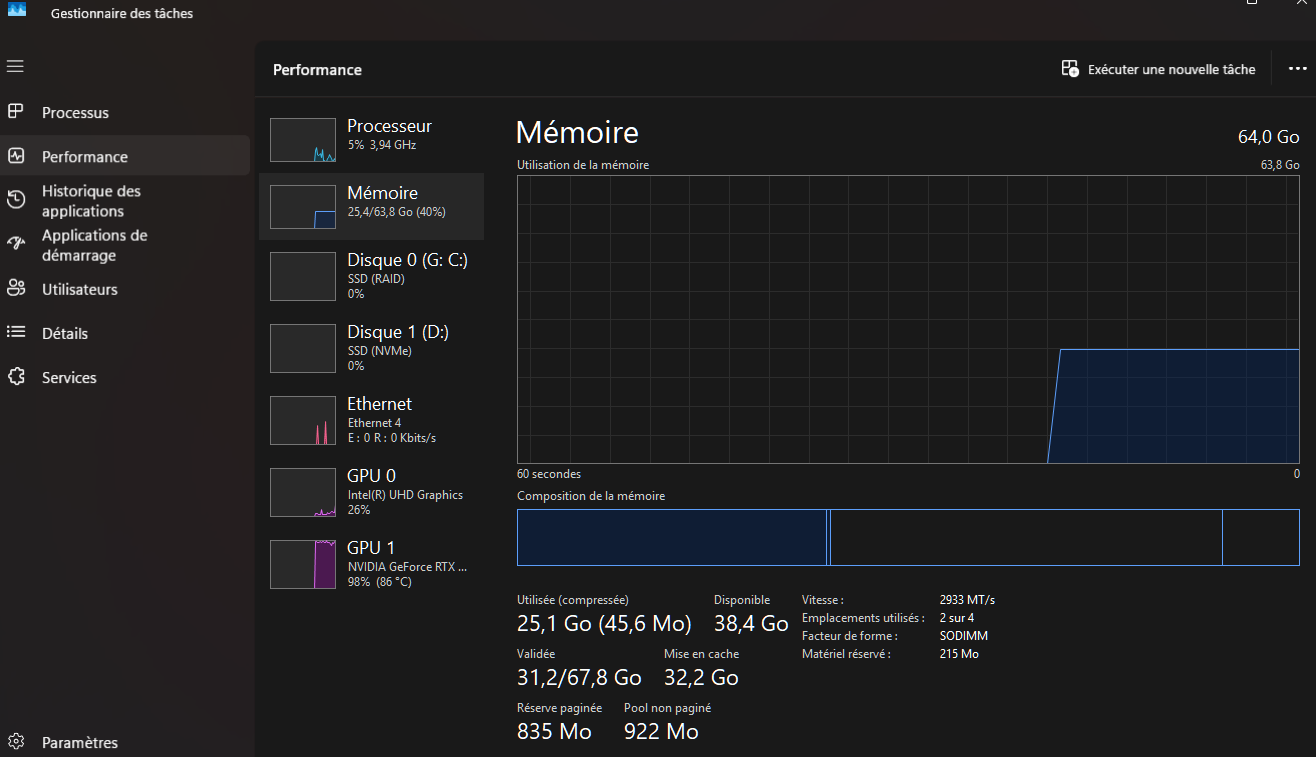
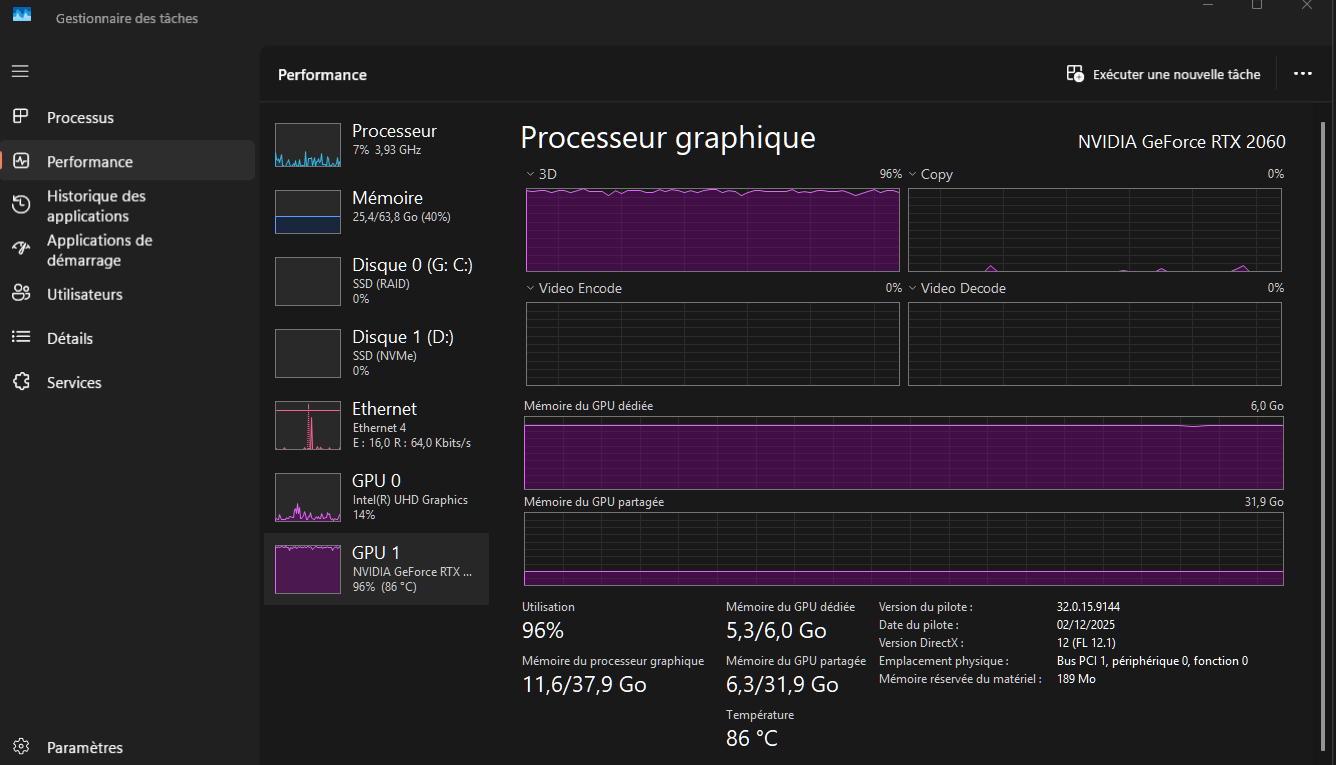
Based on the information you shared, your GPU is running at around 98% utilization and ~86 °C. This indicates that the GPU is being fully loaded by the video rendering task, rather than the render being frozen or stuck. With heavy scenes or high settings, this can cause very slow progress, often due to VRAM limits or thermal throttling.
To help improve stability and render time, we recommend trying the following:
Lower the resolution or quality (for example, 1080p / Medium)
Reduce scene complexity (vegetation, scatter, high-resolution textures)
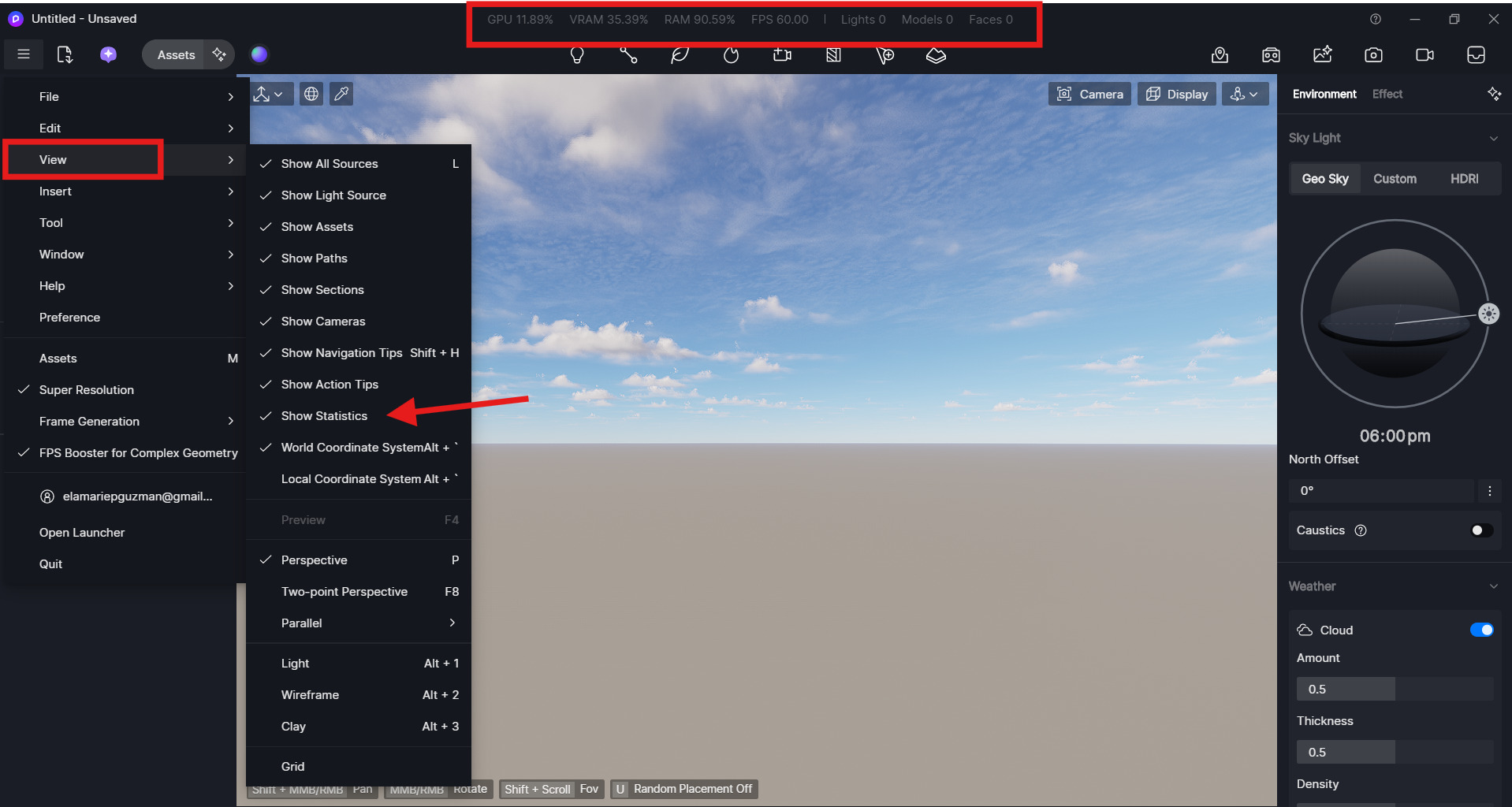
Monitor VRAM usage in Task Manager or you can enable this via File > View > Show Statistics
Render as an image sequence instead of exporting a direct video
You may also try rendering a very basic test scene file to check whether the issue still occurs. If a simple scene renders normally, this would further confirm that the slowdown is related to scene complexity or render settings rather than a system or software issue. Let me know the results. Thank you