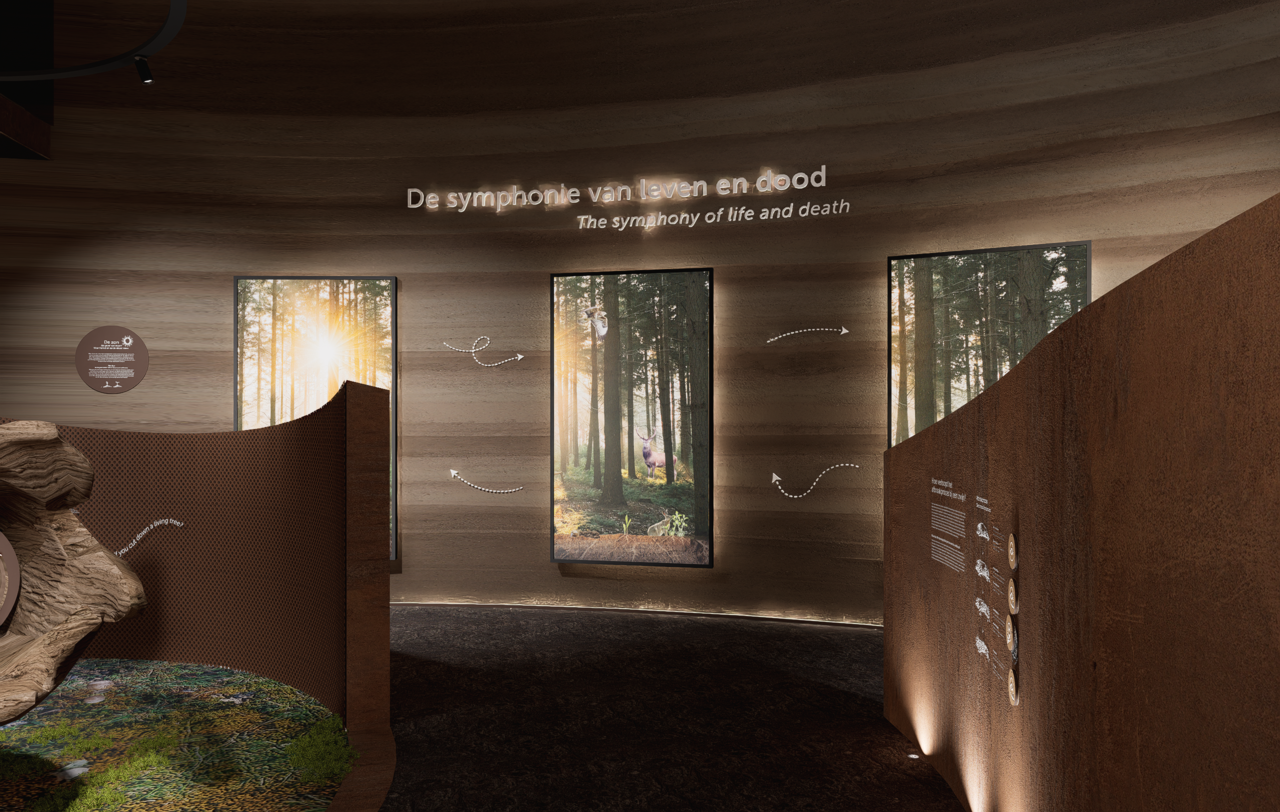
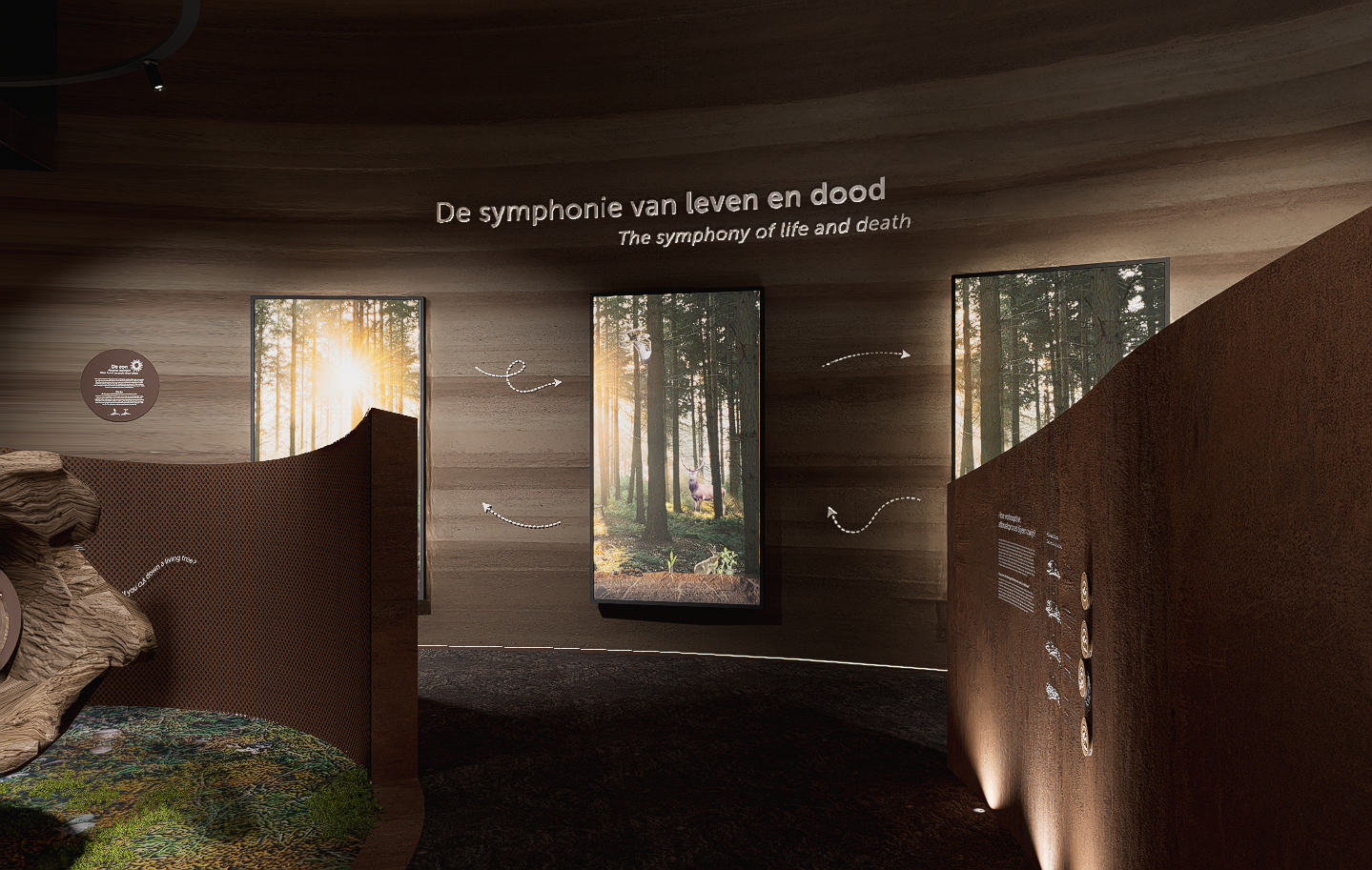
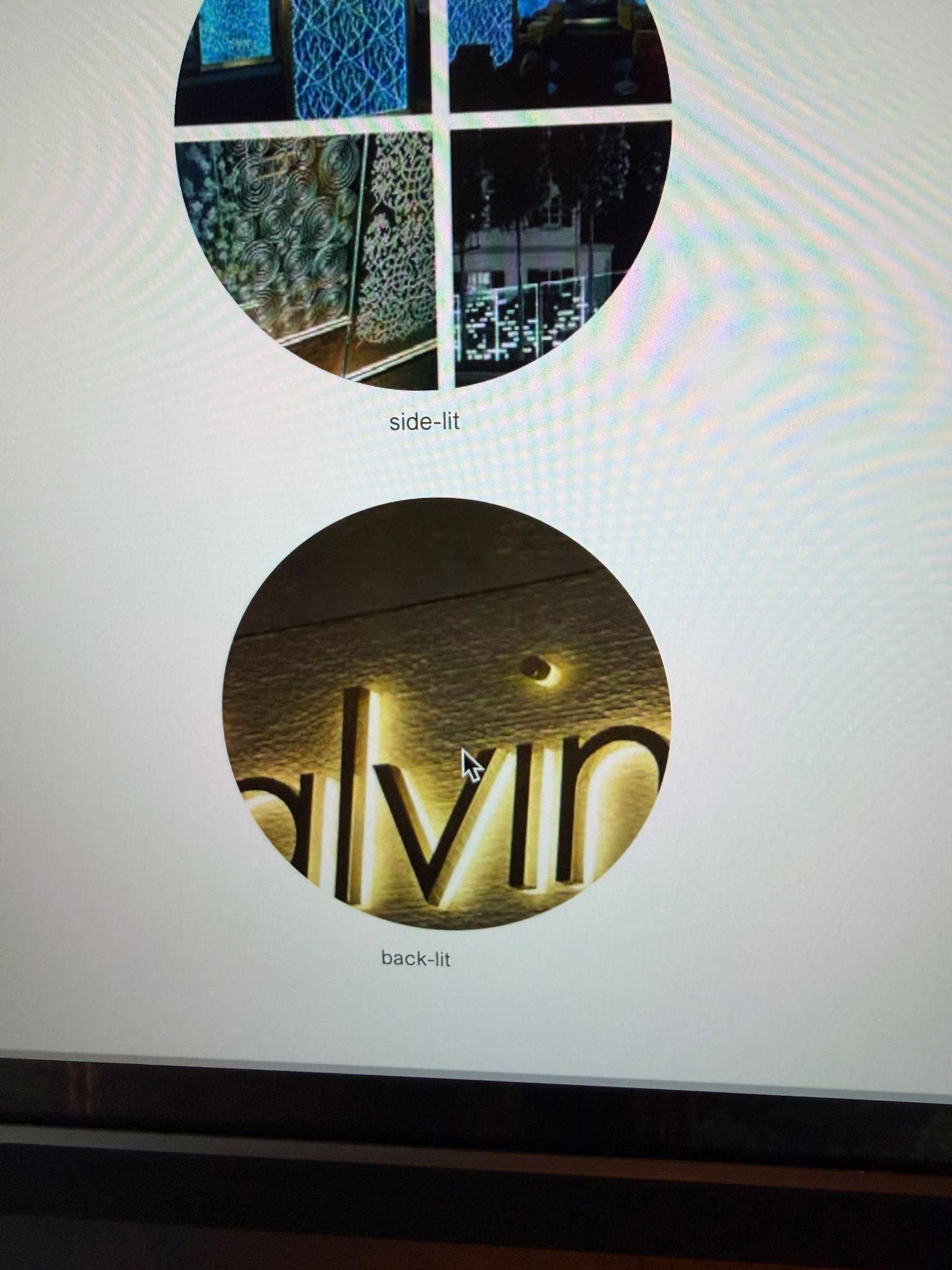
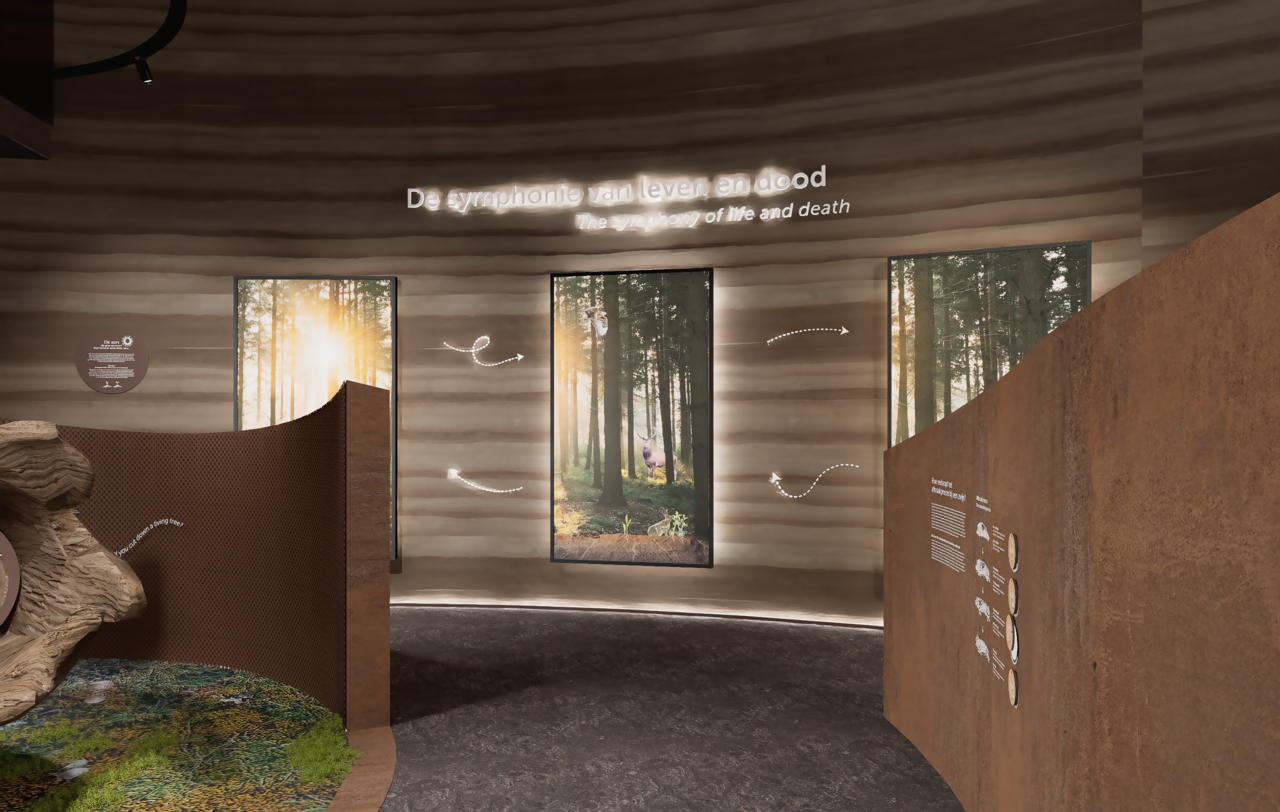
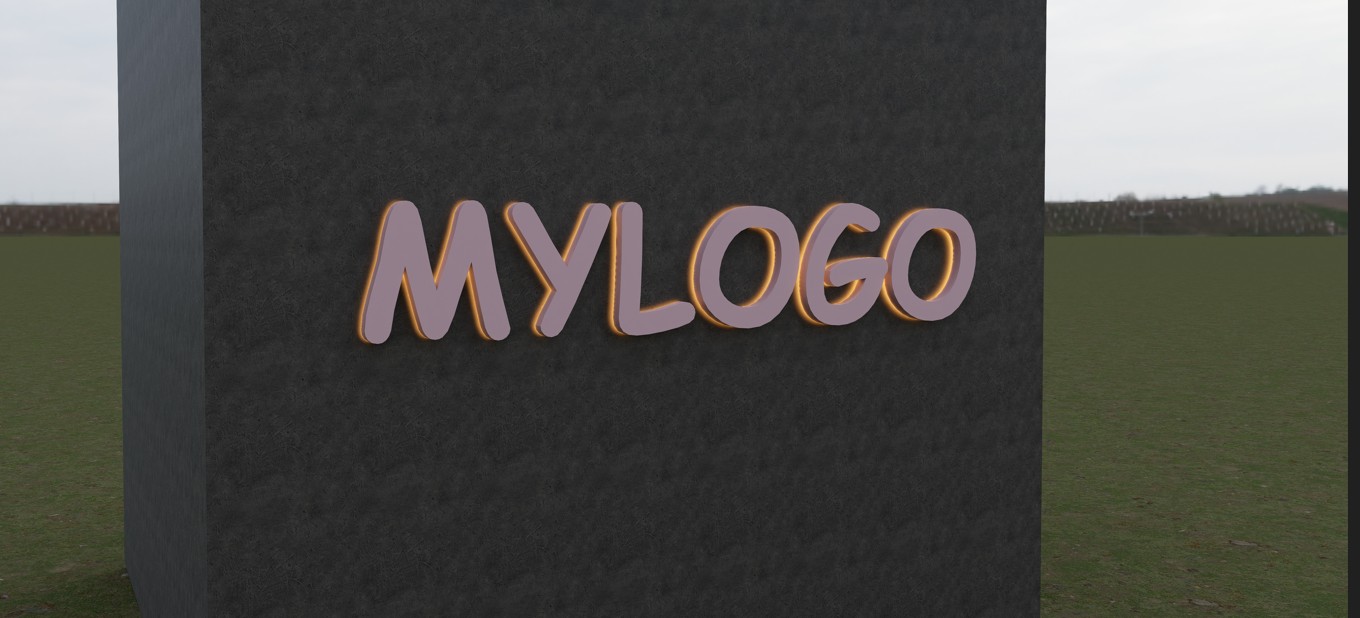
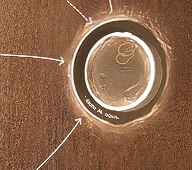
I’m working on a project where I need to light up 3D letters. I made the back of the letters an emissive material. I know it’s a common problem that when I turn on Cast Shadows there is blurry noise, but when I turn it off there is no light at all. How do I fix this? It should be really simple to get the result shown in the image, right?
Thank you for explaining the details. I tried recreating the scenario on my end to better understand the behavior you’re seeing.
In my test, I used an imported 3D text model with the back face assigned an emissive material. I enabled Cast Shadows, set the emissive value to 20, kept the Bloom effect at 0, and applied AI Post-Processing effect (Sharpening and Denoising). Under these conditions, the result seems similar to what you described.
Sorry to hear this. Just to confirm, are you using the latest version 3.0? If not, please update to the latest version, as I am using 3.0 here. If yes, please collect your log files, your D5 project file, upload them to WeTransfer, and send the download link to support@d5techs.com. Please tag me and also include the link to this post in your email. Thanks in advance
Thank you for the update. Could you please let me know which email address you used to contact our support team? You may share this information with me privately.
Regarding the issue with values changing automatically: Is this behavior occurring only with the emissive parameter, or do you notice similar sudden value changes with other parameters as well when you click them?
Its only with emissive material. When I enter 1 and close the material it changes to 5. I just use 0.5 or something and then it goes lower so I’m doing it that way.
Hey, I’ve tried to recreate a similar thing here. The only trick, I moved the logo off the wall slightly. Settings are: Cast shadow off, emissive material 500, bloom 0.15. Hope it helps