489
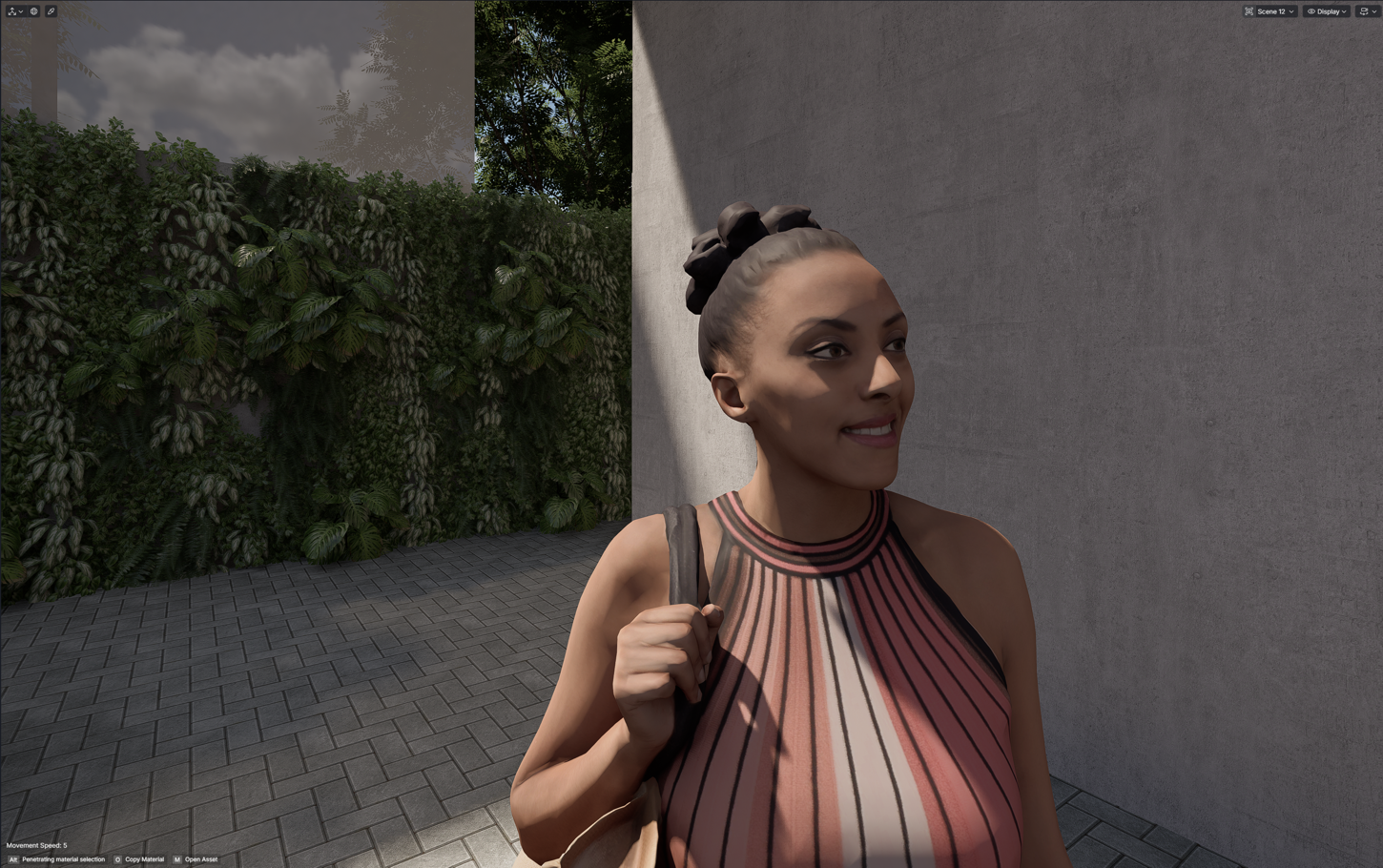
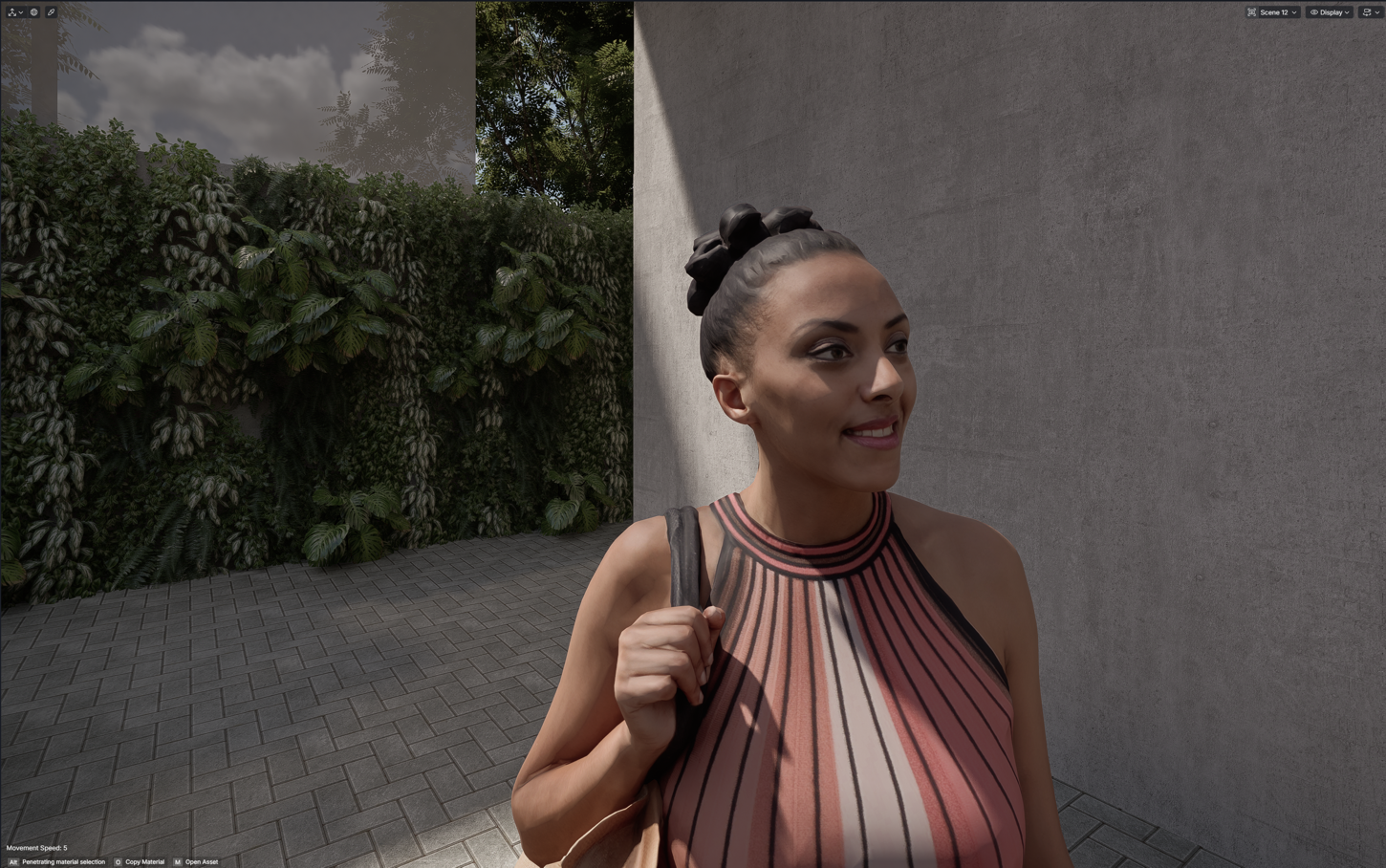
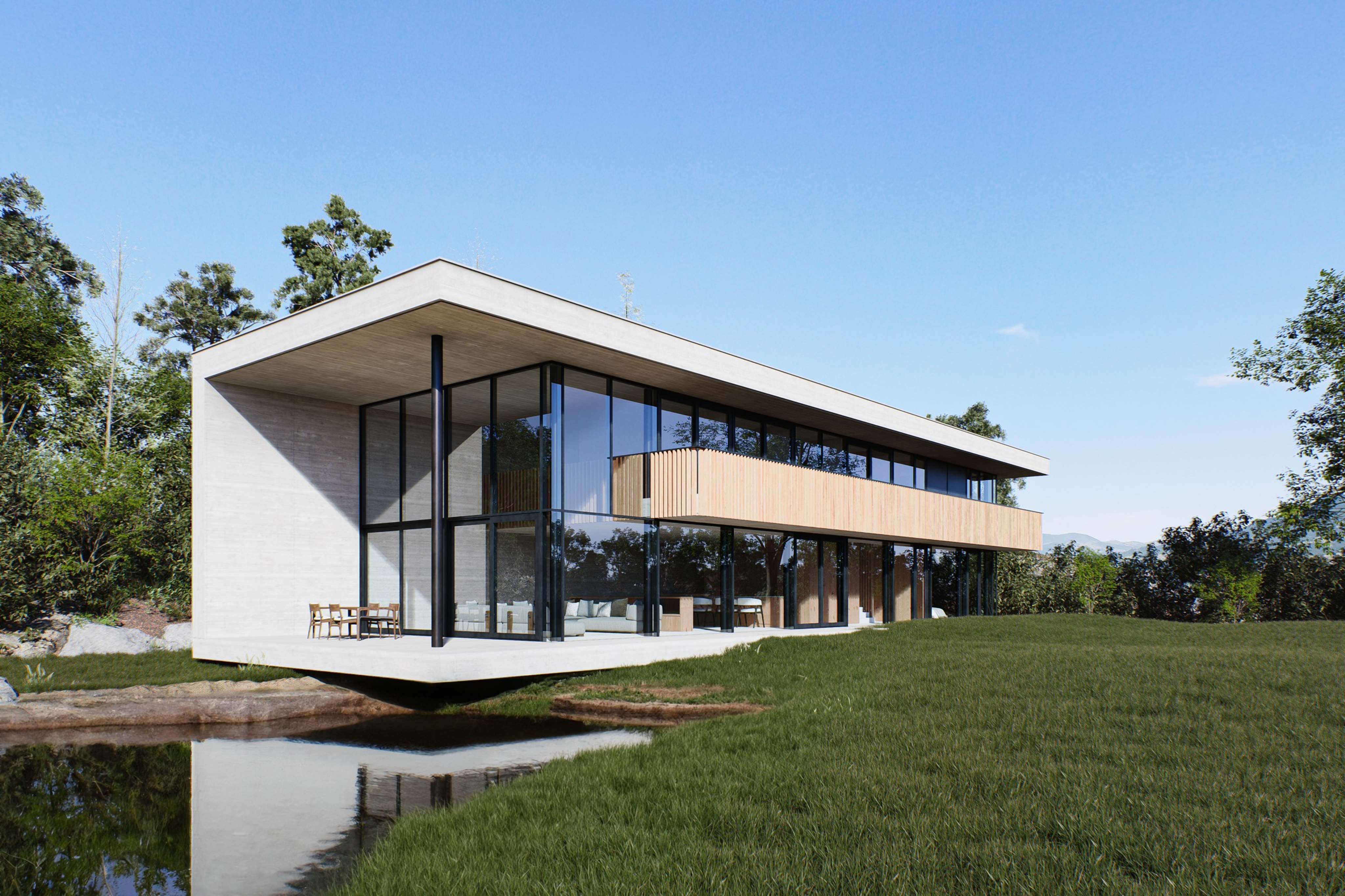
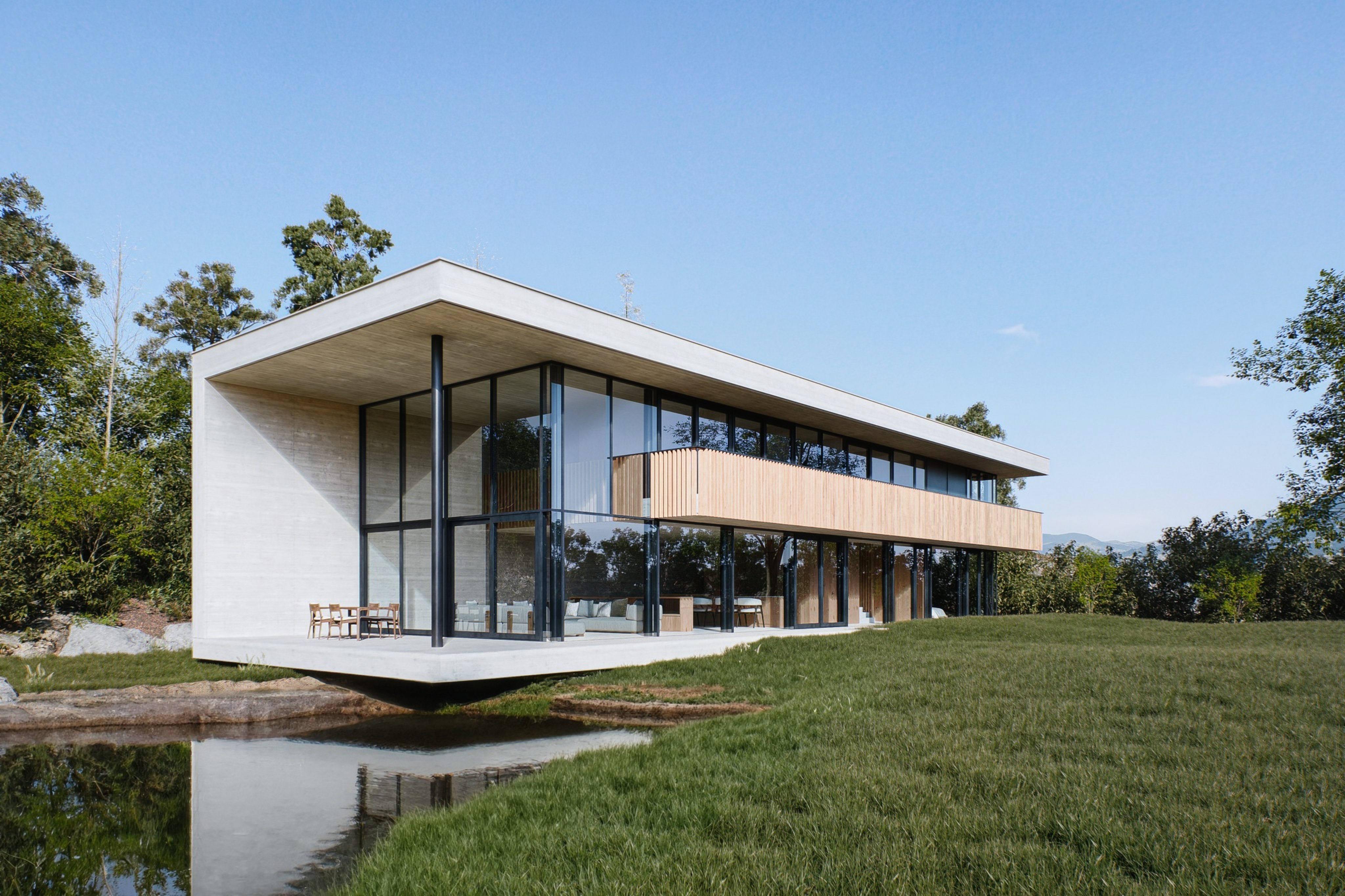
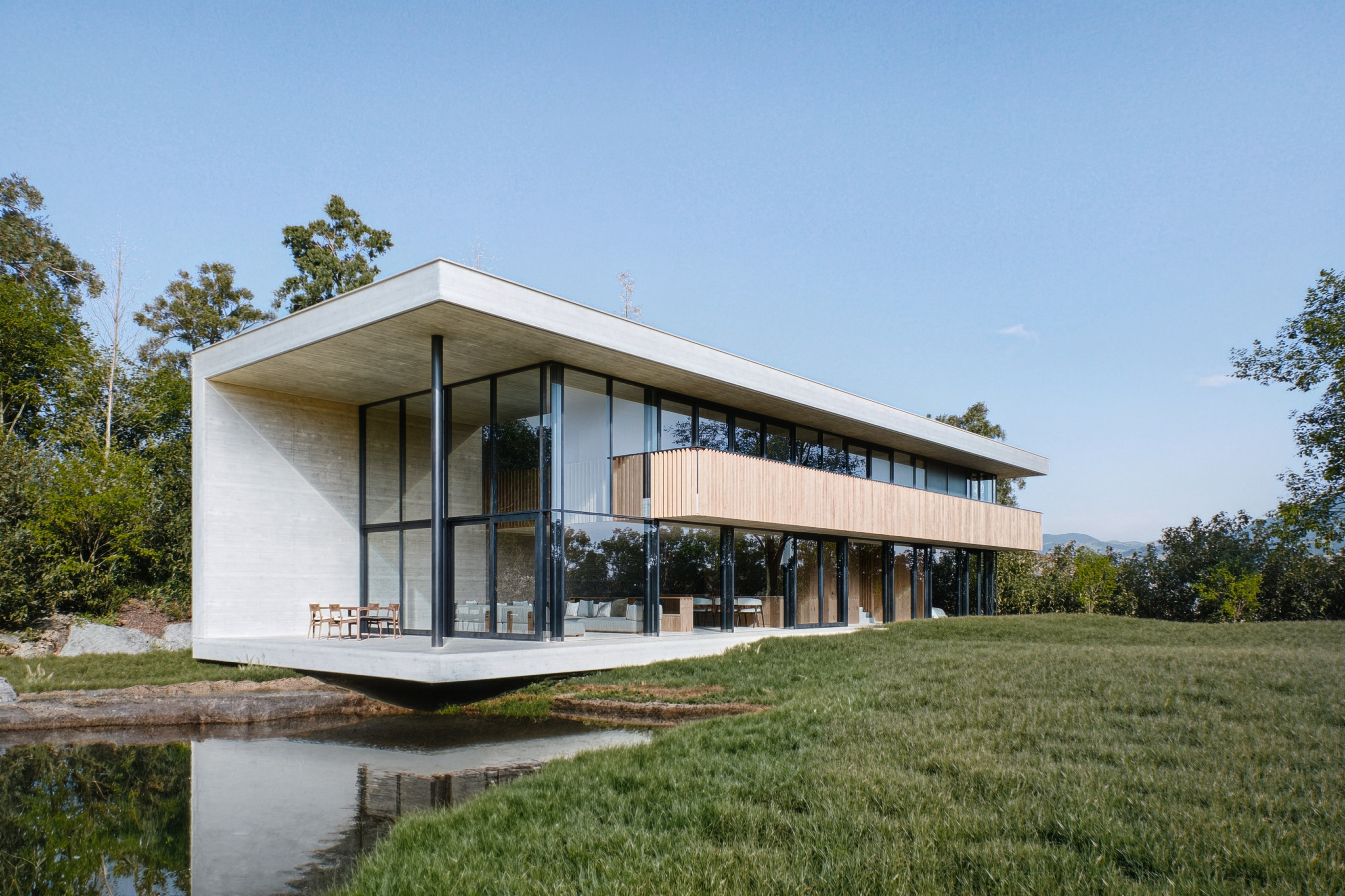
Will we see DLSS 5 in the upcoming version 3.2? I managed to run tests using the implementation methods found in games and achieved modest results, though I also encountered some issues.
It works in the viewport but does not render static images.
It works for generating animations.
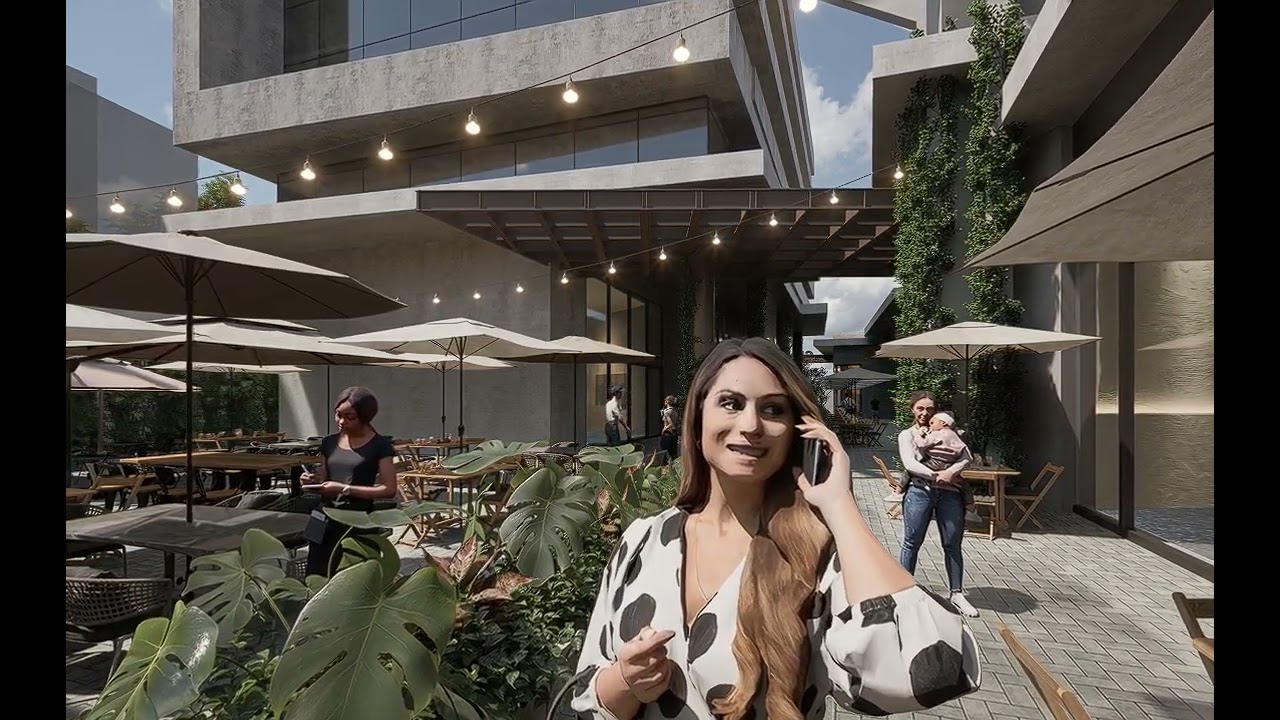
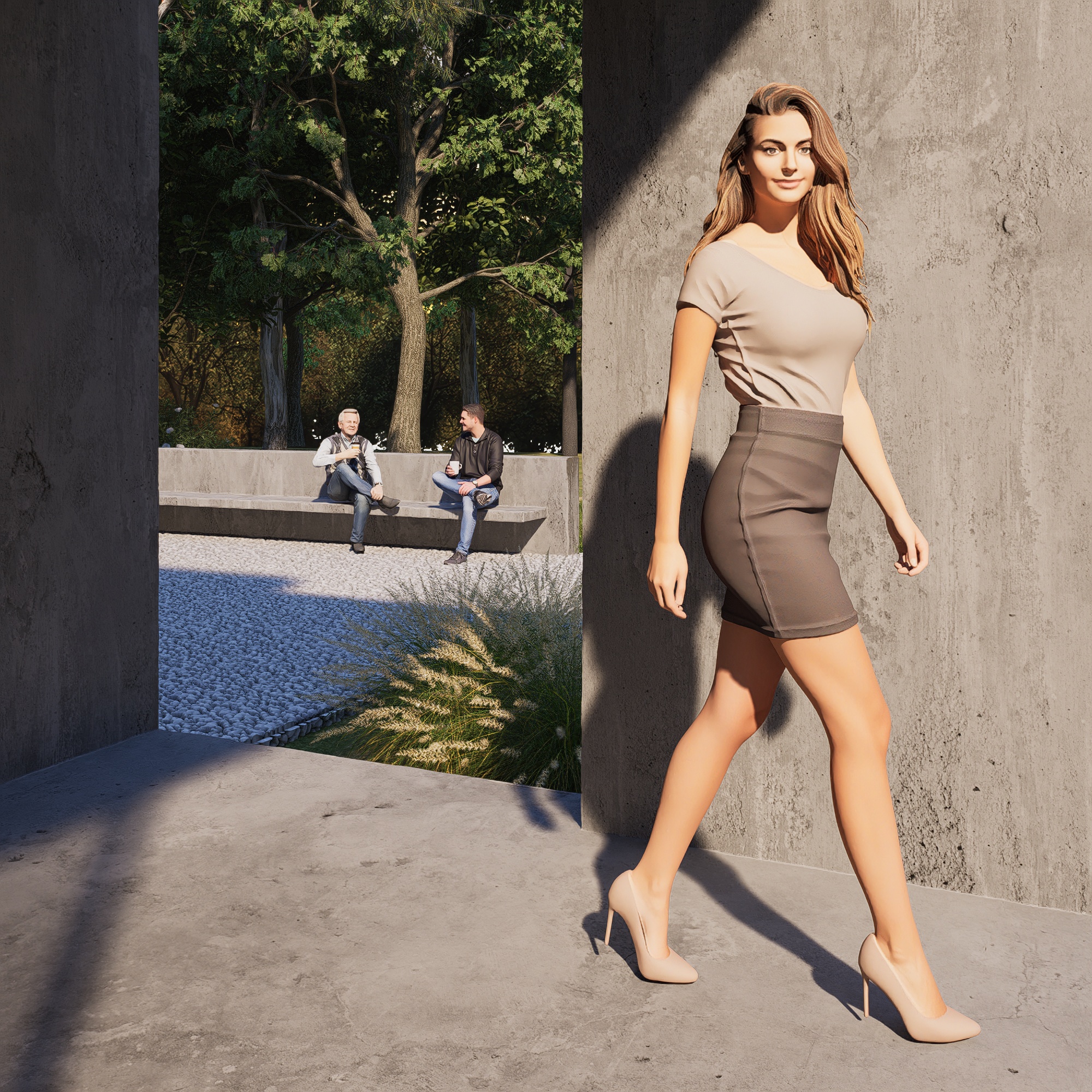
Compared to games and results from competitors like Chaos Vantage, I found the results modest.
Minimal impact on FPS compared to games (about 50% less impact). An average loss of approximately 5 FPS.
hi @shuvam.chaudhary .
I used a piece of software that handles the whole process: 1-Click-DLSS5-v1.5.0. Some others didn’t work, but this one did the trick. Before doing anything, uninstall and reinstall D5 Render to ensure the original dlss files are restored.
I’m including a link here for you to download 1-Click-DLSS5. Once downloaded, simply run 1-Click-DLSS5.vbs, then click “Browse Game” and point it to the D5 Render folder so it can locate the files that need replacing usually C:\Users\YOURUSERNAME\AppData\Roaming\D5. It should detect D5. Next, click “CLICK INSTALL DLSS5.” Open D5 and press F6 to toggle the effect on or off. I couldn’t get the “Home” key which opens the DLSS5 configuration UI to work, so any adjustments to the effect(Default, Natural, Cinematic, etc.) must be made by manually editing the ReShade.ini file located at C:\Users\YOURUSERNAME\AppData\Roaming\D5\D5 Render\d5_immerse\Binaries\Win64.
I hope you guys won’t focus solely on the preview (the D5 viewport).
On the contrary, I hope performance won’t be compromised. You should aim to let users customize viewport performance to their own preferences.
It would be better if DLSS 5 and other effects were implemented as post-processing effects.
If you target the preview directly, you will suffer a performance hit and—worst of all—a loss of the quality achievable with DLSS 5.
DLSS 5 truly shines when applied repeatedly to the base image. Therefore, a multi-pass approach is required.