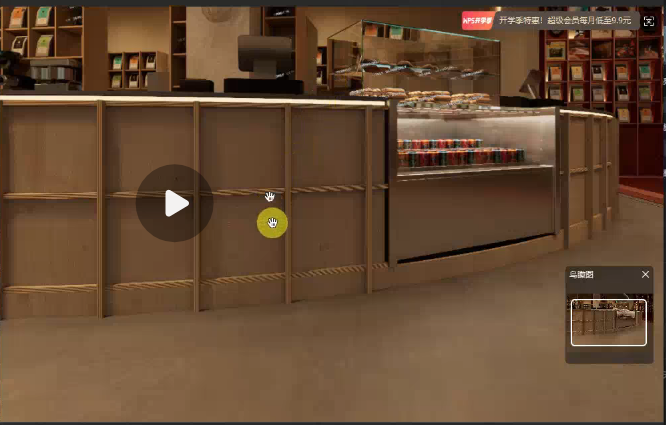
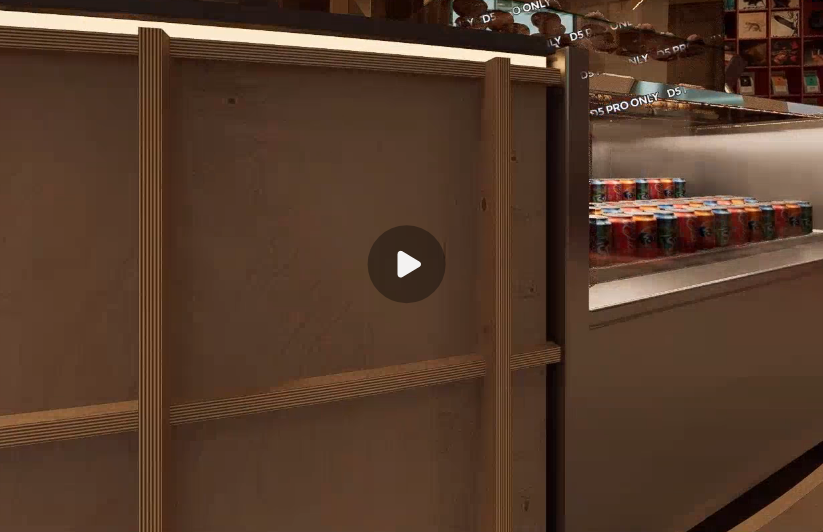
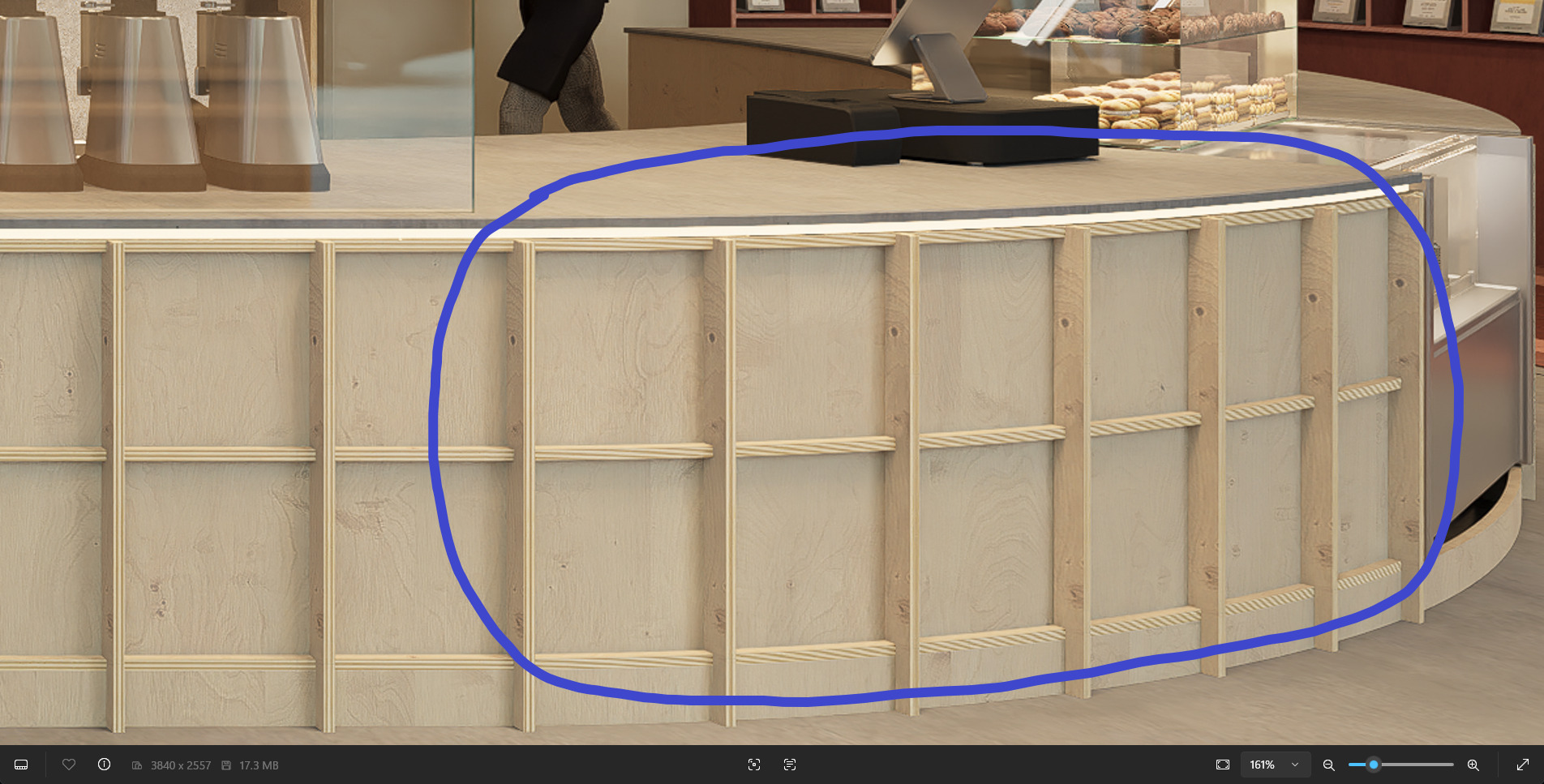
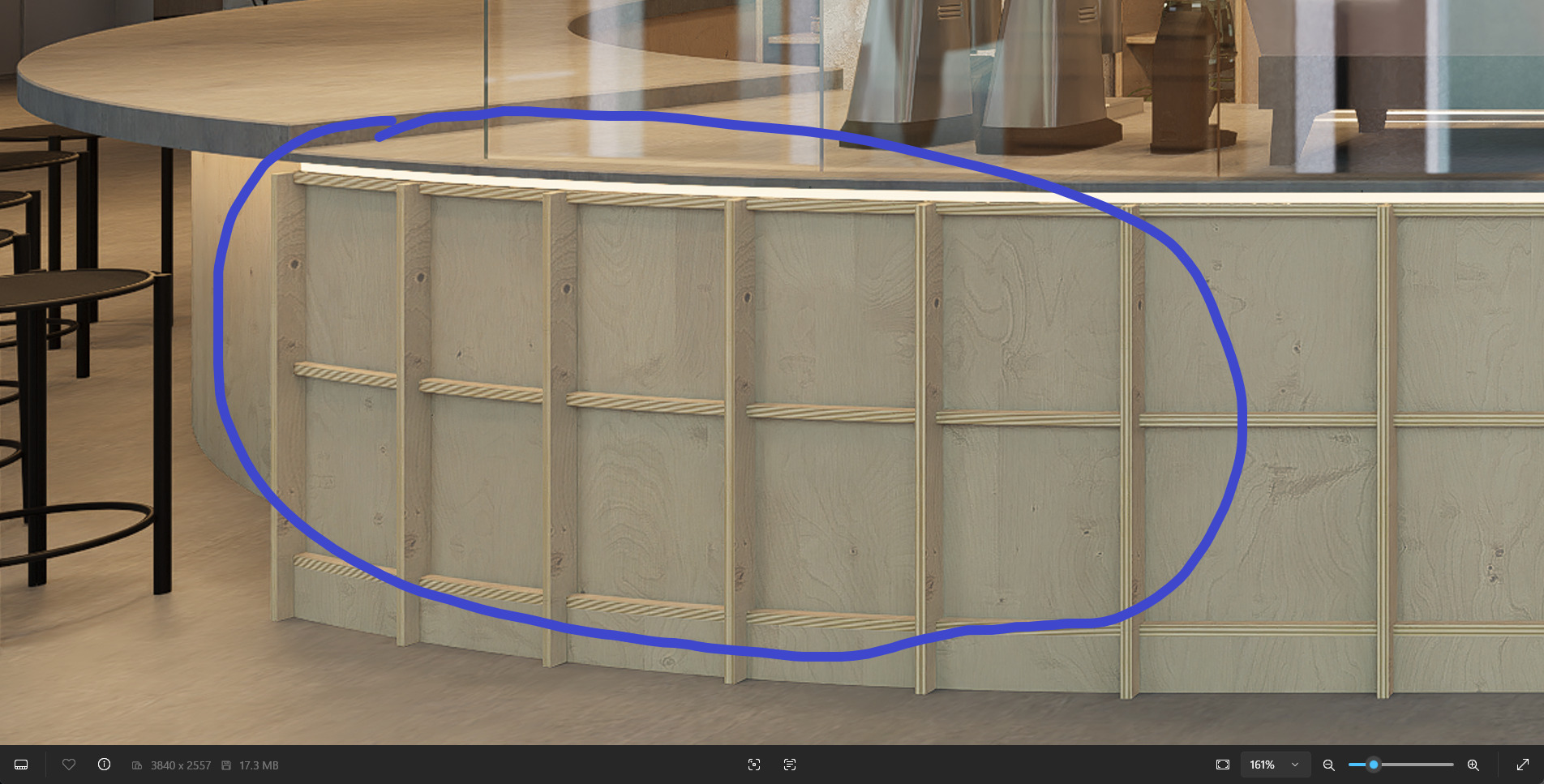
What I meant was the pattern that you have put in your counter’s vertical studs is also evident on our end. This issue is tough to solve, so the fix is not immediately available; hopefully, in the next version, we’ll be able to improve it.
Thank you @Clov
I reinstalled the geforce and updated to latest version, I’ll check the wavy part to see if it happens again.
I just need to make sure of one thing, and all is good.
In the images you sent above, is this one a single rendered image that you zoomed in on the rendered file to provide the zoomed one? Or two different rendered files, one from far and the other zoomed in, and then render two images?
@Clov Yeah, that is what I was worried about!
In my case, the single rendered image shows wavy when zooming in!
So my machine is not rendering it correctly, actually
I’ll send a large-scale render below, and you can zoom in on the image to see exactly what my issue is.
Above is the link for WeTransfer
Please download the files and zoom into the detailed edges in different spots. Some are correct, and some are distorted
Also, were you able to change these textures to subtle patterns? Currently, there is no immediate fix for this issue, and if there is a need to correct these surfaces right away, then having them changed would be the viable option
Forgive me if I have forgotten, but were you able to send your latest log files? If not, you may also send it to me privately.
@Clov, yeah, I did send you the log before. I can resend if you cannot find it.
I can change it to something else, but unfortunately, this tiny edge is a crucial part of the proposed design, and a lot has been put on it.
Regarding the wavy pattern, I did not have the opportunity to recheck it. However, after updating the GPU driver and making some minor hardware changes, I will rerender the image to see if the issue is resolved.
The point is, as you mentioned, you do not see this issue on your side. Is that correct?
If so, there should be something wrong here on my side, not the D5 in general
Update:
After updating the GPU to latest driver and rerendering, the images still have the issue
No need to resend your logs, I have located them. We can’t really say for now what’s causing the issue regarding the wavy lines that you have encountered, since we did test it using 2 different devices and had the same results. And we will continue investigating your logs.
If you’re willing to reinstall D5 Render just to see if the issue is solved, I think that’s okay, considering that you have already submitted your logs + scene files.