Hi All
Strangely enough, we can’t get the materials set up to the quality we’d expect, even though we’ve watched pretty much all the D5-tutorials.
For example, despite converting it in DirX, the normal map has absolutely no effect, and our materials look worse in the D5-render than they do with the native SketchUp renderer.
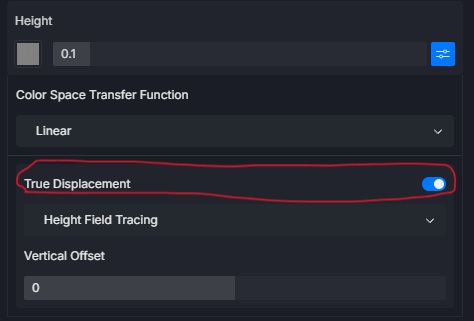
The worst part for us, though, is displacement!
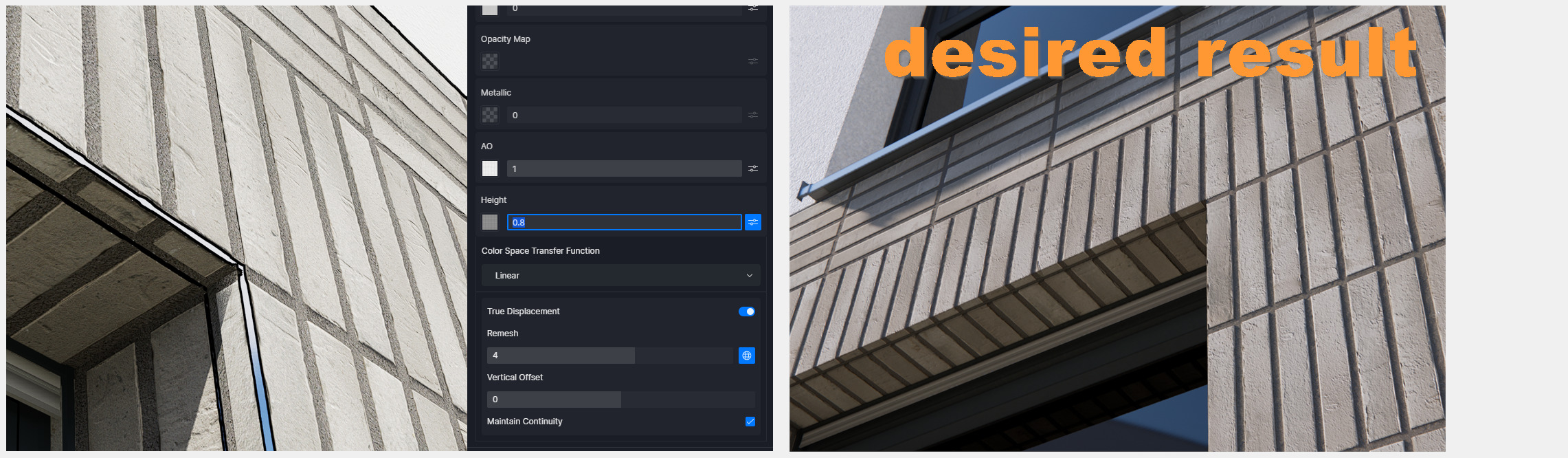
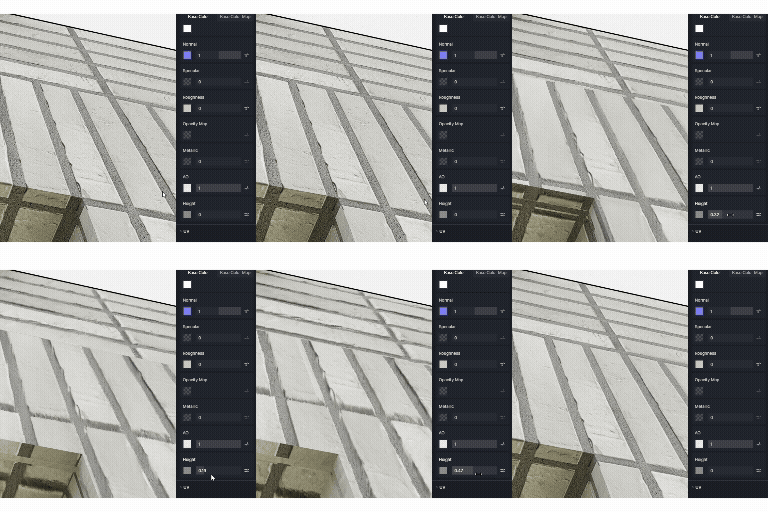
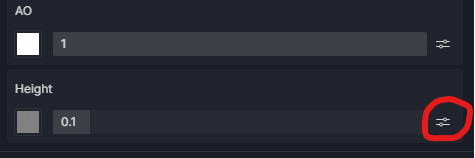
Instead of generating Height, the Height slider actually ruins our careful UV mapping by causing any strange and completely incorrect texture shifts.
We’re probably just missing something essential in the D5 workflow?
Thanks, Pam_a
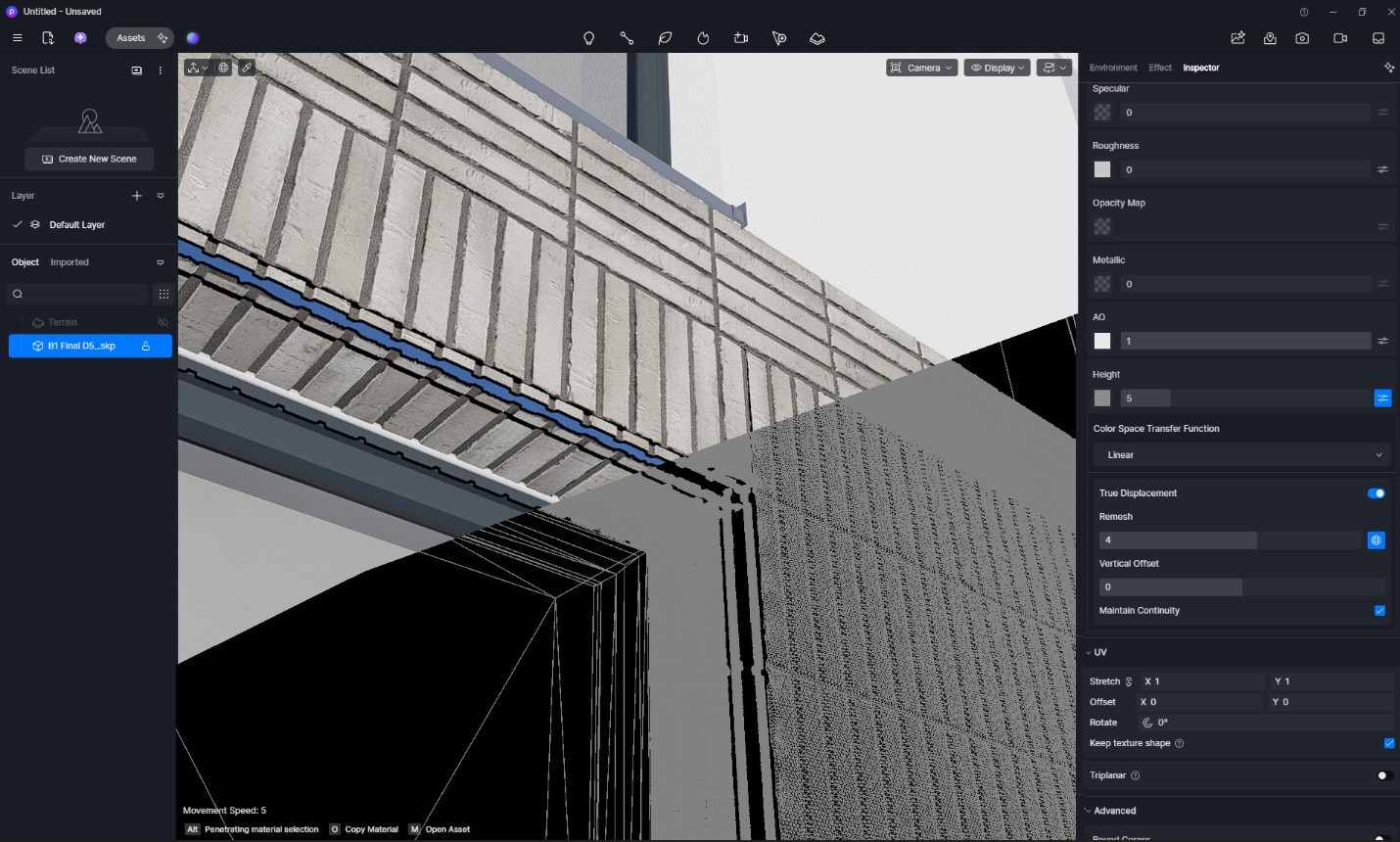
Our team has already spent so much time trying to figure out these exploding paper discs. And here, too, we can’t figure out — despite all the great tutorials—what we need to do to at least make this brick look somewhat more realistic. The same goes for all our textures.
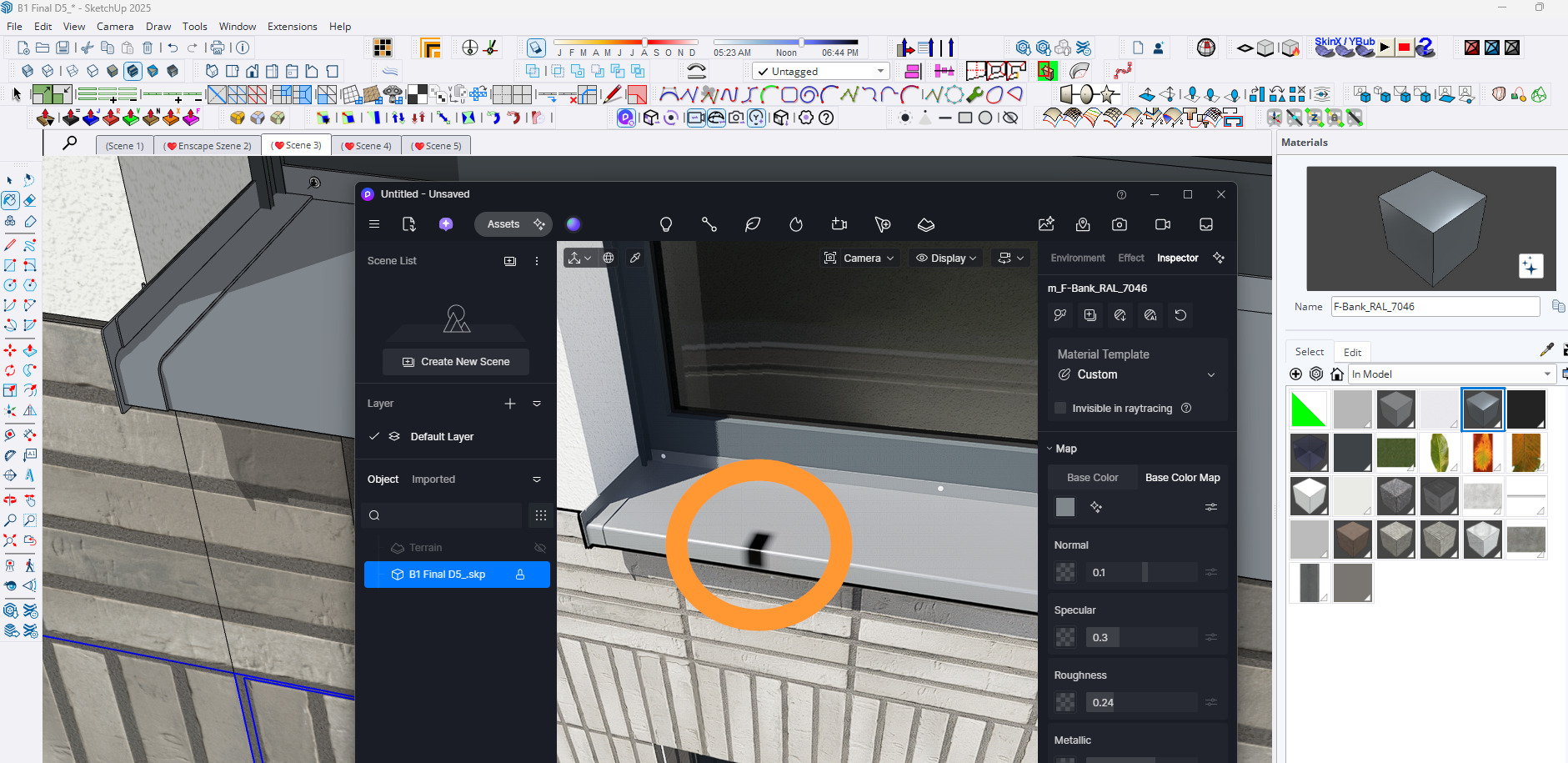
(You can already see from the screenshot that we can’t even render simple basics like our plasters I realize this is due to our own lack of D5 experience.
We booked a training session with a D5-specialist and he couldn’t show us how to do it either)
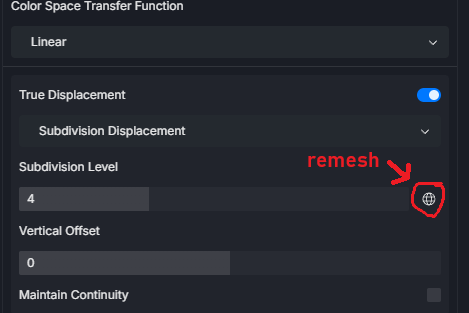
In fact, there are some signs of progress toward displacement now in certain areas, but it’s still very far from realistic and, as I fear, will very quickly reach the limits of GPU performance given by the remeshing.
Very strange: These texture snippets are still flying around in a so wrong, unconnected glitchy manner.
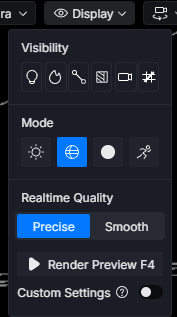
The following observation is also noteworthy: the example I used actually employs only one brick material. The remeshing settings apply to every single face of the model geometry. As a result, minor model details are subdivided to an unreasonably high degree, while the important, representative surfaces remain poorly represented.
All in all, and considering that the “Maintain Continuity” option is enabled, I find this to be a very strange displacement workflow and result (for now!)
…thanks for your kind patience
No matter what we try—nothing leads to a result that’s even remotely acceptable:
Either the textures
A: Are rendered correctly in terms of UV mapping, but remain completely flat—or:
B: Everything falls completely apart and is remeshed to the point of being unusable.
So fare I can’t find the right solution (C), and neither can any of my colleagues—not even the D5 coach we hired.
Is it possible to create a “light” displacement (!! No true displacement !!) without distorting the done UV mapping? (Similar to how Enscape does it)
Anything would be better than my results. And especially because even normal mapping doesn’t produce any noticeable effect.
and color space transfer funcntion to sRGB? and then try to adjust height
Im out of ideas, mostly those steps working for me.
U can send me texture (all maps) so i will be able to try it on my 3d model. We will see if its texture (maybe something wrong with height map) or it is model
That seems unnatural. Have you tried testing it with a simple plane? I’m quite curious if this issue is evident even on our models, aside from this one.
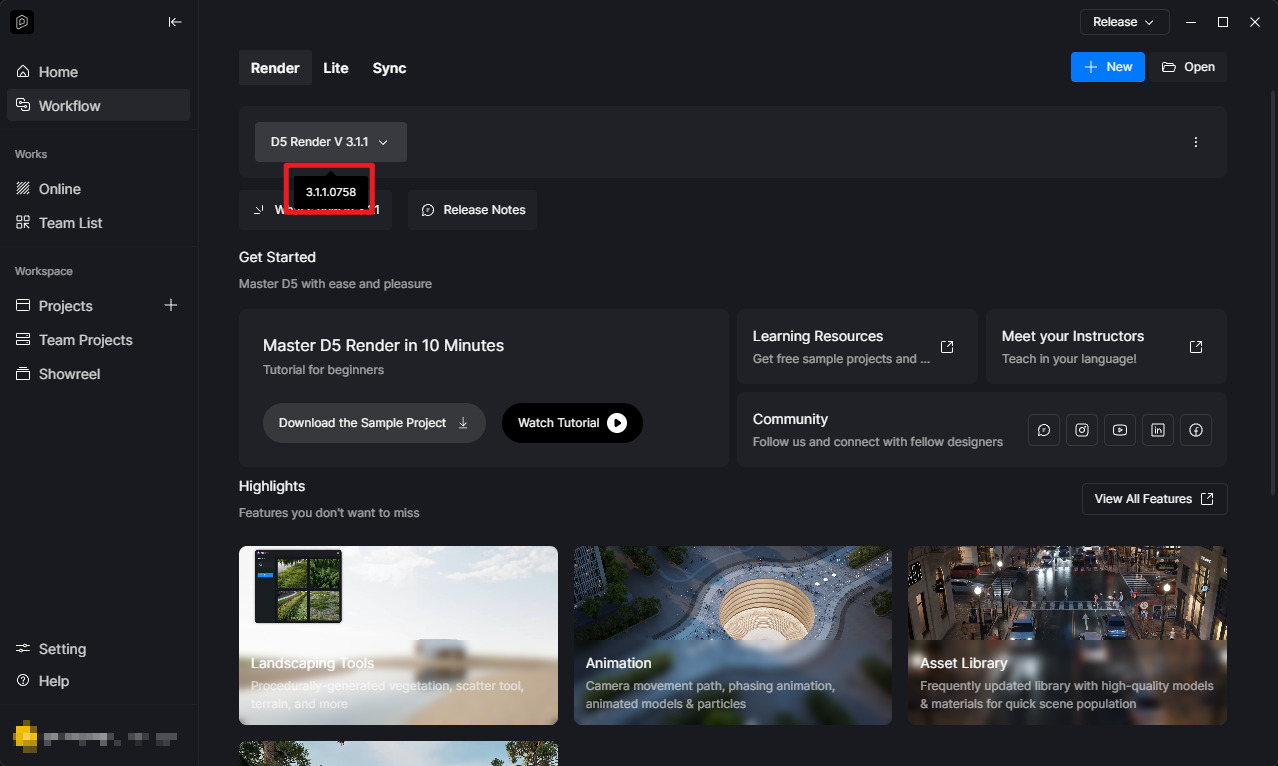
Just to confirm, you’re using 3.1.1.0755 or 3.1.1.0758, right?
Thank you very much for your help
We don’t have admin rights on our company computers—so unfortunately, I’ll have to wait a bit longer to be updated to the latest version (a support ticket has been opened for this, of course).
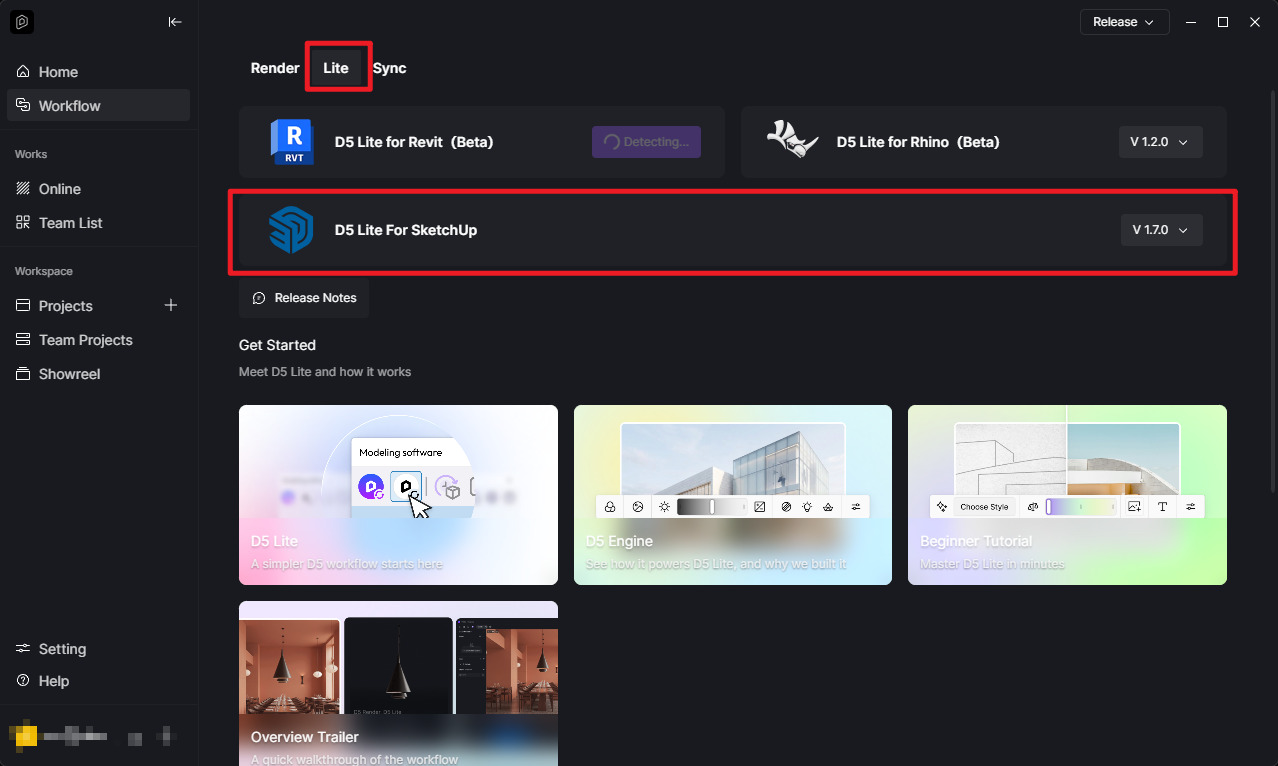
What is D5 Lite? Is it a standalone program? Does D5 Lite replace the “regular” D5? Do D5 and D5 Lite interact with each other in any way? I have no idea.
Where can I find the pages with the latest tools you show in the screenshot? And exactly which tools do I need to be fully operational with D5 & SkUp & Windows-OS?
( I apologise and I’m embarrassed to be asking such silly questions.)
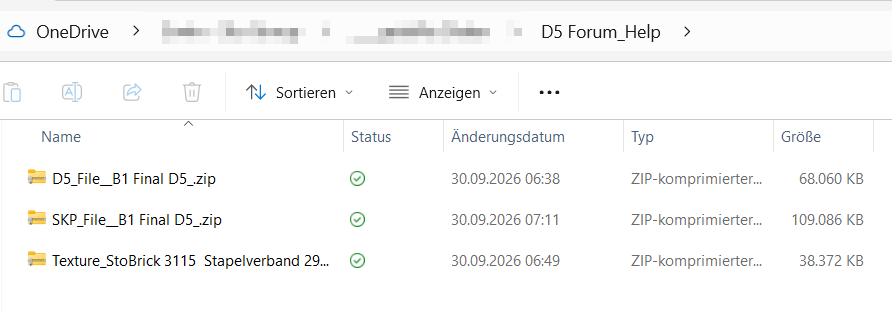
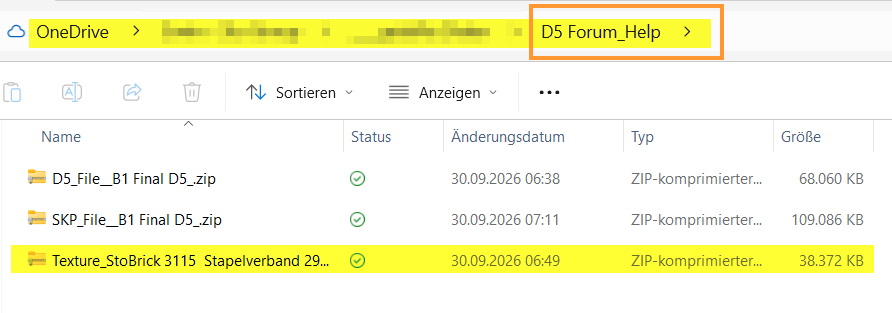
I can provide all the necessary files in a zipped folder via a link to a shared OneDrive folder. Would that work for you?
Thanks a lot Pam_a — ja, testing the textures is a great idea. As you probably already know, the look and feel of the brick texture is especially important to me.
Would a link to a OneDrive folder I’ve shared work for you for exchanging data like shown below?

 I realize this is due to our own lack of D5 experience.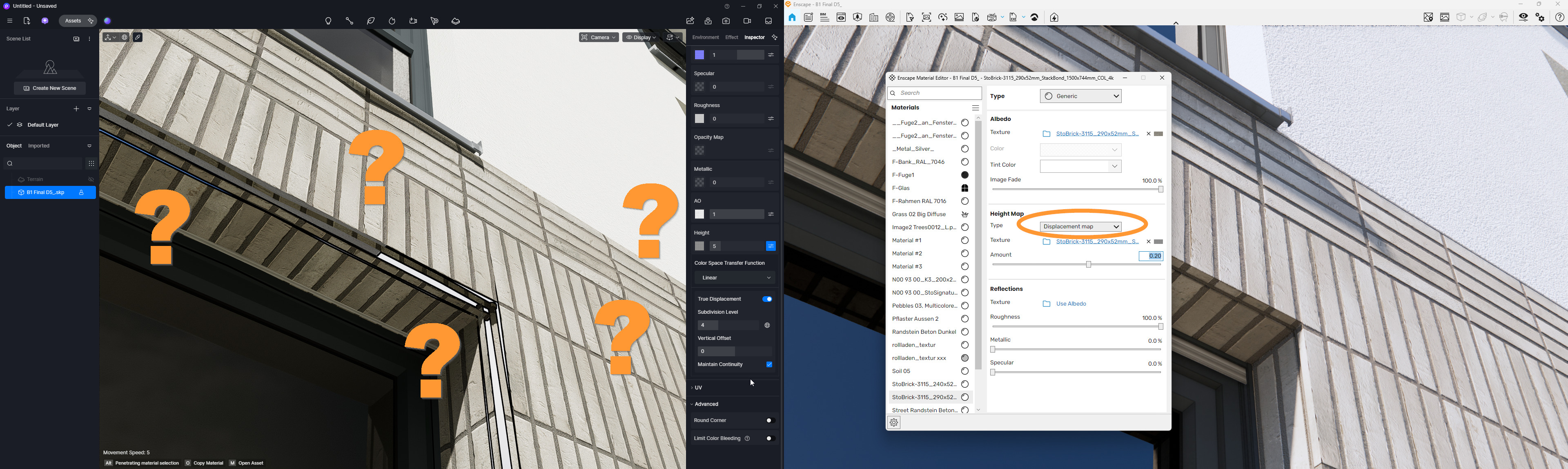
 All in all, and considering that the “Maintain Continuity” option is enabled, I find this to be a very strange displacement workflow and result (for now!)