I am working in a model and I need to render the scene. I can noticed when I use the camera in the distance decals does not appear in the render neighter in the viewport.
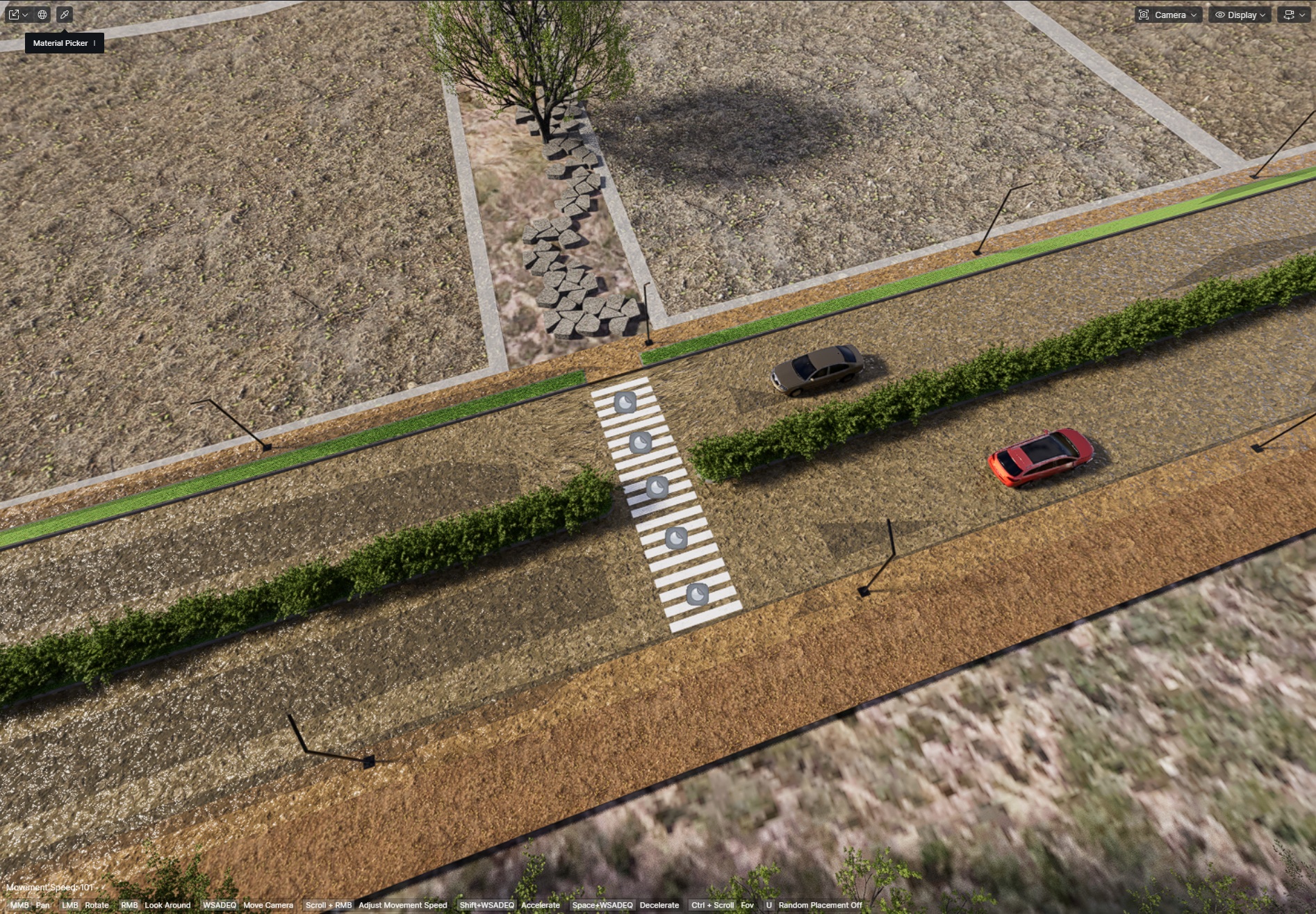
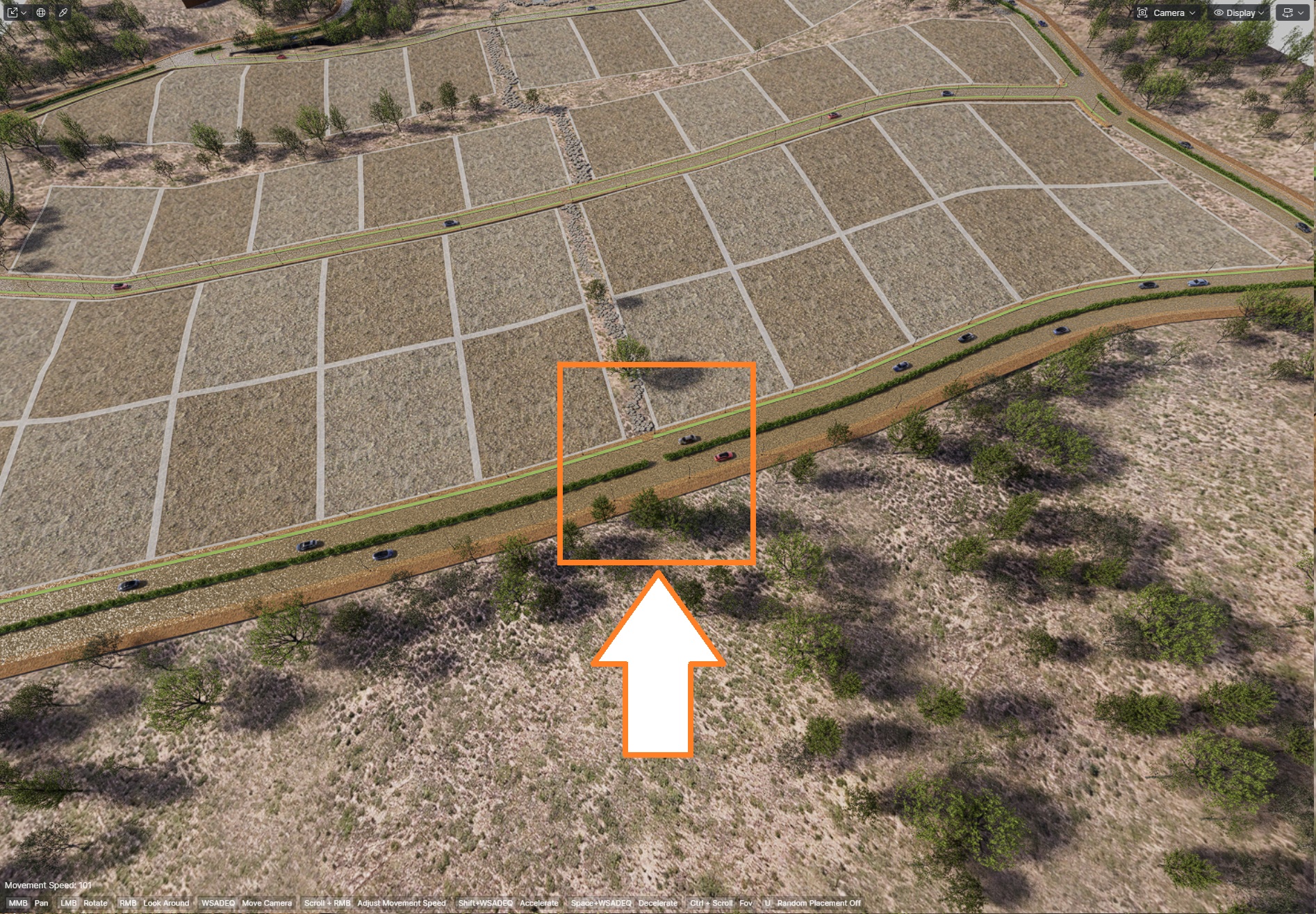
The issue you’re seeing is likely due to D5’s distance culling/visibility settings. Small objects, like decals, may disappear in both the viewport and render when the camera is far away to optimize performance.
Please try the following:
-
Go to Menu > Preferences > Rendering > Cull Distance and increase the distance so decals remain visible.
-
Make sure your decals are scaled appropriately.
-
If your version has LOD or optimization features, try disabling them.

This should allow your decals to appear both in the viewport and the final render. Please let me know if it works for you.
Hi @ela, Thank you for your response, but the problem is not solve with that solution, I find that In orthographic mode, they don’t disappear, neither in viewport or render, and another “Solution” is to scale the x axis a lot so they can be visible, but if I have cars individually or in a path, they get affected by the decal, so that solution is not a good one.
With the scale, the scale is right, I believe that the problem is the decal himself, or D5 internally dealing with decals, In Unreal Engine there is a similar problem with decals, but the decal has an option to increase the Fade screen size individually, I believe that D5 team should put an option like that in the future.
Thank you again for your response.
Thanks for the information. Could you please send the scene file and your log files to support@d5techs.com for further checking? Please tag me in the email and include the link to this forum post for reference, so our team can track the case easily.
Also, since your suggestion to add a Fade Screen Size–type control for decals could be helpful to many users, I recommend posting it in the Ideas & Requests section of the forum, so the team can review it as a potential feature improvement. Thank you