Hello,
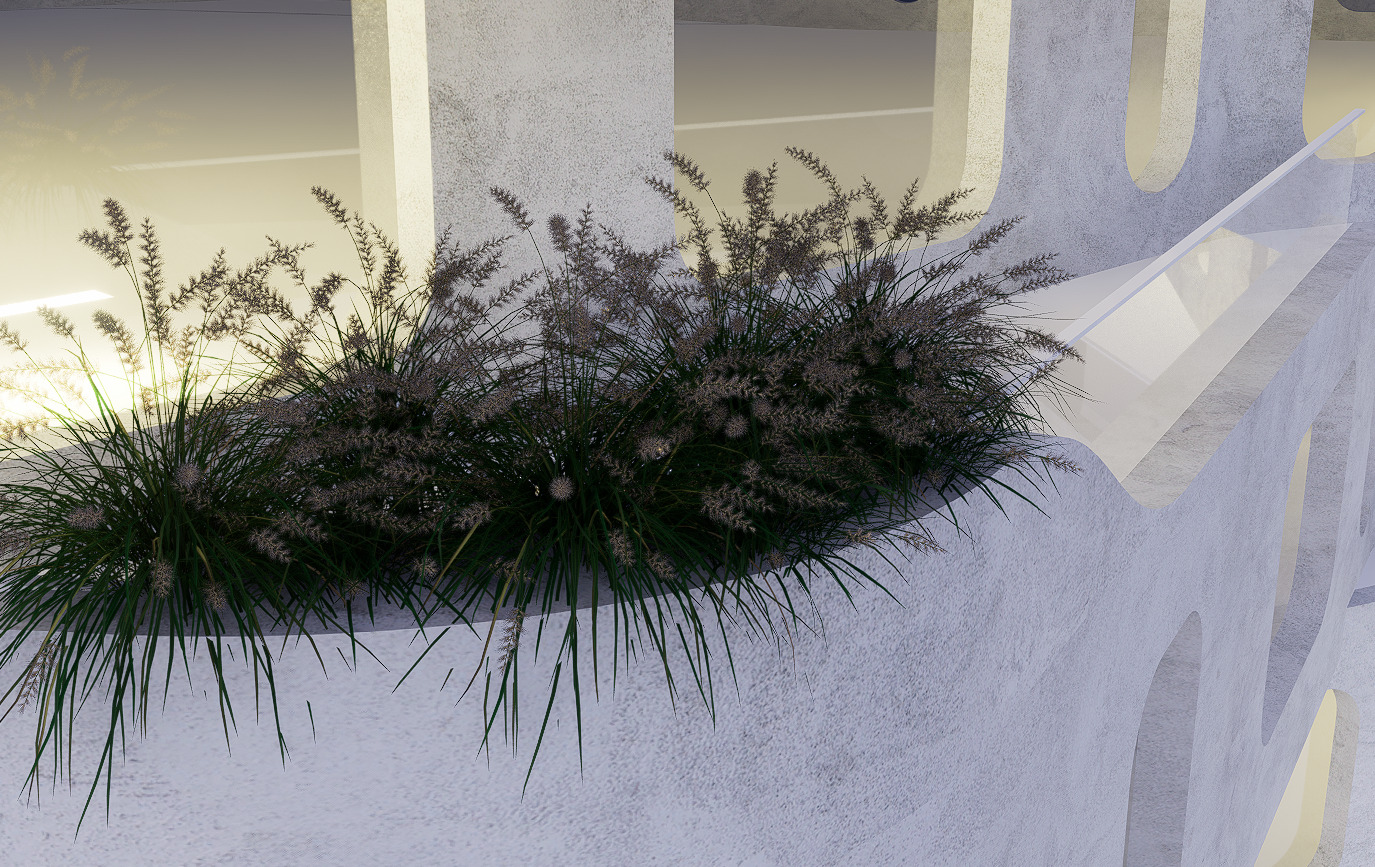
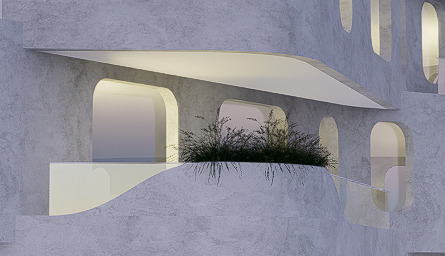
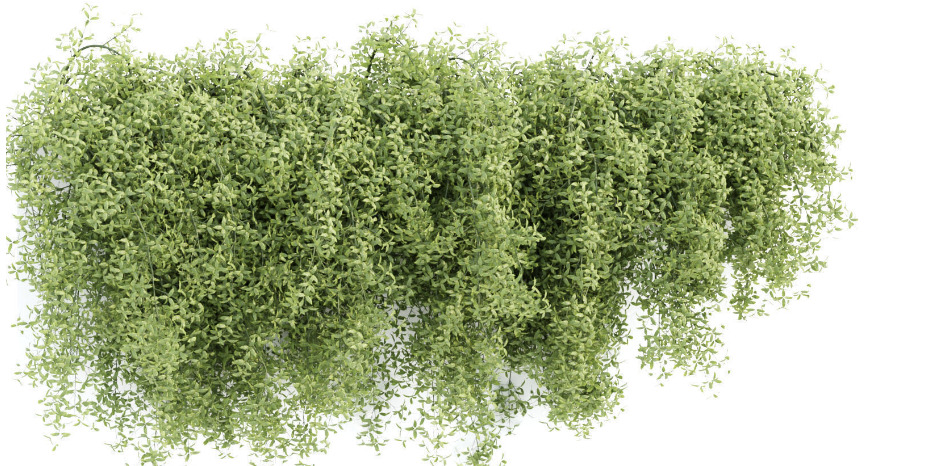
I notice that most of the vegetation in D5 is too dark (compared to enscape for example)
You can see this in the images below. Everything is white and bright but the green of the grass has such a dark tone it almost shows up black, especially when seen from a distance.
Is there any way to setup the brightness of the vegetation?
Let me know if this helps but nevertheless, your suggestions and insights regarding a global setting to control asset settings (such as brightness, contrast, etc.) would make a better addition to future updates. It would also be preferable to put it on this section of forum Ideas & Requests - D5 RENDER FORUM
The tree is dark, it depends on many different issues. on your light direction, setting effect, and hdri is also very important.
I think setting the sunset and night scene but the tree is bright, that’s unreasonable.
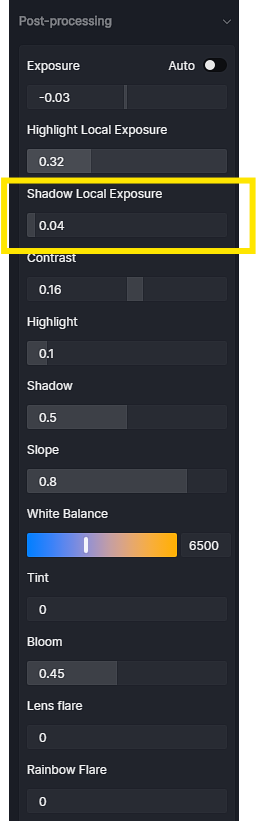
You try changing to another HDRI, or try to set the Shadow Local Exposure parameter higher, maybe reduce the Contrast a bit to have a little contrast.
I think you should try changing to another HDRI, I think it will make a difference.
I have some night and sunset scenes set, some trees that don’t receive direct light will be darker and that’s understandable.
I can assure you that by now I have tried all the settings that D5 has to offer, including:
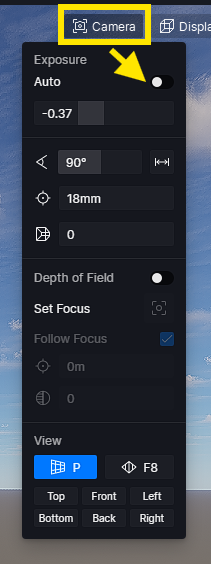
Manual Exposure : to have a decent light for plants using this option, most of the other geometry gets over-exposed
Shadow Local Exposure : will result in an image without contrast quality
switching to HDRI doesn’t help much, I tried ALL the HDRI maps available and even rotating them, switching on and off custom sun, etc.
“some trees that don’t receive direct light will be darker” could be true but rendering is an art not a pure product of logic.
I can assure you that I tested a lot and that I have experience with Enscape and Vray also, and from my experience there’s not enough Environmental Lightning for vegetation.
Therefore @Clov I kindly advise you to suggest to the developers to include an additional setting for assets that could control brightness/contrast that would give results similar to environmental light.
Hi there, I will surely convey this suggestion to our team. Perhaps, if it’s convenient for you, you can also post it in this category : Ideas & Request. Thank you for your continuous support!
Hi, there is a solution for this? I have the same issue with the trees, I made some aerial renders with a lot of trees and these are very dark in general.
We have yet to implement and integrate this feature. For now, modifying Local Exposure, Shadows, and the over-all color of the vegetation are the workaround.
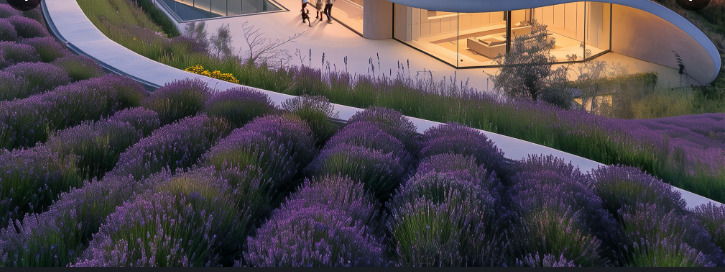
I understand, thank you. I search for a more realistic english lavender model for mediterranean landscape designs, but I don’t find a good one in D5, unfortunately…:((
If you have a specific asset in mind or a list of plants/objects you’d like to see in D5, you can attach a reference image here, and I can help submit it for approval or share it to “Ideas and Requests” section.
Alternatively, you could also try using AI Agent in D5 to generate the asset and see if it fits your Mediterranean landscape design. This can be a quick way to create something close to what you need.
Hi @ela ! Any chance of implementing a setting that can increase the brightness and saturation of vegetation inside D5 ?
I suggested this in 2024, and, as you can see, there’s a clear difference between vray and D5.
Thank you !
I had the same problem and saw your respons … though one solution I found was to change “color space transfer function” on the materials ( bae color, subsurface color etc ) from “srgb” to “linear” … that made the lighting on the trees match the lighting on the objects … at least for me … but anoying to have to change the materials of all assets that you import
Same thing that i notice ever since. It is one of those common things that people sees on D5 outputs like here in the office. Since vegetation shadow areas are dark their reflections are too dark too on reflective materials. I hope it will be fixed the soonest.