When I launch the D5 renderer, either independently or through a Rhino Plugin, the UI does not load any text or functional windows. Have not been able to figure this one out, but have re-installed, repaired, updated, and restarted, so any help here would be great! Attaching the appropriate screenshot and log files.
zziplog.zip (628.2 KB)
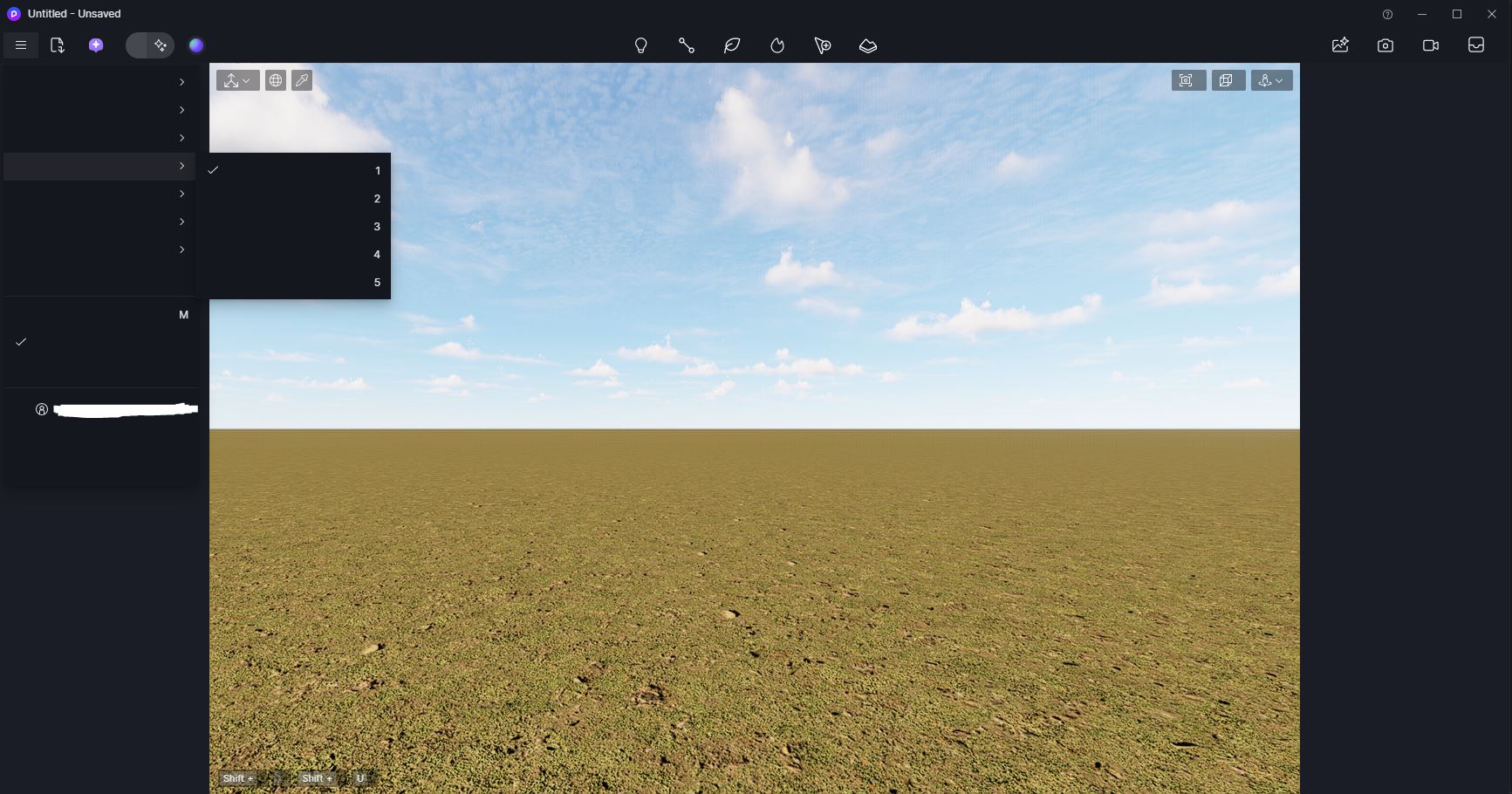
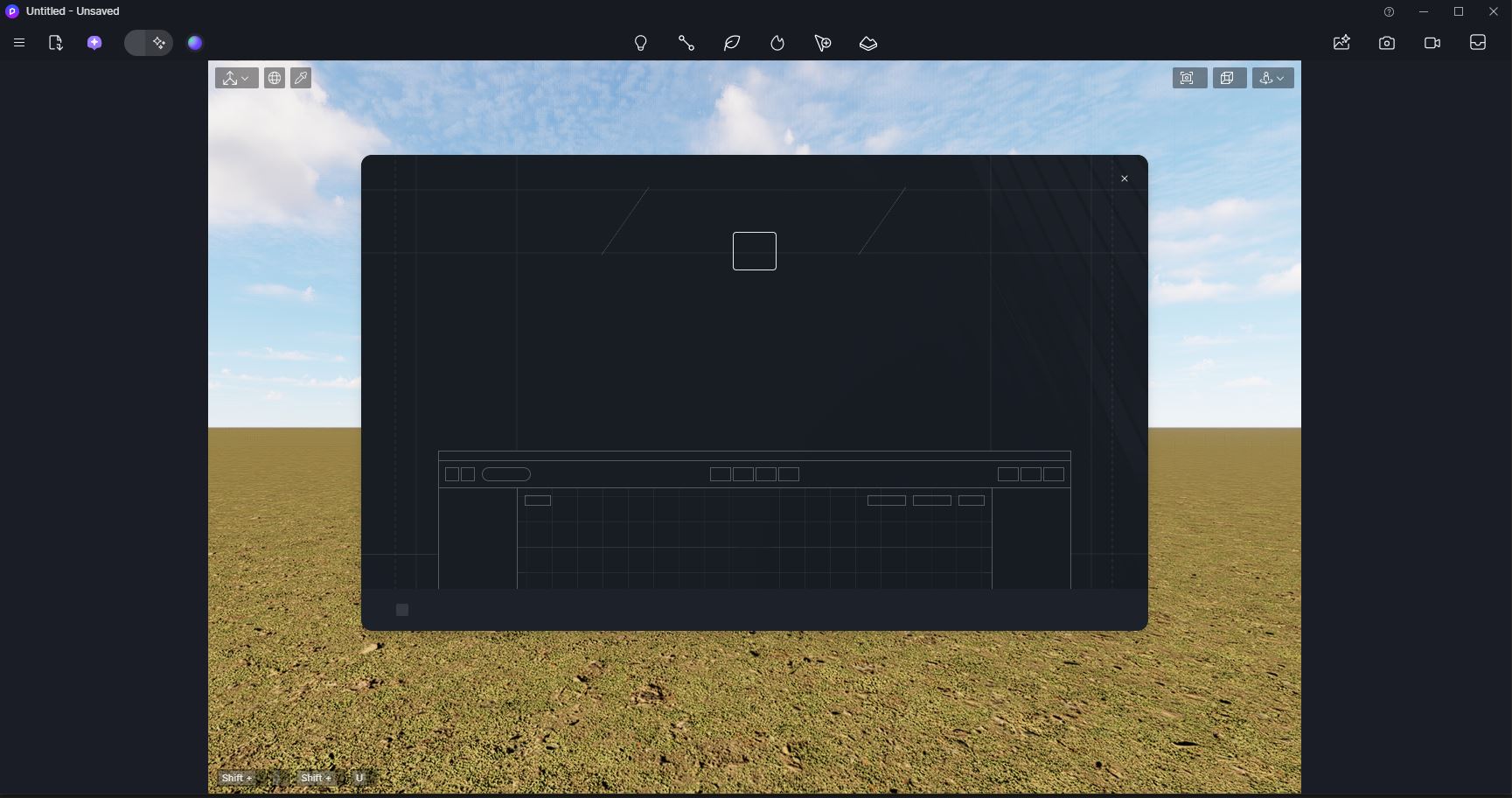
Sorry for the inconvenience. To help us troubleshoot, could you let us know which version of the D5 client you are using, whether this issue occurred in previous versions, and if it affects only the D5 Render UI or also the D5 Launcher UI? Does your D5 Launcher function normally? Thank you, I’m looking forward to your response.
Ela,
Thanks for the response, see some answers below:
- Currently on 2.11.1
- This is the first install on this machine, no previous version
- The launcher seems to be working fine and not affected
Our team has checked your logs and confirmed that you’re using an AMD graphics card. The issue is may be related to the latest AMD graphics driver, which is known to cause UI loading failures, crashes, and other usability problems in D5 Render 2.11.
Please try rolling back your AMD GPU driver to a previous stable version. [Hot Issue] After updating to the AMD driver (25.10.1), D5 crashes or becomes unusable
After rolling back, restart your PC and try launching D5 again to see if the interface loads correctly. Thank you
Ela,
I removed and reinstalled graphics drivers all the way down to 25.3 (current is 25.11), and had the same issue. Then I removed D5 and the launcher entirely, and installed D5 2.10.2 and it looks like it is working for now. Hopefully 2.11 gets the fix in the future but this will work
Thanks for the update. Glad to hear that reverting to D5 2.10.2 worked for now. We’ll continue improving and make sure the fix is included in future versions. If you run into anything else, feel free to reach out anytime.