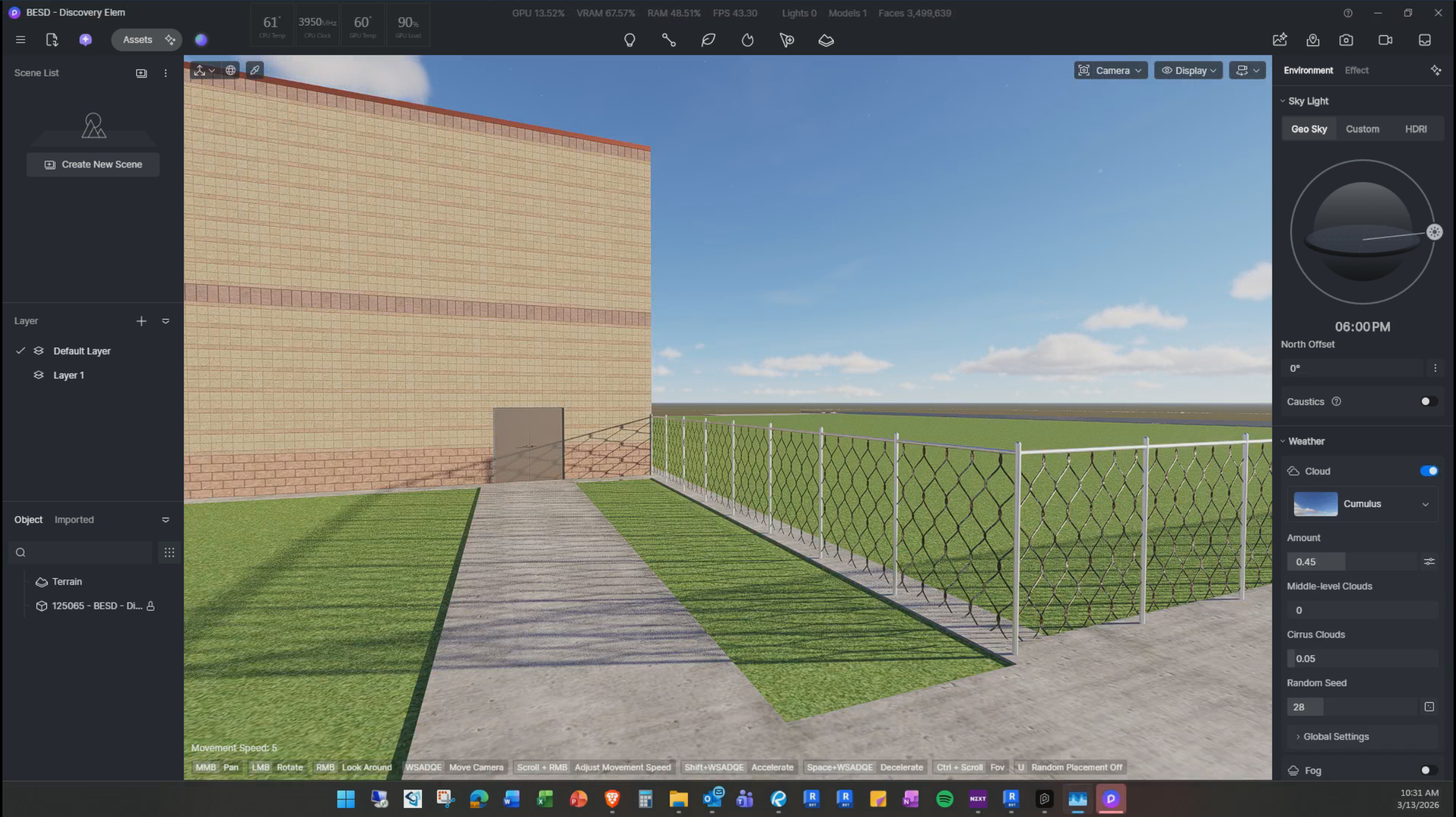
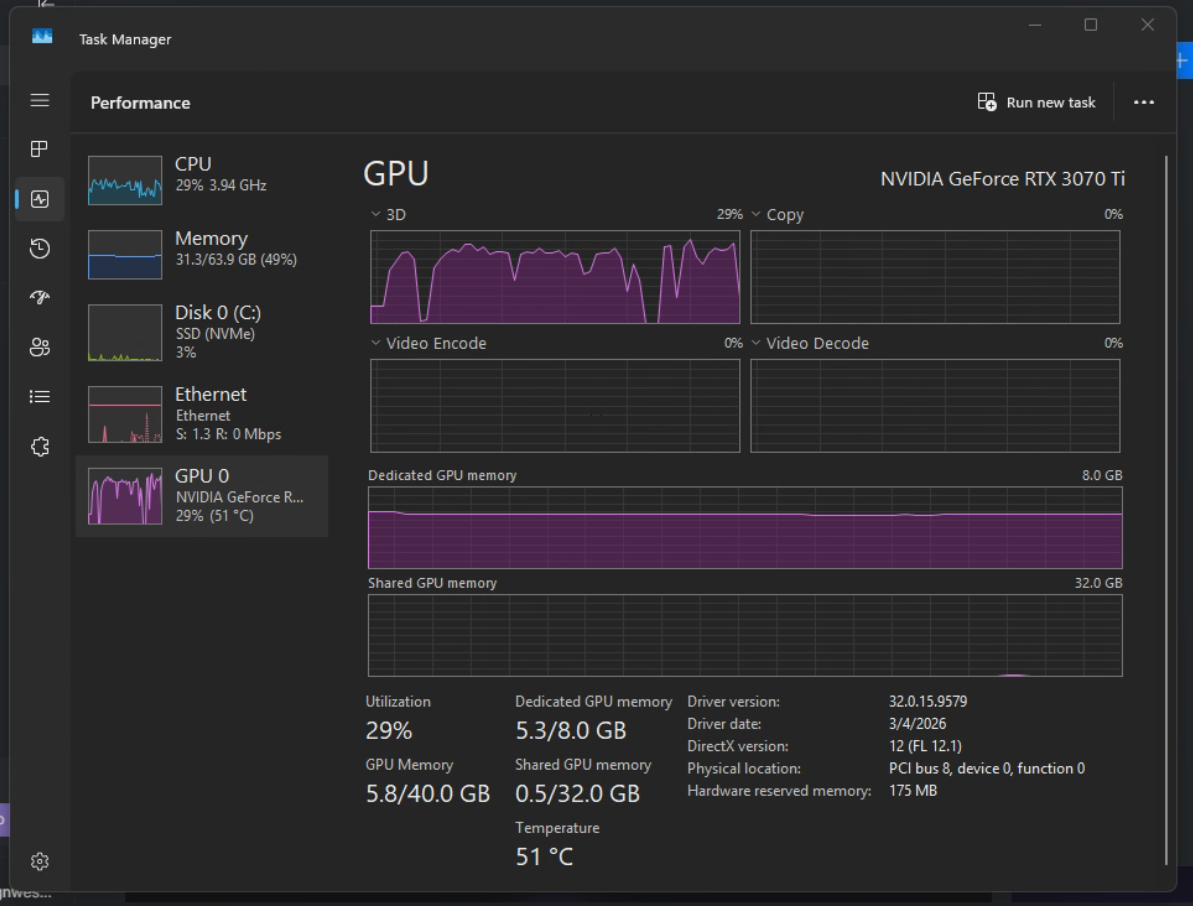
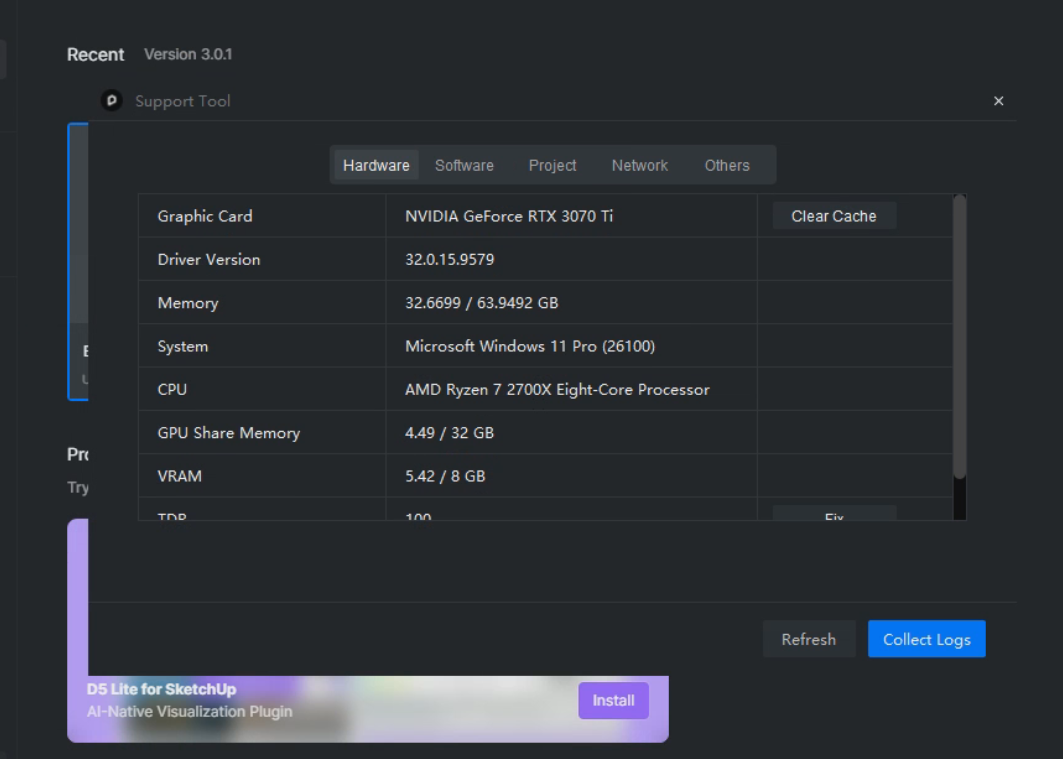
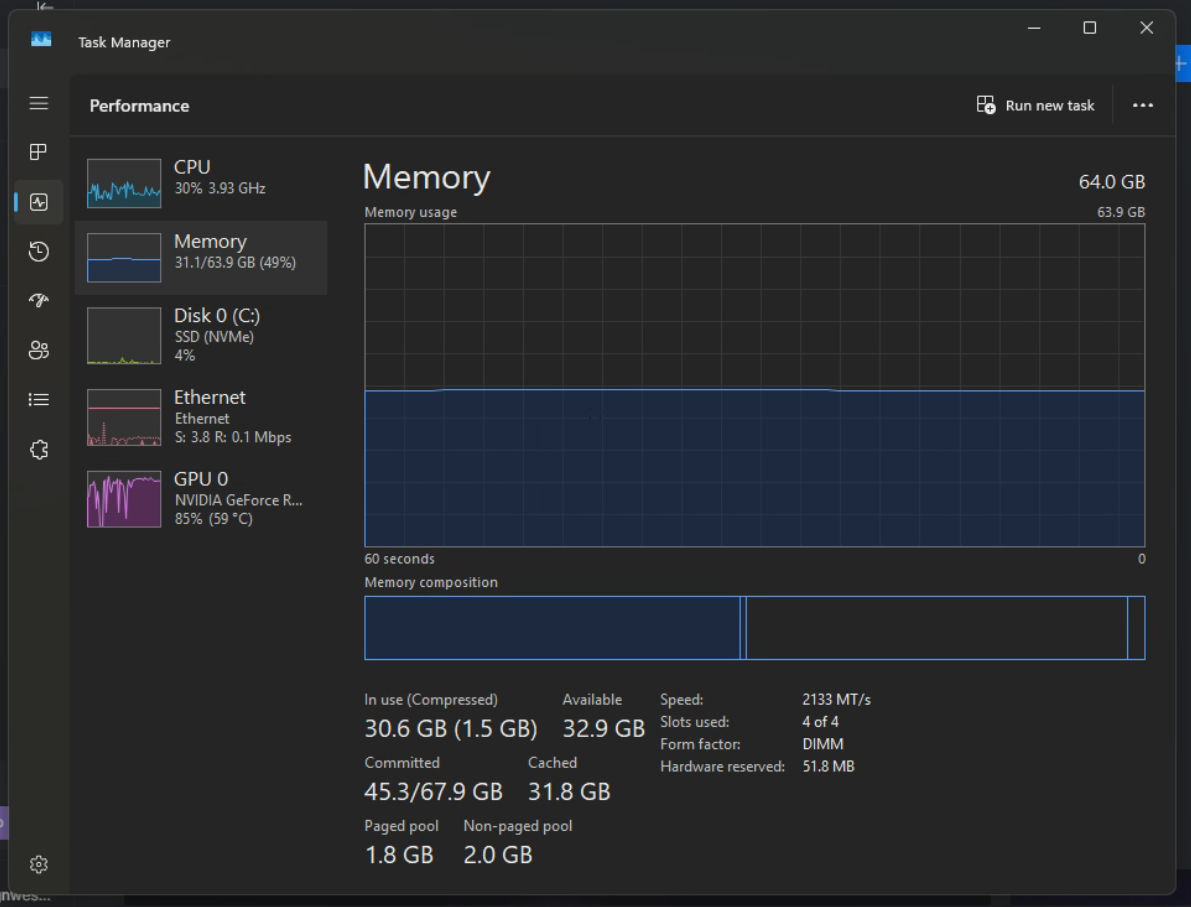
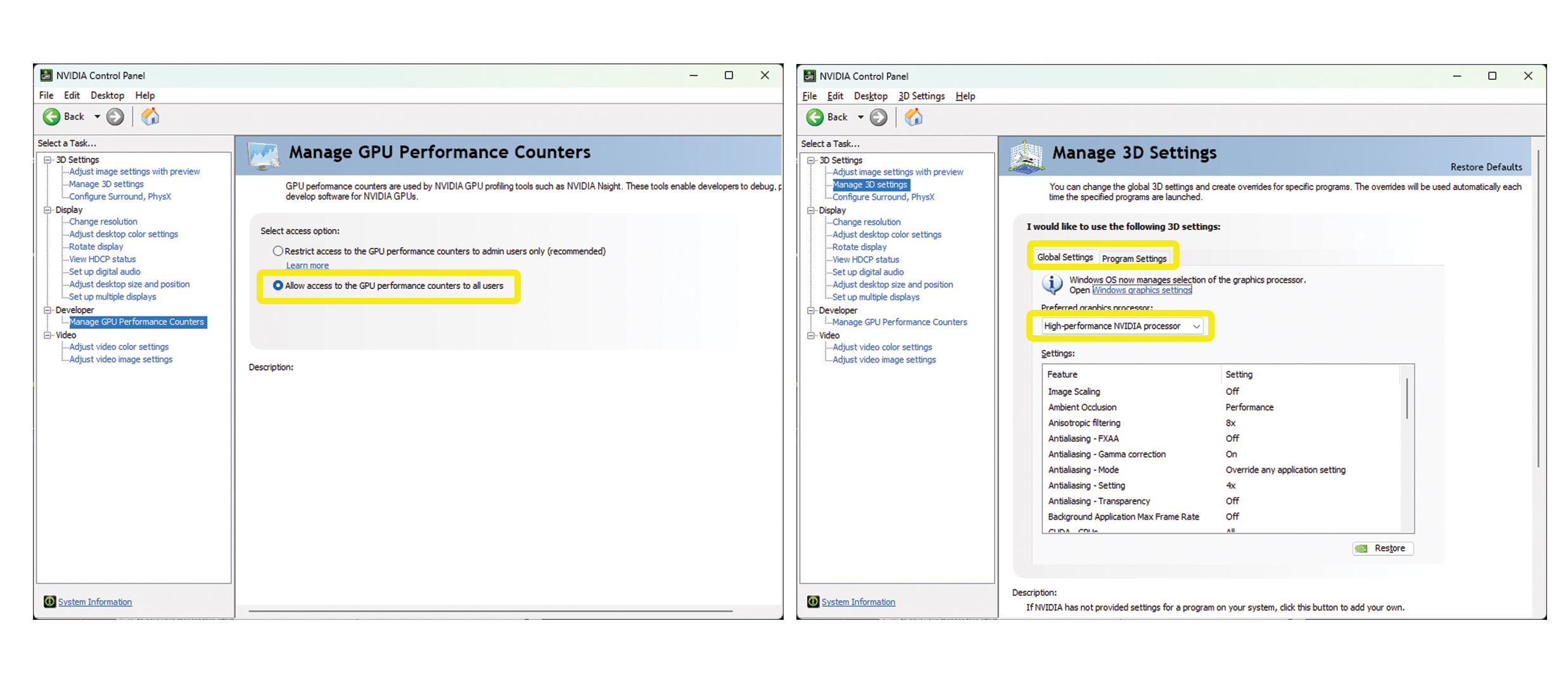
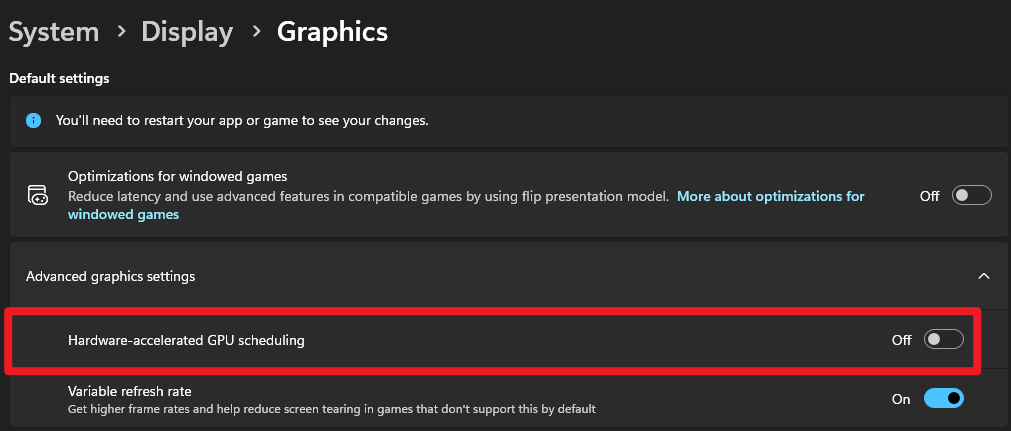
I have a decent computer at work and the specs are at or above optimal for D5, but the program is very slow, sluggish and glitchy. It usually takes many minutes just to do a simple command, move or change a texture. My workflow if from Revit to D5, and the files size is a bit big, but I still think D5 should be lagging this bad right? I will drop the information below.
Is there something I need to turn on for the graphics card for this to work? Interesting thing is, I have been having a similar issue with Enscape. It seems that 3D rendering taxes my computer, which it shouldn’t be. It makes me think something is bottle necking the process or I don’t have the correct settings turned on? Any help will be much appreciated.
Thanks for the information. Just to help narrow this down a bit more, could you please confirm a few things:
Is this issue happening only with this specific file, or does it occur in other projects as well? Does the lag persist in a new empty file?
Are the hardware usage screenshots (from the Performance tab in Task Manager) taken while this exact file is open and lagging in D5?
Where is the project file currently saved? If the project is saved on a slow HDD or network location, it can cause delays when editing materials or making changes. Running the project from local storage usually improves responsiveness.
The issue has happened with other files, but if I export the file and load it in, I don’t run into as many issues. I did also try to keep the file on my desktop instead of the shared drive which seams to have improved my performance.
The hardware screen shots were while that project was open and this was using the sync plug-in for Revit. I also forgot to mention last time that while the scene was a little slow, it got dramatically worse when I tried to use the chain link fence material.
Another thing I noticed, even after starting the project from the Revit Plug-in, saving the project and then closing revit, it would still lag and freeze constantly. But since I exported the file and uploaded it into a new project, it has been running just fine with my render times only taking about 30-45 seconds.
And yes, the FPS booster was turned on before and still is.