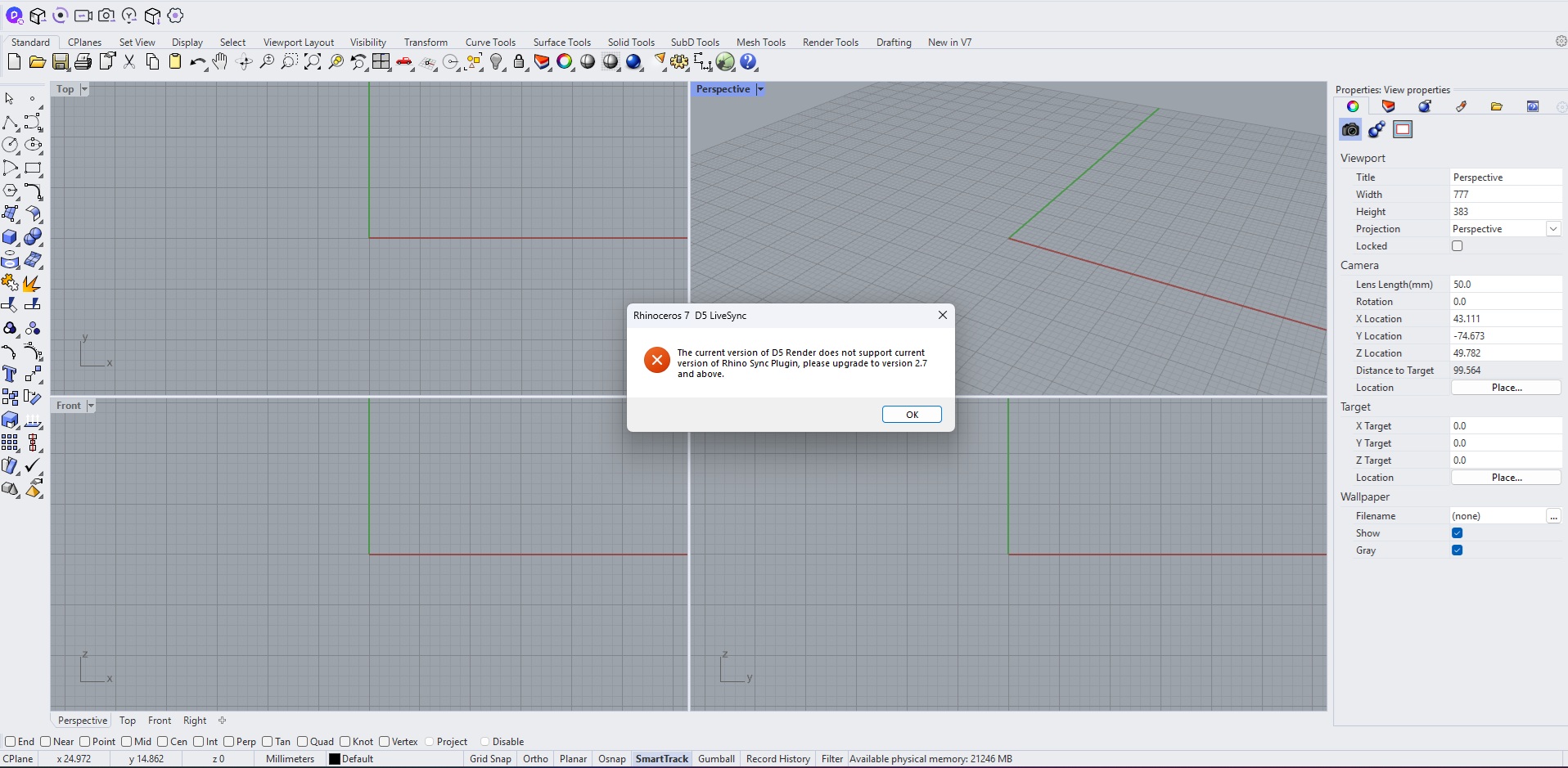
Im using D5 Render 3 years now. Im struggling with an issue while im trying to use D5 render. I use Rhino 7 with D5 rhino live sync. After a windows format, i chose to delete everything and download all apps again , including D5 Render and Rhino . When i tried to use it , a message appears writing : "The current version of D5 render does not support Rhino sync Plygin version. Please upgrade to version 2.6 and above.
Which Rhino Plug-in version was also used? There is currently a new one, but it is in grayscale release. Try checking if you can update your Rhino Plug-in, or you can reinstall it, then see if the issue persists.
If you can’t update it or the issue persists, please send us your log files.
Hello , thanks for the fast answer. I tried many times to reinstall whole D5 render before i ask the forum for help.
Im using the 1.1.0 Rhino live sync. The issue still persists. I’ve never had any problem with my rhino files since rhino sync its created for D5. I just did a windows update from 10 to 11 1 month ago and it never worked.
We will be launching a newer Rhino plug-in version this week (if there are no delays, perhaps this day). Please update it once it officially launches, then see if the issue persists.
Another clarification that I need: can you use D5 independently?
I just downloaded the new version of Rhino Live Sync Plugin. It worked. It looks like i had a problem with the last version (although i could use d5 indepedently).
Thank you so much for the help. Its good to have a community where you can get help.
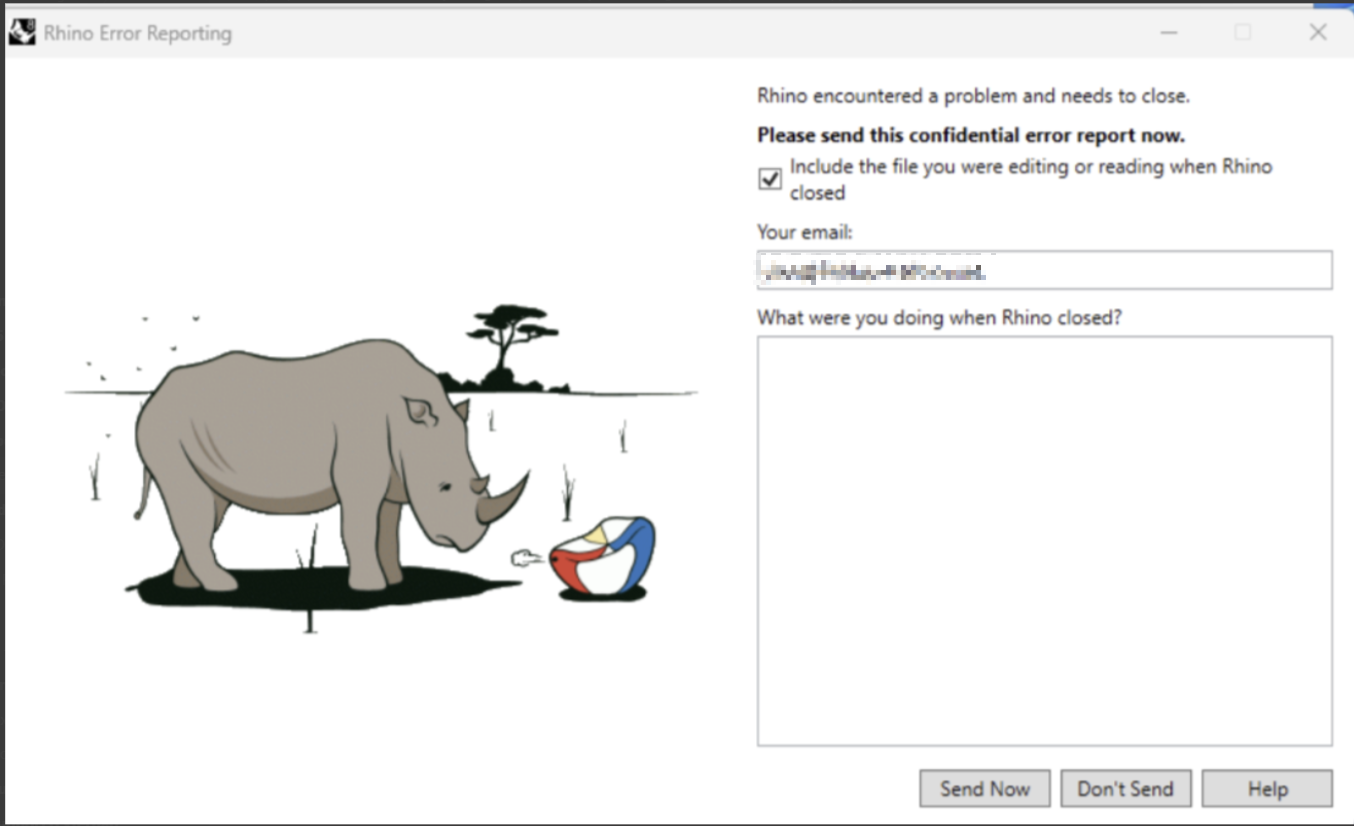
I have a large Rhino file I have been syncing with D5. It has worked perfectly until I updated my livesync this morning. Now, everytime I try to live sync, it fails and Rhino crashes.
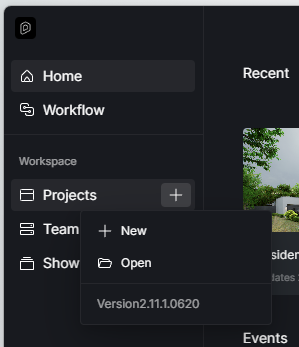
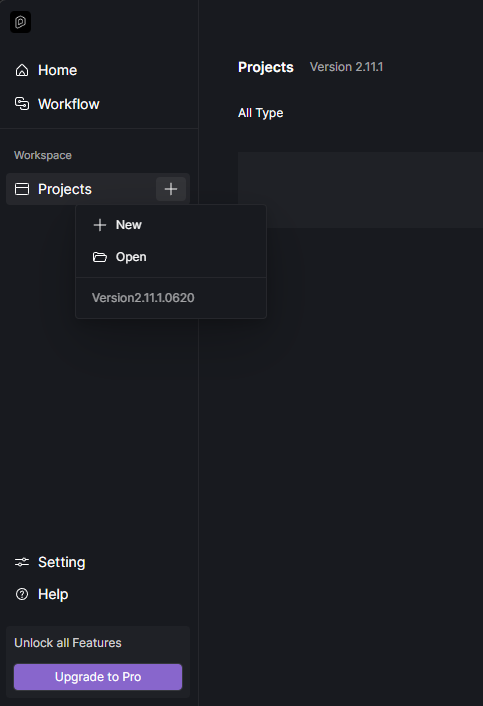
I have D5 Version 2.11.1.0620, Livesync 1.1.2, Rhino 8.0. I have tried Livesync with a small file, and it worked, but I can’t afford to lose the materials and scenes from this file.
Please send it to support@d5techs.com and have it titled Clov-Forum New Livesync and Unexpected closure of Rhinoceros. And let me know if you have sent it already.