If I just open the d5 renter, it will turn off right after a second, and if I run it with administrator privileges, it will function normally. However, if I open a rhino or an existing program, it will keep bouncing off after loading. Please tell me how to solve it
Hi @junu0731
When you mention that the program is “bouncing off,” did you mean that D5 starts to launch, briefly shows a loading screen, and then closes or crashes automatically?
To help us diagnose this more accurately, could you please confirm:
- Does D5 close immediately without any error message?
- Does this only happen when opening Rhino or an existing project, but not when opening D5 alone as administrator?
This behavior could be related to permission issues, system security restrictions, or conflicts when D5 accesses project files or plugins. We look forward to your reply.
It automatically crashes and shuts down after the loading screen is displayed. The error message ends separately, and even if it is executed with administrative authority, it always crashes when the project is opened.
Hi @junu0731
Sorry to hear about this. To help us further investigate why D5 Render is crashing after the loading screen, we’ll need a bit more information from your system.
Could you please provide the following:
-
A screenshot of your D5 System Info
-
Your hardware details from Task Manager

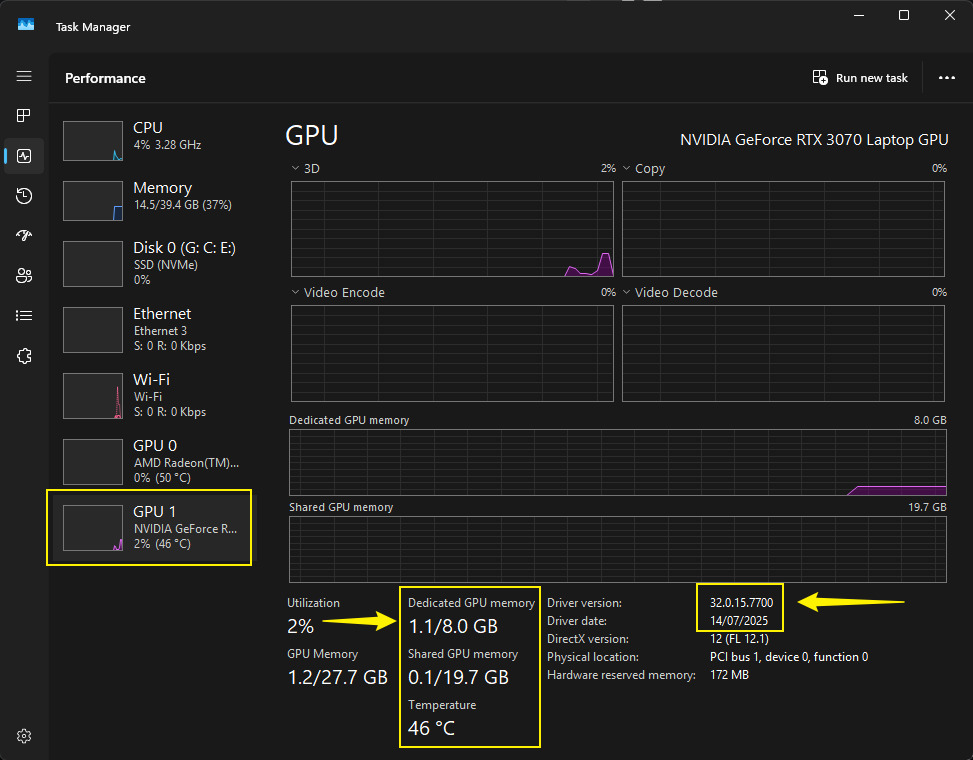
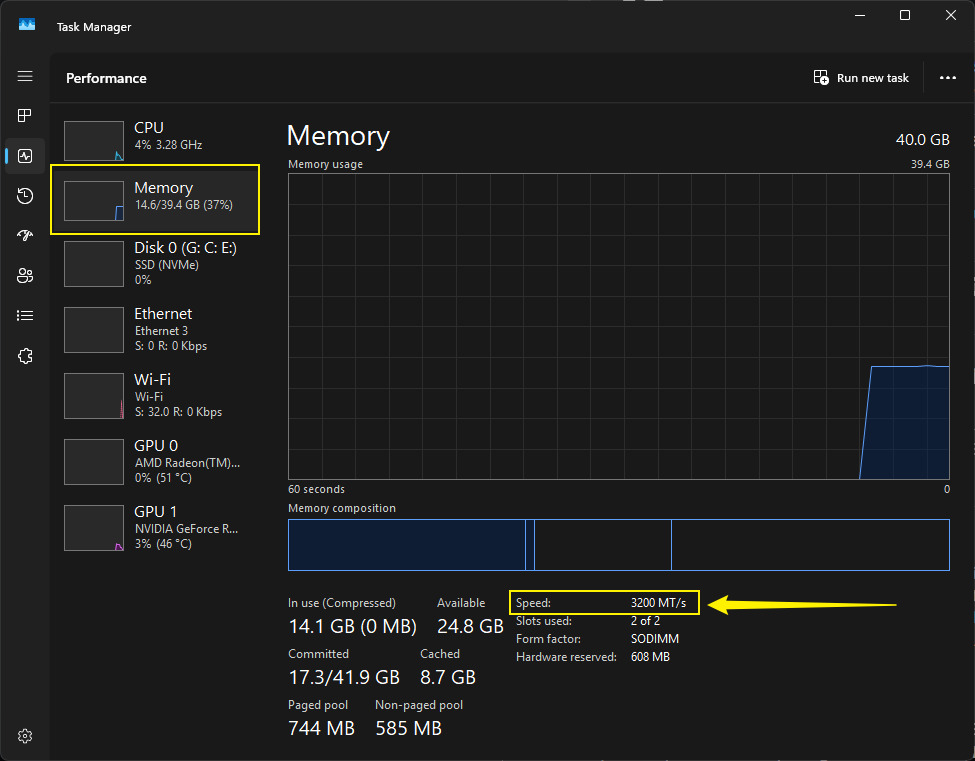
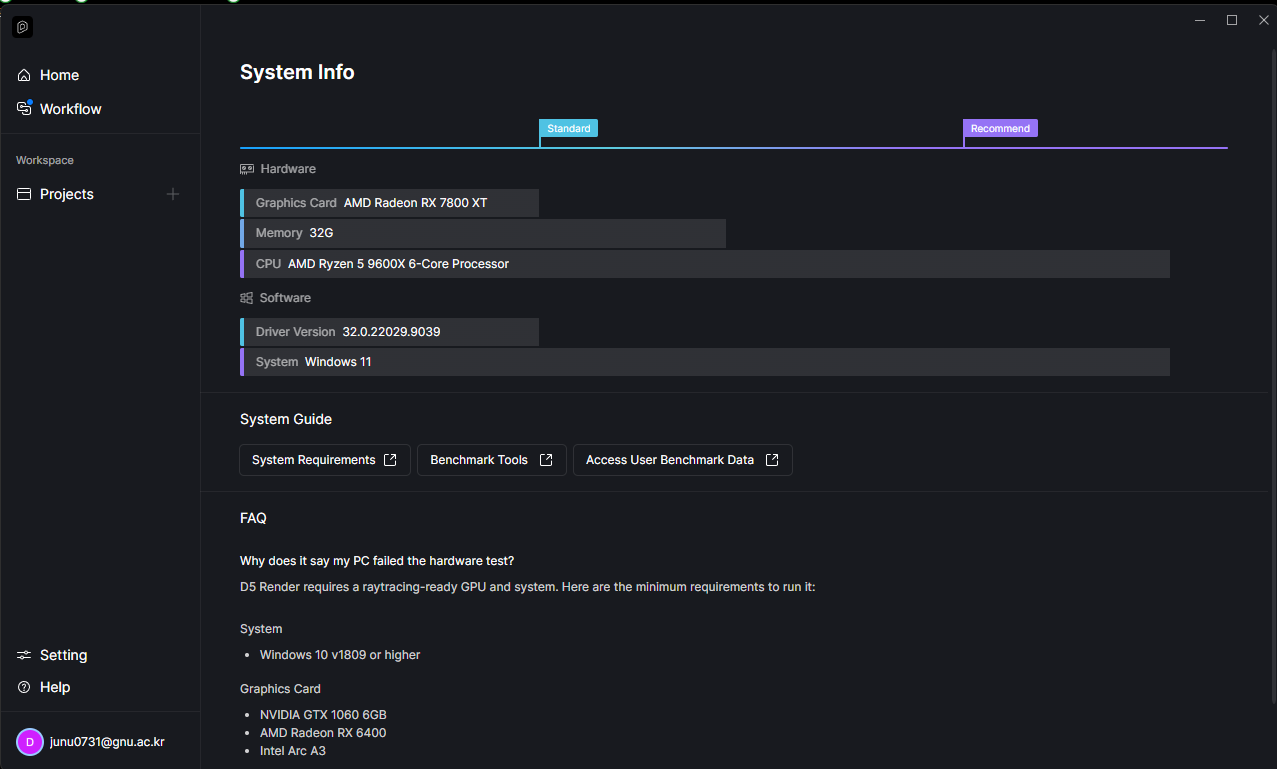
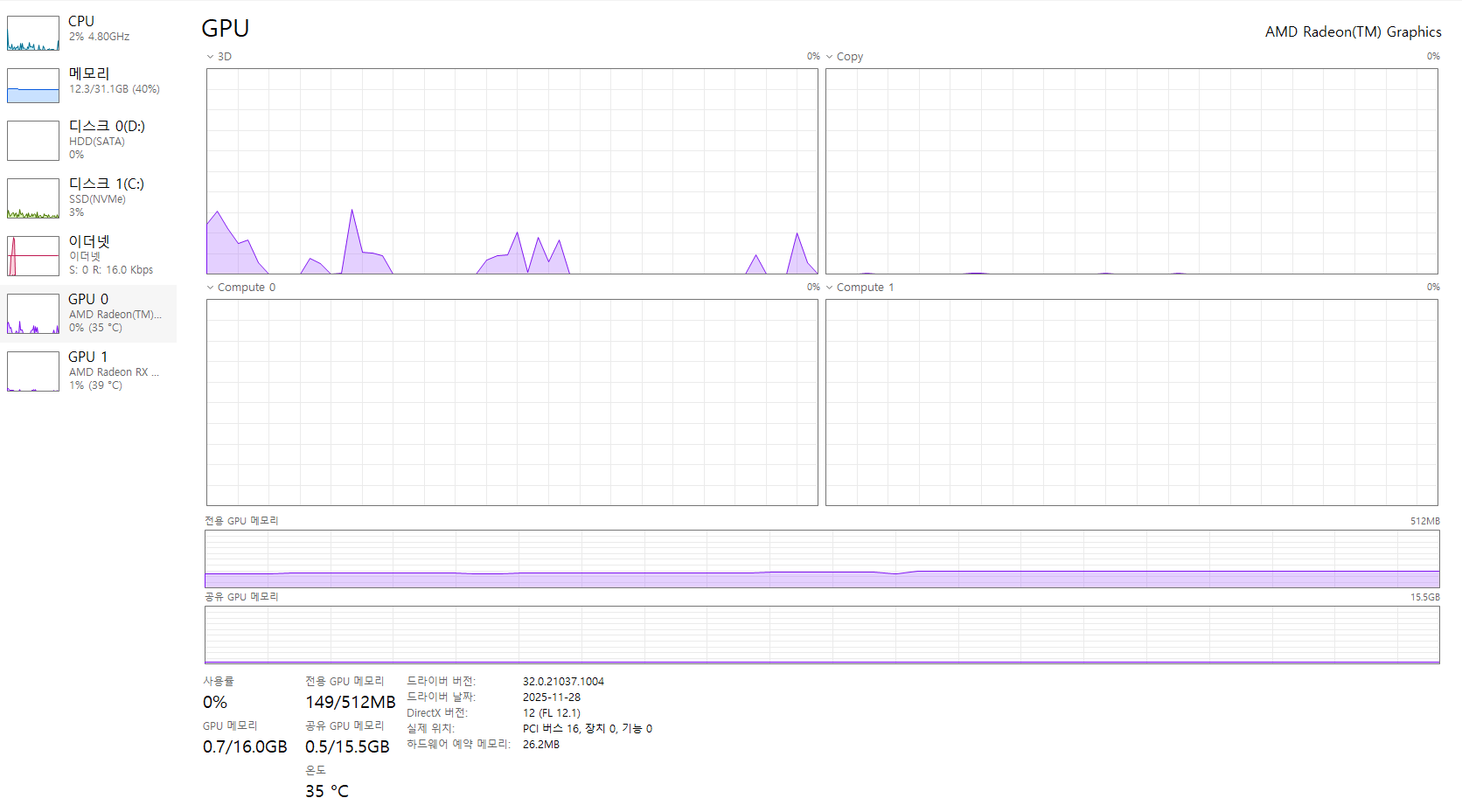
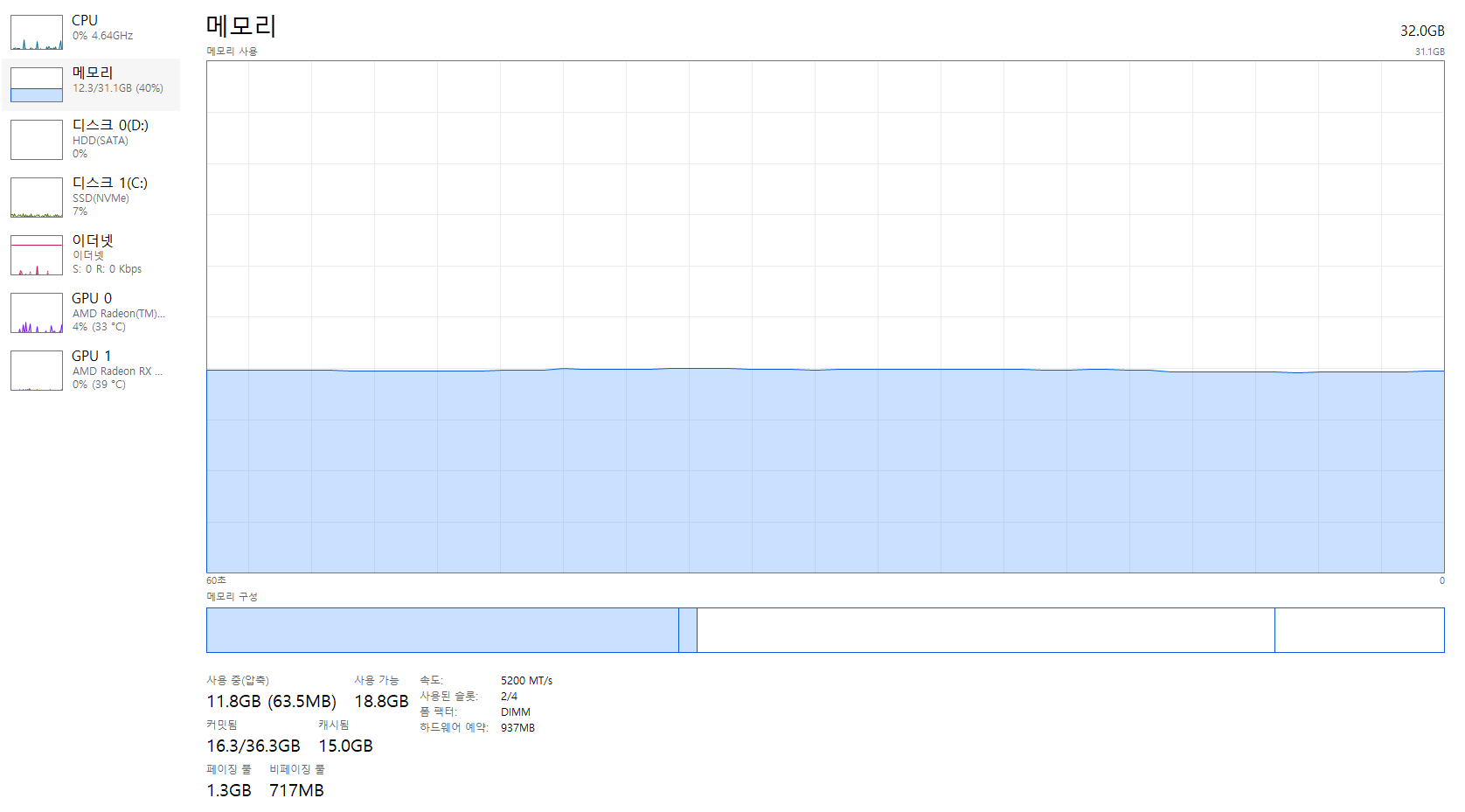
Hi @junu0731
Thanks for sending the screenshots — I can see you are using an AMD GPU, and the symptoms you’re experiencing match reports we’ve seen from other users with similar configurations.
Could you please try rolling back to a stable AMD graphics driver? Some of the recent driver versions have been linked to stability issues when saving new projects.
I’ve included a guide and the official driver download link for the stable version below:
Please try installing the stable driver and let me know if this resolves the issue with the new files crashing when saved. Thank you, and I look forward to hearing how it goes.
This issue has been resolved, thank you!
Thank you for the update. Let us know if you encounter anything else.