I’ve been trying to solve this problem for days now, following every advice suggested here on the forum (people with similar problems), without success. Had version 2.10.2.0589 and tried to update to 2.11.1.0623. Tried everything suggested, and even went as far as wiping my computer completely. Today I started over, thinking I’d give this another shot and log the steps. So here is my system info and the steps I have taken with a clean computer…
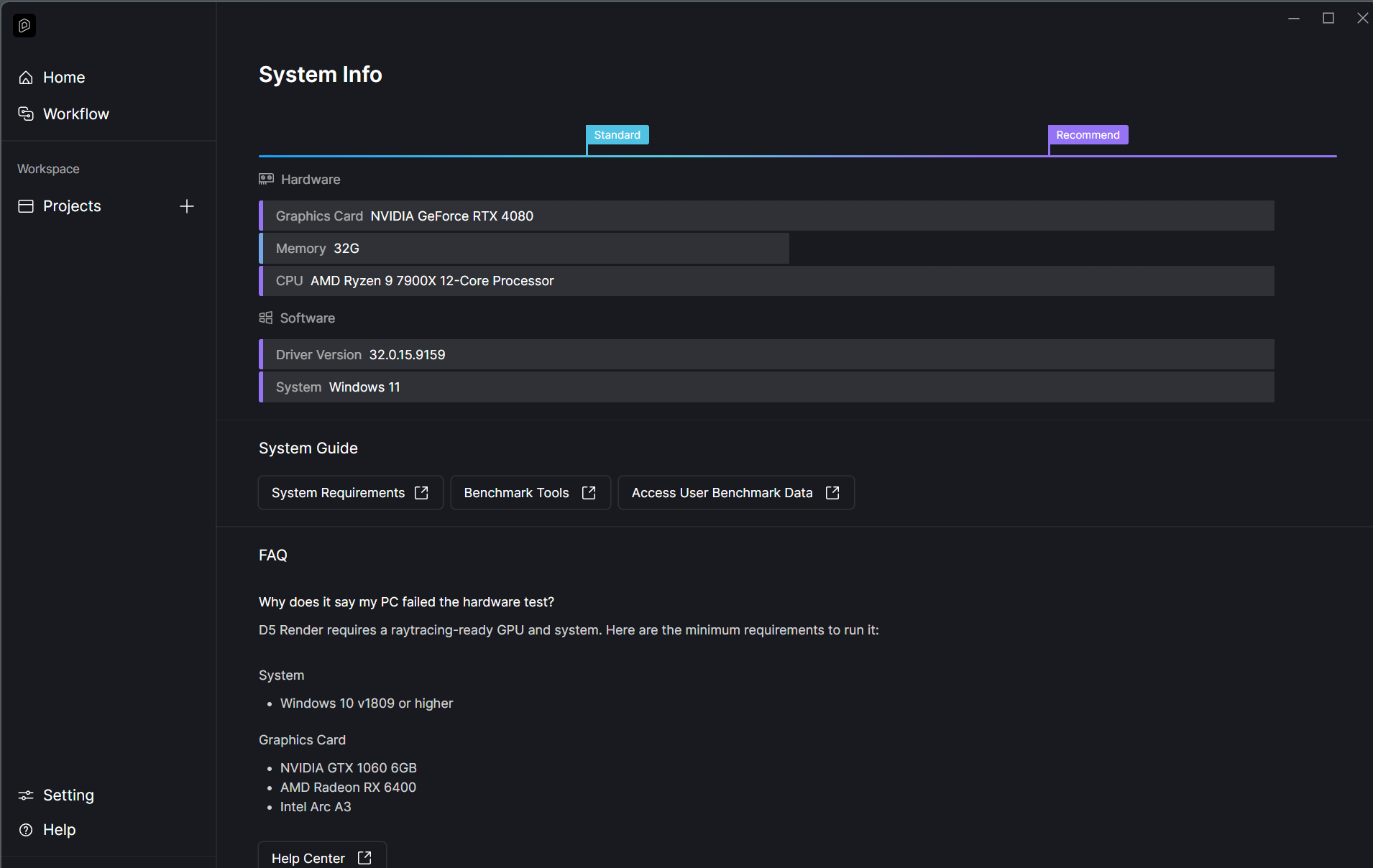
SYSTEM INFO (2-year-old computer)
Windows 11 Home 64-bit
AMD Ryzen 9 7900X 12-Core Processor
32GB Ram
NVIDIA GeForce RTX 4080
Drivers recently updated with NVIDIA
Ran scannow with “cmd” & ran DXR repairment tool
STEPS TAKEN:
Started by turning off all firewalls and anti-virus as suggested
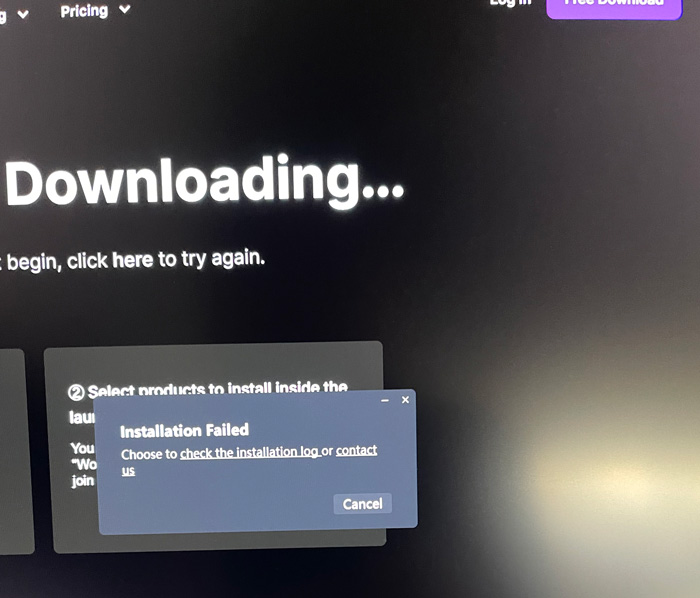
- Used Download link from D5 website to download and install program as a regular installation: Download | D5 Render
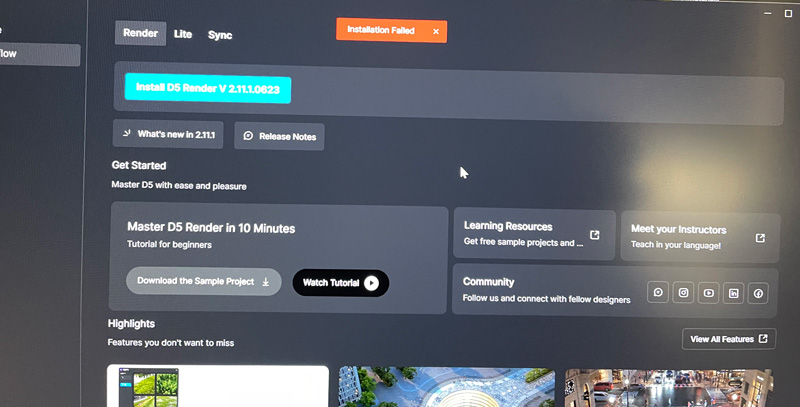
Dialog box appears: Installation Failed
However, D5 Launcher installed and could be opened.
-
Downloaded full package: Download Package
D5_Render_installer-2.11.1.0623 -
Opened D5 Launcher and clicked to install D5 Render in a folder at the root of the C-drive. Here:
C:/D5-251225 (gave full permissions to this folder)
Installation starts, then dialog box appears: InstallWizard - Installation Failed, Unknown Error
-
Uninstalled D5 Launcher, plus all files from failed installation of D5 Render
-
Performed silent installation (cmd) in location C:/D5-251225/
Command:
C:/Users/jimni/Downloads/D5_Render_installer-2.11.1.0623.exe -silent -agreeEula -isForCurrentUser=false -installPath=“C:/D5-251225/D5 Render” -workspacePath=“C:/D5-251225/D5WorkSpace” -logPath=“C:/D5-251225/”
installed successfully
D5 Launcher opens
However, D5 Render won’t open, plus I cannot create a new project in D5 Launcher
-
Uninstalled D5 Launcher and D5 Render
-
Now trying to install on other drive (D).Performed silent installation (cmd) in location D:/
Command:
C:/Users/jimni/Downloads/D5_Render_installer-2.11.1.0623.exe -silent -agreeEula -isForCurrentUser=false -installPath=“D:/D5 Render” -workspacePath=“D:/D5WorkSpace” -logPath=“D:/”
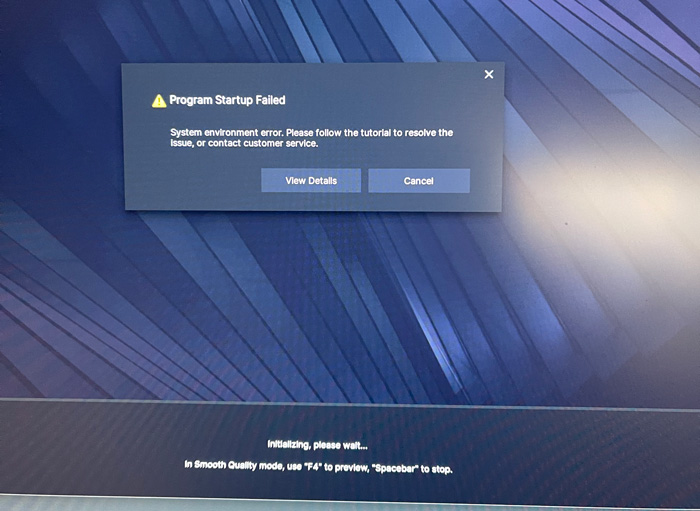
Result: Gets stuck here when trying to open D5 Render: Initializing, please wait…
then dialog box: Program Startup Failed - System environment error
I’ve also tried installing in other locations, like Program Files and in the root of the C-drive without success. I’m at a point now where I don’t know what to do. I’ve updated drivers, turned off anti-virus and firewalls. Tried regular and silent installations. I’ve also tried installing older versions of D5, and they won’t open either. Fast computer with zero problems installing and running other apps. Appreciate help with this. Thanks.