Hello everyone,
I’m having a critical issue with D5 Render and I’m running out of options, so I’d really appreciate any help.
Problem description:
D5 opens normally.
When I start rendering an image, the render begins but closes automatically between 1% and 5% .
- The program closes completely without any error message or warning .
- This happens with any project , including very light scenes and brand-new empty scenes.
- It happens with images , not just one specific file.
- Yesterday (less than 24 hours ago) everything was working perfectly, even with maximum quality settings.
- Today, without me intentionally changing anything, the issue started.
System / GPU:
- NVIDIA RTX 5070 Ti
- Desktop PC
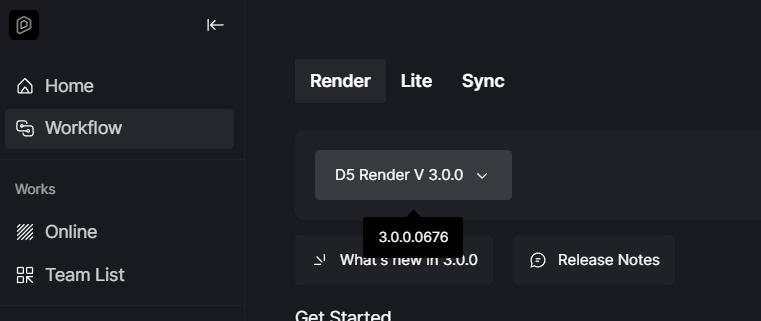
- D5 Render 3.0
What I already tried:
- Restarted the PC multiple times.
- Disabled Ray Tracing inside D5.
- Tested different projects, including very simple ones.
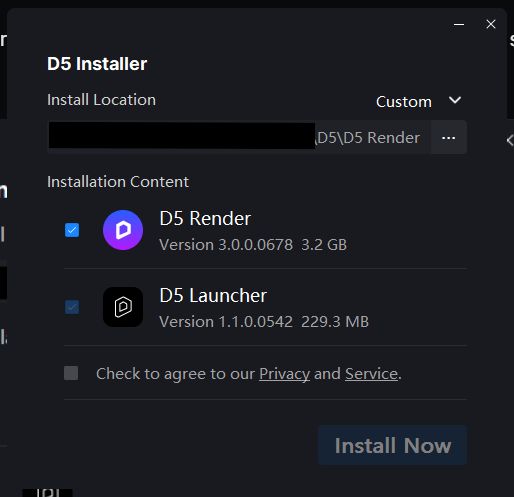
- Clean reinstallation of the NVIDIA driver (manual install, clean install).
- Checked NVIDIA Control Panel program settings (CUDA, OpenGL renderer, etc.).
- The D5 executable no longer appears in the NVIDIA App program list (it used to appear before).
- Even after all this, the issue persists and now the crash happens even faster (sometimes before reaching 5%).
Important behavior:
- D5 does not freeze — it simply closes.
- No error popup, no crash message.
At this point, D5 is completely unusable for rendering, even though it worked normally yesterday.
If anyone from the D5 team or the community has seen this behavior before, especially with newer NVIDIA GPUs, I’d really appreciate any guidance.
Thank you very much.