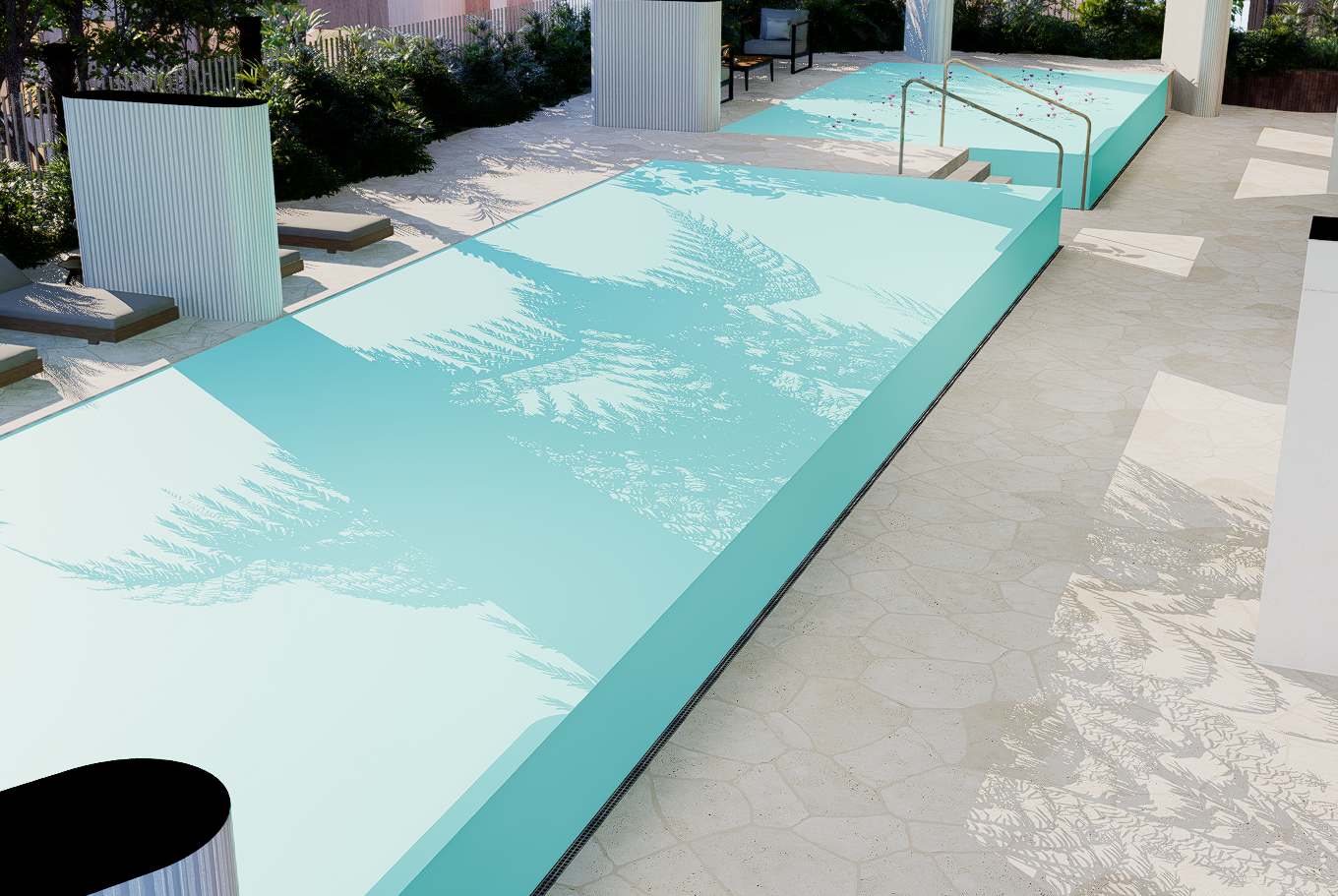
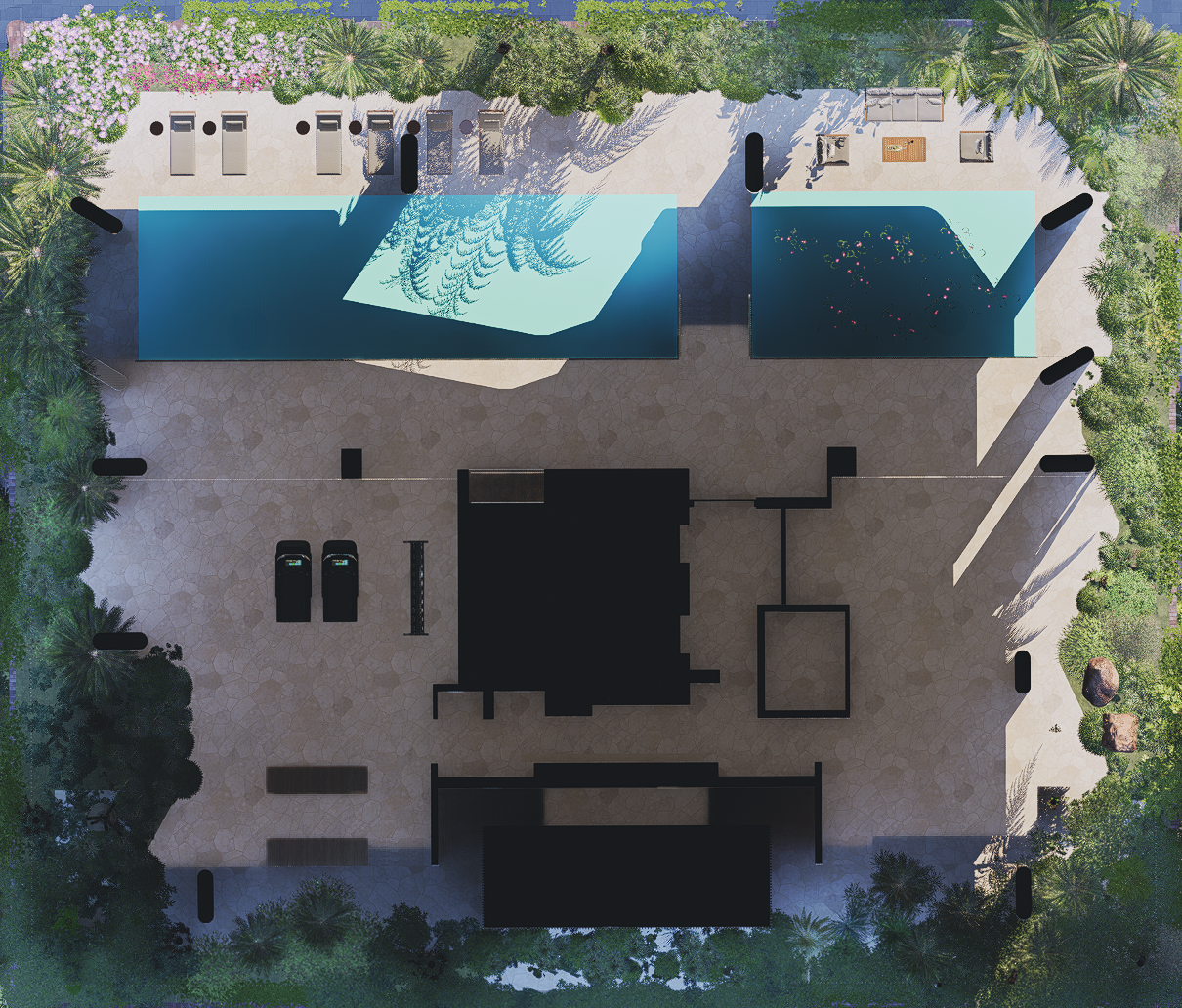
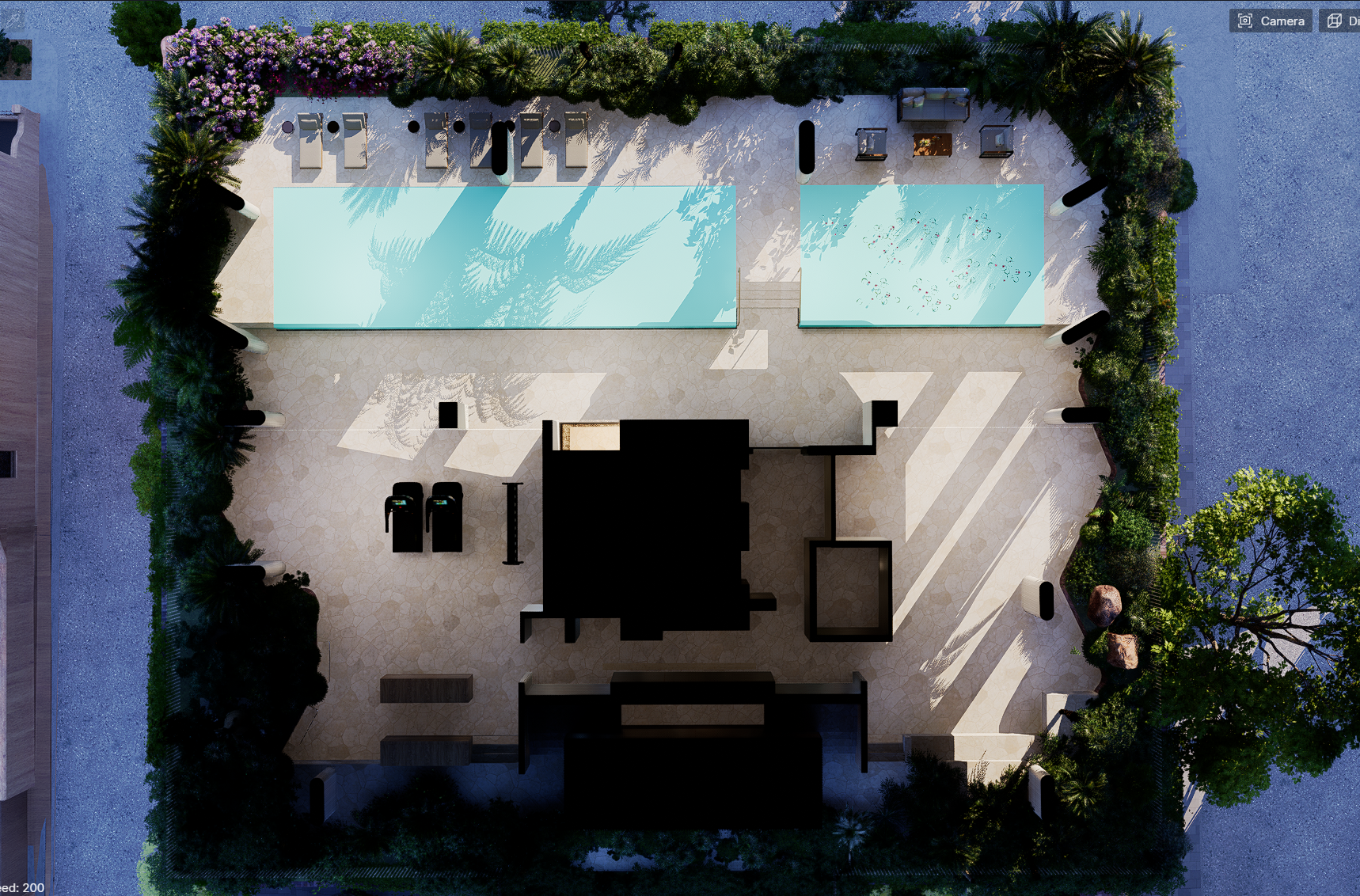
I have just recently noticed that when setting up a view which is using a section to cut the building, using the parallel projection option generates incorrect (and frankly impossible) shadows . here is a comparison of the two . the Blue area is higher than the area below it however with parallel projection it shows sun where it should not be (the sun would be blocked by the edge of the pool)
Hi @kheng
I may need further clarification about your description to fully understand it. So basically the sun shadows should only be up to this point? Since you mentioned that the sun would be blocked by the edge of the pool
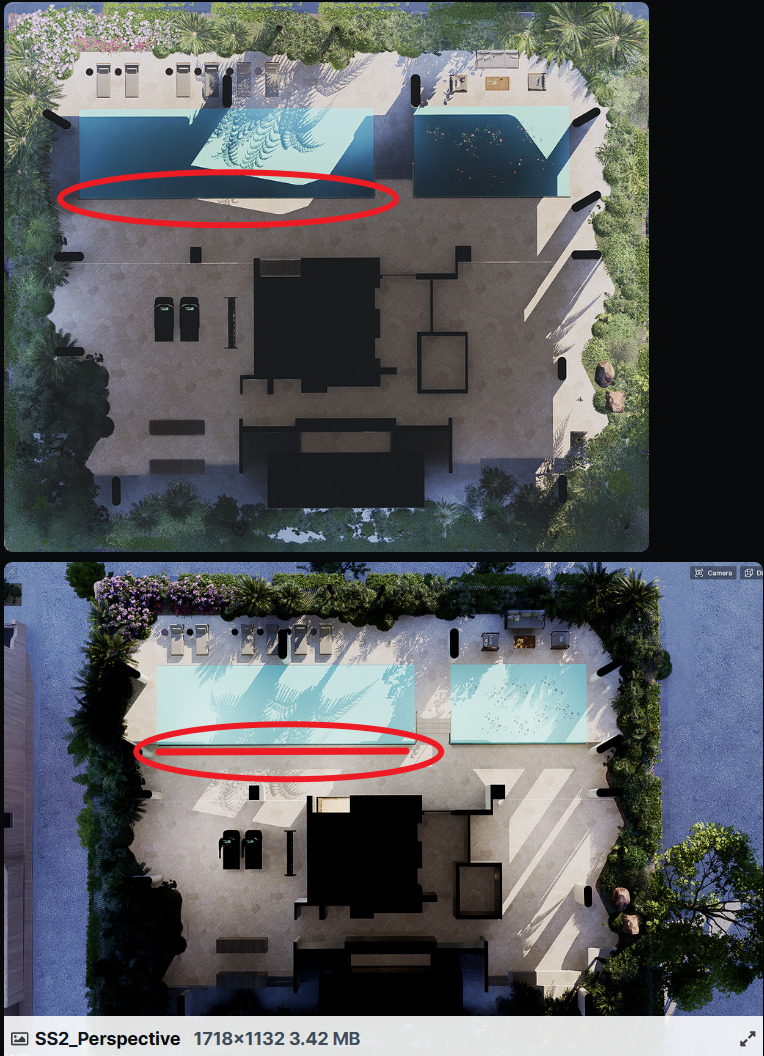
- But considering the boundary between the pool and the deck that seem to be in lower height, wouldn’t this be underexpectation?
Looking forward to your clarification~
i have attached the perspective view which all 3 images are at the same time of day. The only difference between the first and second image is switching parallel and perspective mode on the camera. the sun shadows should not change.
As you can see in perspective since the pool is at a higher level it would cast a shadow and not have any sun directly at the base of the pool edge as shown incorrectly with parallel projection. when i switch to persepective in the second attached image it is the correct behaviour of light which should be seen however i would like this light time with no perspective. the renderer does not seem to correctly render the sun angles and occlusion of light when in parallel projection mode
Hi @kheng
Got it, im trying to replicate it on my end using Residence Lawn but can’t seem to have the same issue both in preview and final render.
- Preview
- Final Render
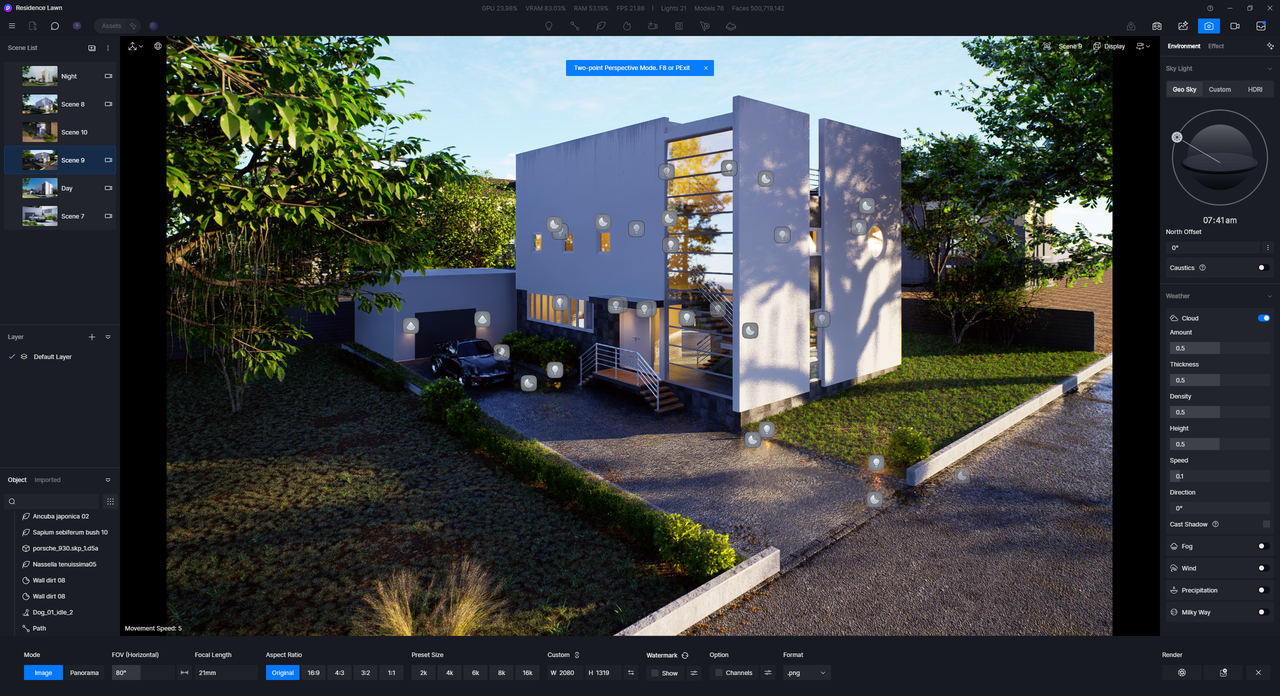
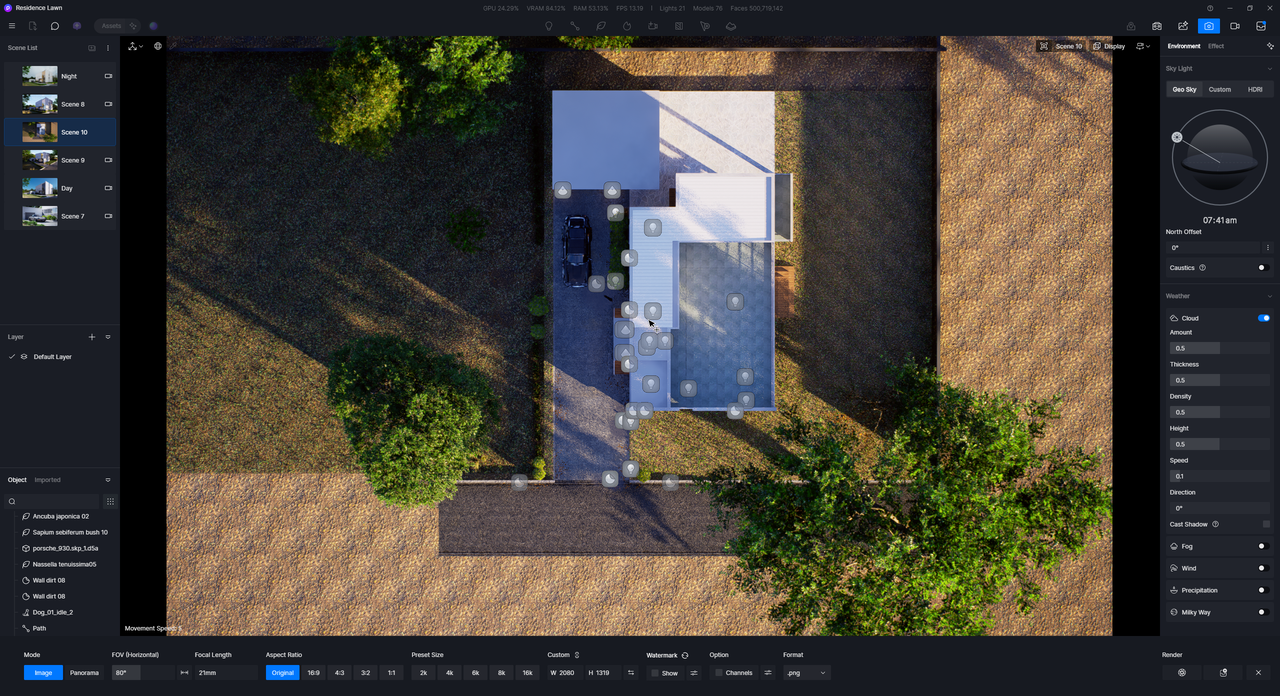
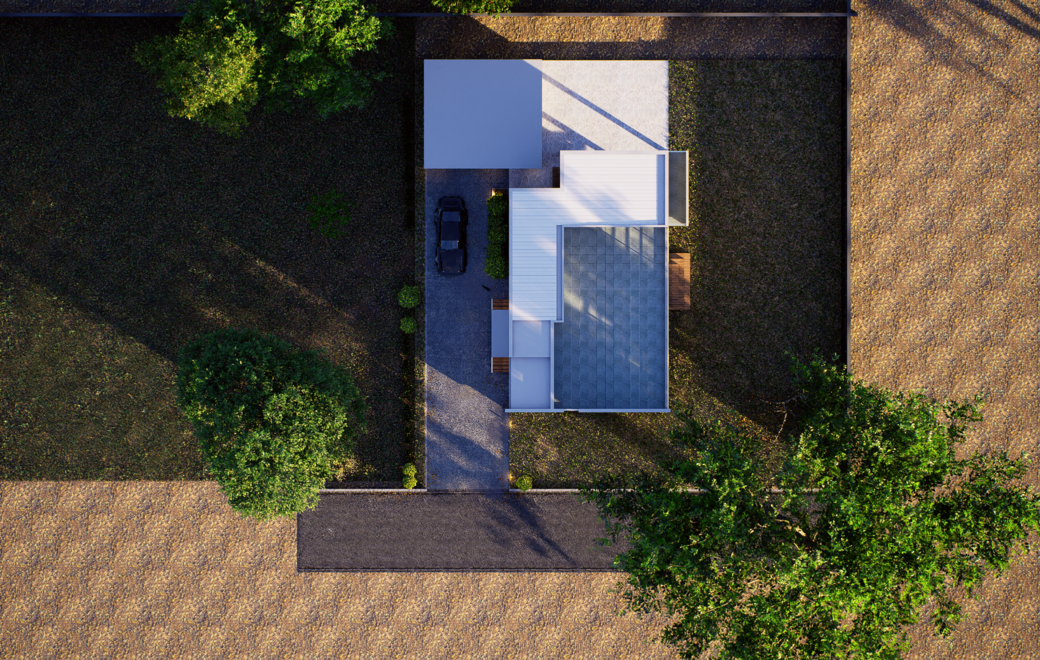
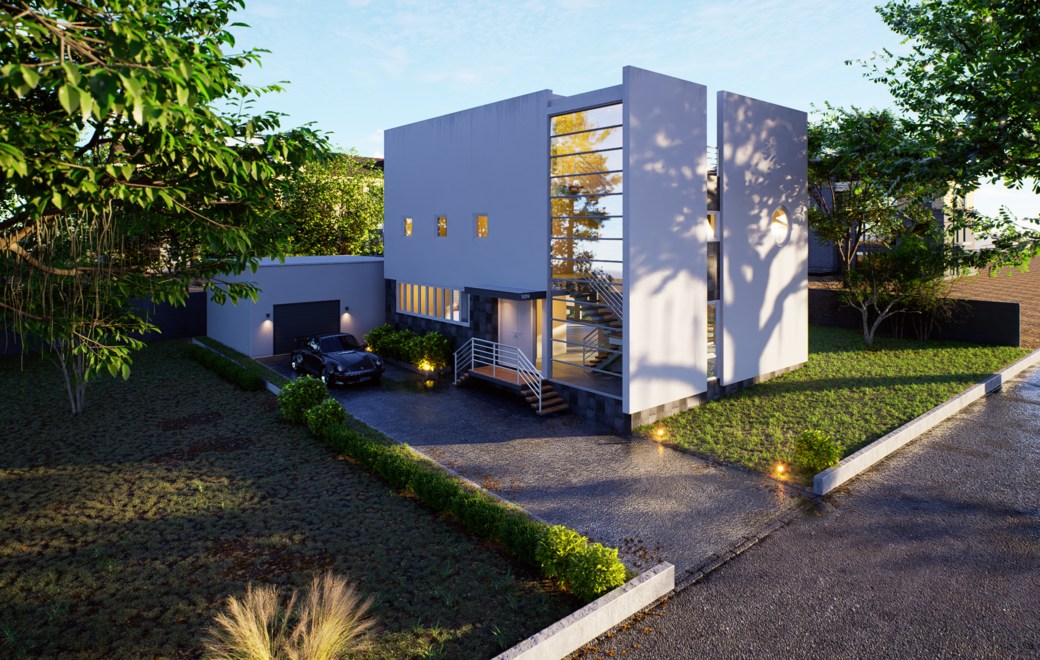
If it’s possible, can you share to us your file so we can test it on our end? You may send it to support@d5techs.com and have it titled Clov-Forum D5 Parallel Project not generating correct sun shadows

Let me know if you are able to send it and have already sent it otherwise, I wont be able to notice it. Thank you.
Are you able to render two versions of this, one with perspective mode and one with parallel projection and with a section cut half way through the building
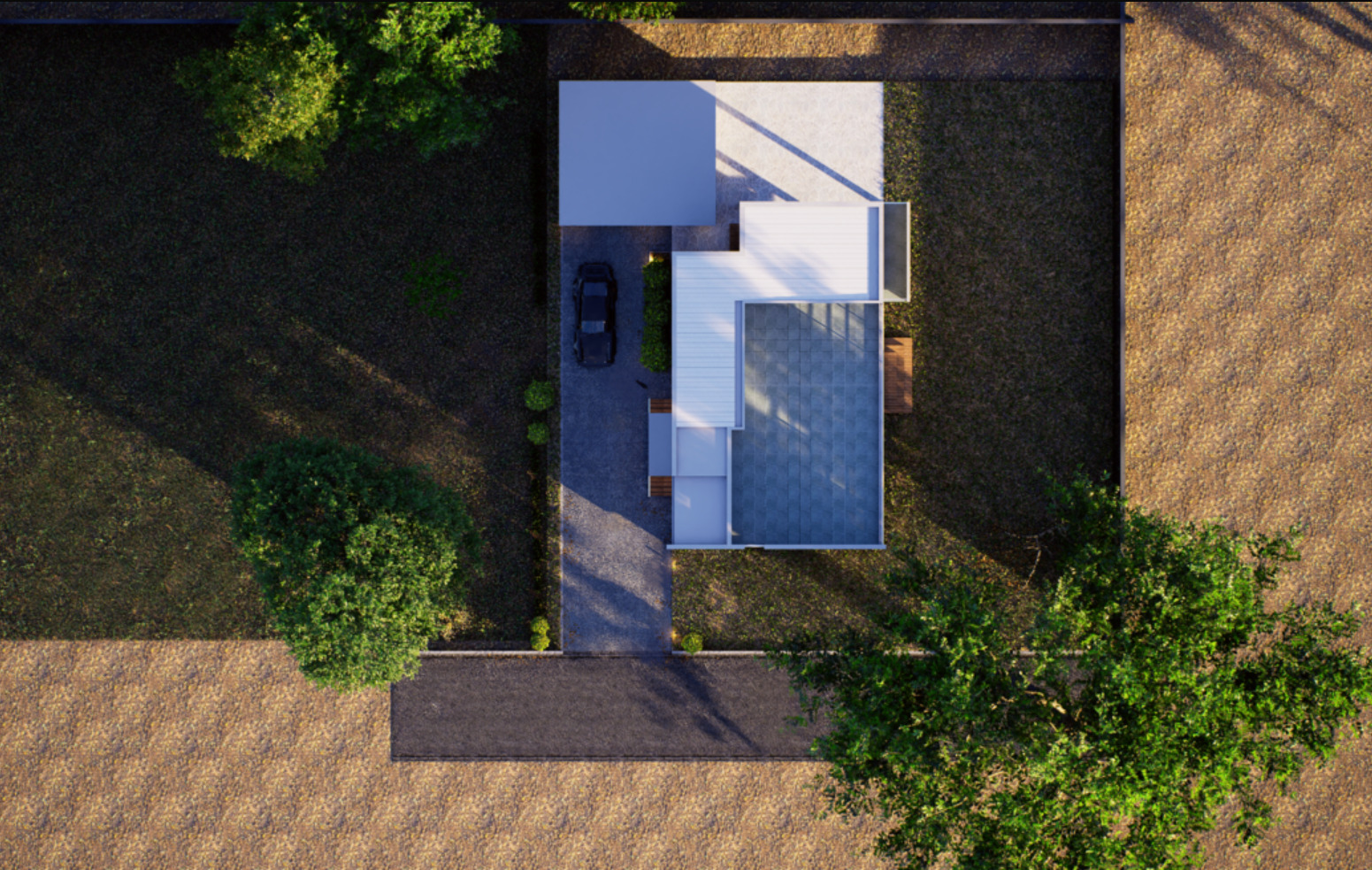
Hi @kheng
This is how it looks, there is a slight difference since some assets were cut by the section plane since I didn’t put the model and section plane on the same layer, but ultimately, the sun shadow positioning is the same.
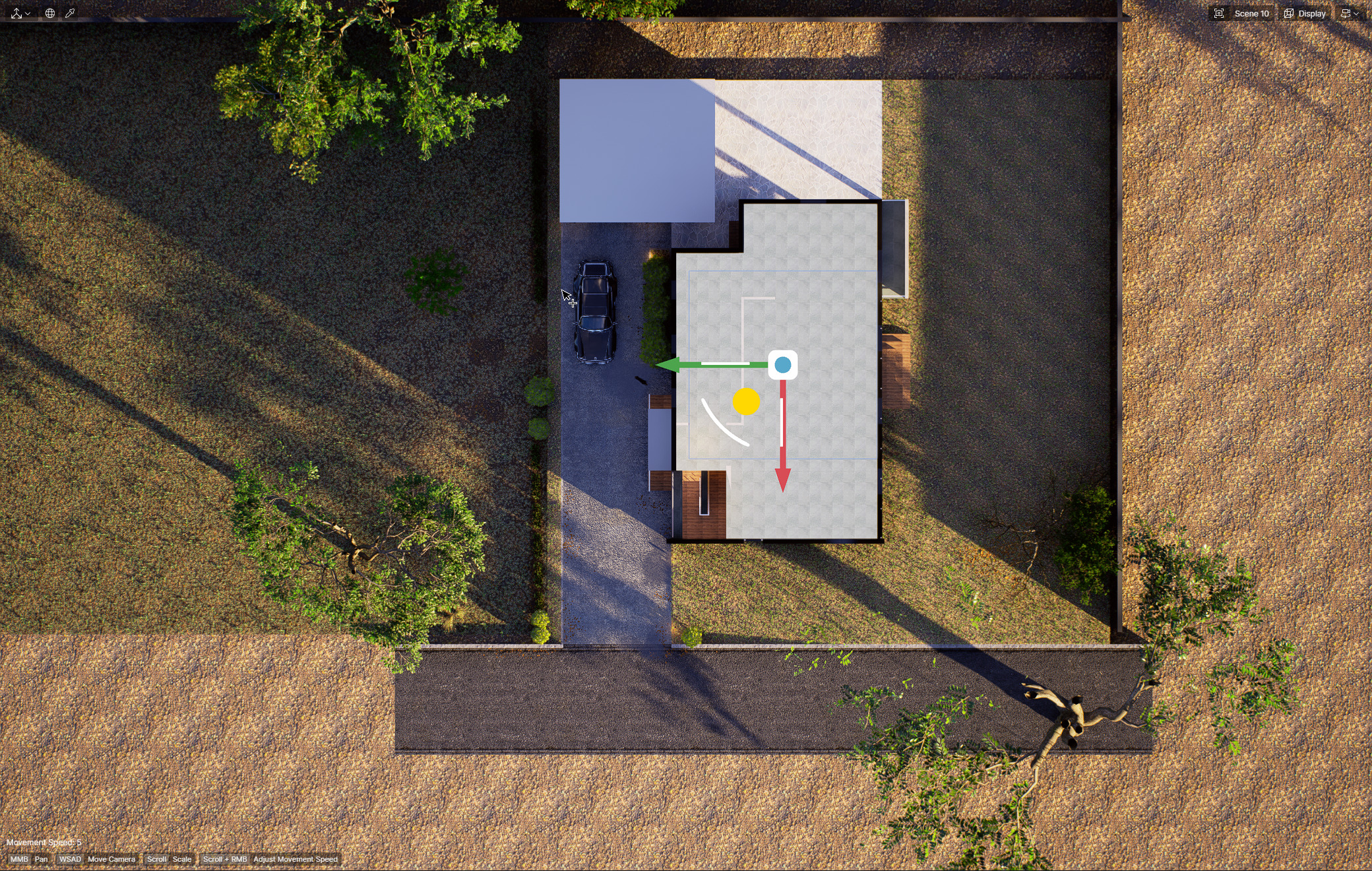
Hi Clov,
Sorry i think there is a misunderstanding here,
I am having an issue where the same sun time shows up differently between perspective and parallel projection camera mode as shows here in this screenshot
1 and 2 produce different sun angles
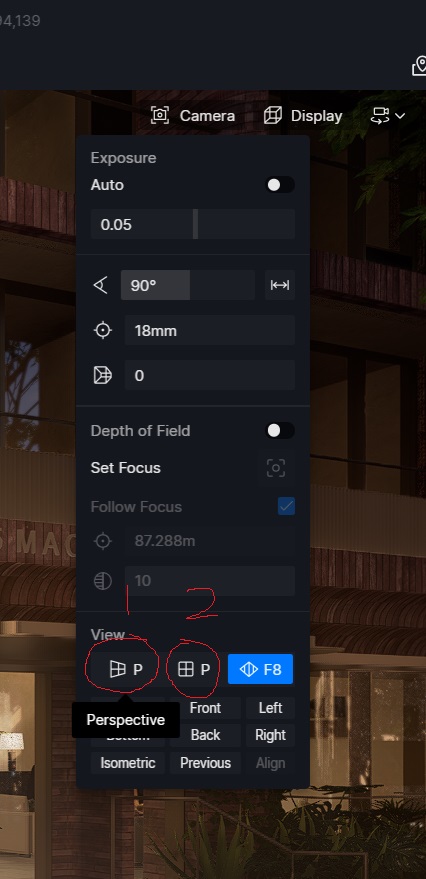
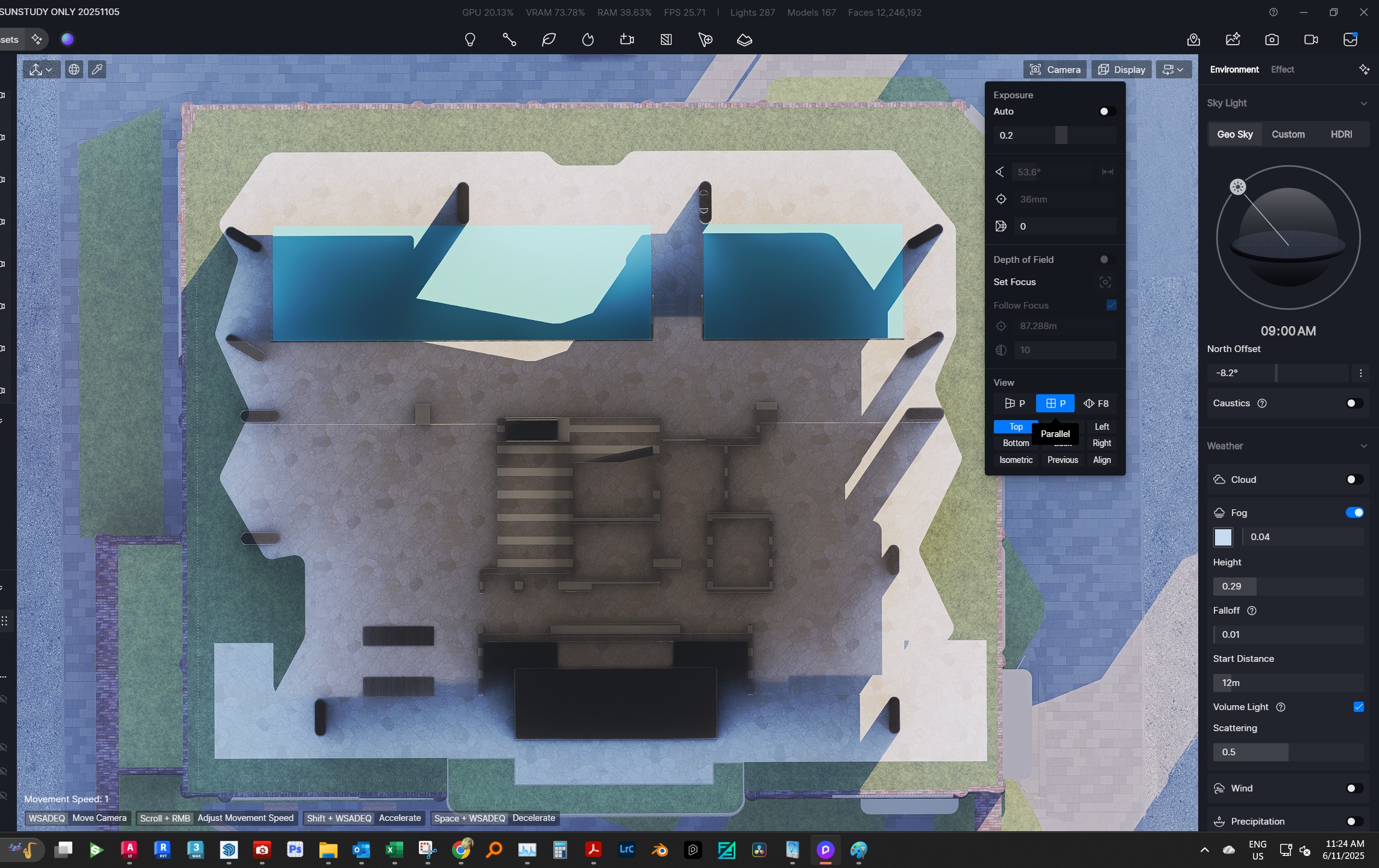

I understood your point. The ones in the images are from perspective view and Parallel Top Projection (the one I have sent first, and these latest images).
- This time, I have put the section tool as you pointed out
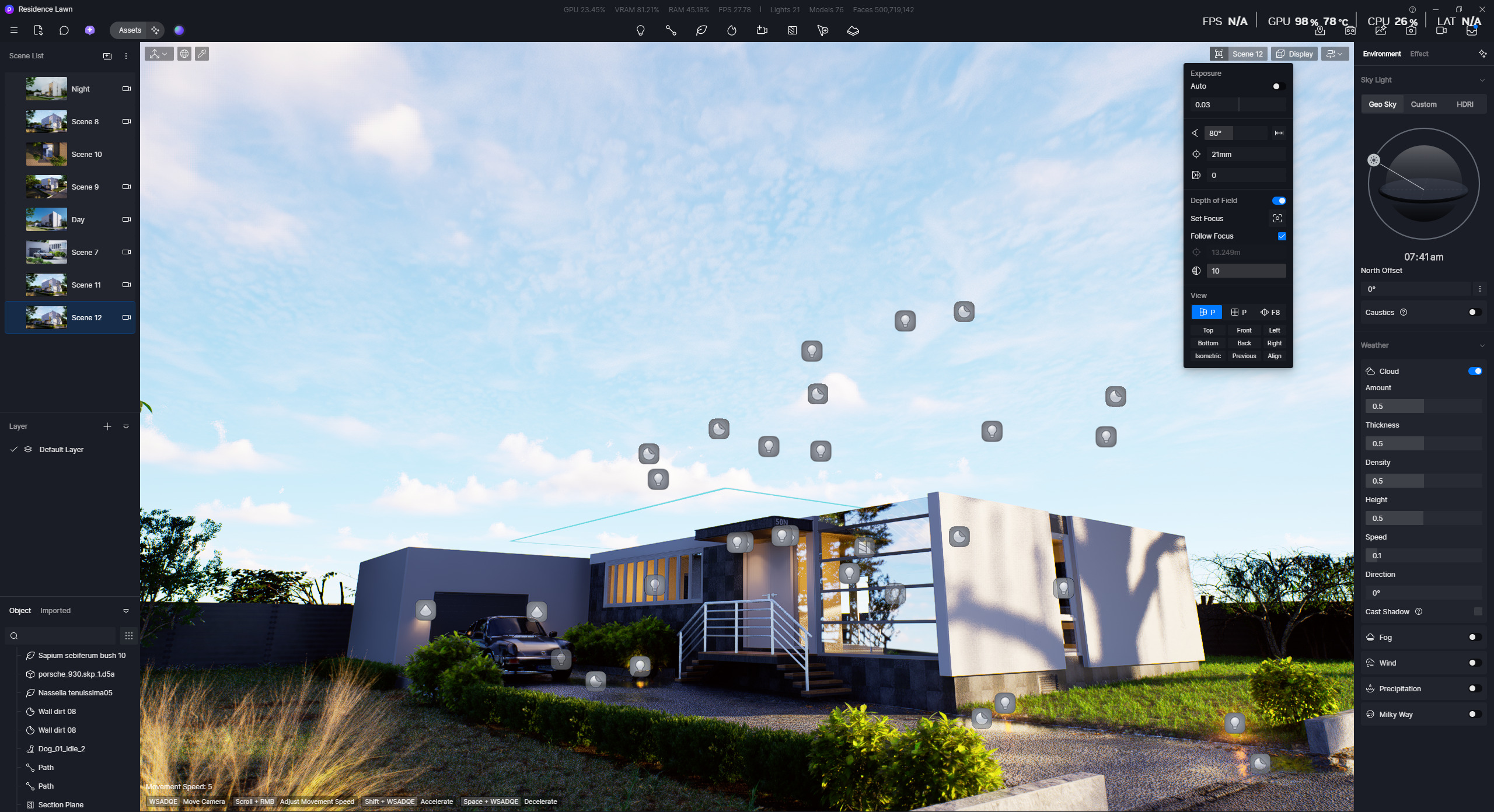
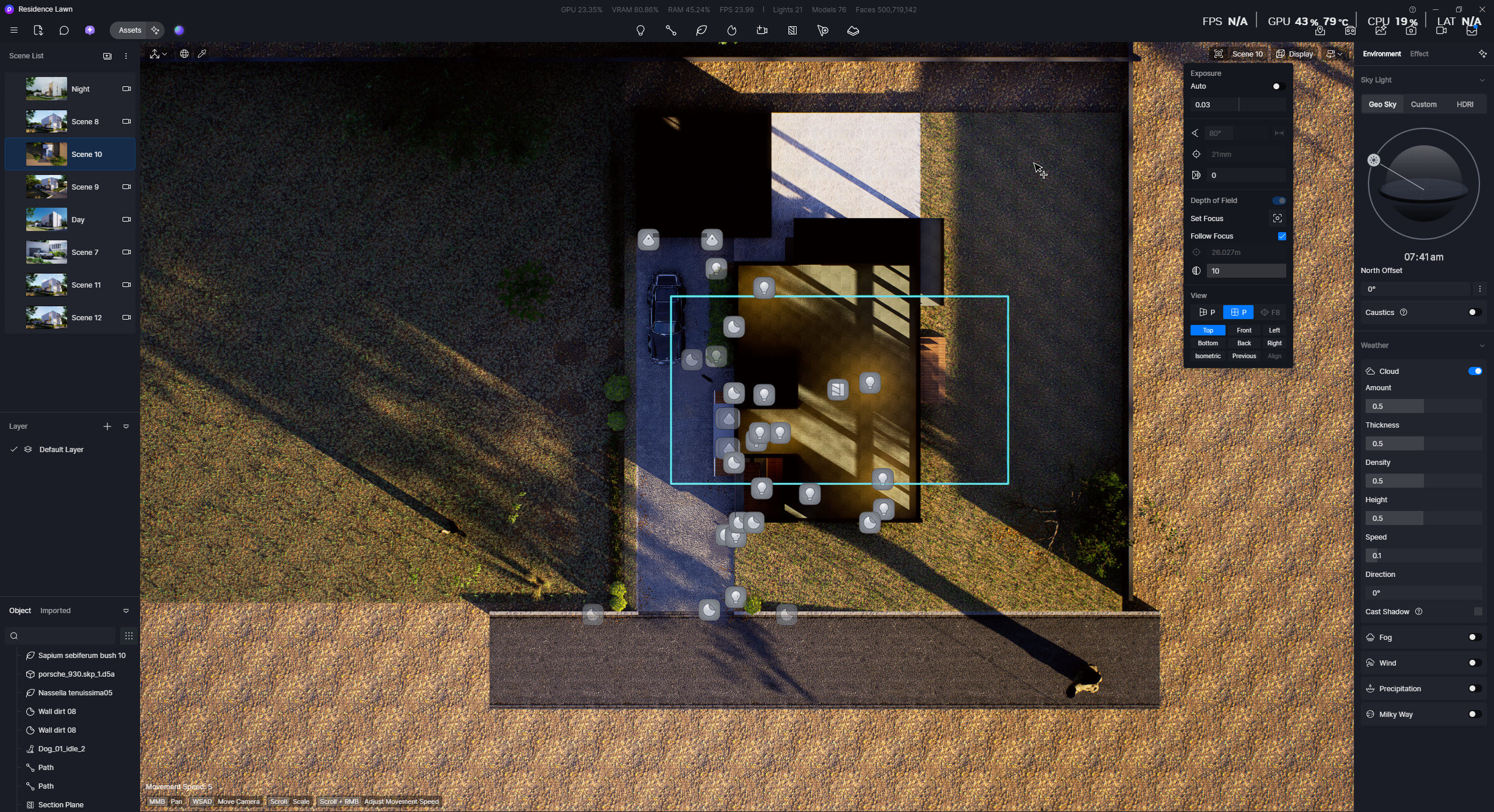
Hence, I can’t replicate the issue on my end, and I’m requesting your files to further troubleshoot this issue. 
Hi Clov,
just sent you a transfernow link through the support email
Just wondering if you managed to replicate this issue with the file?
Hi @kheng
Yes, we’ve managed to replicate the issue and have forwarded further to our team for a detailed troubleshooting and improvement. Hopefully, we can implement an improvement in subsequent releases.
Hello, I think I’m experiencing the same issue.
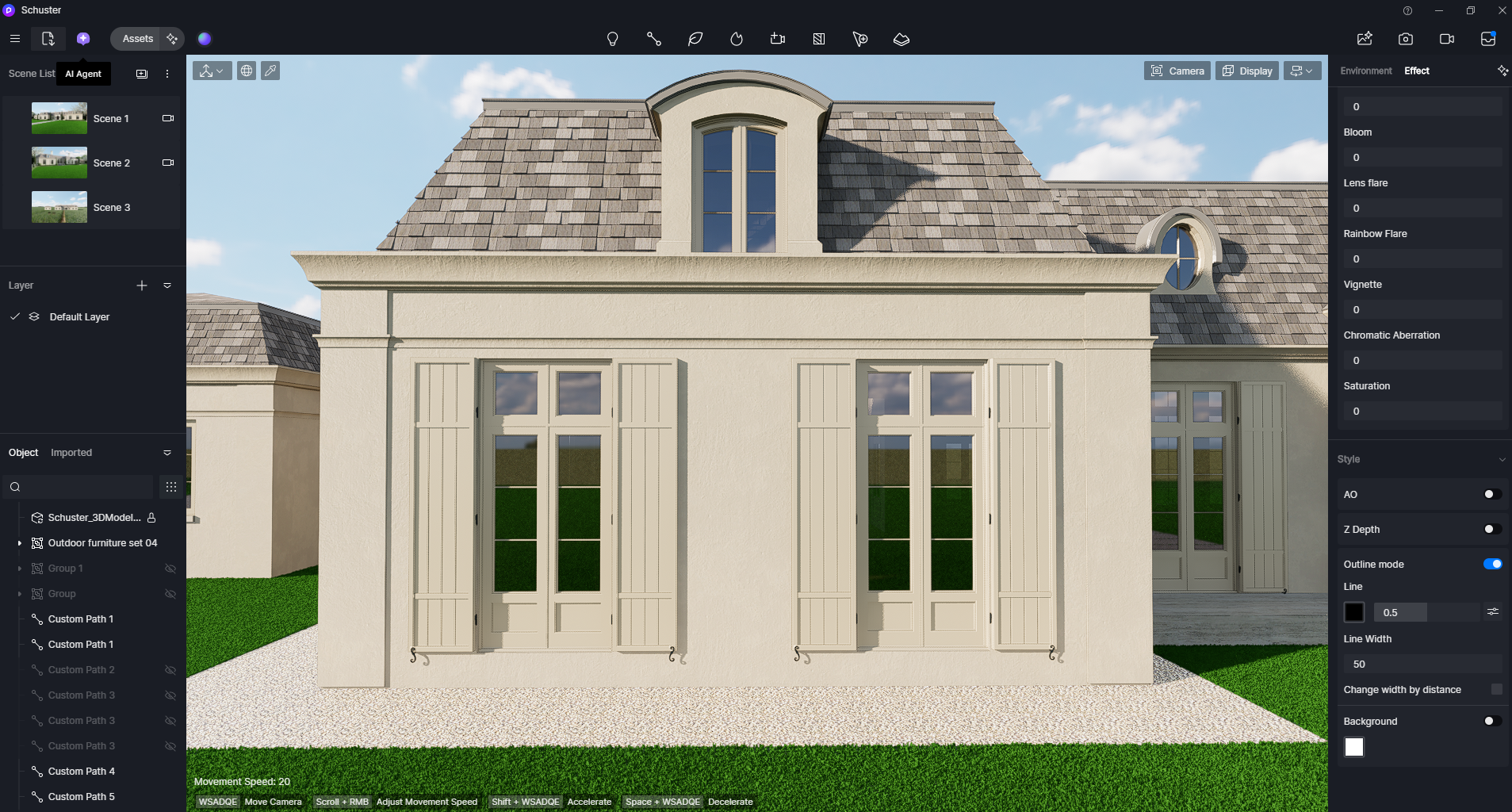
When I set the camera to Parallel View to render elevations, I consistently lose line definition and shadows across all my projects.
Here is the same model in Perspective View:
And this is how it looks in Parallel View:
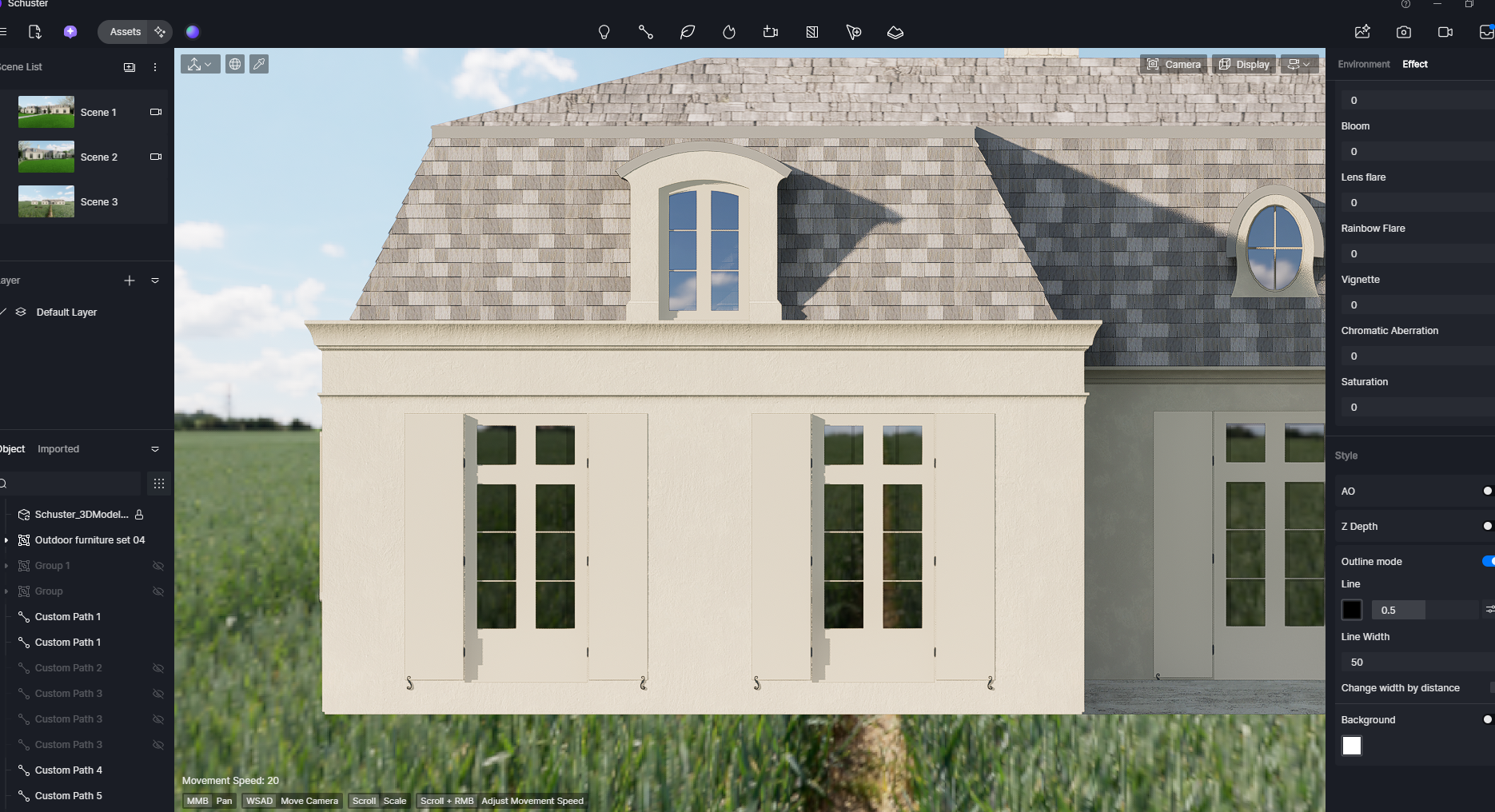
Is there any way to fix this?
I’ve already tried adding an outline effect, adjusting the sun direction to enhance shadows, and enabling Ambient Occlusion, but the result is always the same.
Hi @bcoolidge
May I know which version of D5 you are using? Does this issue also occur in other files?
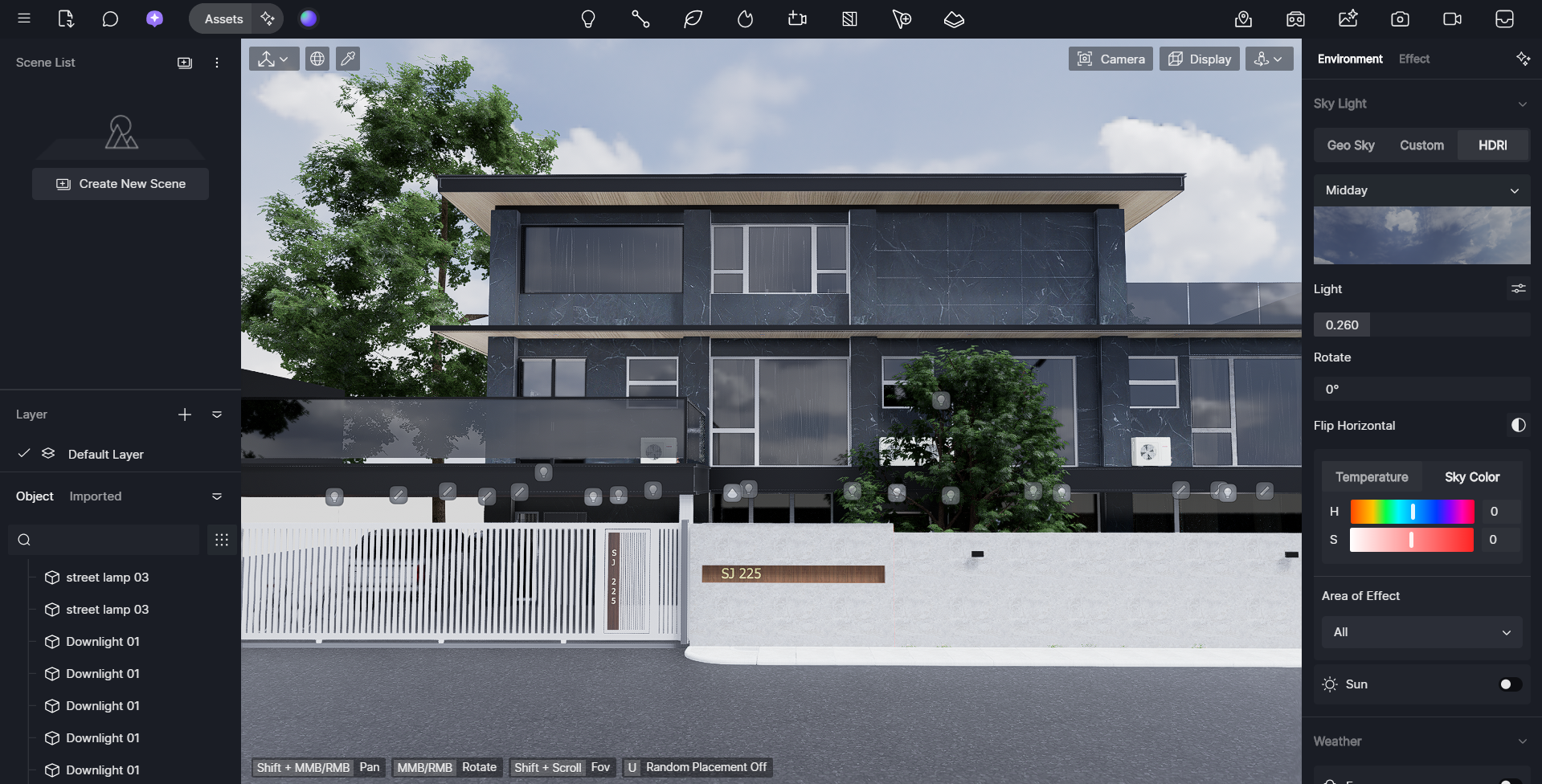
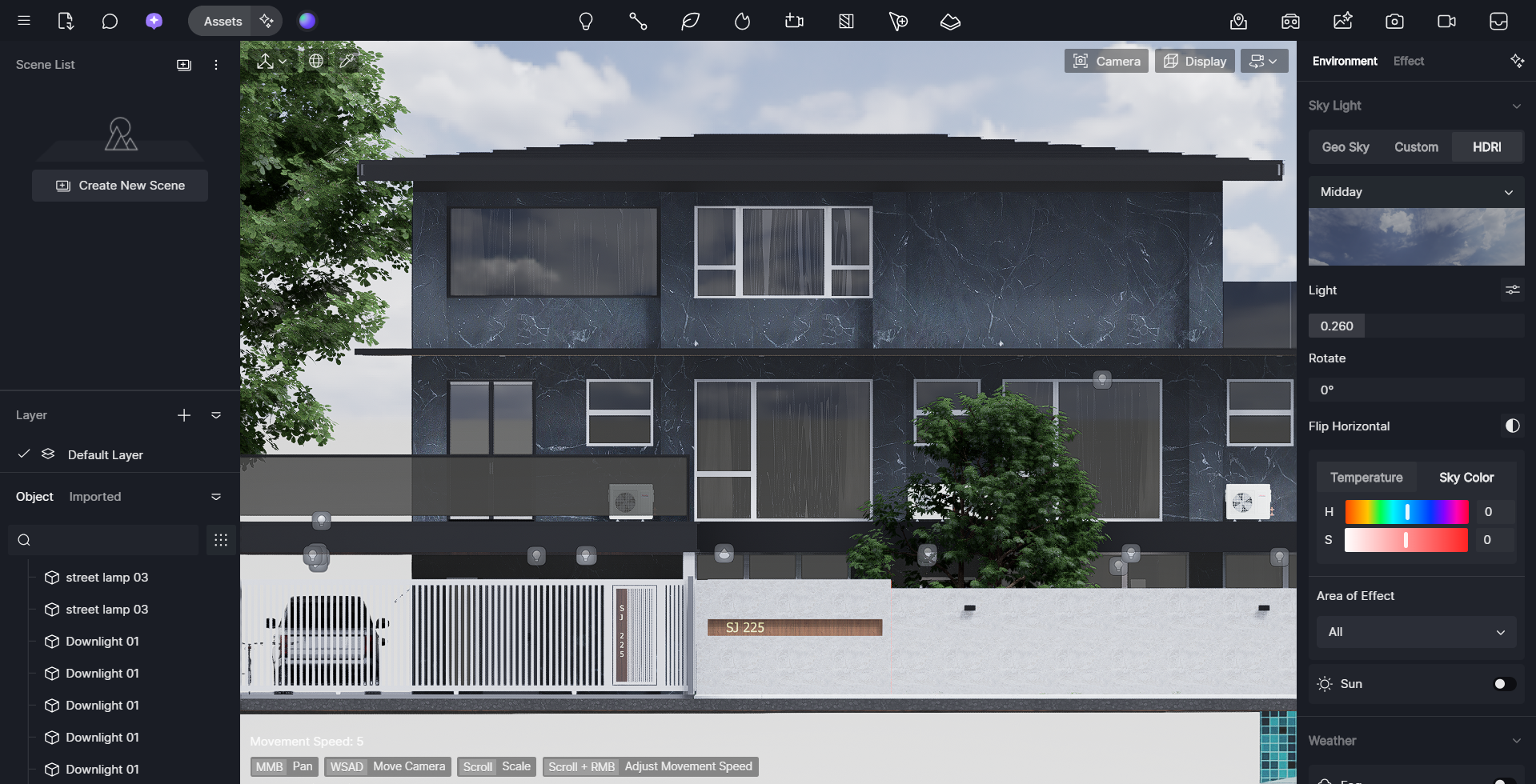
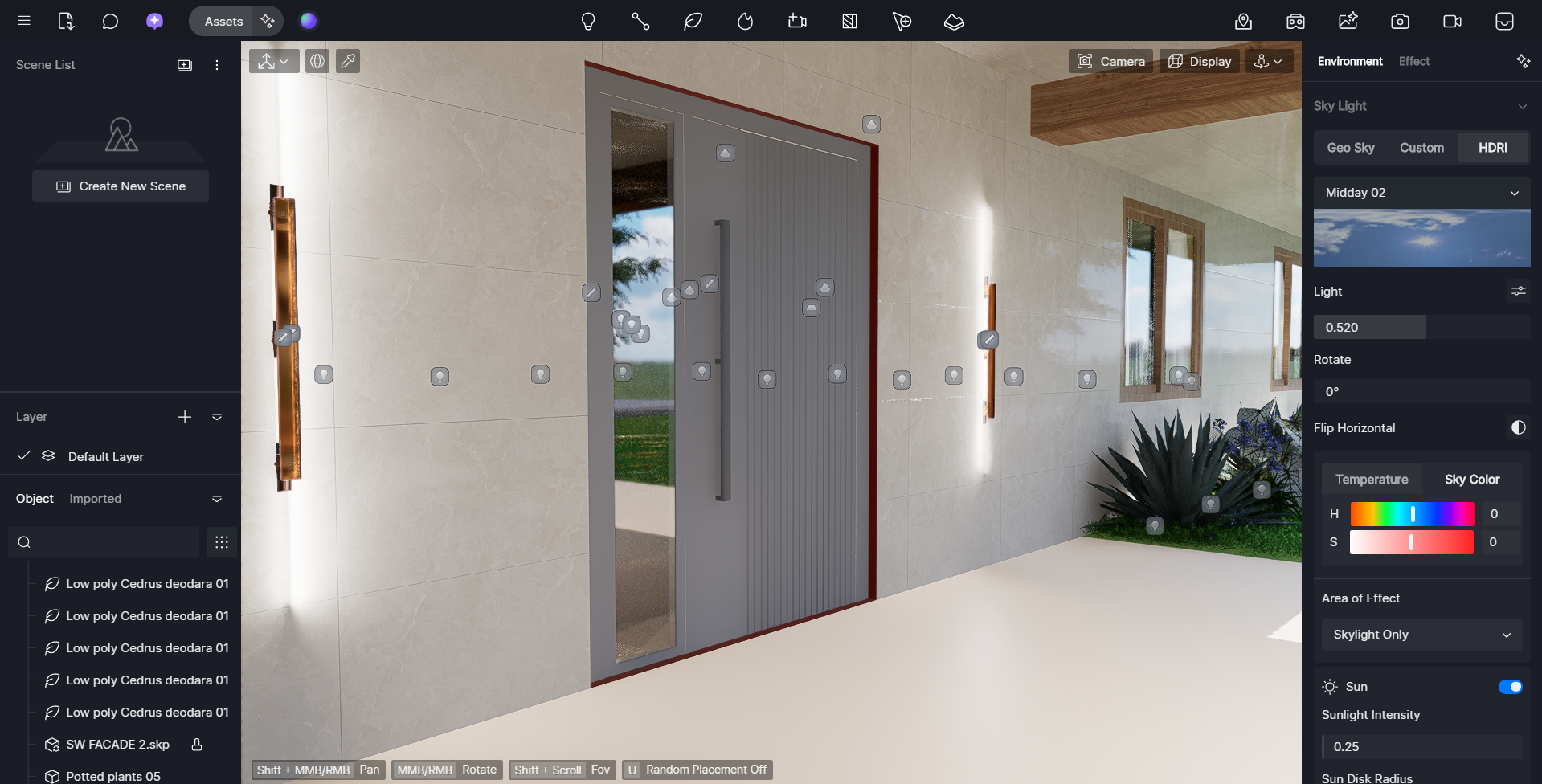
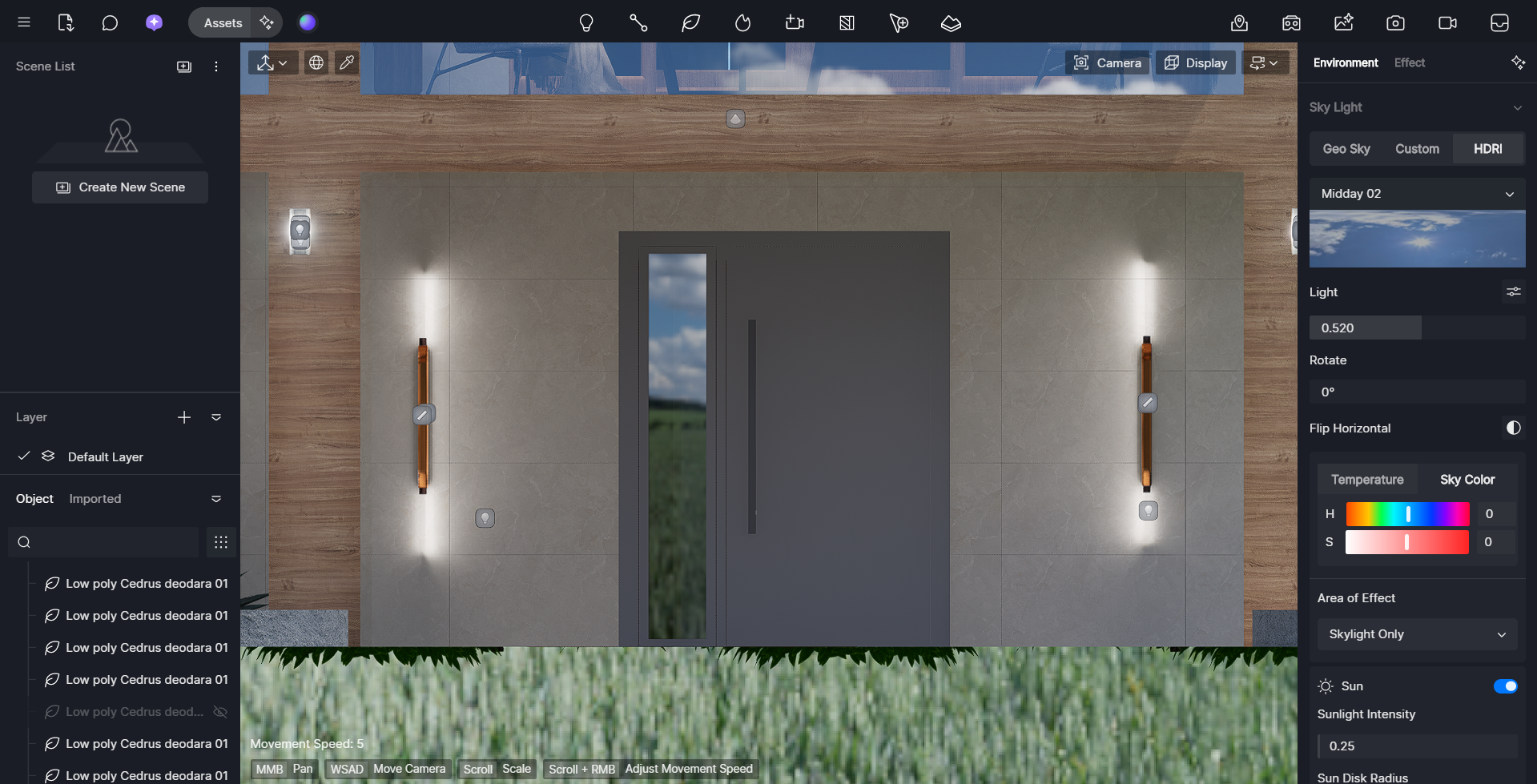
I tested this on my end using a test file to compare the output between Parallel View and Perspective View, and initially, they did not seem to differ. I tested again using another file and confirmed that very small details, such as door linings, sometimes disappear in Parallel View. This may be due to the details being too small to be clearly displayed.
However, in your case, the linings are very noticeable and should still be reflected accurately. You may refer to the screenshots I tested on my end for comparison.
Test 1
Perspective View vs. Parallel View
Test 2
Perspective View vs. Parallel View
Perhaps, if possible, you could share your file with me so I can test it on my end as well.