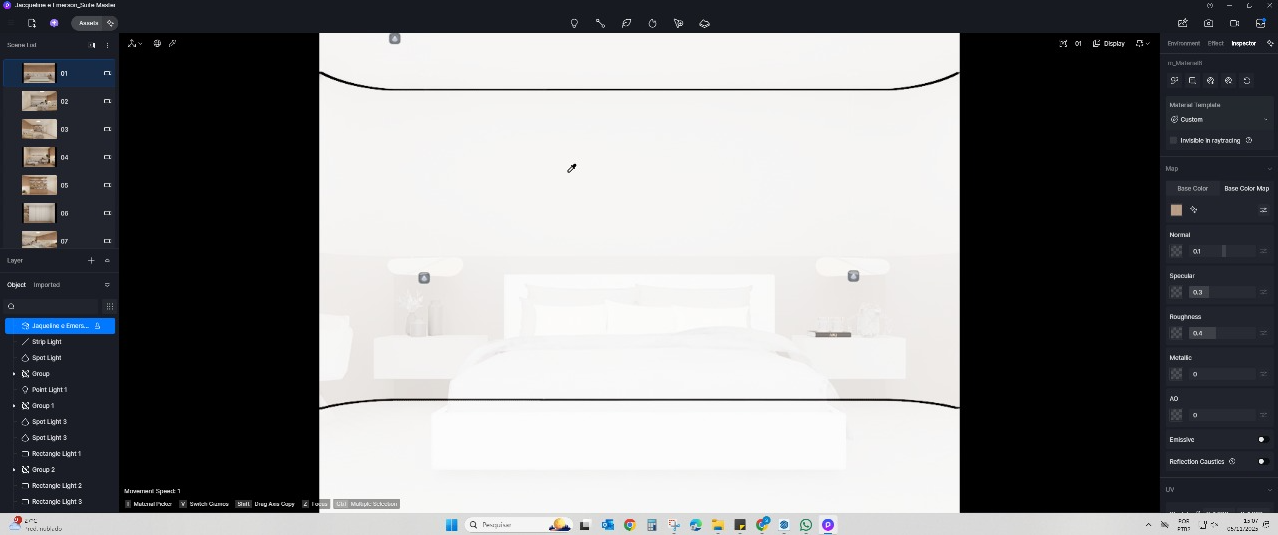
Hi everyone, I use D5 on my personal computer and after finishing a project I copy the entire folder to the company server I work for, but often when they try to access the D5 file it opens completely white. The textures are there and the scene settings are the same, but somehow everything appears white to them, as in the attached image.
OBS: Every time I try to copy files to the server, it gives me a “destination path too long” error which I suspect is the root of the problem.
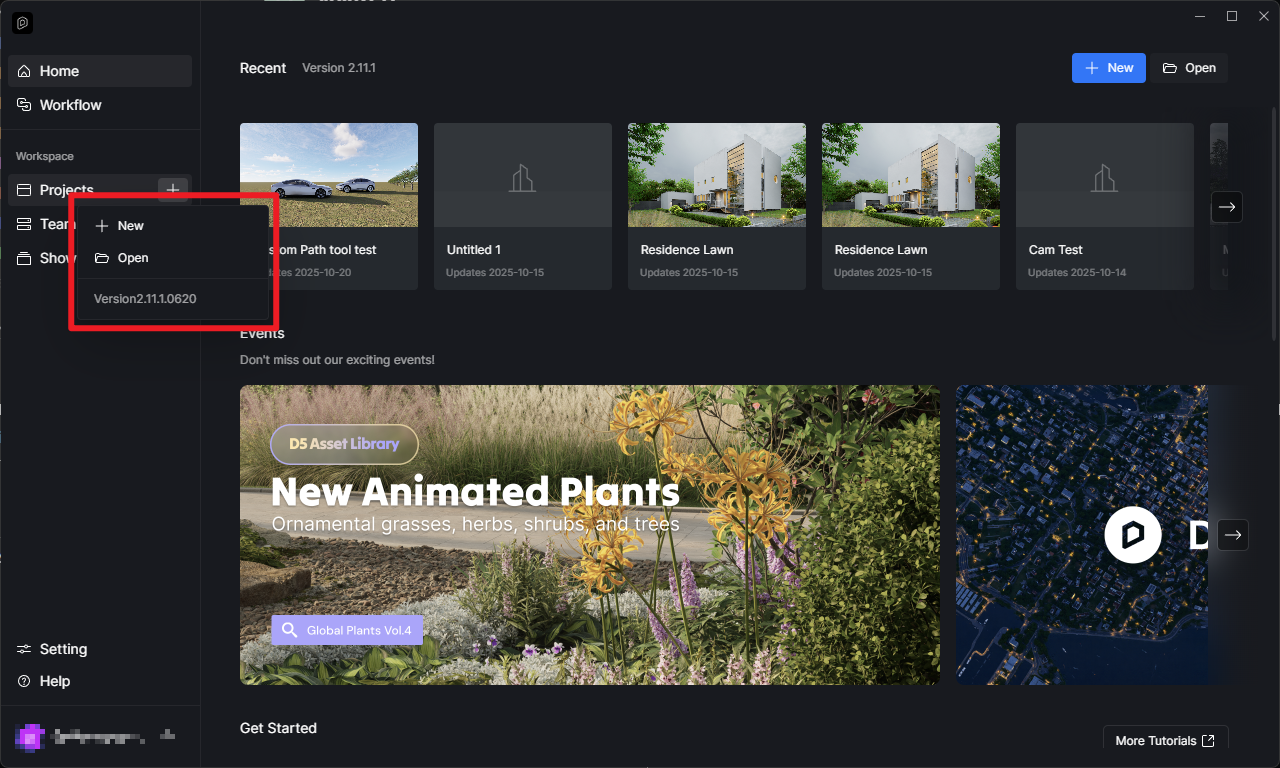
Hi, I’m using version 2.11, and even after zipping the file, the same thing happens when I try to extract it to the server. Extracting it to the computer’s desktop solves the problem.
Alright, thanks for the update. There are some known issues about placing it in the server path while working on the D5 File.
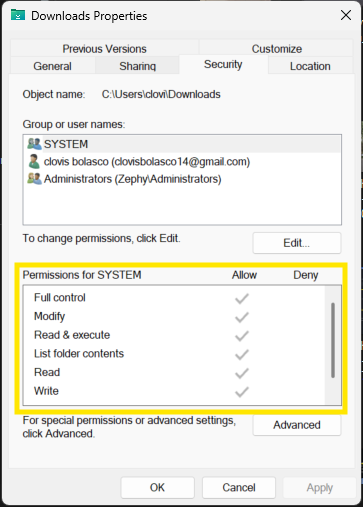
You can check if you have Full Control or Admin Rights, but if you’re on a company setup I don’t think this is possible since the control for IT. For now, I would recommend placing them in your local path if you’re working with these files.