Could you please share a screenshot showing how the material looks on your end? That would help us better understand the issue.
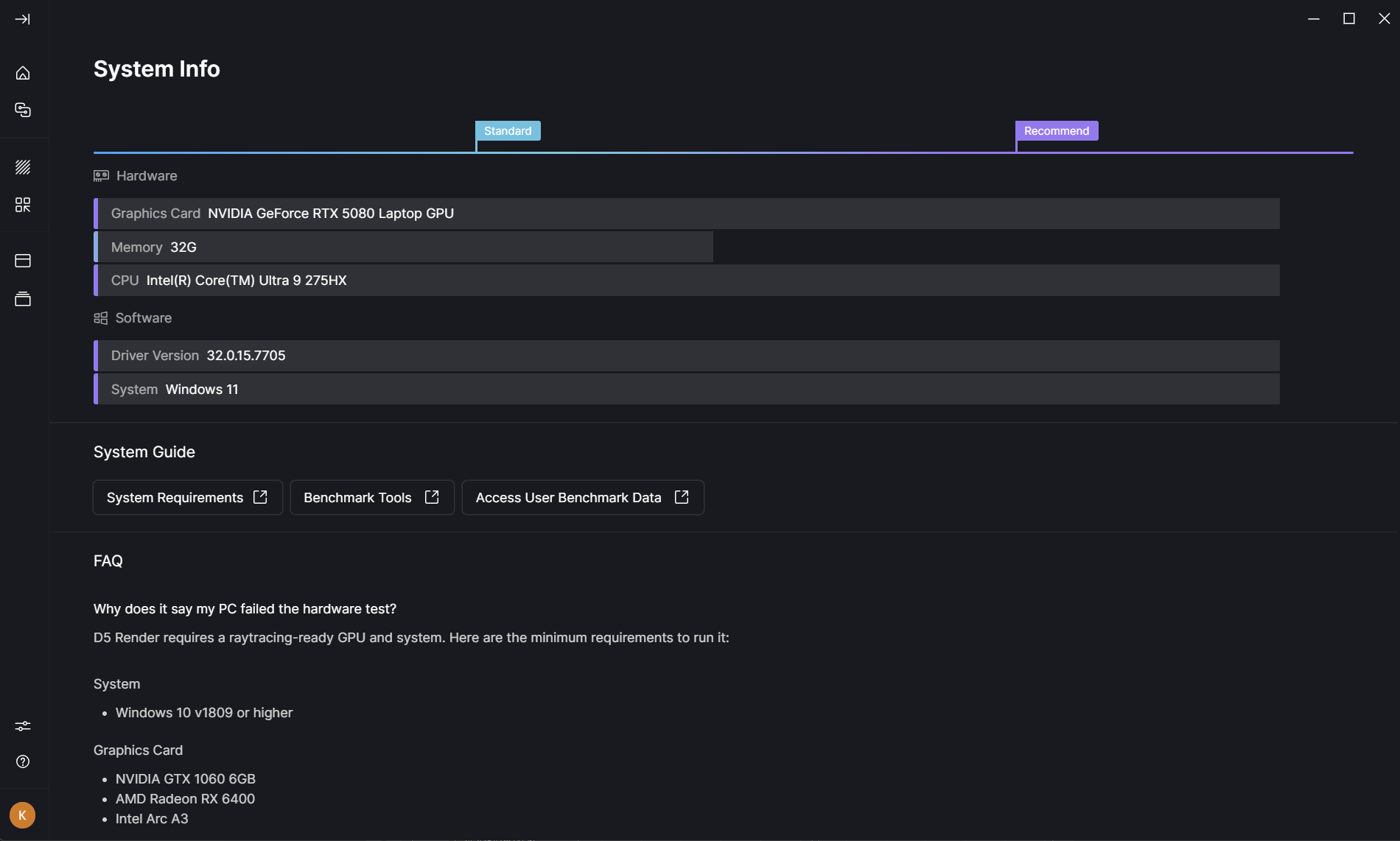
Also, may I confirm which version of D5 you’re using? When you mentioned the AI material assistant, did you mean the AI Agent? Thanks in advance for the clarification.
Hi Ela, thank you for responding. I don’t see how to upload a screen shot for you. Is that because I just created my account a few days ago?
Also, I am having a great deal of difficulty keeping materials consistent using the LiveSync from Vectorworks to D5. Every time I change something in my Vectorworks file, it causes a few unpredictable material changes in the D5 file. I wish there was a way to prevent this.
It would also be very helpful if you could provide a short screen recording showing how the materials change when syncing from Vectorworks to D5, so we can better understand your workflow.
Another way to share attachments, especially videos, is to upload them to WeTransfer and paste the download link here. https://wetransfer.com/
Thanks in advance for providing these details—we’ll review them and get back to you.
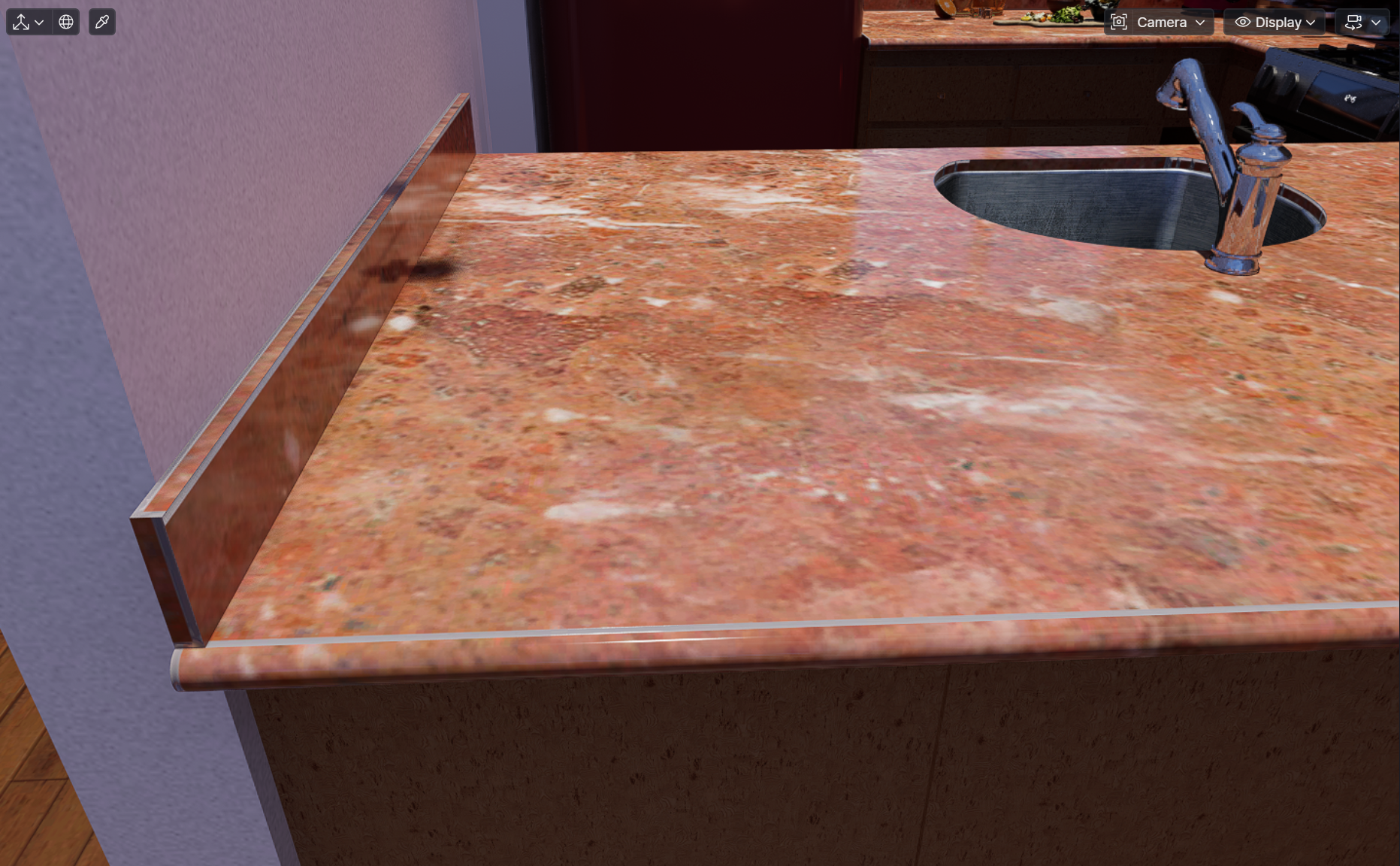
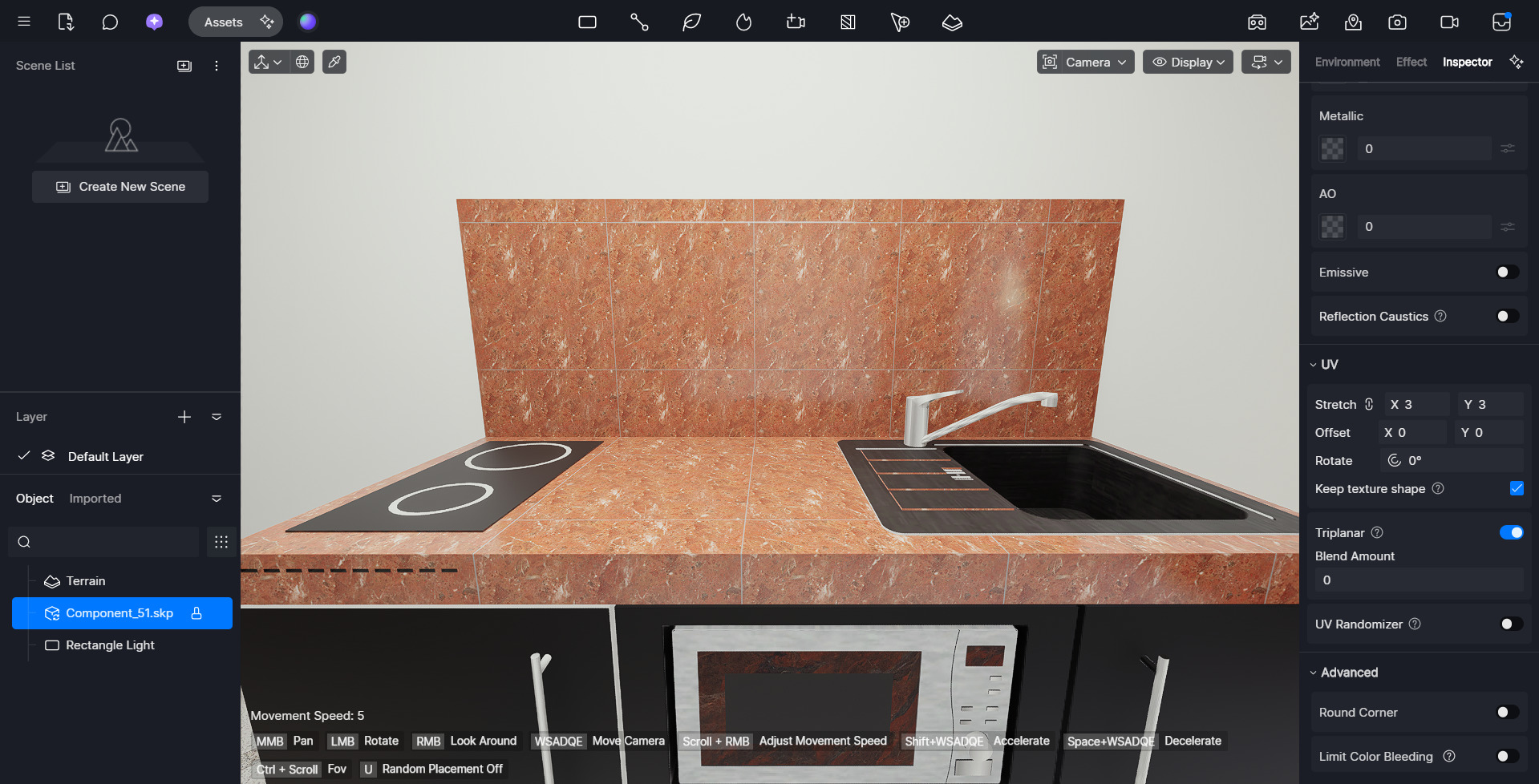
Attached is a screenshot showing the Red Pearl Marble countertop, and the grey tiling lines along the front and left edges. This was the best I could do to get rid of the tiling lines by scaling up the texture, but I don’t know why this can’t be seamless at normal scaling.
Also, I’m not sure how to show you my Vectorworks → D5 workflow, other than just to say that the geometry never changes, but different materials change randomly every time I update the Vectorworks file. I tried using the D5 update button on the toolbar, but it does not seem to work, so I have to use the D5 connect/disconnect button to refresh the live sync to D5. Is that what might be causing the problem?
Thank you for sharing the screenshot. Just to clarify—do you want the whole countertop to be marble without the grey lining?
If so, this Pearl Red Marble asset is designed with the lining, so it wouldn’t be possible to remove it. To achieve a seamless marble look without lines, you would need to choose a different material asset that doesn’t include the lining or the square tile pattern.
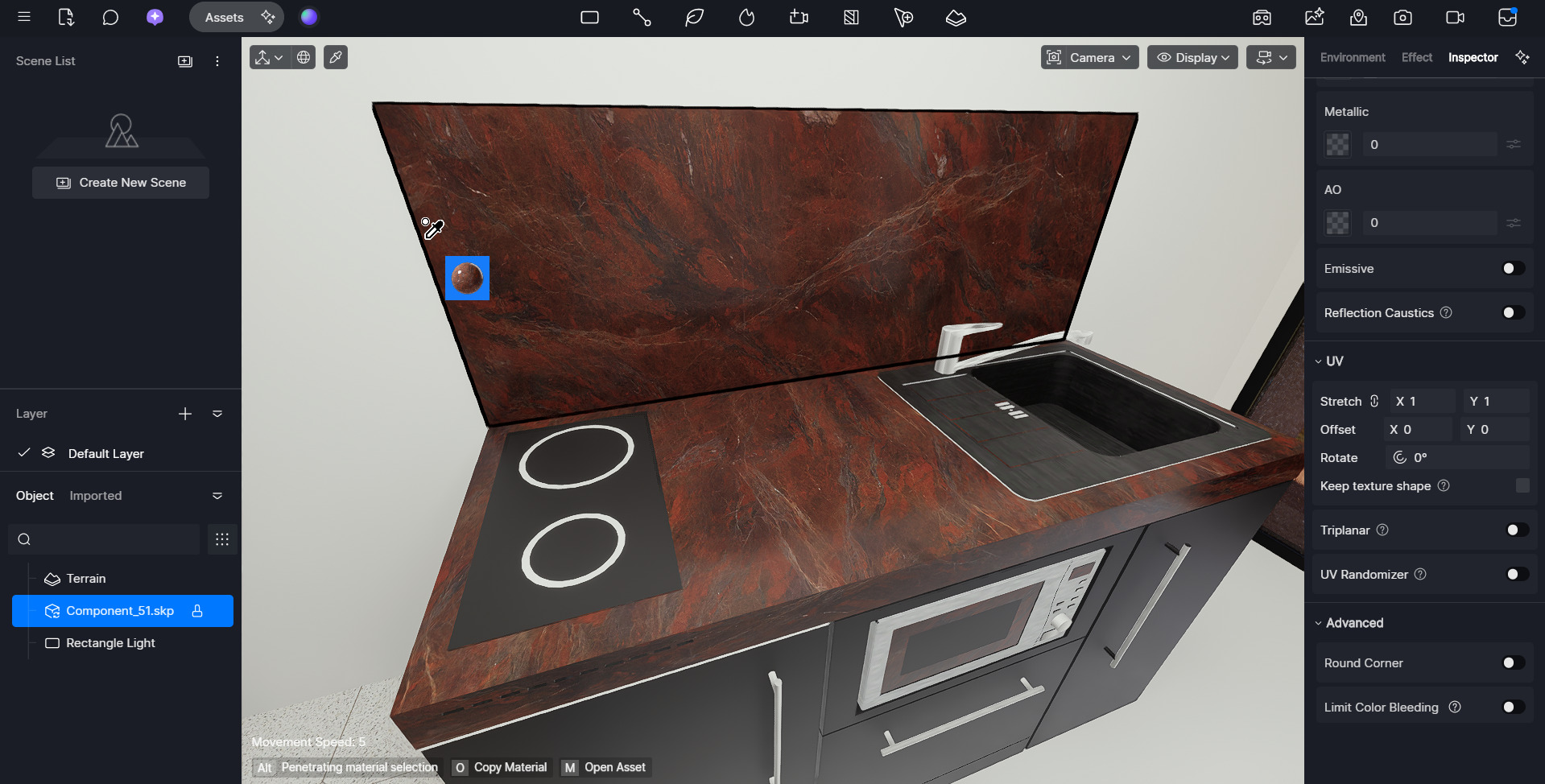
Yes, that was what I was asking about. Considering the fact the D5 has a great AI for making seamless textures from imported images, I was surprised that there is a non-seamless texture in the native library. I was hoping there was a way to fix it, because the pattern is a perfect match for my scene.
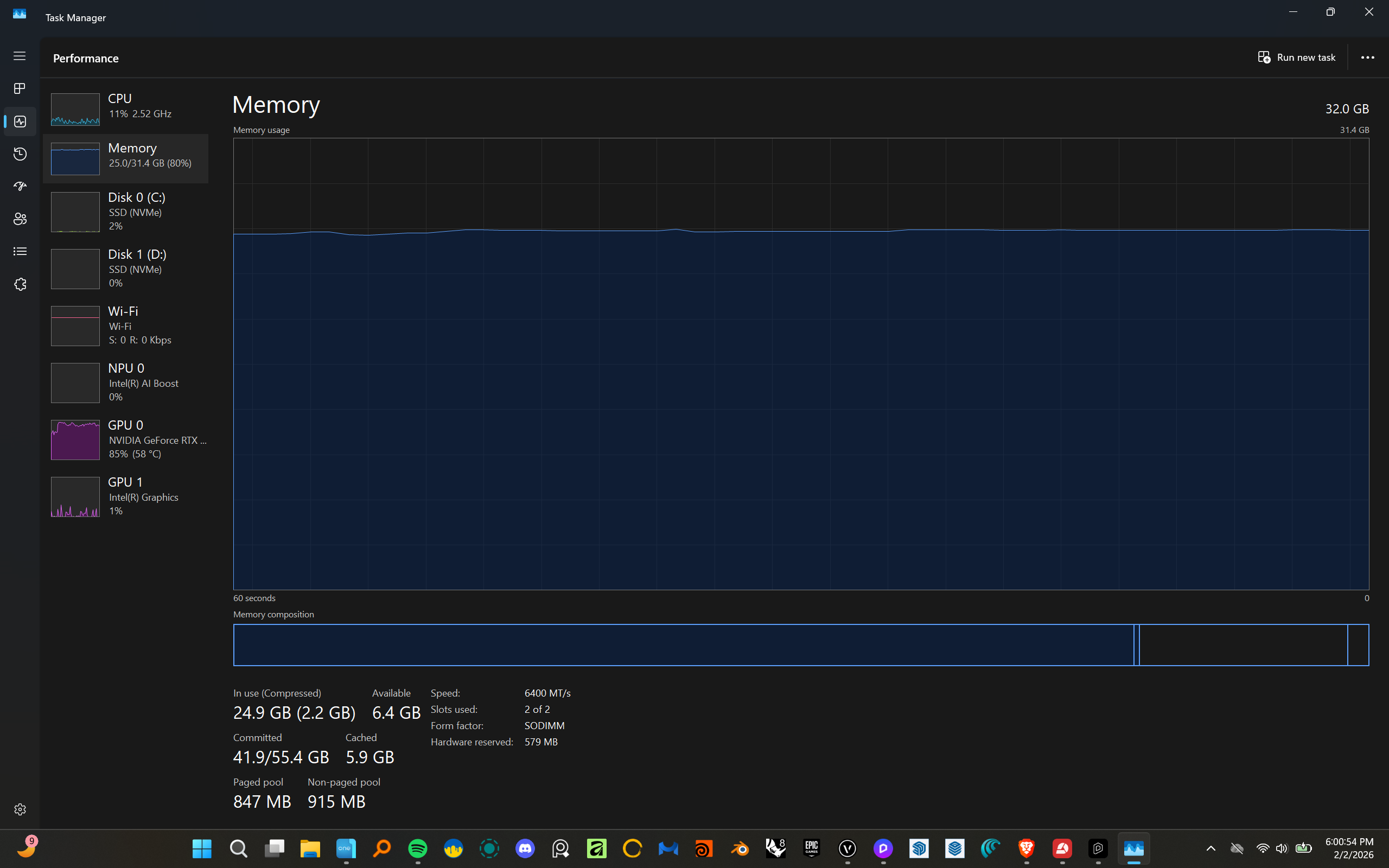
Other than that, do you have any tips for how to prevent the problem with Vectorworks live sync? I also have frequent issues with Vectorworks or D5 freezing and I need to use Task Manager to shut down one or both of them. I can live with that, but the constant changing of textures is making it hard to work with.
Is there some way I can import Vectorworks files into D5, so I can avoid using live sync?
My Vectorworks is 2026 [update 3]
My LiveSync is 1.2.0.0012
Tesselation is set to High [seems to generate more texture errors when set to Very High]
Also, sometimes the LiveSync settings window opens behind my active Vectorworks window, and behind all other windows, so I have to minimize all open windows which are in front of the desktop.