Added a simple can light to my Sketchup interior model and it worked fine. But when I copied the can light component, only the copy was casting light, not the original. Am I doing something wrong or is this an issue? I can upload the skp if needed. Thanks -
Hi @palmer.tom
I can’t seem to replicate the issue on my end. Can you send us some screenshots or a video recording on your end? Also, does this occur across all of your SKP files, or only with specific ones?
For reference, I’m using D5 Lite 1.4.0 with SKP 2025
The test on my end:
-
Inserted a Point Light and a Spot Light
-
Duplicated it
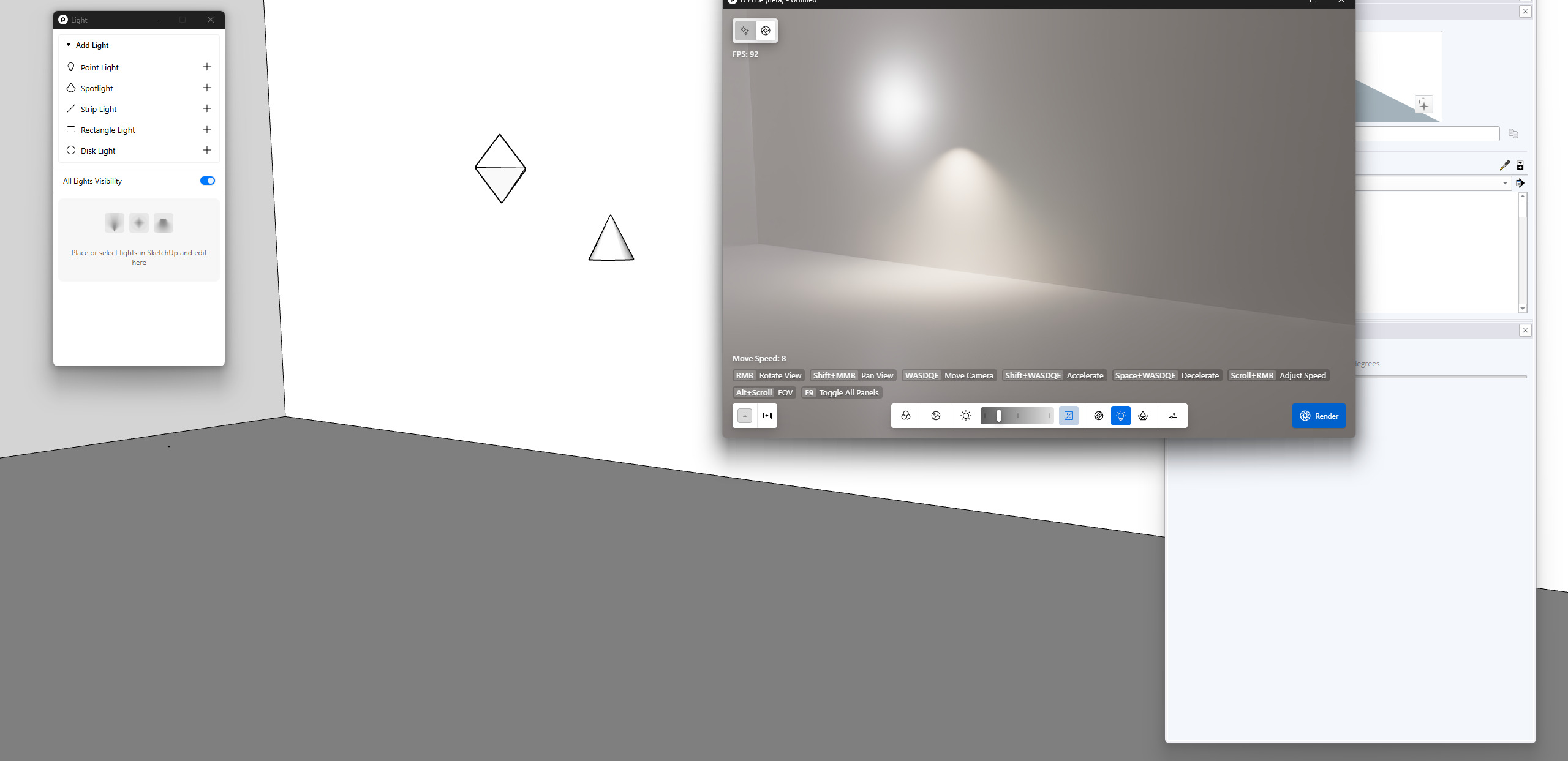
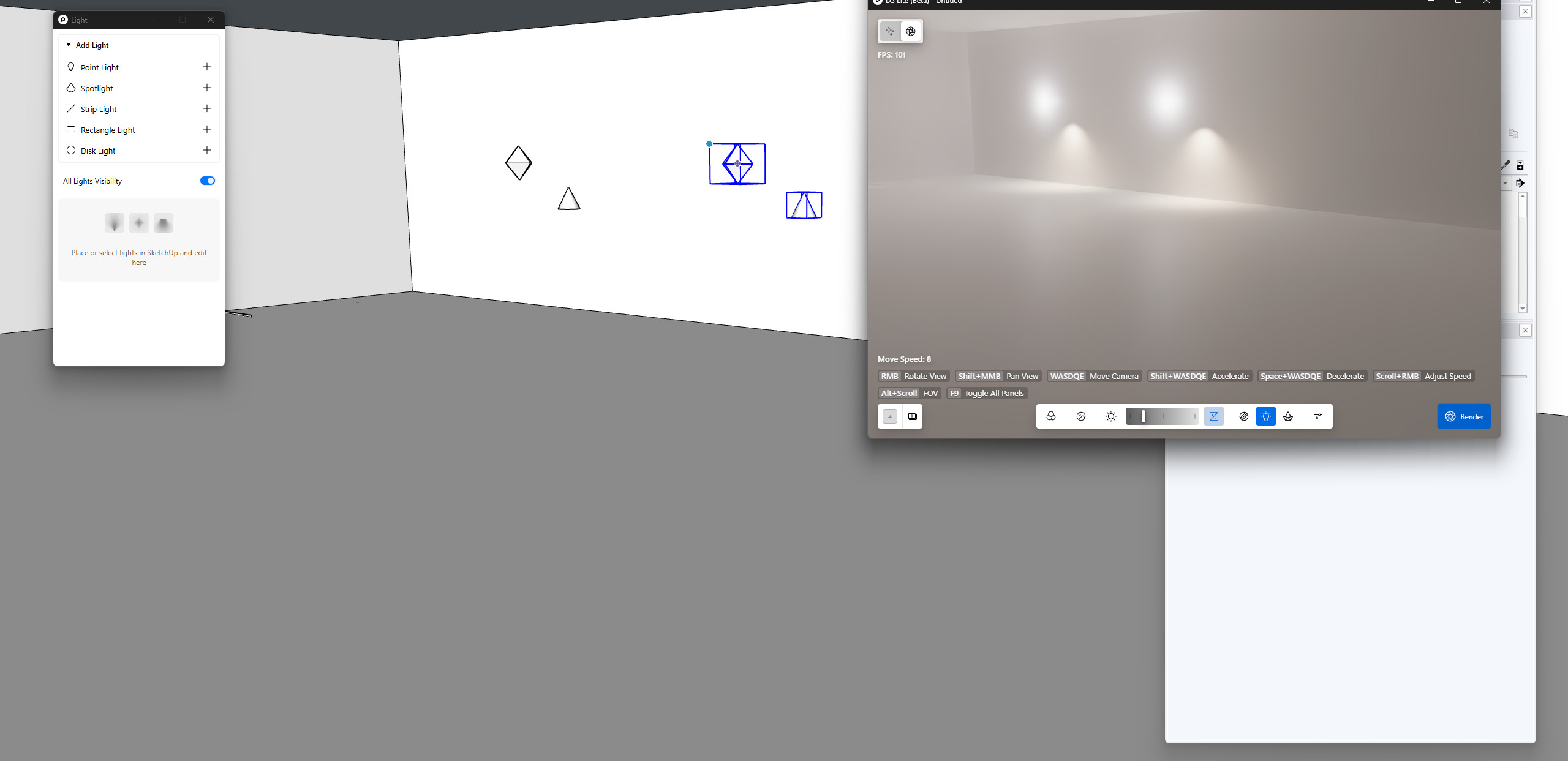
Sorry for the delay - got pulled into other things. I’m using Sketchup 2026 and D5 Lite beta 1.4.0.0028 (at least that’s what I see when clicking help). Trying to add spotlights to a set of cans.
The problem seems to be related to whether the spot is part of a component or not. If I just add the spot outside of the component as an independent object, it works (however when you delete the spot in sketchup and sync, it doesn’t go away in D5 Lite).
If I add the spot to the component, it properly shows the cone on all my cans in sketchup. But after restarting D5 Lite, no spots show up.
Thanks -
- Tom
Hi @palmer.tom
Thanks for the clarification. I was able to replicate it on my end. I will forward this to our team for troubleshooting and future improvements. Thanks for pointing this out.
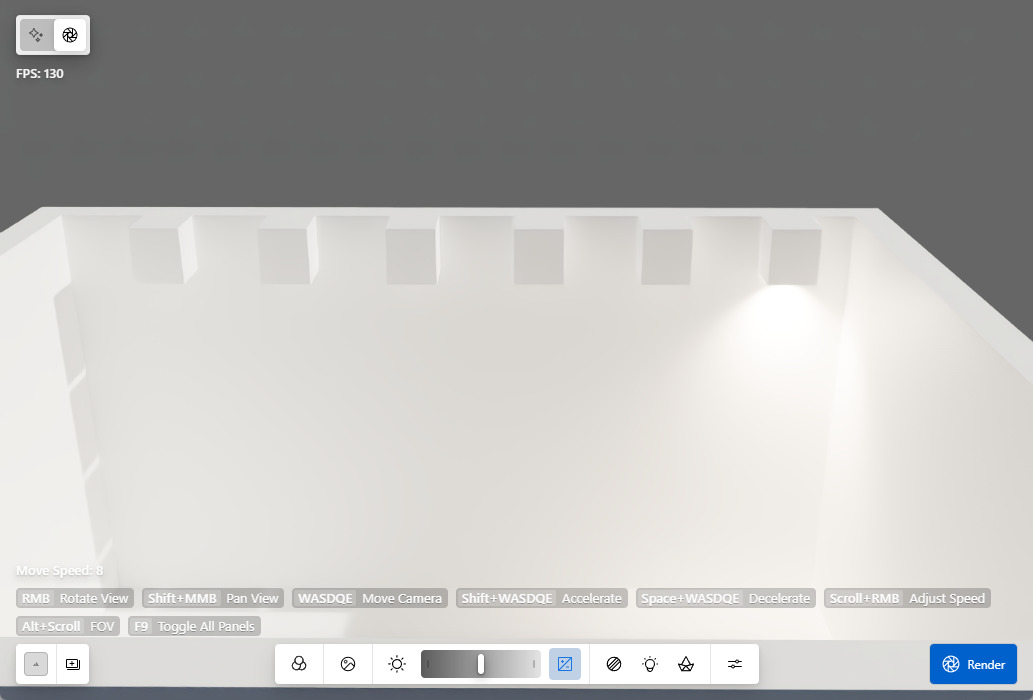
Just an additional finding,
I can’t seem to replicate this issue:
- After restarting D5 Lite, all component-attached spotlights disappear from the viewport and stop emitting light, even after re-syncing with SketchUp.
Can you please send us a video recording of this process?