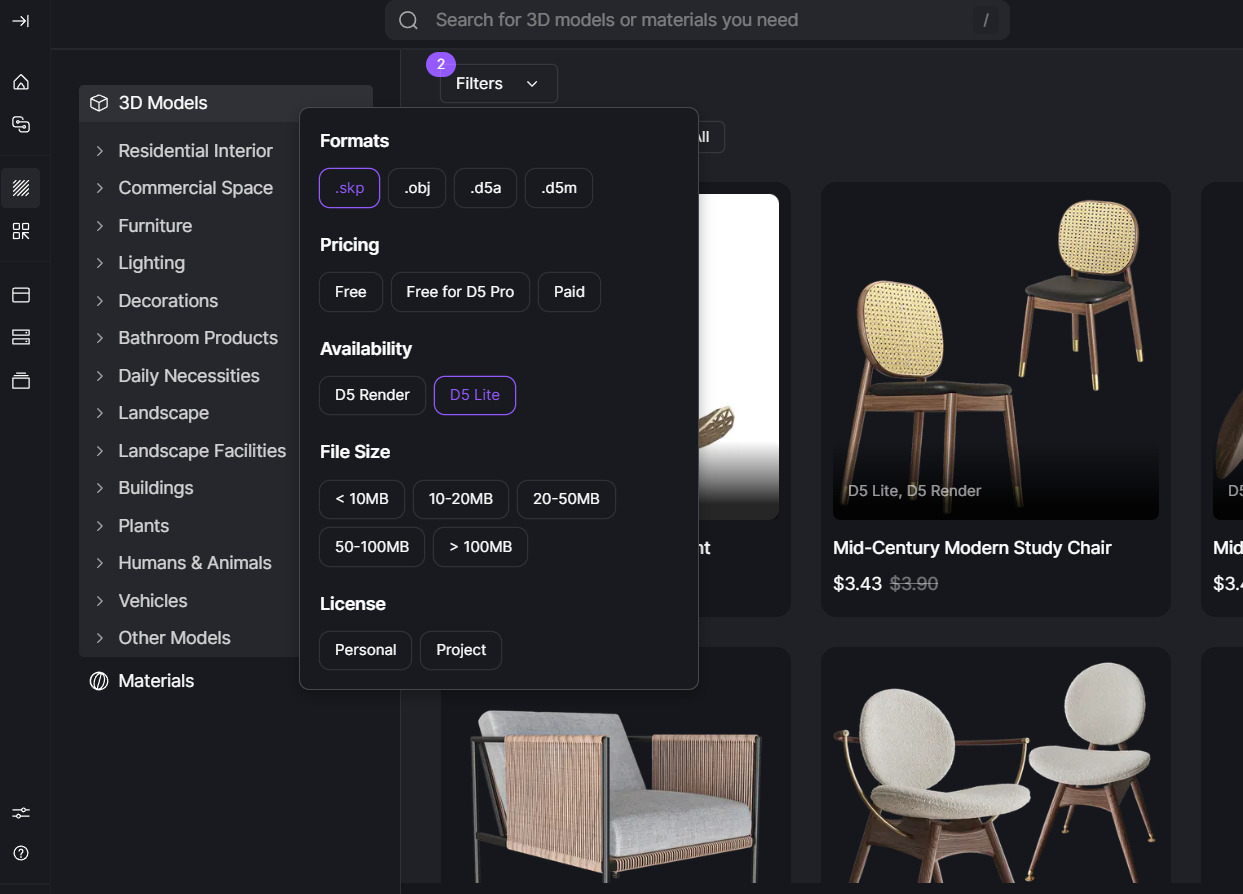
Hi I just saw your last YT Video. There ist it easy to import by drag and drop from works library in SKP window while using d5 lite. But there is no way to do this as shown.
I click the model in the list and i mini icon is shown. When I leave the window it go away.
I tried to hold the left mouse button, but didnt work.
Did you try this ins SKP 25 pro? Is there any workaround to use this?
Yes — D5 Works is designed to support drag-and-drop of assets into SketchUp or D5 viewports. Could you please share a short screen recording showing the exact behavior when you try to drag and drop the asset from the D5 Works library into SketchUp? Thanks in advance.
Thanks for the video. It seems you are trying to use a D5 Render model. Only models marked as “D5 Lite” can be dragged into the SketchUp viewport. Please filter by “D5 Lite” and try again. Thank you.