Hi, I am using D5 Lite AI Generation and I repeatedly experience two issues.
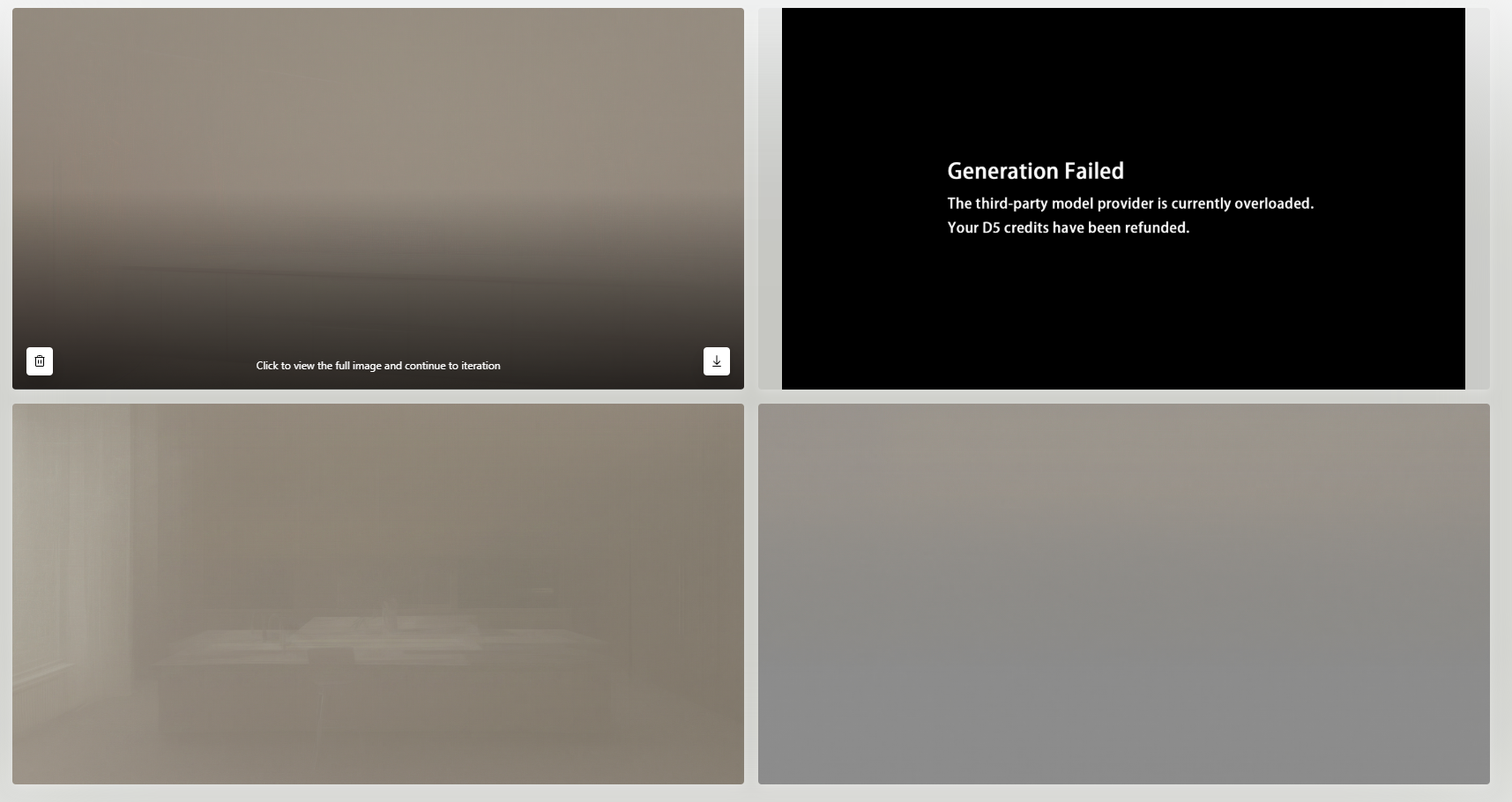
First, some generations fail with the message:
“The third-party model provider is currently overloaded. Your D5 credits have been refunded.”
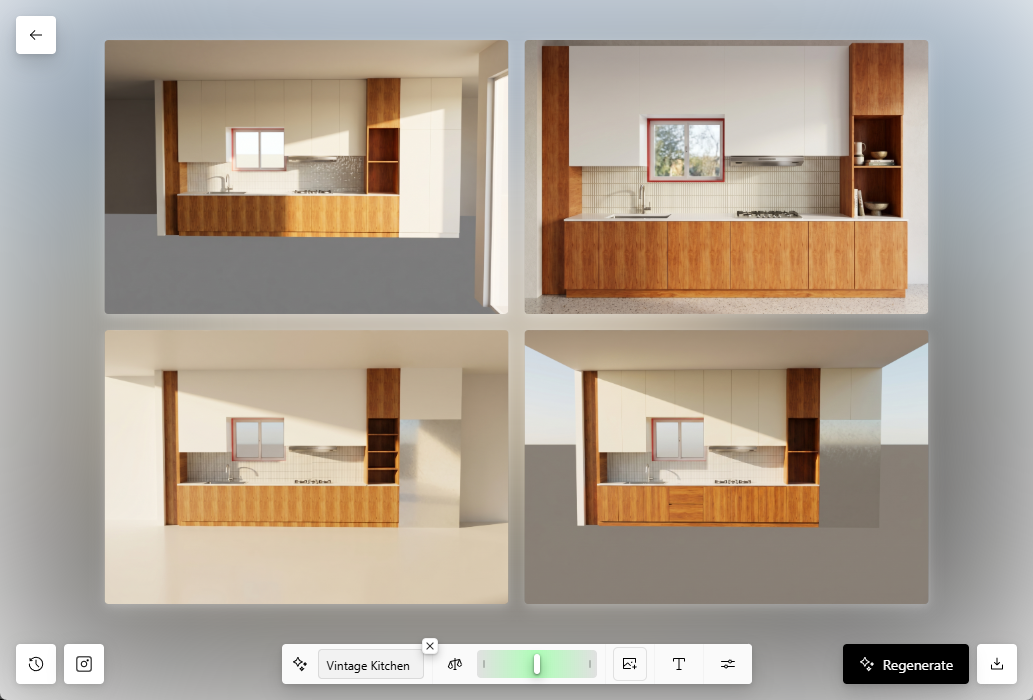
Second, when the generation does not fail completely, the output sometimes appears extremely blurred / foggy / low-detail, as if the AI process gets stuck at a preview or incomplete generation stage. The image becomes almost unusable, with no clear architectural details, even though the source SketchUp/D5 view is normal.
Could you confirm whether there is currently a provider-side issue, regional routing problem, or known outage affecting D5 Lite AI Generation?
Also, could this blurred output be related to the same third-party model provider overload, or is it connected to my local system / GPU driver compatibility warning?
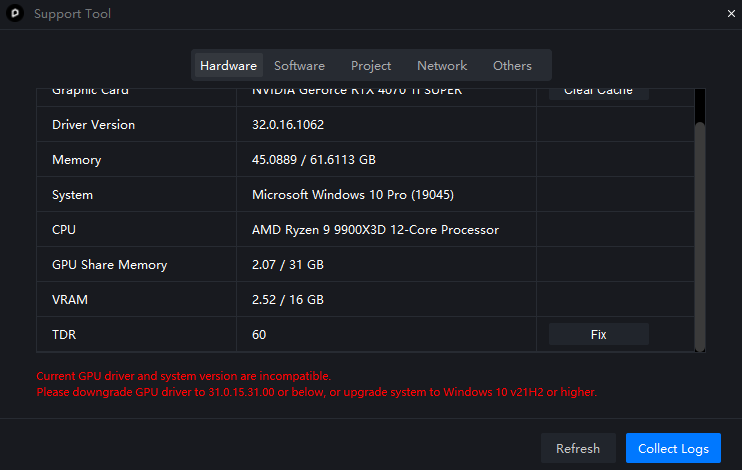
My system shows this warning in the D5 Support Tool:
“Current GPU driver and system version are incompatible. Please downgrade GPU driver to 31.0.15.31.00 or below, or upgrade system to Windows 10 v21H2 or higher.”
However, my Windows version is already Windows 10 Pro 22H2, build 19045, and the same system was working before without changing the driver manually.
Could you please advise whether this is a known D5 Lite AI issue, a support tool detection bug, or something I should fix locally?
Thank you.