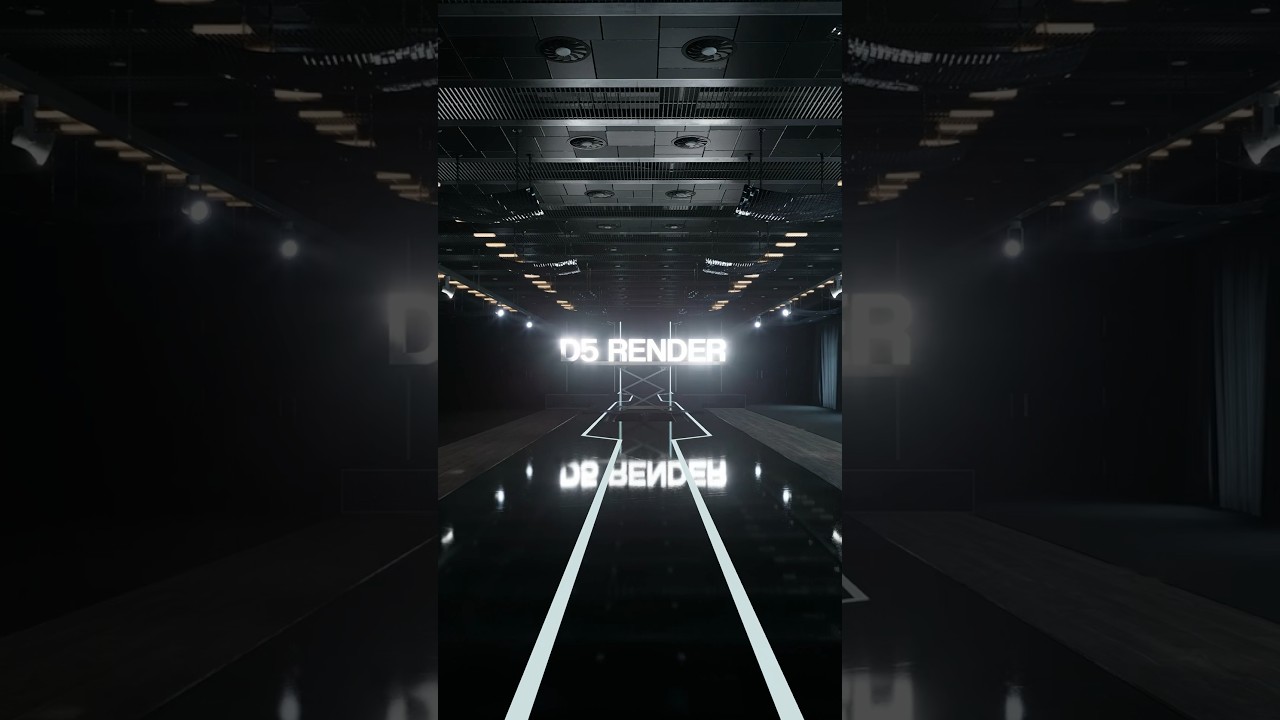
D5 shared a clip on YouTube that includes light animation and the D5 logo animation. I want to understand how these animations are created in D5, but I can’t find any resources on YouTube that explain the process for either the light animation or the logo animation.
Could someone please guide on how to achieve similar animations in D5?
Thanks in advance