D5 decided to stop working yesterday. When I was trying to open a project to render out, within 30 seconds the program would lock up my pc, and then crash. Was thinking “ok” maybe it has to do something with the d5 file corrupted maybe, so I made a new one. Crashed. Decided to just open a new d5 file with only what it gives you as default. Crashed. Tried reinstalling my gpu drivers, updating the drivers, switching over to the studio drivers, and nothing worked. I even reinstalled d5 and nothing helped.
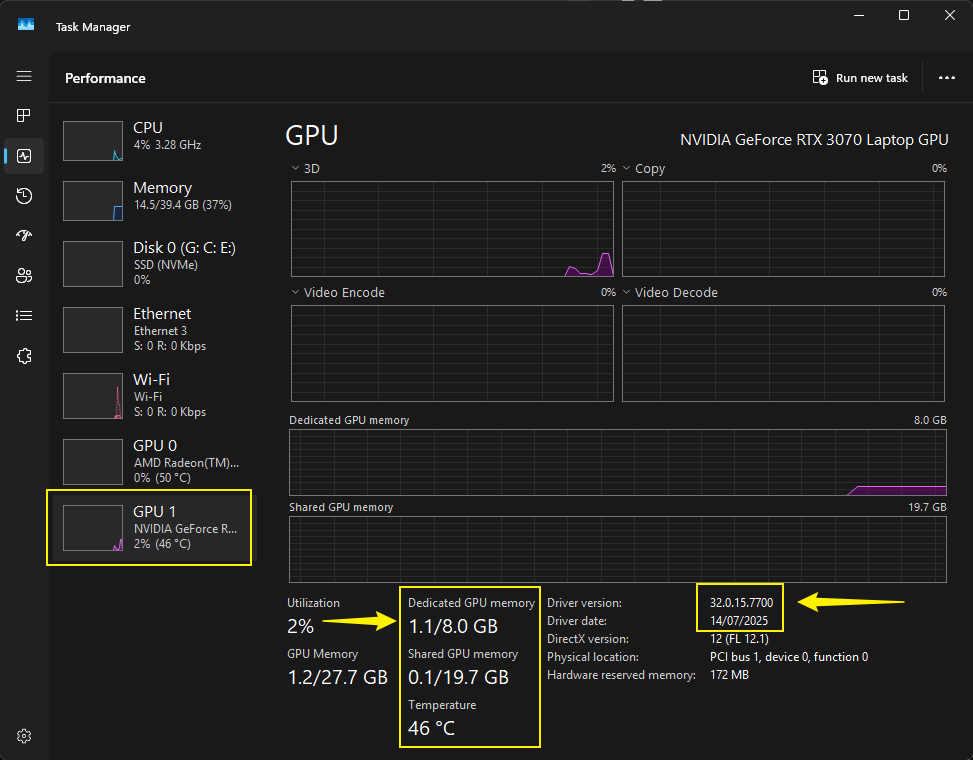
Been having an issue with d5 crashing within 30 seconds of either opening an already made file or starting a new blank file. Reinstalled gpu driver, updated driver, even tried the studio driver. Also tried reinstalling the d5 software and every time I launched render, it would load, 30 seconds go by and it locks up my entire pc. Then crashes and I can start using my pc again normally. When I checked task manager, I noticed the gpu would spike to 100%.
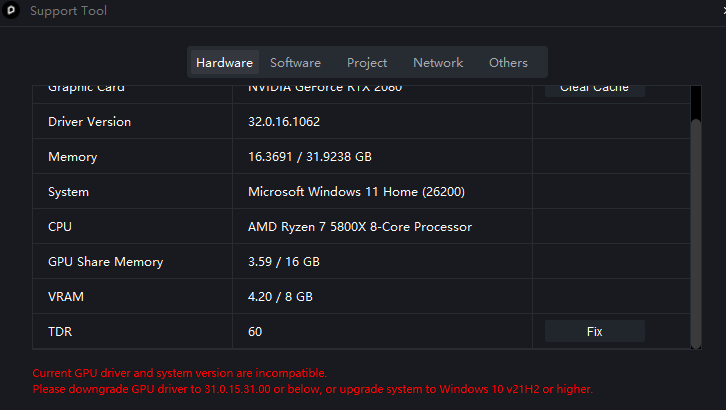
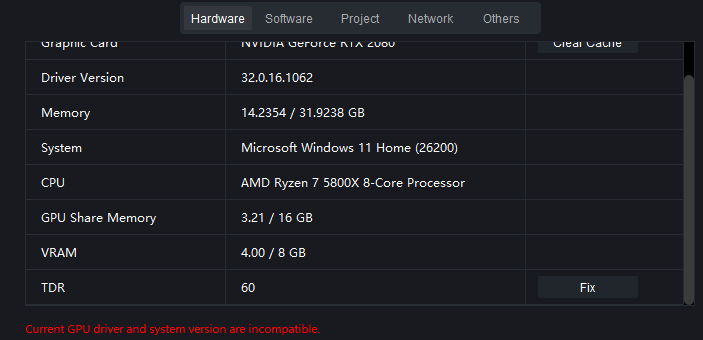
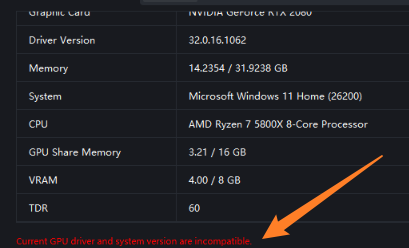
First and foremost, we don’t recommend running 610.xx drivers as we’ve had several reports that it has been causing instability and is wrongly displaying supported GPUs with this error prompt:
Please revert back to a much more stable version, preferably released around early January 2026
Please also check if you have any settings that have enabled CPU or GPU Overclocking (Turbo Boost), and please disable them. You may use a throttle stop if necessary.