I am experiencing a critical issue with one specific project. The file loads successfully to 100% and stays open. However, after I start moving the viewport camera and look around for a short while, D5 Render suddenly crashes to the desktop. It doesn’t crash instantly upon the first movement, but after a few moments of moving around the scene.
This issue only happens with this single project file (winiarnia zewnatrz nowe 111). All my other, even much heavier projects work completely fine and stable on my system.
Here is what I have already tried to fix it (none of it worked):
Cleared NVIDIA cache (DXCache and OptixCache folders).
Set D5 Render to “High Performance” in Windows Graphic Settings and NVIDIA Control Panel.
Disabled Startup Apps and closed all background processes via Task Manager to free up VRAM.
If the problem occurs only with the current project or some of the scene files, it is likely that the file is too large and is consuming too much video memory, exceeding the load of your current device, and you need to lighten and optimize your file.
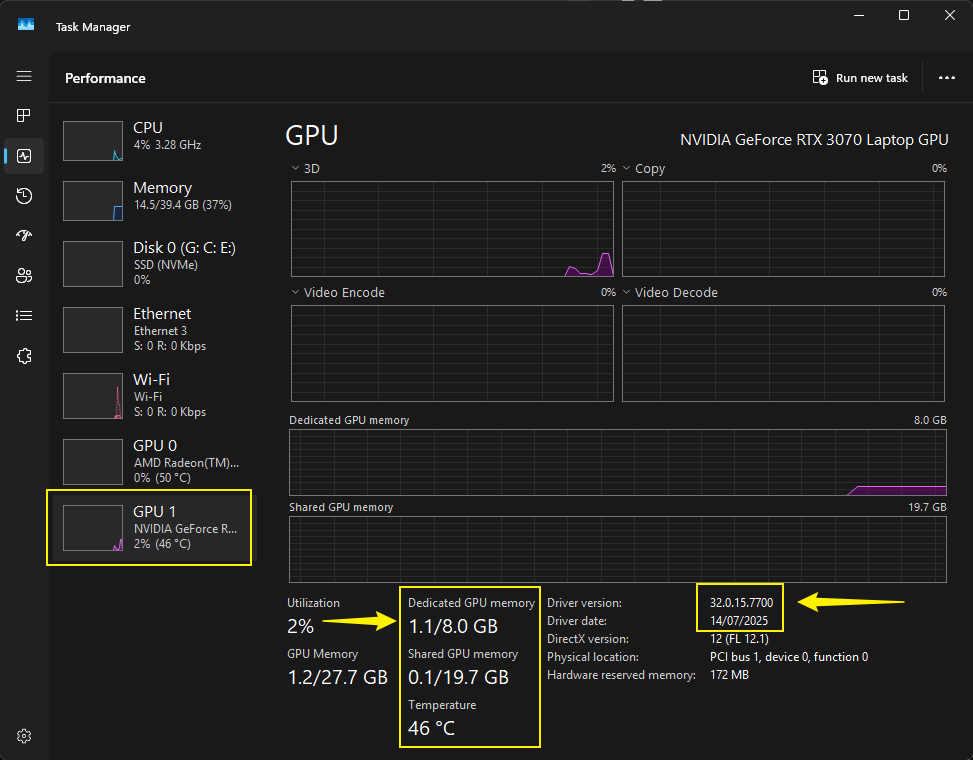
To check if this is the case, please access your Task Manager > VRAM while opening this specific D5 File
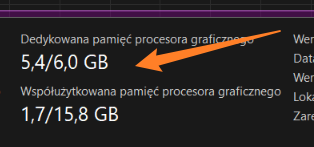
Your VRAM is approaching its limit. Opening a heavy D5 file with 6GB of VRAM may be difficult, as VRAM (Video RAM) is crucial for working on complex D5 Render projects. It stores the data your GPU needs in real time.
Please optimize your scene, remove unwanted vegetation that’s not visible
Clear 3d objects that are not in use
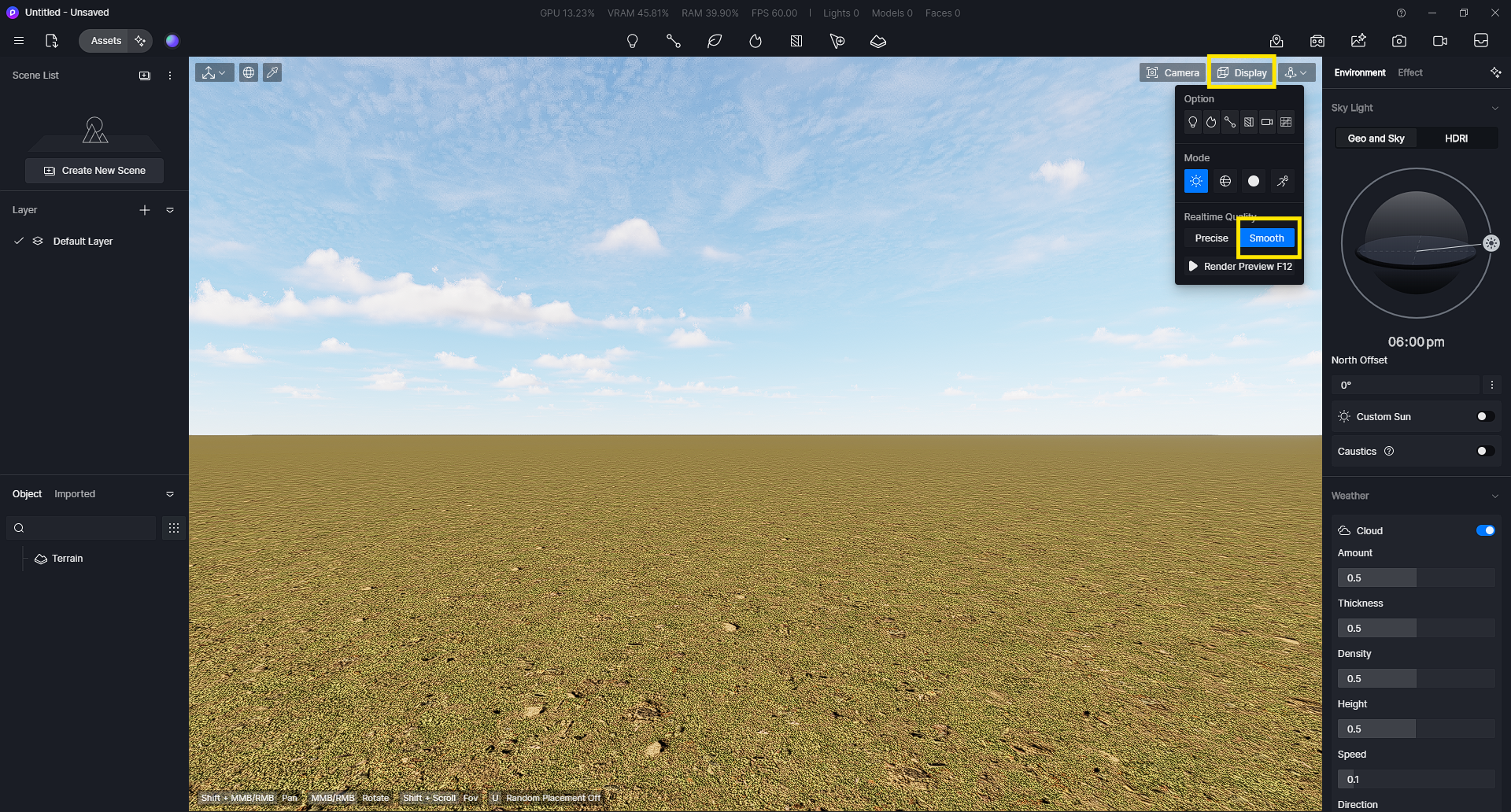
Utilize Smooth Mode instead of Precise Mode when working with your file