D5 3.0 crashing when making any rendering

Hi D5 guys!

I have a problem after updating to 3.0. I reverted to 2.11 to keep my workflow, but the problem at 3.0 is the software crashing when generating any rendering from any file (even generating a rendering from the start scene).

  • Does the freeze happen with all projects, or only with a specific file?

It happens with all the projects and even when no project is open (start screen). I only need to render the present scene and it fails. It doesn’t matter the output file (jpeg, png, etc.), the image size, the channels used.

  • Are you rendering a still image, panorama, or video?

It only happens when generating a still rendering, when generating video works just fine.

  • Which exact D5 version are you using?

3.0 this is the version that has the problem.

  • Does the render stay at 99% for a long time before freezing, or does the system lock up immediately?

The rendering goes exactly at 25%, then the software shuts down.

  • Have you tried rendering a simple or empty scene, and does the issue still occur? You may try a D5 Demo scene

Yeah, it happens with any kind of scene. New scenes, old scenes, even with the empty opening scene. Fortunately the files saved in 3.0 can be opened in 2.11.

  • Do you receive any error message or crash prompt, or does D5 close immediately?

No. The rendering just reaches 25% and the software shuts down without warning.

  • Does your device have only one Windows user account?

Yes just one.

  • Does D5 Render have full access/control permissions on your system?

Yes it does.

  • Have you tried running D5 Render as an administrator?

I’ve done it and there’s no difference.

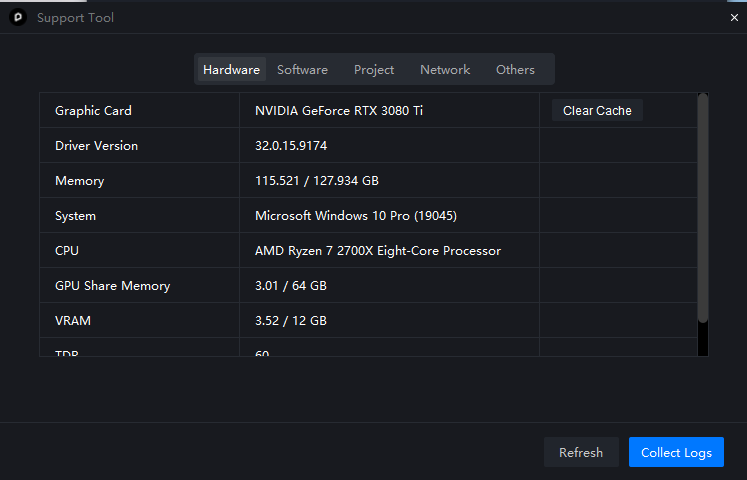
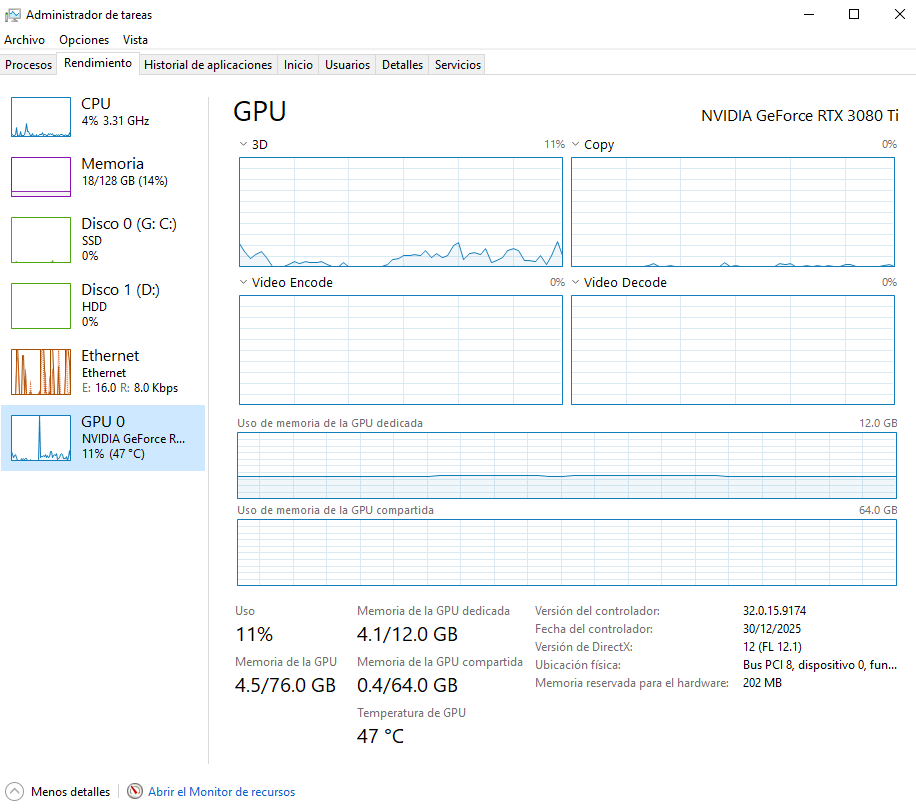
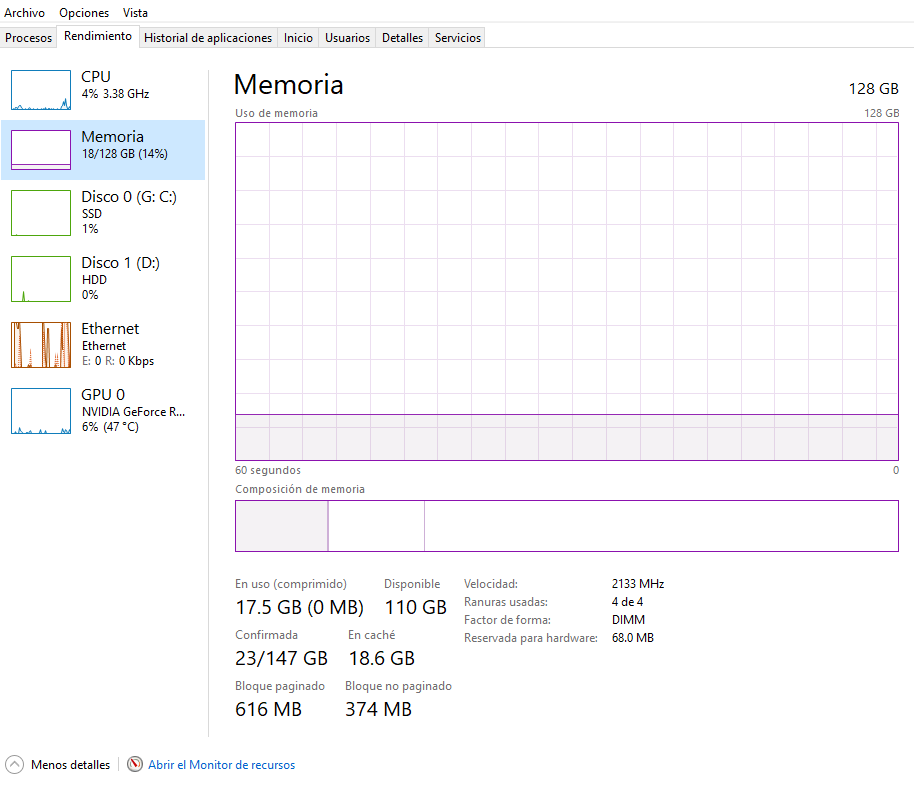
Screenshot of my System Info page from the D5 Launcher
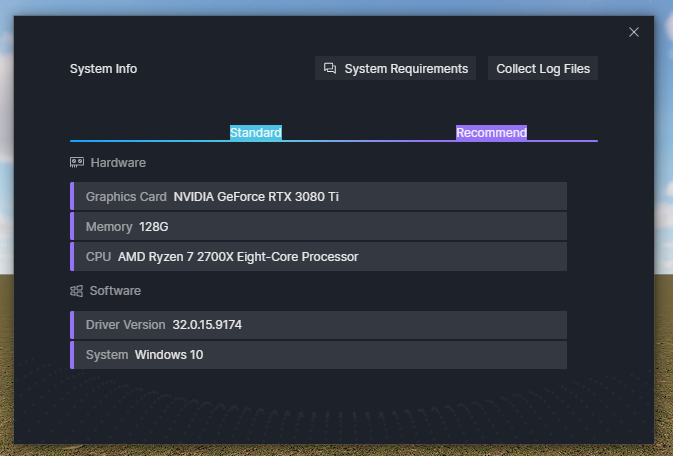
01-SI1

I’m wondering if I’m the only one with that problem. Thanks in advance!
Hello @aldo.taller

Thanks for reaching out.

As you mentioned, you cannot render any scene file including the empty file. What about importing models and saving the current file? Will it be normal?

1 Like

hi, i ran to the same problem, but the solution that u give still cant help me

For me, it worked uninstalling and reinstalling D5 completely.

Hi @justinush1
What about importing models and saving the current file ? Or only when rendering? Kindly provide more details, including your system information. Thank you

A post was merged into an existing topic: [Hot Issue]D5 Crashes when “Save As” or “Save” is used—Qt window conflicts with other DLLs

We have been facing an issue with some assets in D5 Render for the past few days. The asset download and preview process is extremely slow, and in some cases the assets do not load properly.

Please note that our internet connection is working fine and stable, and we are not experiencing any network-related issues with other applications or downloads. This problem appears to be specific to D5 Render assets.

This delay is impacting our daily workflow and project delivery. Kindly check this issue from your end and let us know the possible cause or solution.

Hi @ranjit.sarkar

Thank you for reporting this issue. To help us better identify the cause, could you please help confirm a few details?

  • Does this issue occur in a specific D5 version, or has it been happening long-term? For example, did it start after updating to version 3.0?
  • Are all assets affected, or only specific types such as Plants or Characters?
  • If you switch to a different network (for example, using a mobile hotspot), does the issue still occur?