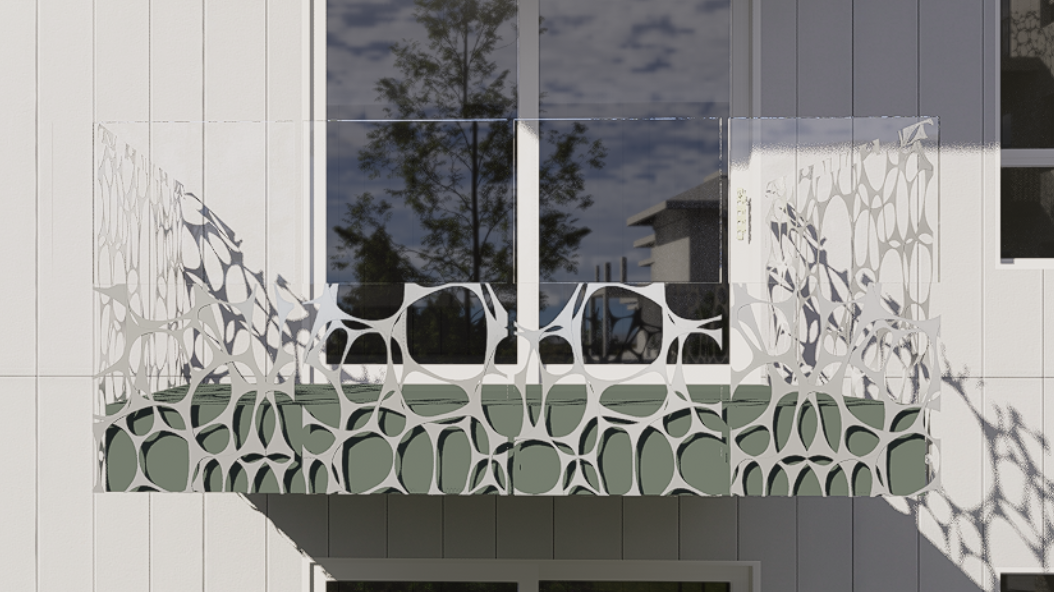
Id like to create a custom irregular perforated panel in D5 but Revit needs a thickness so my pattern shows up on both sides of the object face and overlaps each other. Is there a way to remove the thickness from the material or line up the perforation?
Hi Andre2
To solve your problem, I don’t know Revit well, but with the program I use and Archicad, the programs are a bit similar.
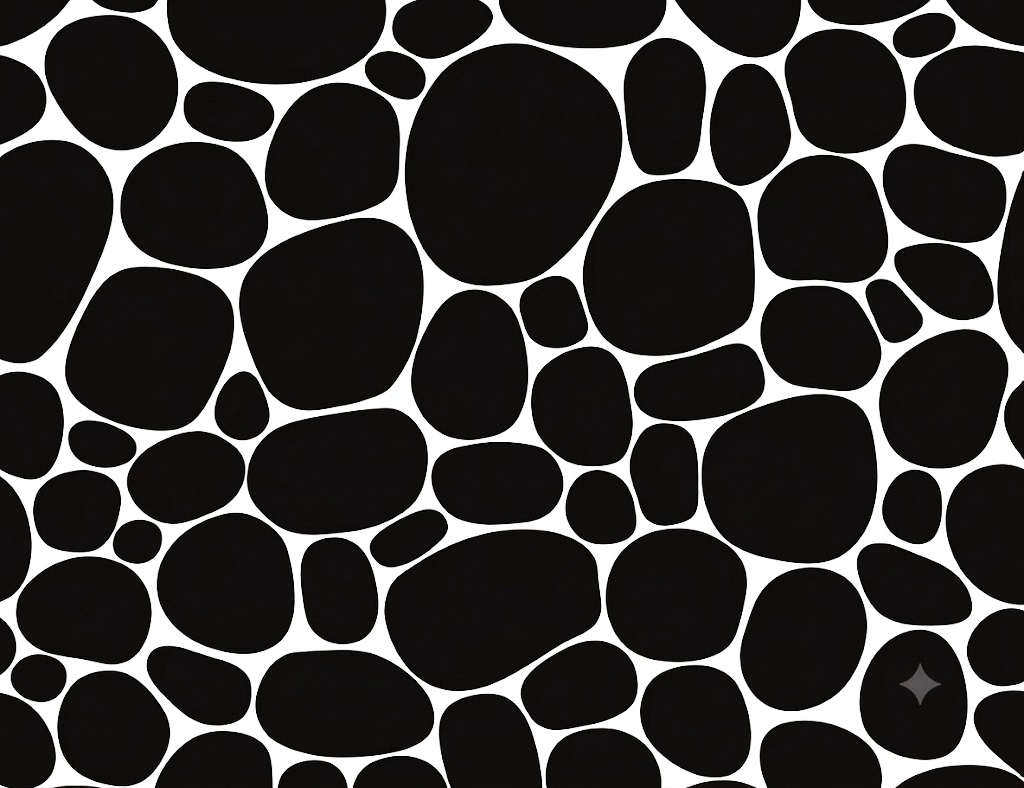
To start I downloaded your image, then I deleted the dark part of the panel with an image program and the removed dark part becomes transparent and then saved it in PIG format.
Loading it you can still see the holes in black but in reality on the PC you see it this way

Then, with the program I use, I created with the Forma Plugin, which is already installed as standard in Archicad, a sheet of 6 m x 4m size, because I didn’t know the size of the panel.
I inserted the surface of the holes, but note what I tell you, before inserting the texture of the panel on the sheet I had to create the texture with archicad by going into the materials, I took a material that I already had, and I duplicated the material, this material I had was a perforated grid with the image inserted in the Alpha channel, I did nothing but replace it with the image I created, without the black holes, so with the Alfa channel you would only have the panel pierced without thickness.
After that I didn’t do anything else to insert the material I made with the same size of the sheet, which is 6mx4m, because the image I created in the materials has the same size.
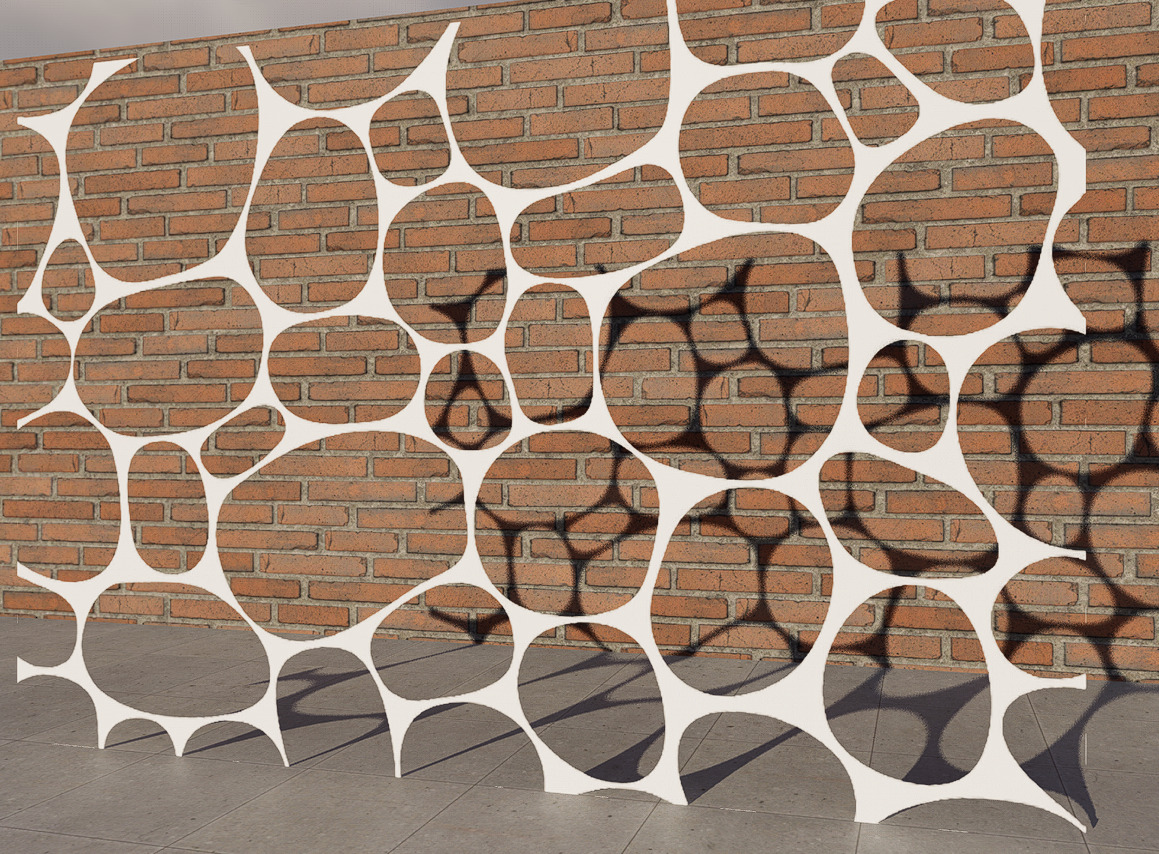
and this is the render
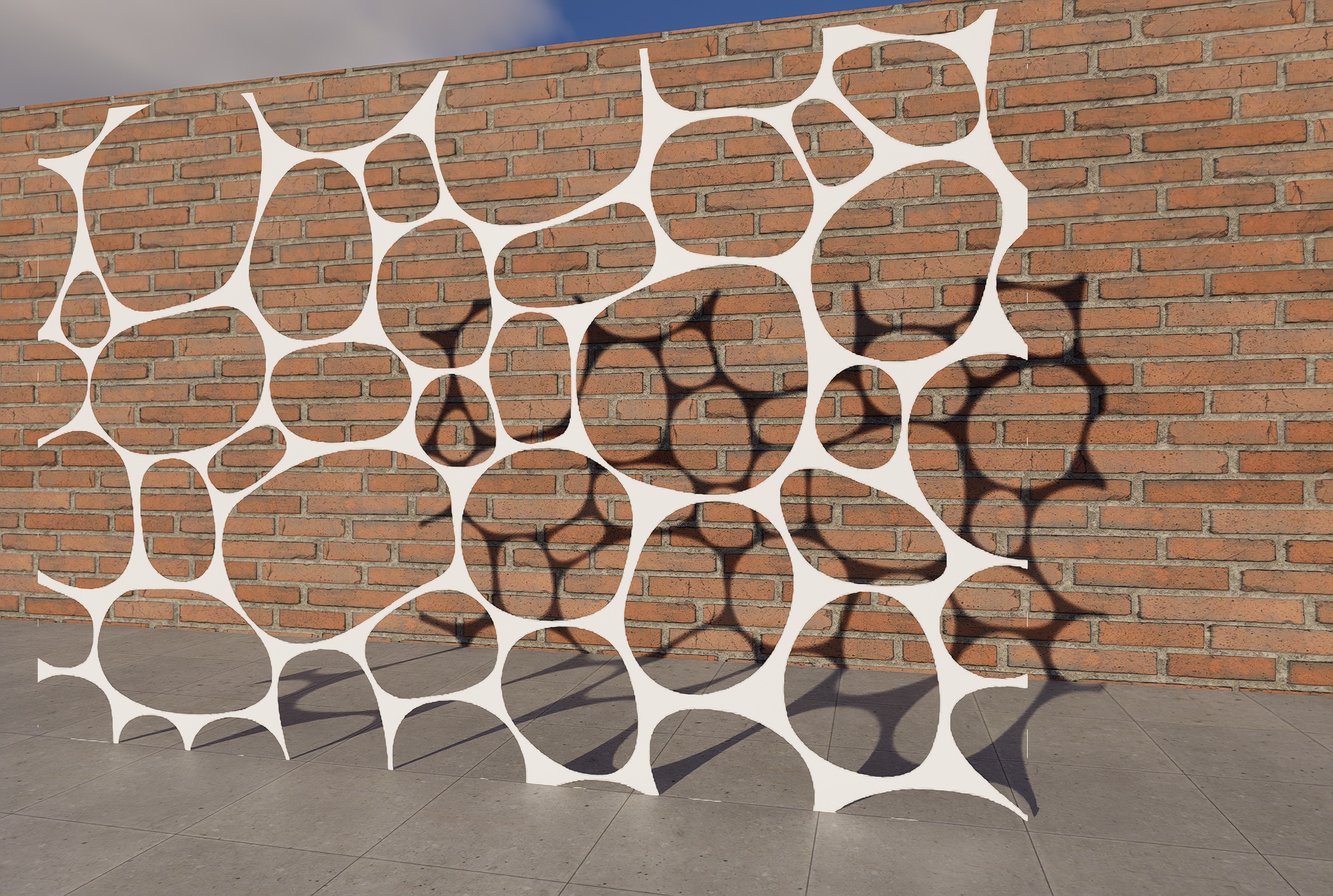
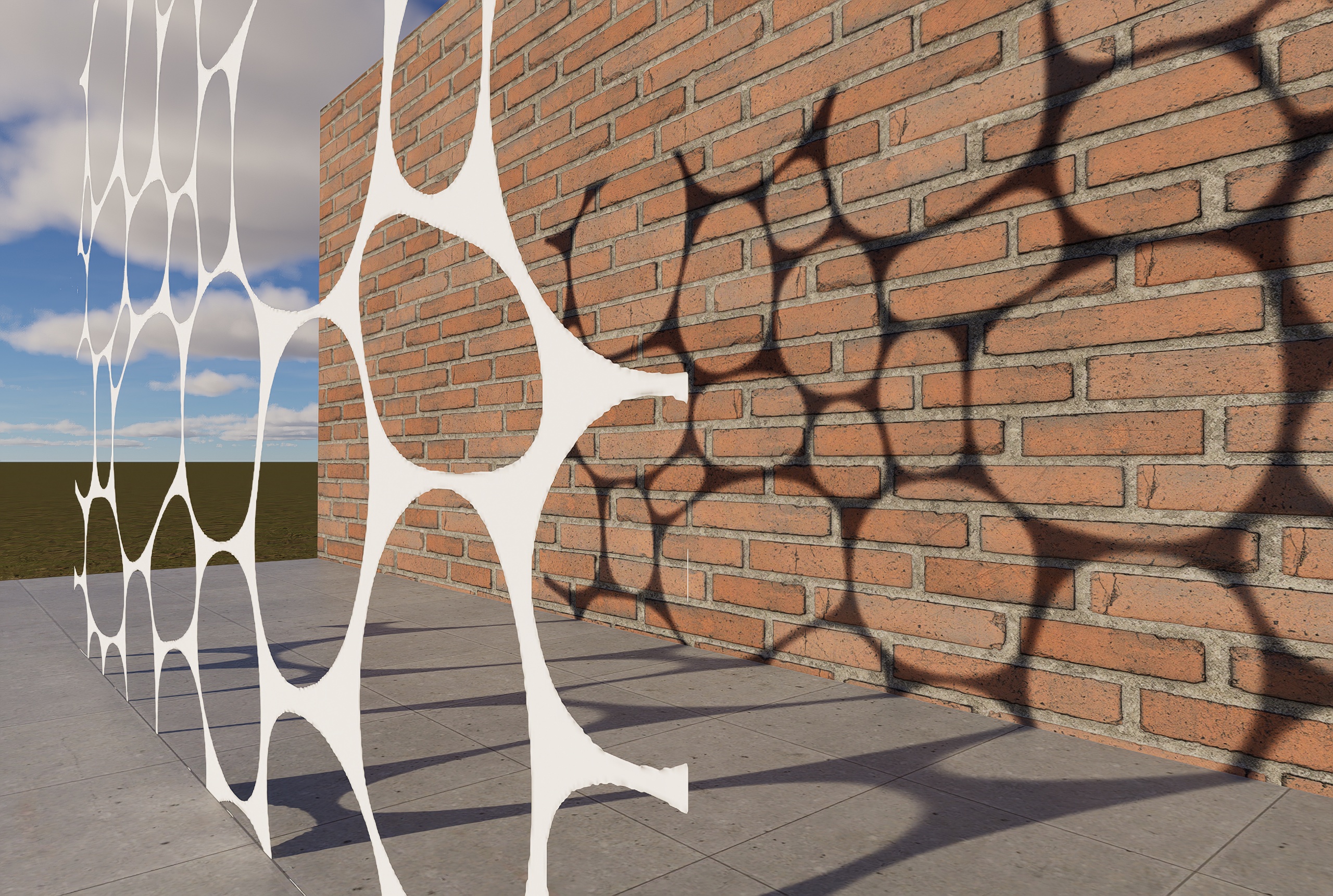
this other image and to show you that it has no thickness
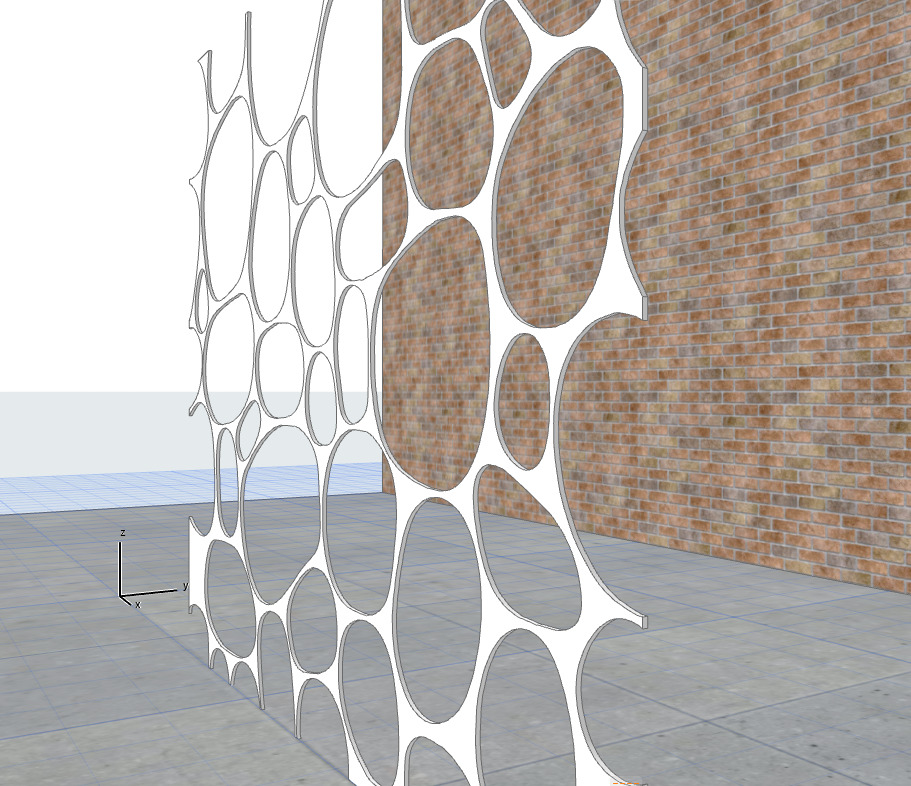
if you want to give it thickness, in this case you have to load the image on the program you use you give it a size, then you make it vector, this you can also do on the Web
“Convertio — Convertitore file”,
is with a material cover the vector part, remove the material in the black holes leaving the white part, as I did:
then it connects to the D5:
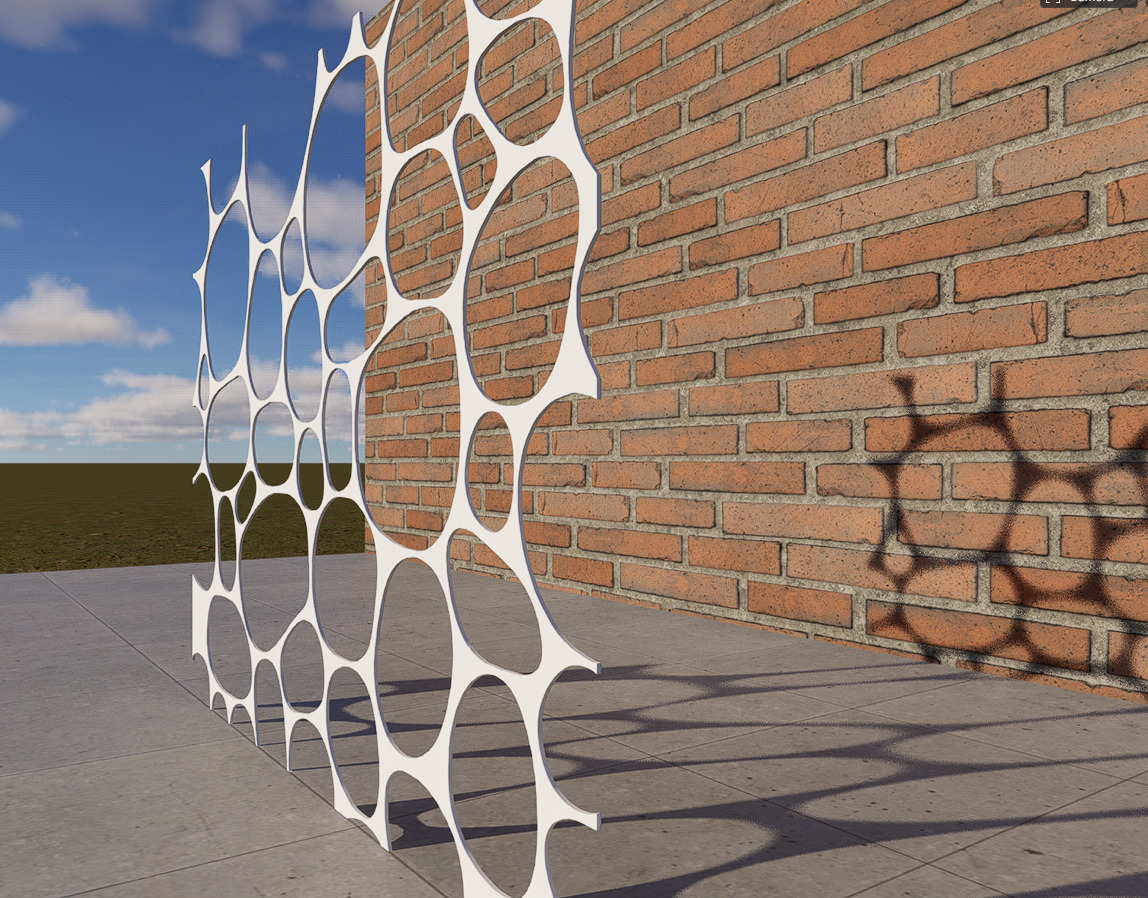
In this way you will be able to make this panel
Sorry for the English Good job
Thanks Riccardo. I will try that with Revit!
1 Like