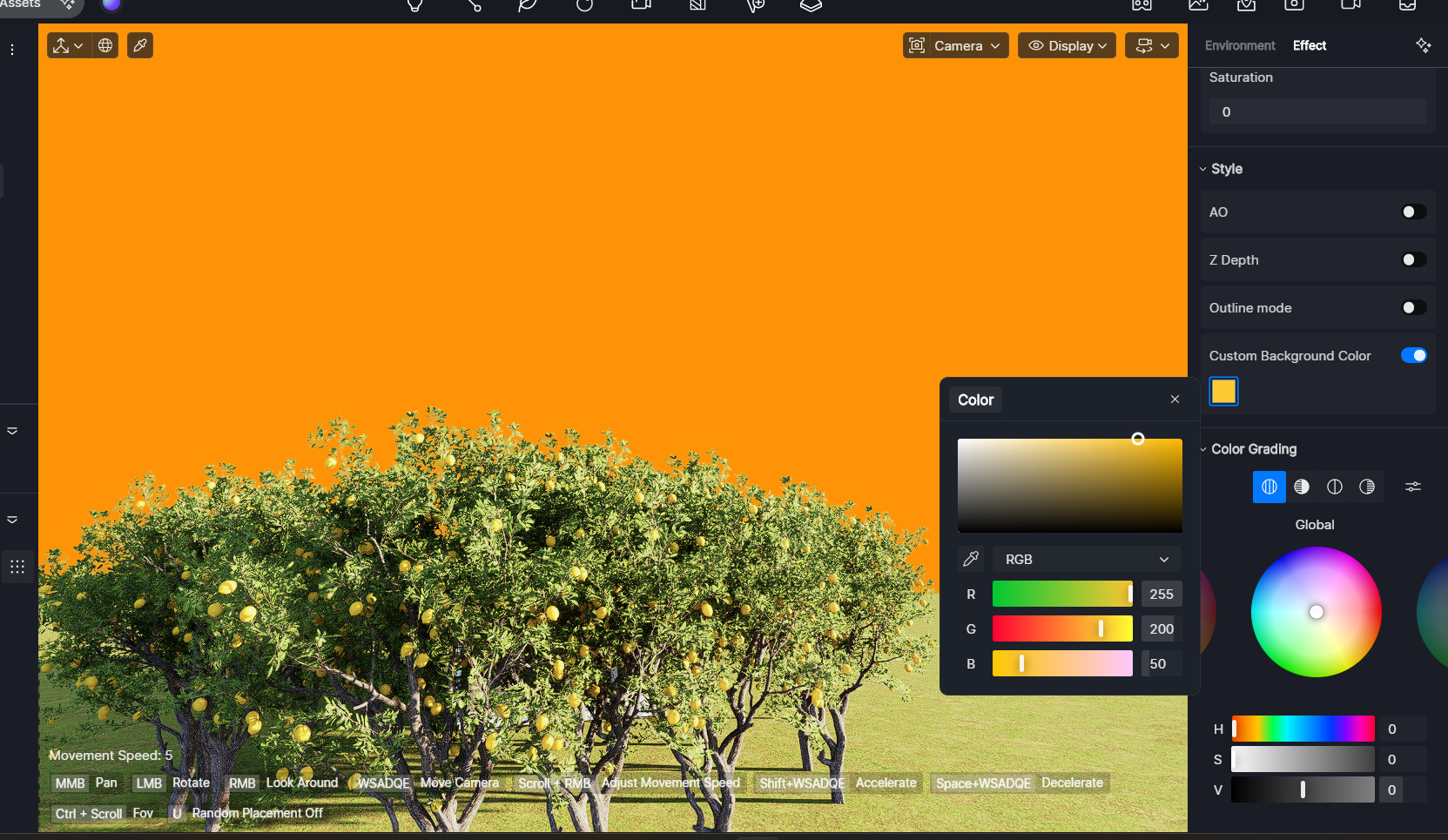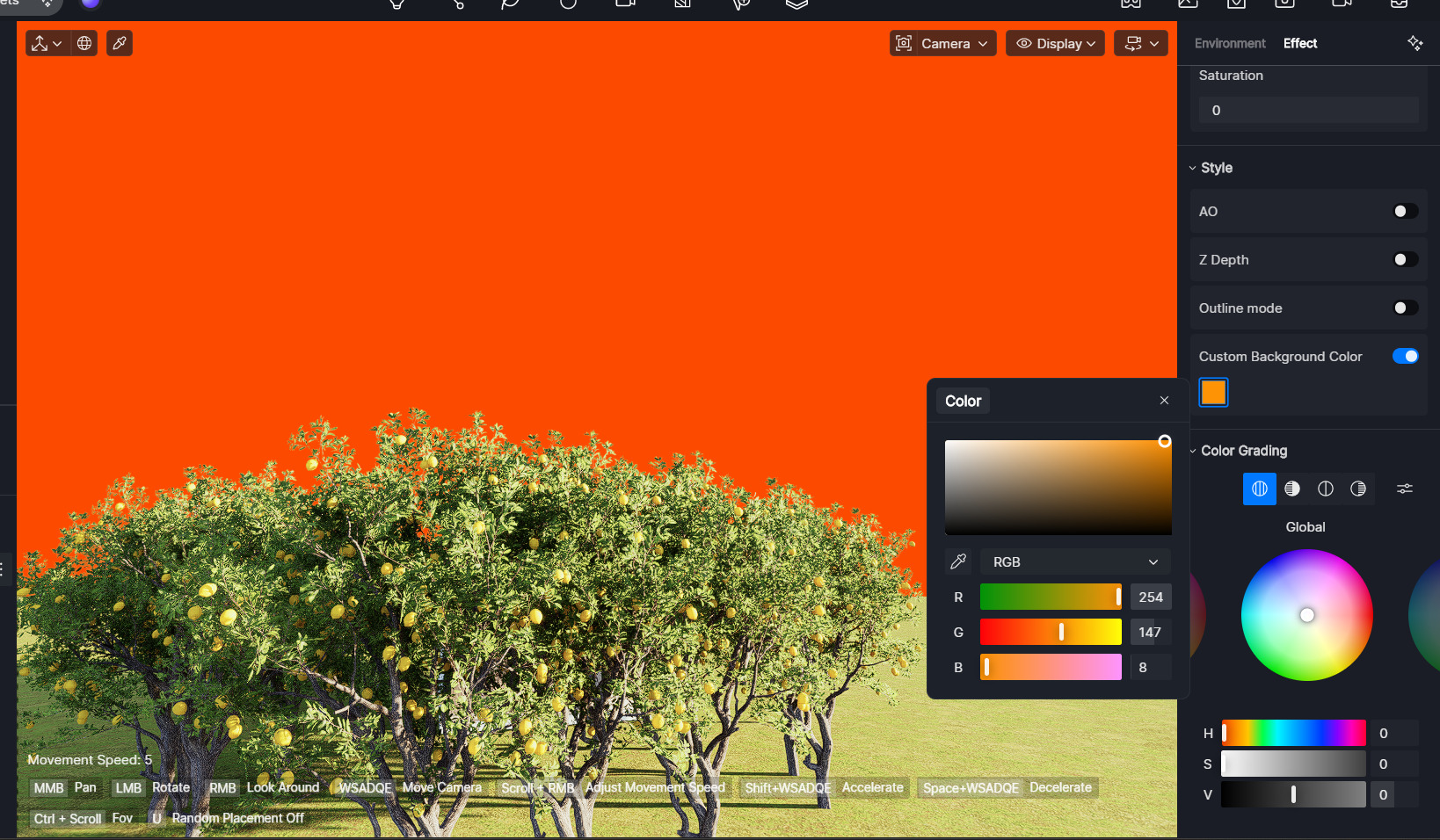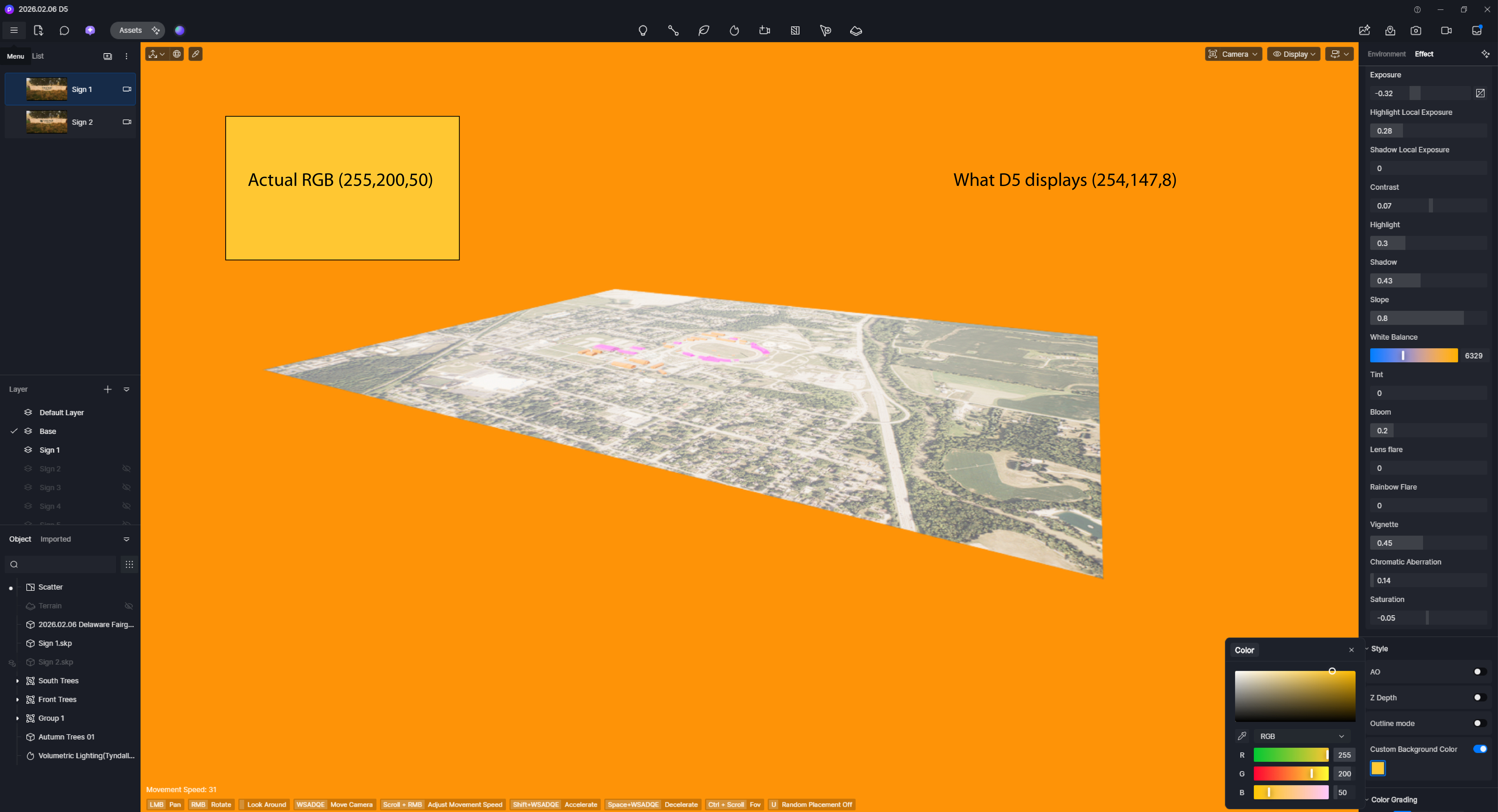
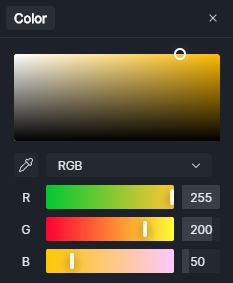
I tried using the new Custom Background Color effect, and noticed that the color is displaying incorrectly. Is this an error on my end, or a software bug?
I tried using the new Custom Background Color effect, and noticed that the color is displaying incorrectly. Is this an error on my end, or a software bug?
Hi @qbortmas
Thanks for reporting this. I tested the Custom Background Color effect on my end and observed the following:
RGB (255,250,50) displays as expected — the same result as you saw.
RGB (254,147,8) appears much darker than expected.
This seems to be a software behavior rather than an issue on your end. I’ll raise this to the team for further improvement in a future update. Thank you
Color shifting like this is so frustrating when you’re trying to match a specific brand palette or mood. I’ve noticed that the environmental lighting and the ‘Auto Exposure’ settings in D5 can sometimes wash out custom backgrounds. Checking those first usually helps get the hex code looking like it’s supposed to.