hi iso… tried your png seem’s perfect on my side…pasted on the wall with spotlight and a cube to show the shadow effect… and all is well… NO BUGS… 

Sorry for any inconvenience caused. I’ve tested your png file, but it seems pretty fine. What’s your D5 version?
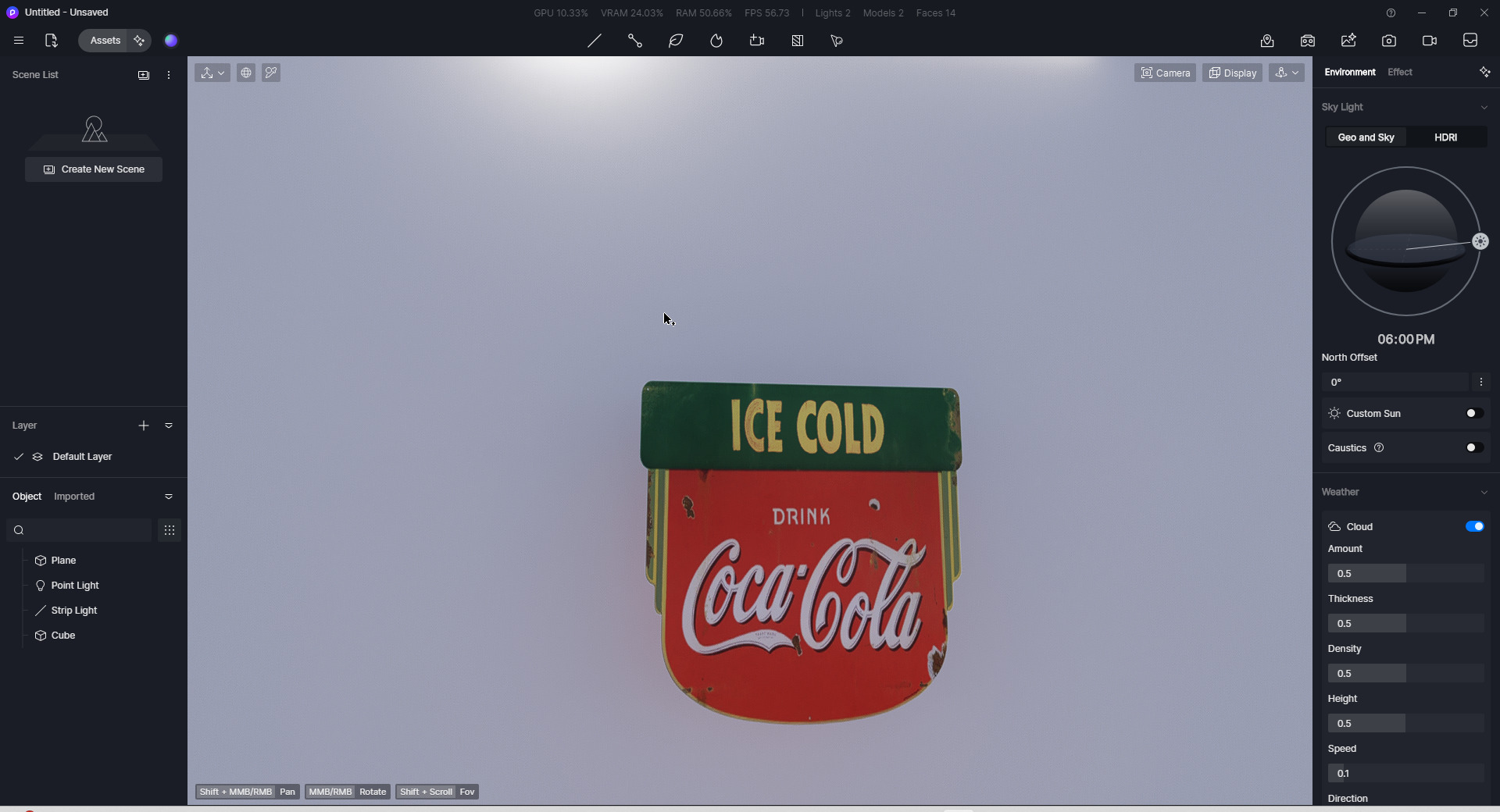
If it is convenient, can you send the scene files (The entire folder where the .drs file is located) to me to test from my end? You can DM me or send to support@d5techs.com, please annotate you are from Forum in the email, so I can quickly find you.
Any update will be appreciated.
Thanks for trying. I wonder why it happens here all the time. But now I wonder if it only happens the file becomes so big with too many geometries and lights. When I tried a brand new file, it didn’t show the shadow behind custom alpha, either. But it happens in other big projects.
will do soon. thank you
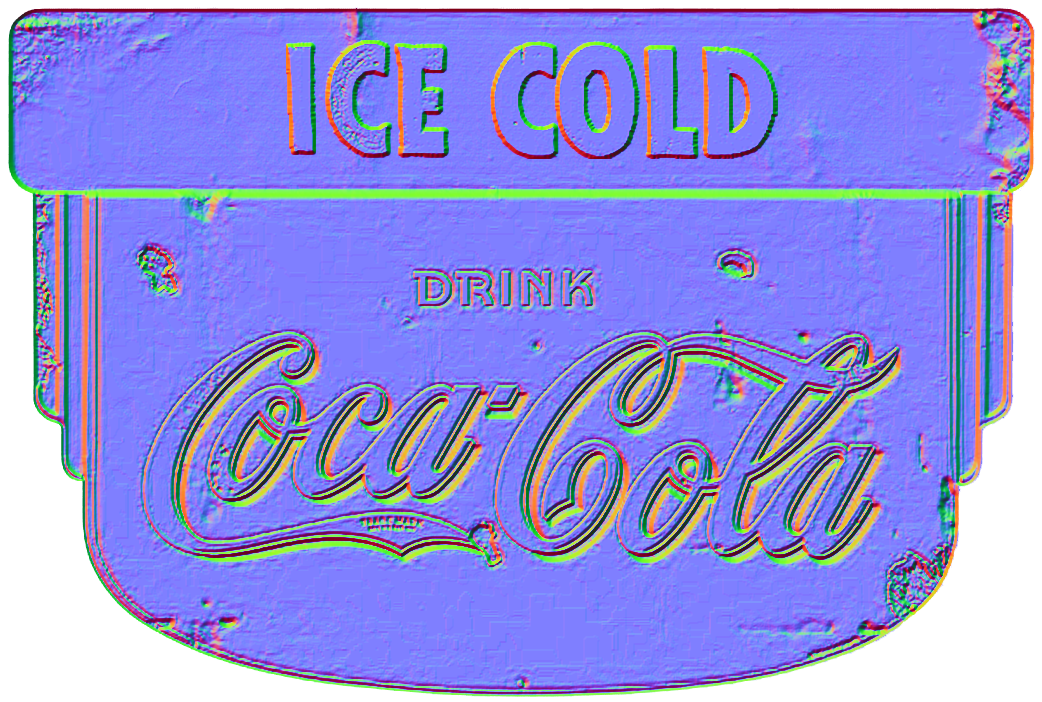
hmmm… i think its just a matter of technique on how u use it and settings… add normals if that helps or…make sure u use decal technique to place it…on your scene…
with regards to complexity and size of your DRS file it doesnt matter as far as my experience goes… i was at 500,XXX,XXX polys in one project…  and d5 handles it pretty nuts… all smooth…
again… i recomend u using normals + opacity maps to cut out perfectly and u wont have this problem… YES i know its a PNG… and its transparent but just to avoid that…better have or make an OPACITY MAP for d5 to cut it perfectly…
Thank you so much. I will check it from my end and get back to you. 
Hi @lsong ,
Hope you good today. We found out that this is because the self-emissive casting shadows causes the transparent areas of the translucent sticker material to have shadows as well, this is indeed an issue and I’ve reported it to our Team and we’re planning to optimize it. 
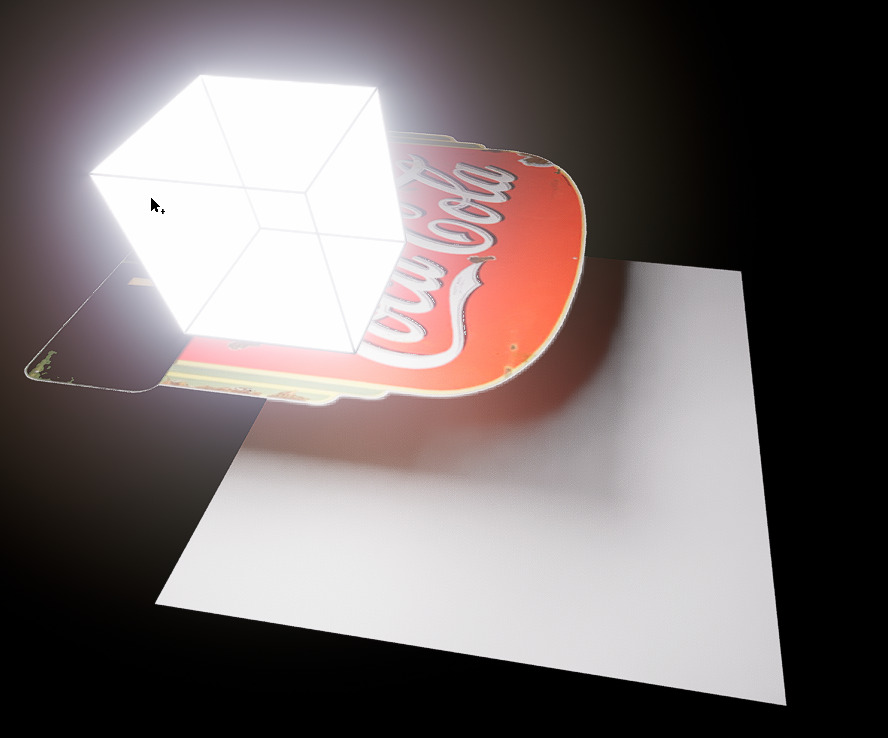
We suggest that you can replace the self-emissive in the ceiling with an artificial light source and you won’t have a problem. 
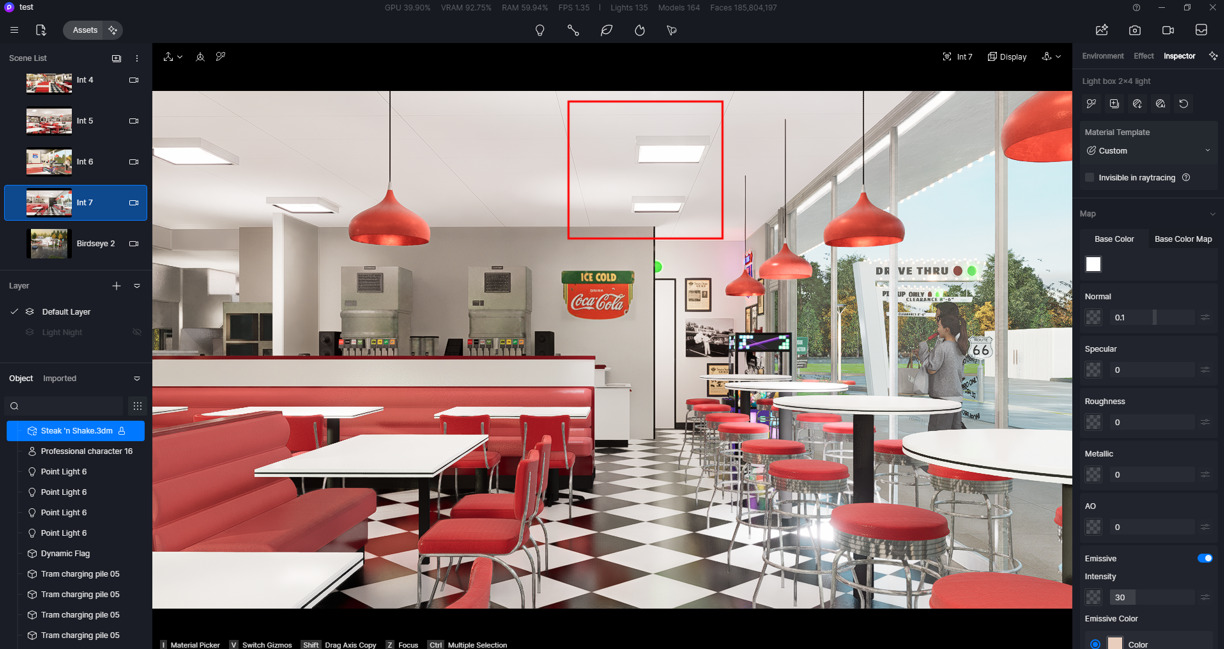
Nope, nothing to do with placement, normal, or opacity map. There’s a bug with self-illumination casting shadow on Alpha transparency as D5 team found out.
ohh ic good you found your solution. coz u were yapping about the spotlights not self emmisive lightsource… anyways…  u got help…
yapping about?
you are quite obnoxiously rude, huh.
1 Like
I’ll let you know if we have any updates on this issue, you can replace it with another light source for now. Sorry for any inconvenience caused.
The same bug still persists with the latest version. Could you please update if this bug is being worked on?
This is still an issue. The custom alpha looks really bad with the phantom shadow bug.
We understand the importance of resolving this issue. While we cannot give a precise timeline at this moment, we want to assure you that it is a high priority and we are actively working on a solution for a future release. Thank you for your understanding.
There have been some big updates, and Alpha PNG shadow bug still persists. Is the fix still high priority?
Hi @bcsadmin
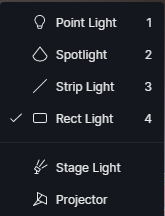
We apologize. This bug is currently evident when the light source is a material with emissivity enabled. Under normal light sources such as rec light, point light, spot light, etc. the custom alpha will appear normal.
For now, we recommend this workaround since we have yet to address this issue. 
so this bug is going to be ignored for the foreseeable future?
Hi @bcsadmin
I understand your concern, and I want to assure you that’s not our intention. While we can’t provide a specific timeframe right now, it doesn’t mean the issue is being ignored. We’re actively tracking and prioritizing issues, and this will be considered alongside other factors for future updates.