Good morning staf D5.
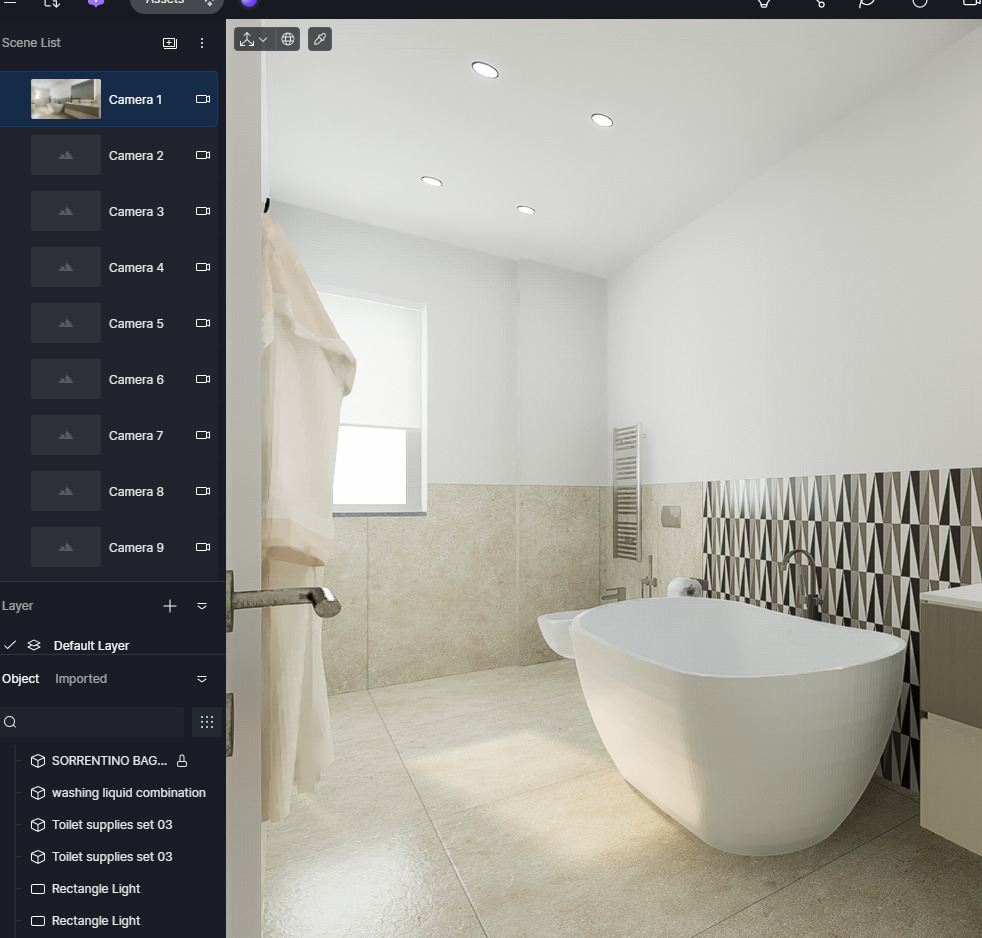
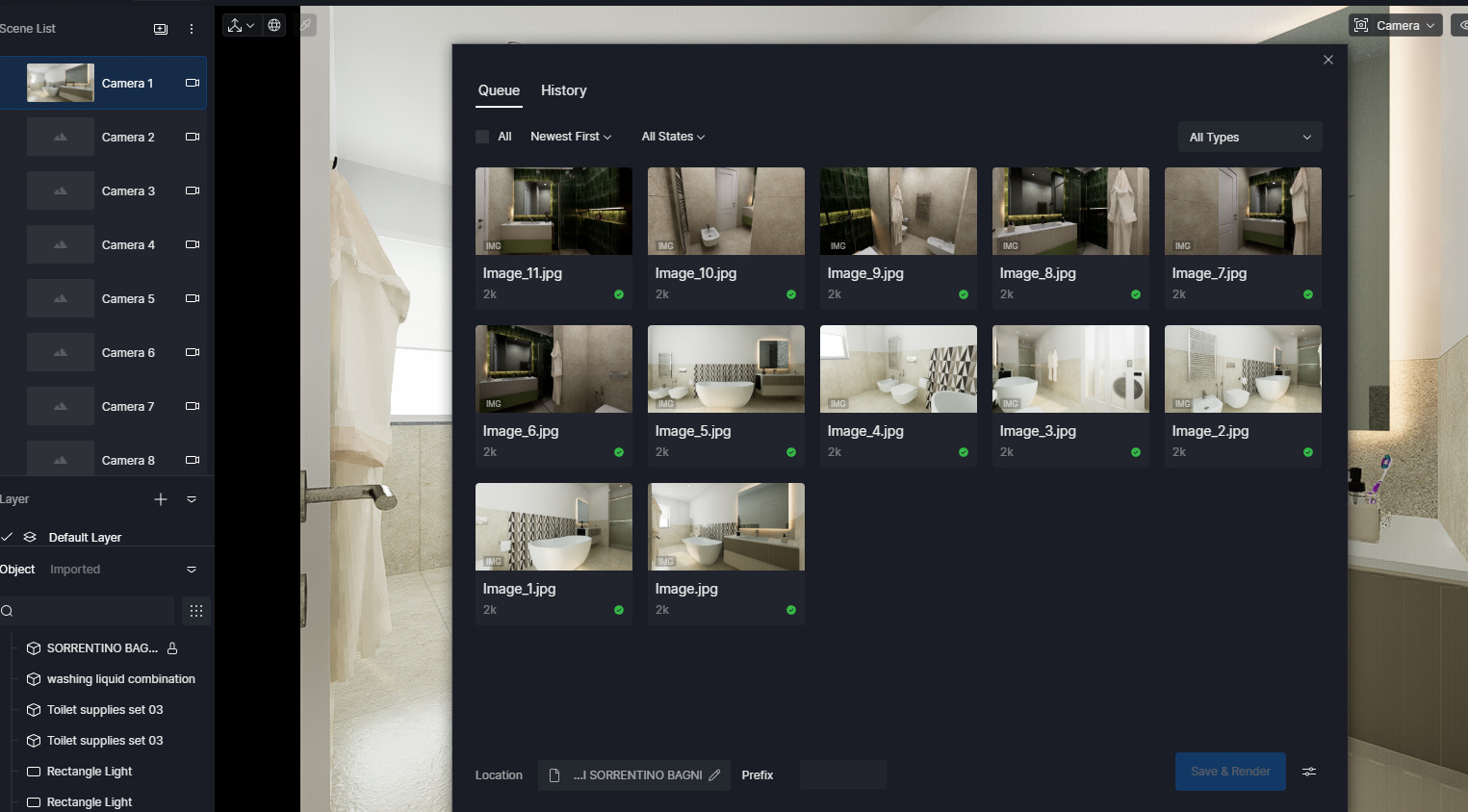
My problem was when I opened the D5 Launch that asked me to do an Update, I don’t know why it asked me, in short, if I hadn’t done that update the program wouldn’t work well. So, I finally did the bypass, just to get on with my work. Once this was done I launched it and everything was fine even with the synchronization with the work I was doing, but when I had finished setting the materials and lights, I just had to click on the scene. It is here that the program turned off, I did it again all over again, but first, saved it, then clicking to create the scene and it happened again. In short, in the end to get around the obstacle, but first I checked if it made the renderings from the window loading the scene from the window it worked perfectly. I had to do everything from the graphics program the scenes with the cameras, if I even uploaded them on the curtain, when I saved but nothing could be seen,
And then save them in the appropriate folder
This trick to get to the end of the work took half a day, when normally it took me one hour.
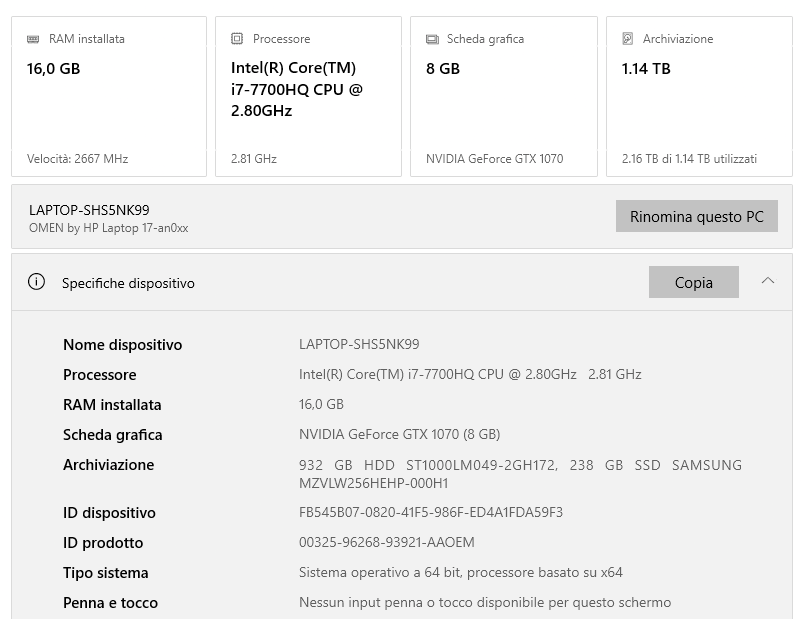
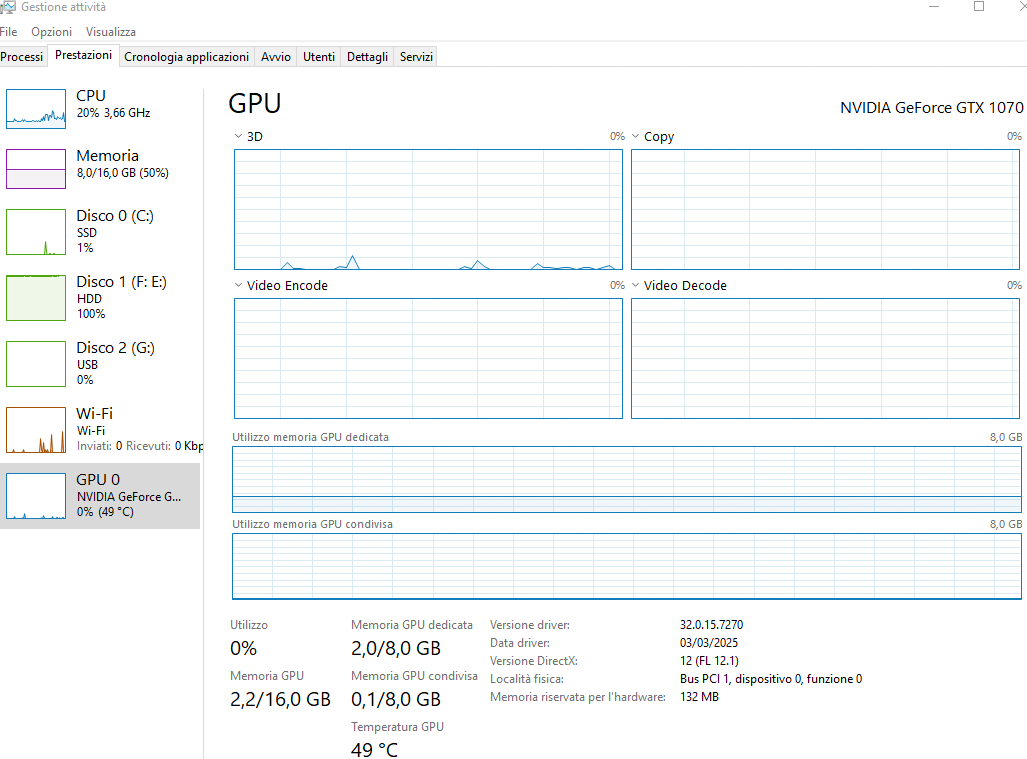
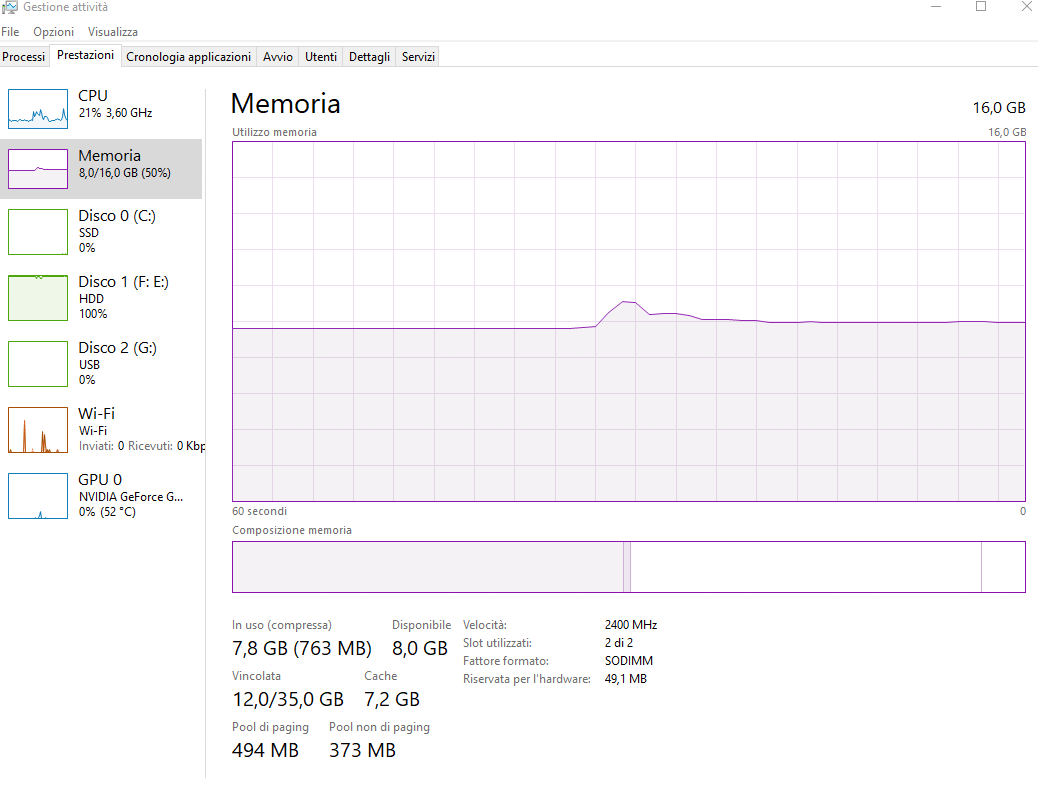
Let me know as soon as possible how to solve the problem. My Laptop is
Just to be sure that I understood your situation fully,
D5 Render crashes when creating or accessing scenes from the Scene List after updating; rendering remains functional through the Render Queue as a workaround.
Project synchronization, material editing, lighting adjustments, and rendering work correctly. The crash is triggered specifically when interacting with scenes in the Scene List panel.
Is my comprehension correct?
I would like to confirm the following:
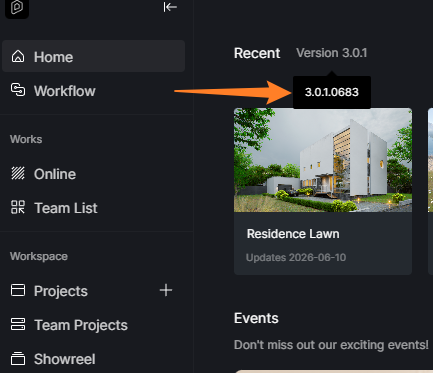
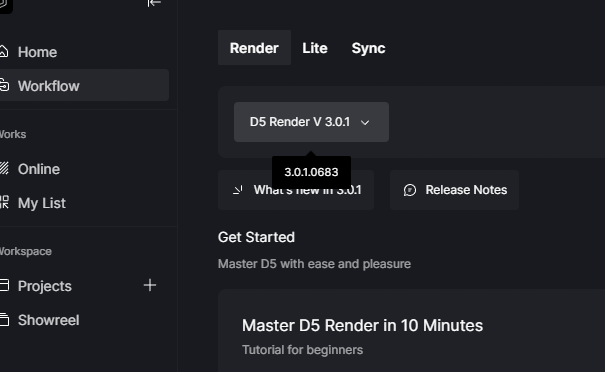
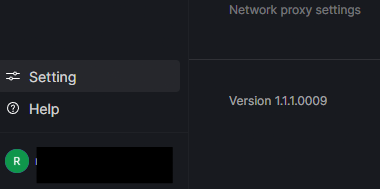
Was it a D5 Render update or a D5 Launcher update?
Hi Clov.
So, before sending you the reference images, I’ll tell you what happened to me, sorry but I have to tell you this to make you understand what I’ve been through this week.
I had some renderings to do for a colleague, who I am collaborating on a restaurant restyling project.
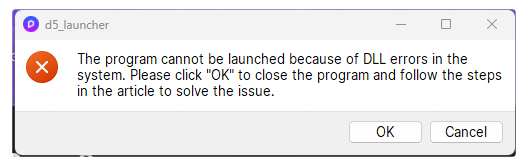
I go to open the program, as I always do when I have to synchronize with the project, D5 Launcher opens, what happens is that an Upgrade window is activated, so far there is nothing strange, but suddenly this mask appears:
I read all the ways to solve the problem, but to speed up the solution I had to install D5, at this point I had solved it, and therefore it gave me the way to work and deliver.
Now let’s move on to yesterday, which was about rendering 2 bathrooms for a client, when I opened the D5 Launcher and this Upgrade happened again, up until now the program was fine, the error mask didn’t appear. But when I opened the new D5 page and loaded the Bathrooms to render, after I had saved and set all the settings, at this point I only had to do the rendering scenes, and then the program shut down.
I tried to do it another way to solve it, I did the rendering without the scenes, moving with Archicad and then rendering with D5.
Then I wanted to load the restaurant from a week ago, it would load but when I clicked on it it would close.
This is what happened to me.
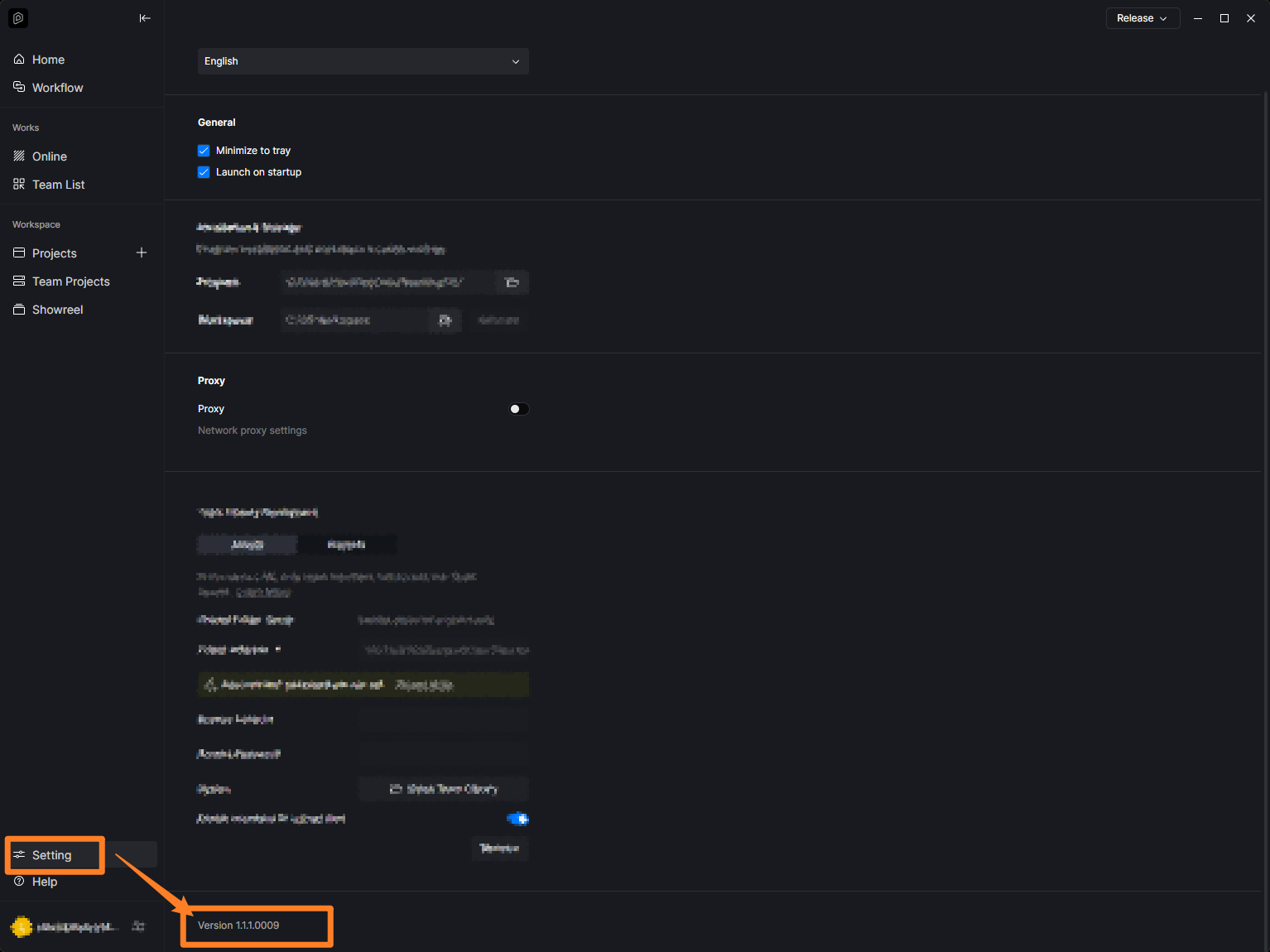
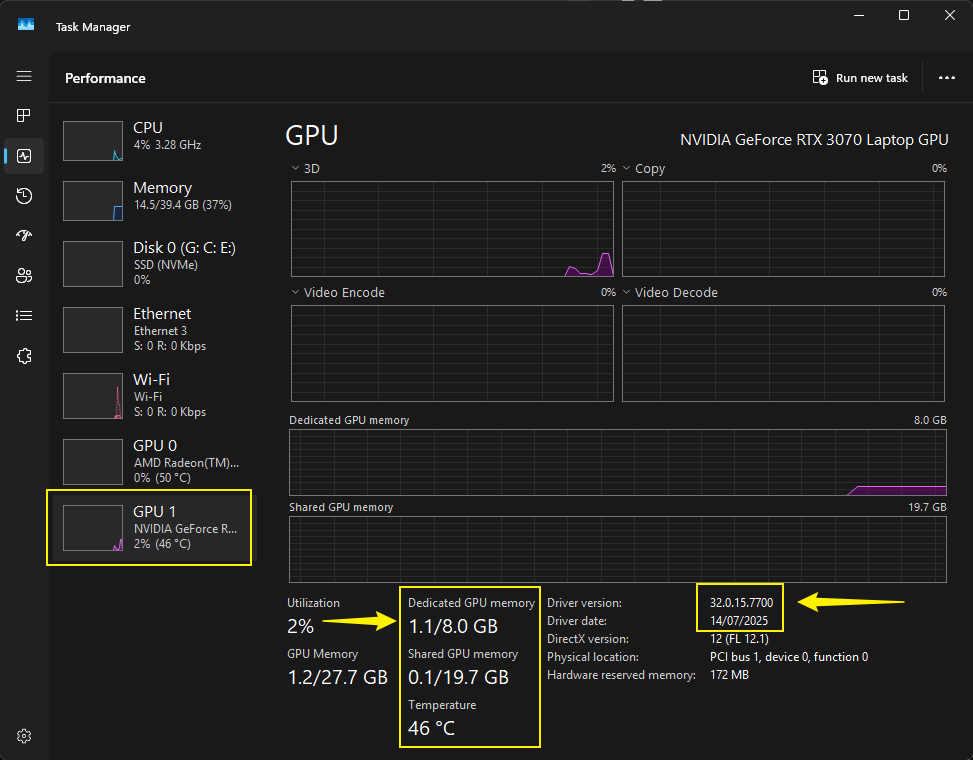
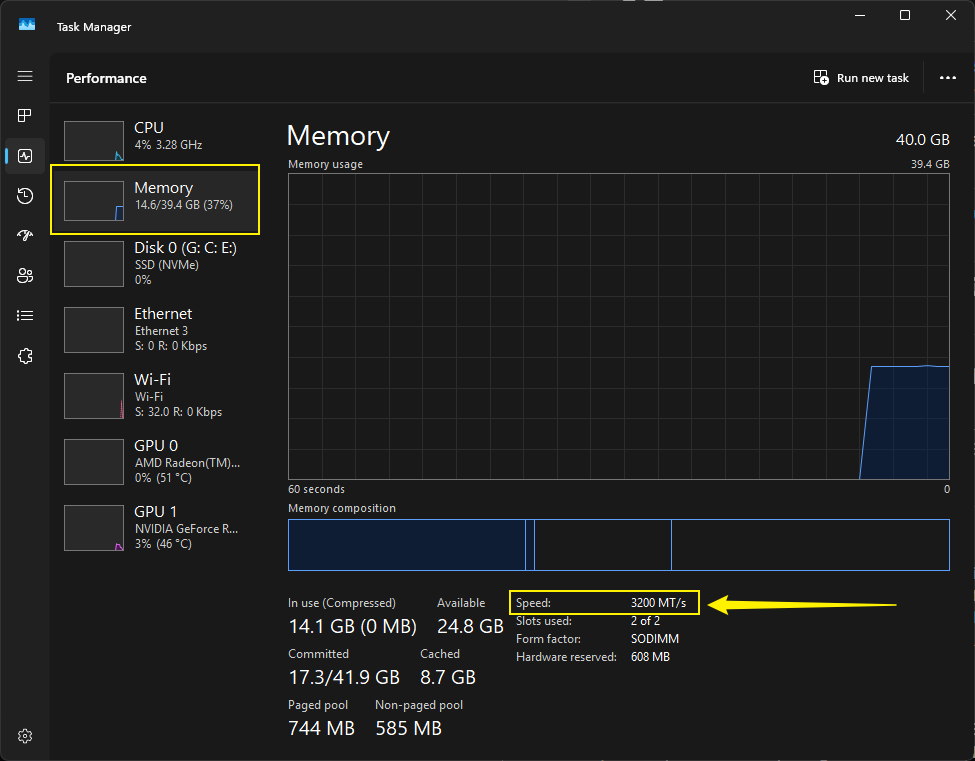
Now I’ll give you the images you asked for:
I think the last request is useless, because I don’t think the files are broken, but it’s the program that causes problems.
Thank you for your quick response, I’ll wait to hear from you in the meantime.
Thank you for providing additional context. It appears that this issue has occurred with another file, as both files are displaying the exact same symptoms.
I would like to know if opening the Demo Scene Files produces the same results
Or if creating a new, empty D5 File yields different outcomes.
If neither the Demo Scene Files nor the new D5 File shows the issue, it may indicate problems with the original files or their workflow. In that case, we might need to collect the files along with your logs for further investigation.
Hi Clov.
The D5 program, you mentioned other tests to understand if it was a question of the files it produced or even the one of opening new ones if it gave the same problem, in fact it had the same problem as the one I told you.
But yesterday I had to make another living hypothesis of an already rendered project, so I decided to re-release the D5 program, removing it from the Control Panel.
But the Launcher remained, it was restored from there or D5, before using it I tried it both with the new one and then with the last job I had done, no problem, everything worked even the scene icons, in the first case it had to turn off.
I worked peacefully and had no problems of any kind.
I make a hypothesis as to what the problem could be, in my opinion it is a question of synchronization between the Launcher and D5, some tool was missing that would make it work, because when I had that update the Launcher the first time and told me that a DLL file had stopped working, and I don’t know for what reason. All I did was uninstall both the Launcher and the D5, and then reinstall it.
Everything was fine, when again after doing other work, I got the Launcher update back again, so I started working on the bathroom project, so when I opened the new one I didn’t get any mask that informed me of the previous taste.
So I carried on with my work, and then you know the story of what happened.
Now I will test the program, and I hope it doesn’t give me any problems.
Thanks for everything, you are very good at your work and always patient, thanks again.
PS: if anything goes wrong, we’ll let you know.
Thank you for updating us about the workaround and solution you implemented. Your hypothesis may be correct, but we cannot be certain without further analysis and troubleshooting of your logs. However, since everything is functioning well after the complete reinstallation, I don’t believe it’s necessary to investigate further at this time, unless you encounter the same behavior again.
Don’t hesitate to let us know if it occurs again. Thank you.