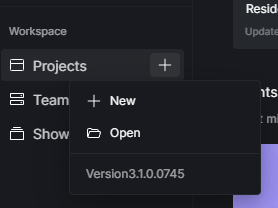
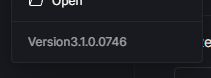
Could you please confirm whether you are using version 3.1.0.0746? You can find this information in the section shown in the image below.
I tested the application using version 3.1.0.0746, and I couldn’t replicate the issue. Are you experiencing this error consistently with other files as well? If you haven’t updated to the latest version, I recommend doing so.
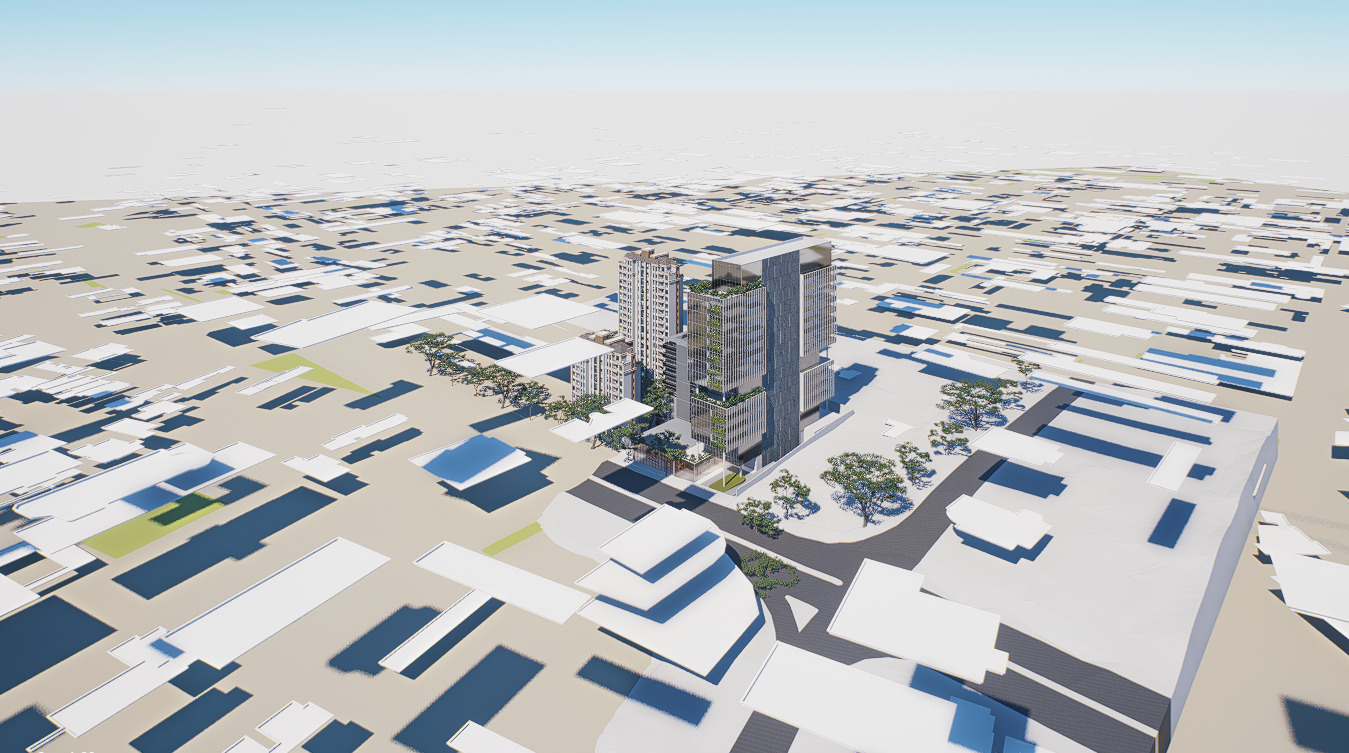
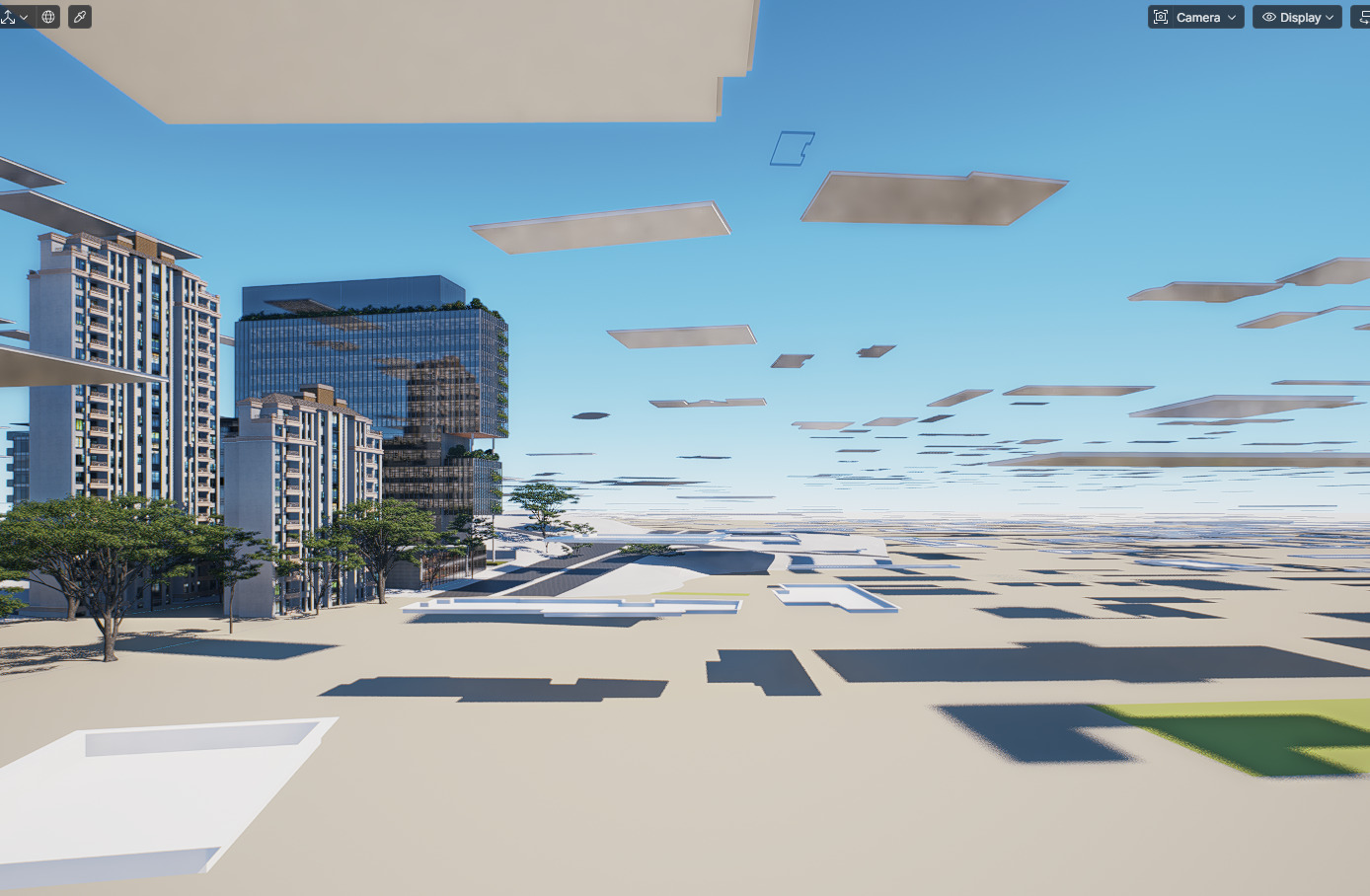
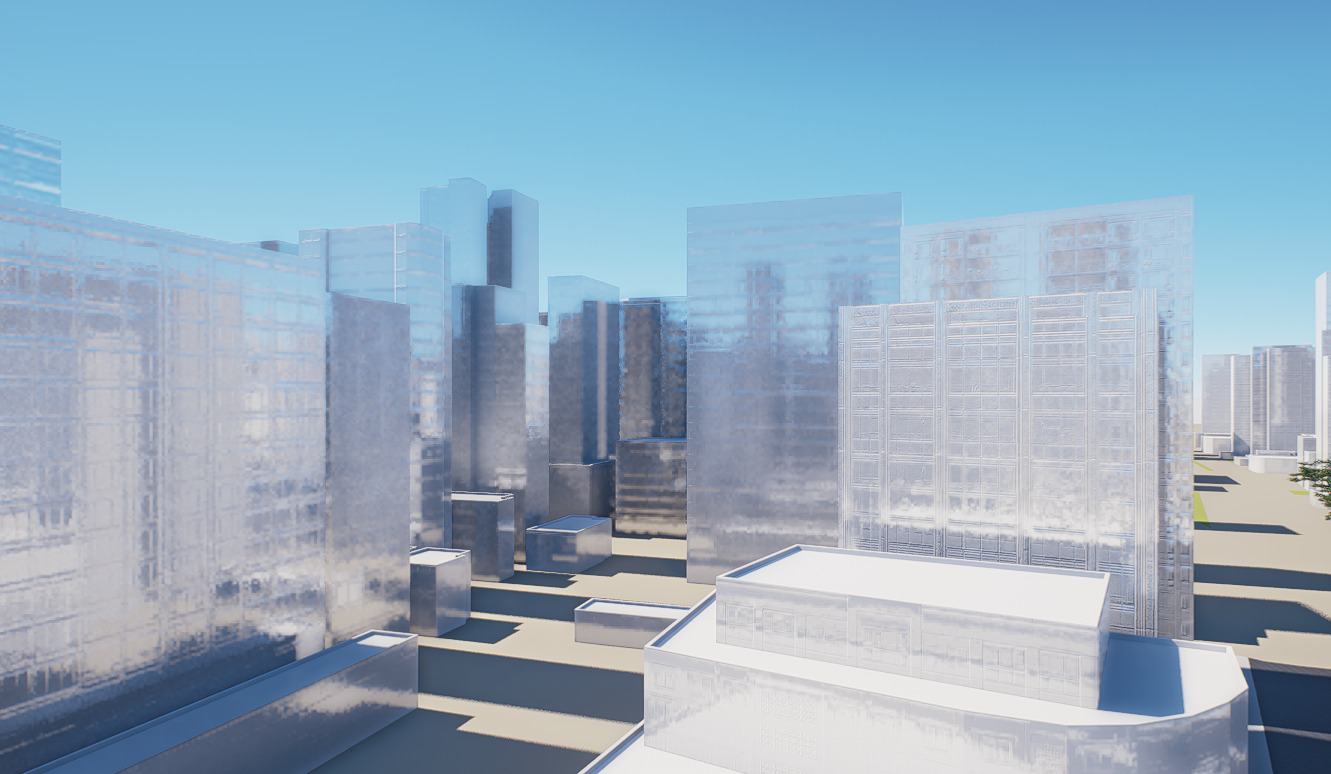
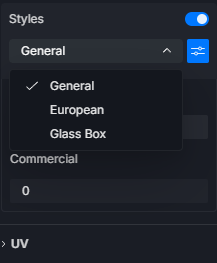
Regarding this statement: “when i turn off the styles, they reappear as white boxes, and then turn on styles, they become transparent”
Did you enable the Styles for the building?
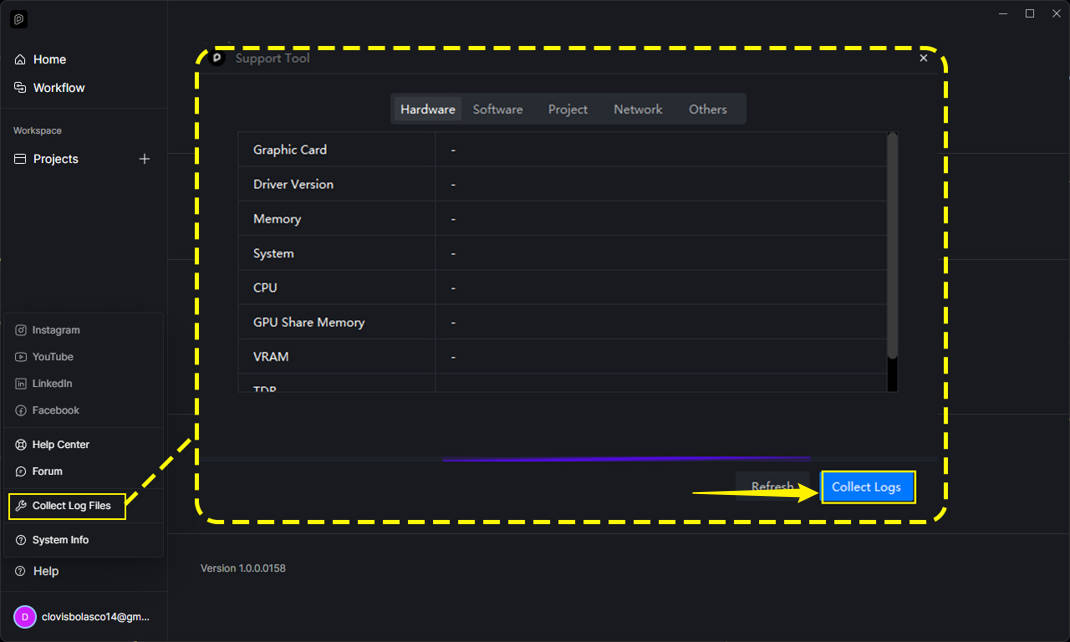
If the issue persists, could you please send us your log files?
We’ve inspected your logs and the affected D5 File.
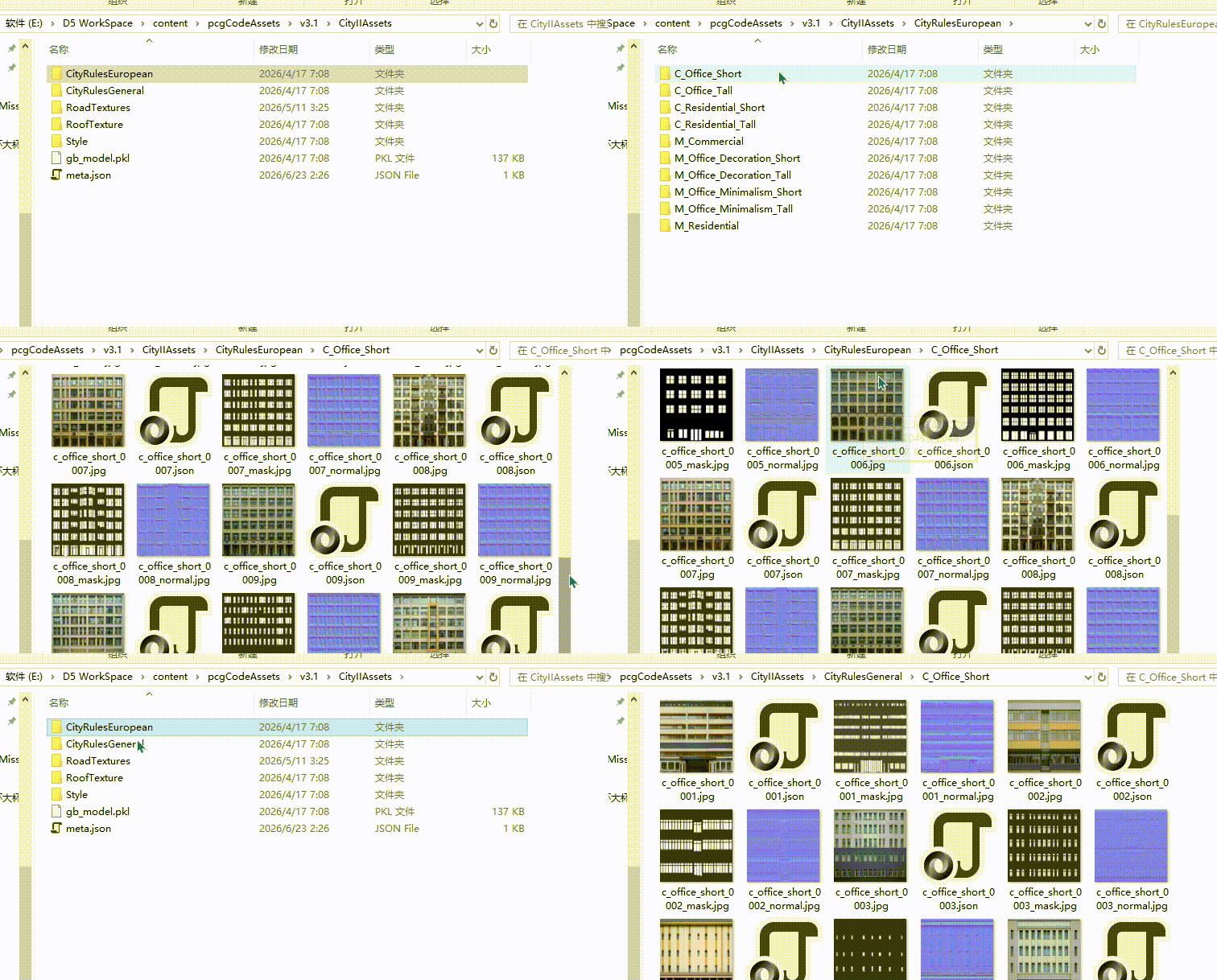
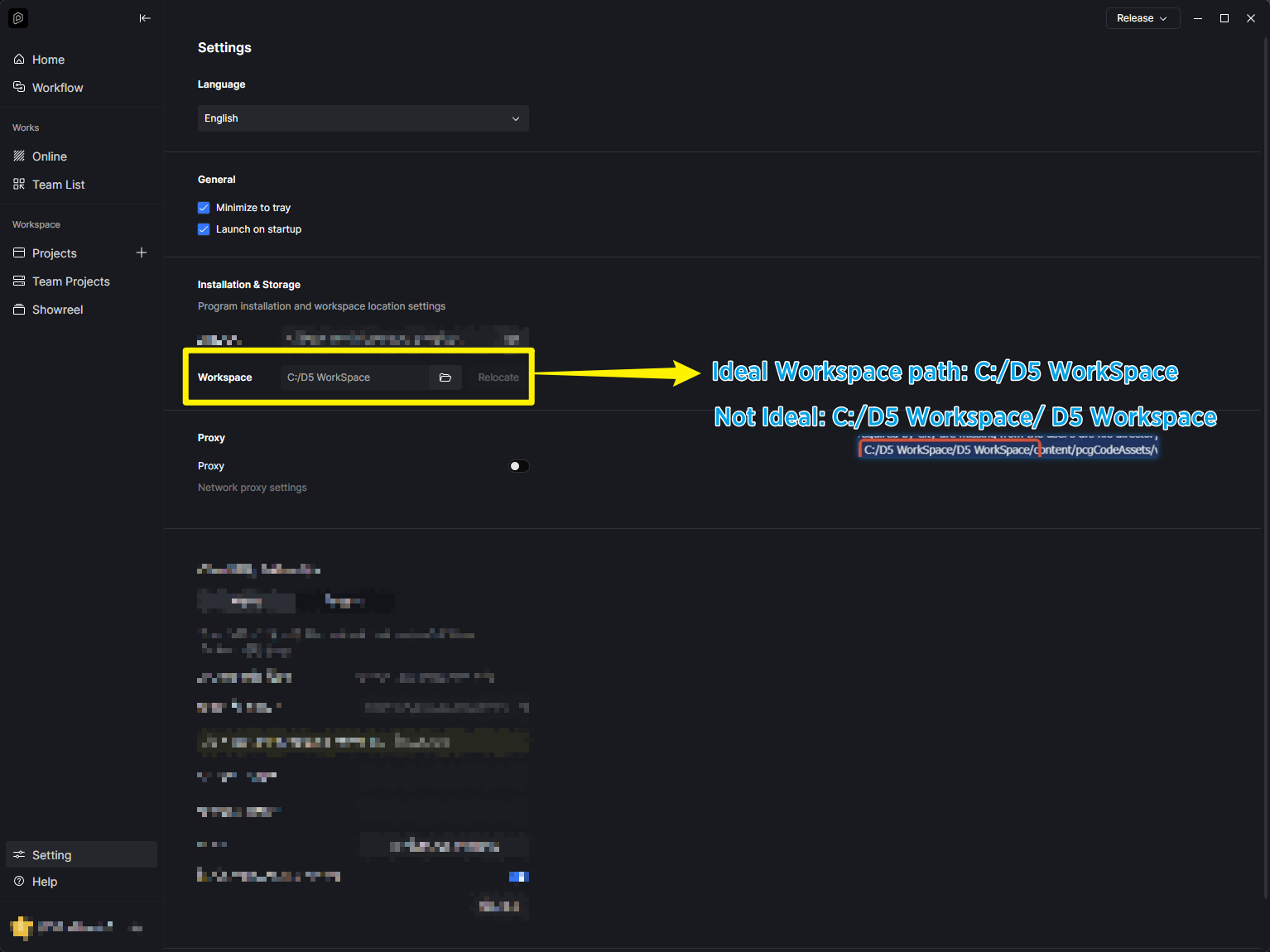
We found that the files required by City are missing from the user’s drs file directory. Which is expected since, these files are located in the your workspace. According to the logs, the your file path is
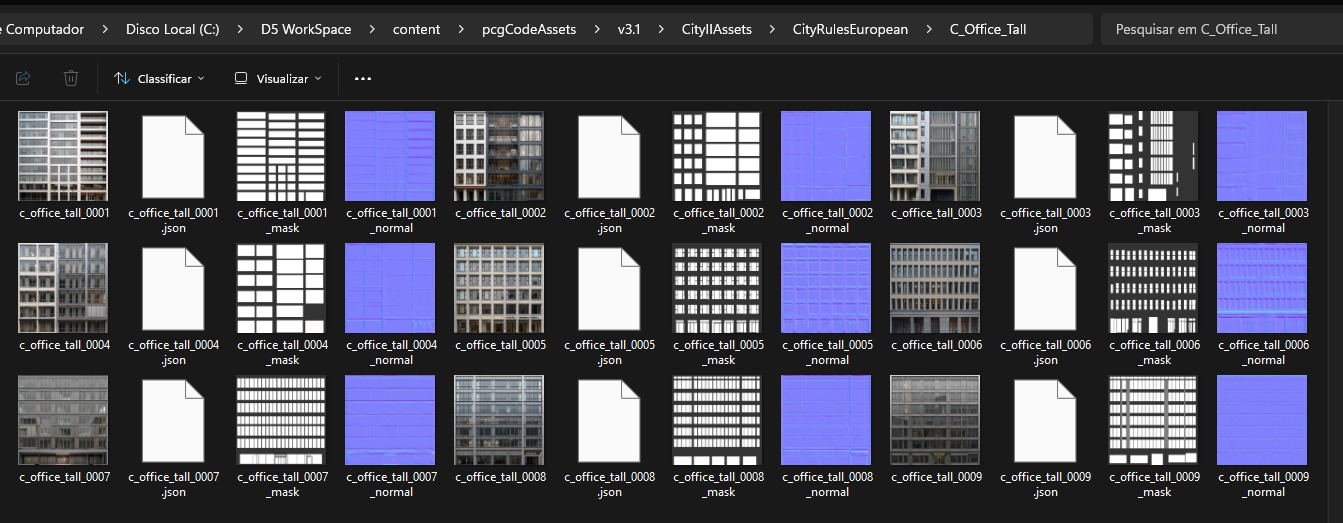
C:/D5 WorkSpace/D5 WorkSpace/content/pcgCodeAssets/v3.1/CityIIAssets. Please check whether the files in this directory are complete.
If the required files in this directory are missing, we recommend deleting the CityIIAssets folder. Then, restart the city generation process and wait until all required files have been downloaded completely.
Once the download is complete:
Open the affected project.
Turn Building StyleOff, then On again.
Save the project, or use Save As to create a new copy (please try both methods).
Close and reopen the project to check whether the issue has been resolved.
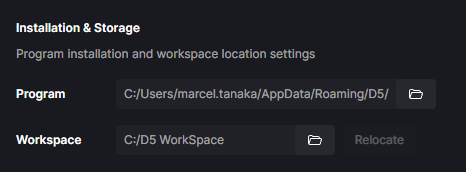
If you configured C:/D5 WorkSpace in the D5 Launcher, we recommend that you delete the C:/D5 WorkSpace/D5 WorkSpace/ folder and keep only C:/D5 WorkSpace.