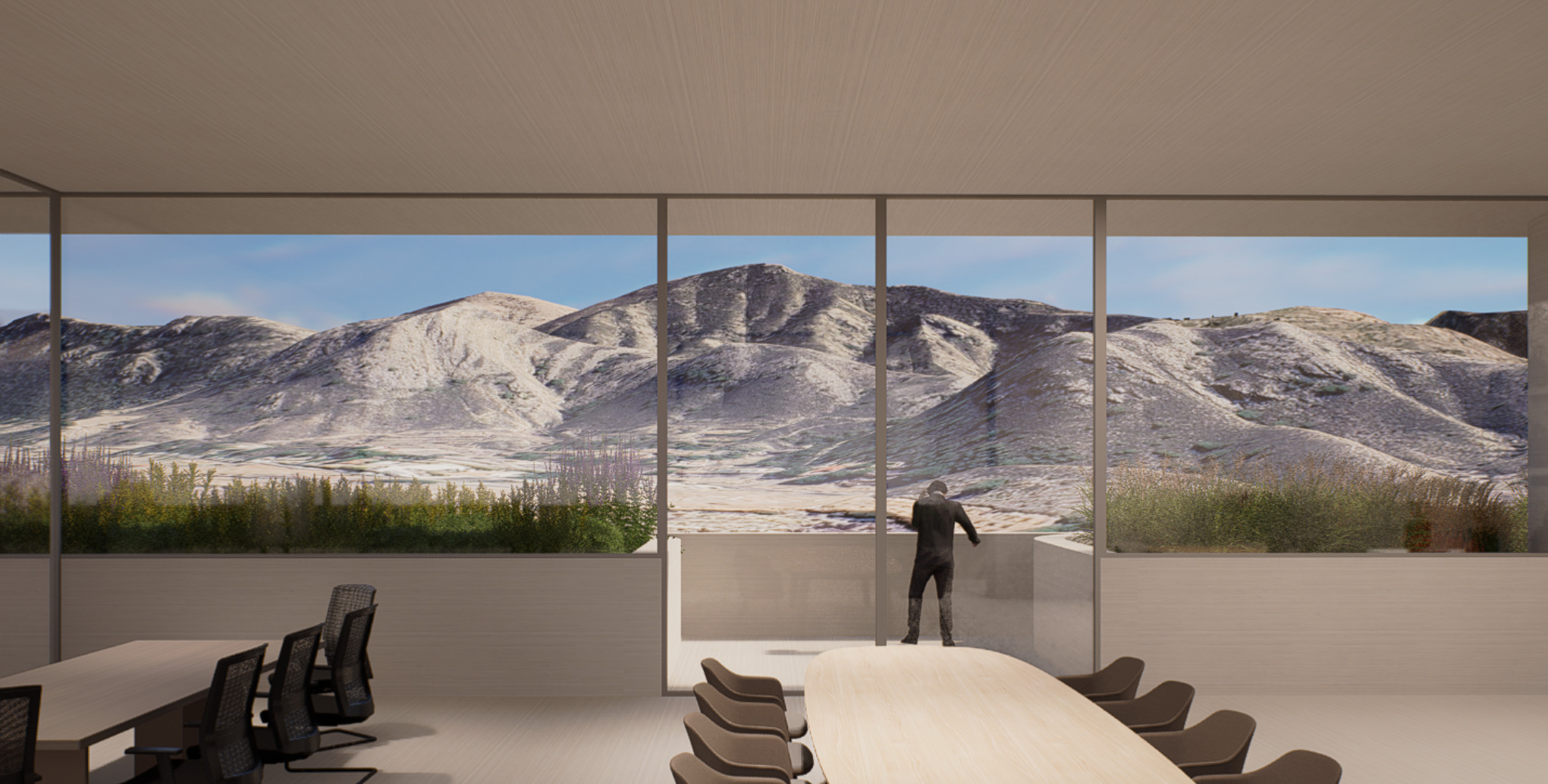
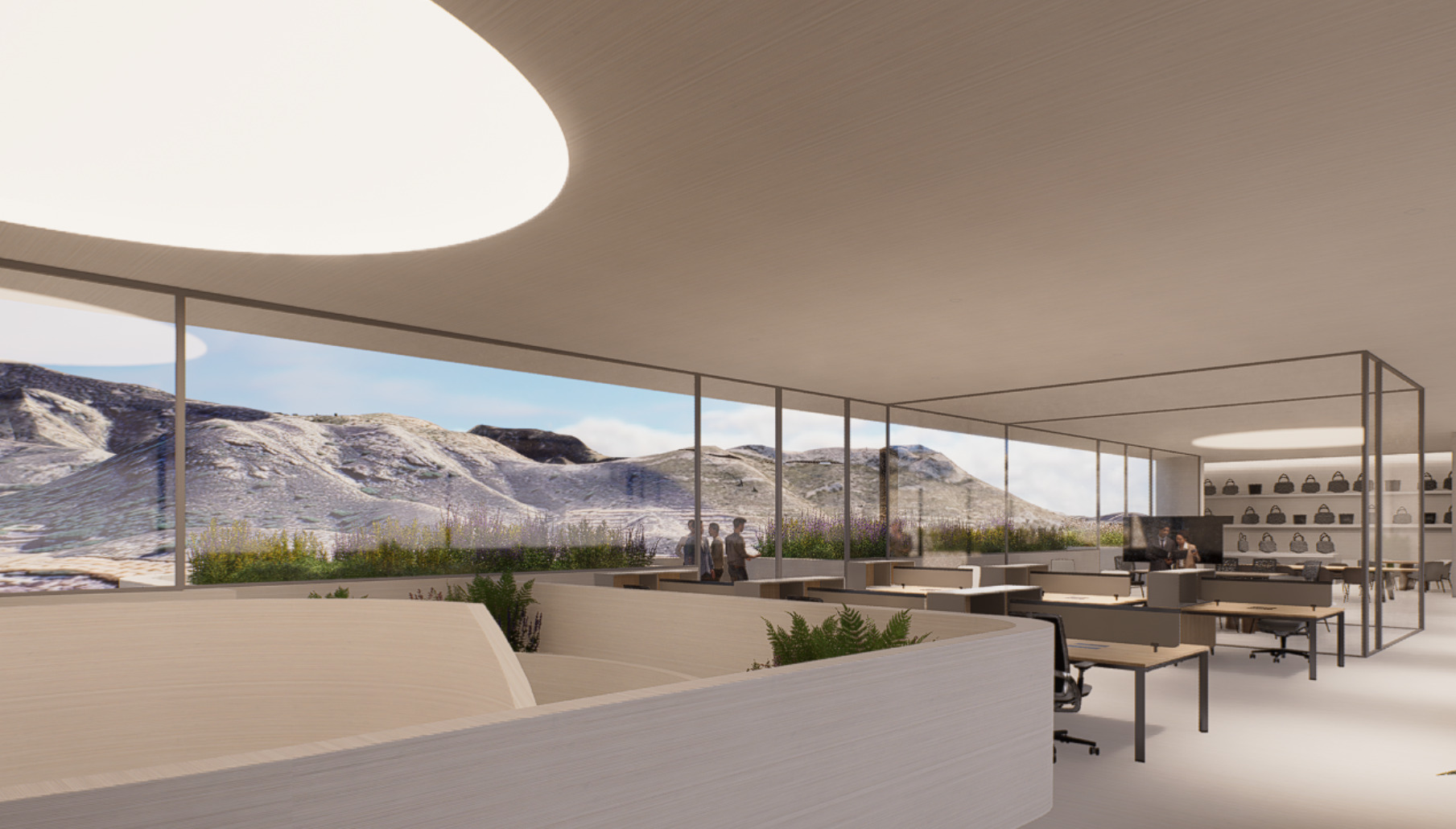
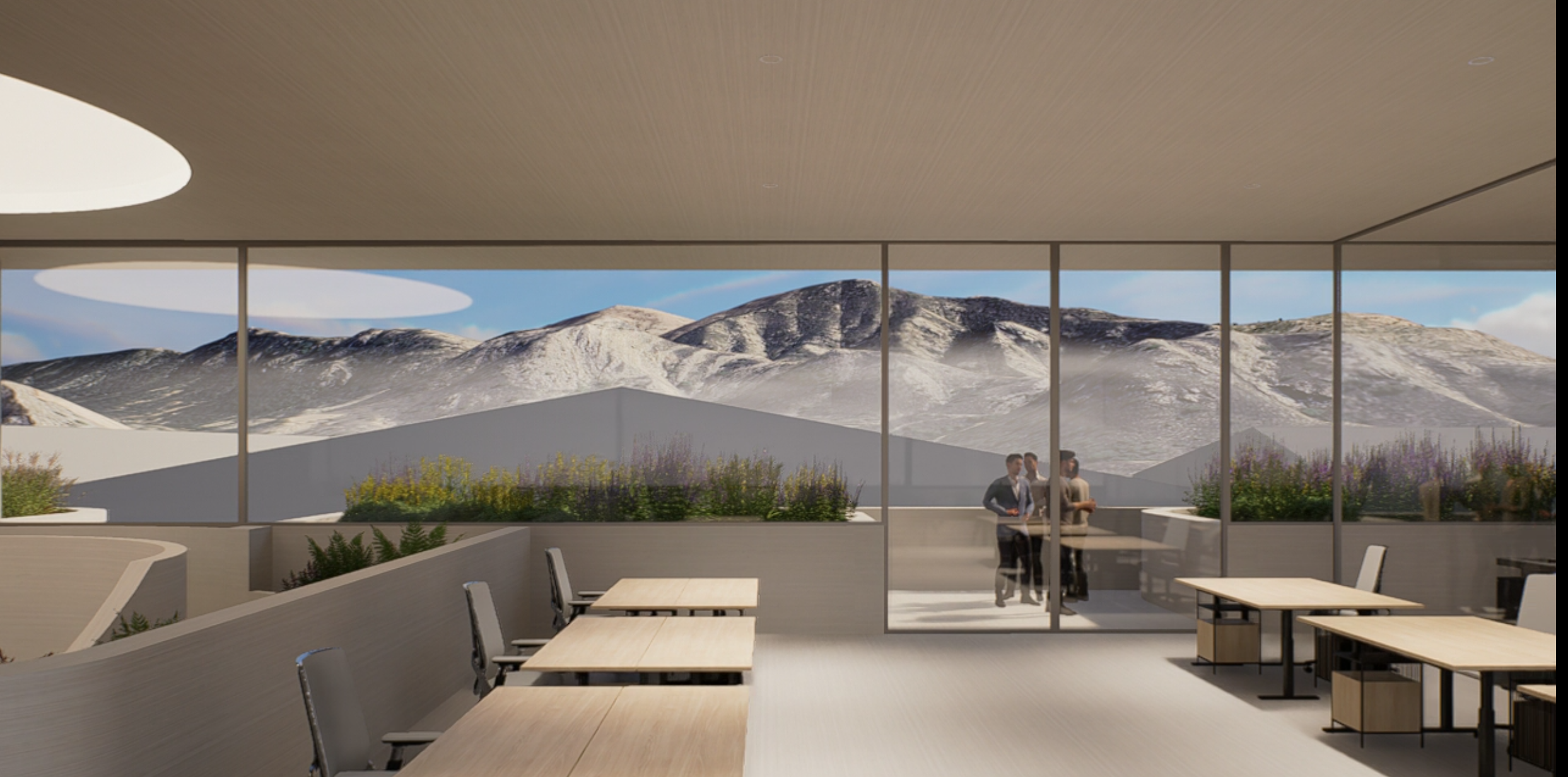
I was working on a new project where the surrounding environment plays an important role. In the viewport, CESIUM appears uniform in terms of tone and color, but when rendering, each CESIUM tile takes on a different quality and color value, creating a mosaic effect that looks really strange. I’m attaching images of both the viewport and the renders.
This happens in any project. In some cases, certain tiles don’t render at all. It also occurs if I open a completely new scene with only this CESIUM area. My drivers and software are all updated to the latest version.
Additionally, I have Range Limit and LOD Transition enabled in CESIUM, and I’ve tested with both options turned on and off, as well as in different combinations.
I’m sorry for the inconvenience. To help us investigate further, could you please confirm your exact D5 Render version number and whether this started happening after a specific update?
The behavior you’re describing is a known issue reported by some users recently. We are actively monitoring these reports and investigating the underlying cause. In your case, does the cesium appear normal on the viewport and abnormal on the rendered image?
Before version 3.0 I didn’t have access to CESIUM, so I can’t provide any comparison with earlier versions. Since then, in parallel/isometric cameras many tiles disappear when rendering, and in normal perspective cameras (like the ones shown above) they render inconsistently.
In the viewport, however, CESIUM always appears correctly — or at least consistently and uniformly.
Thank you for the detailed update. This issue is currently being monitored by the team. To help us supplement the investigation, could you please collect your log files and send them to support@d5techs.com? Please tag me in the email and include the link to this forum post for reference.
Thank you for your cooperation and patience. I’ll keep you posted on any updates.
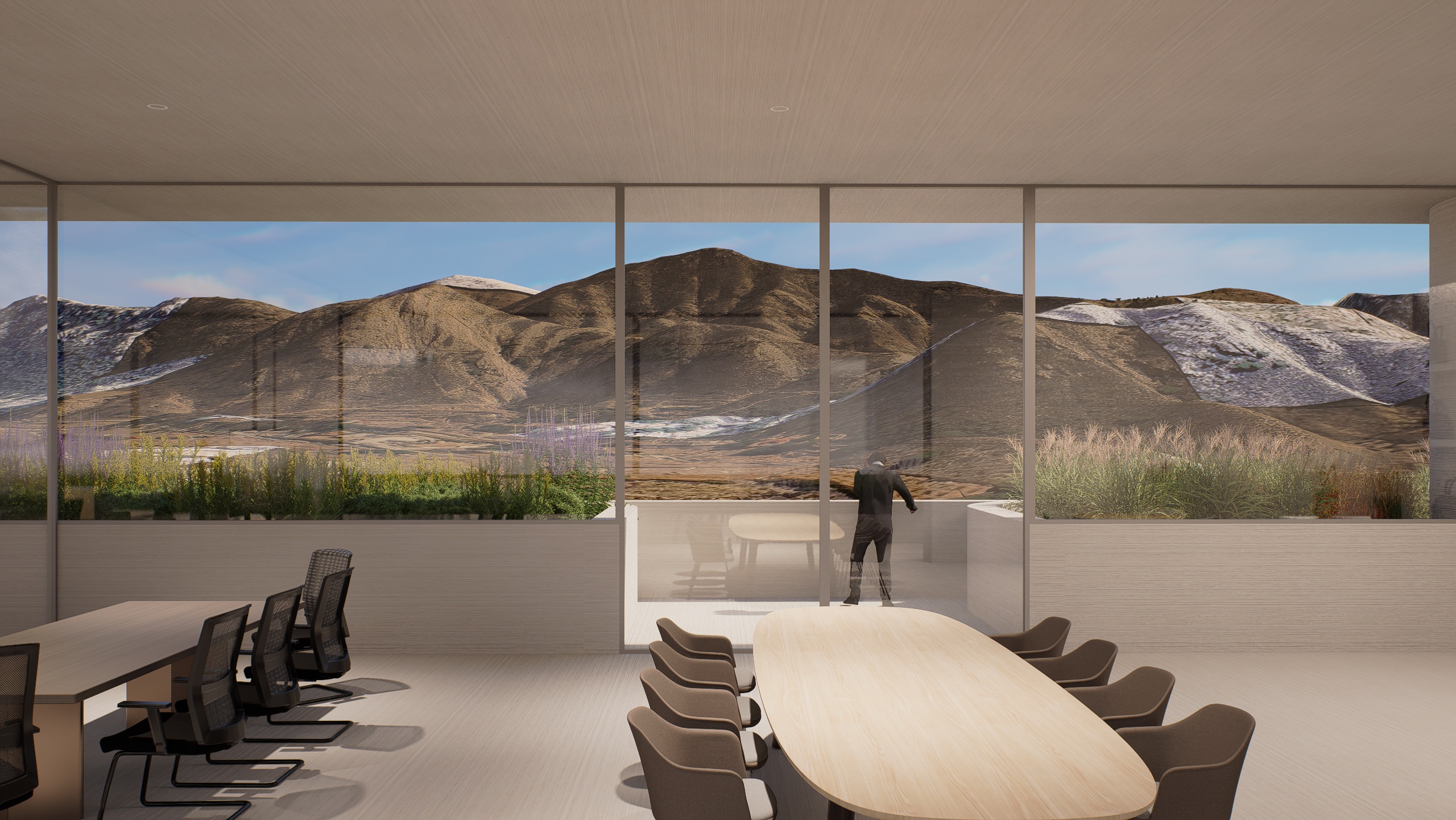
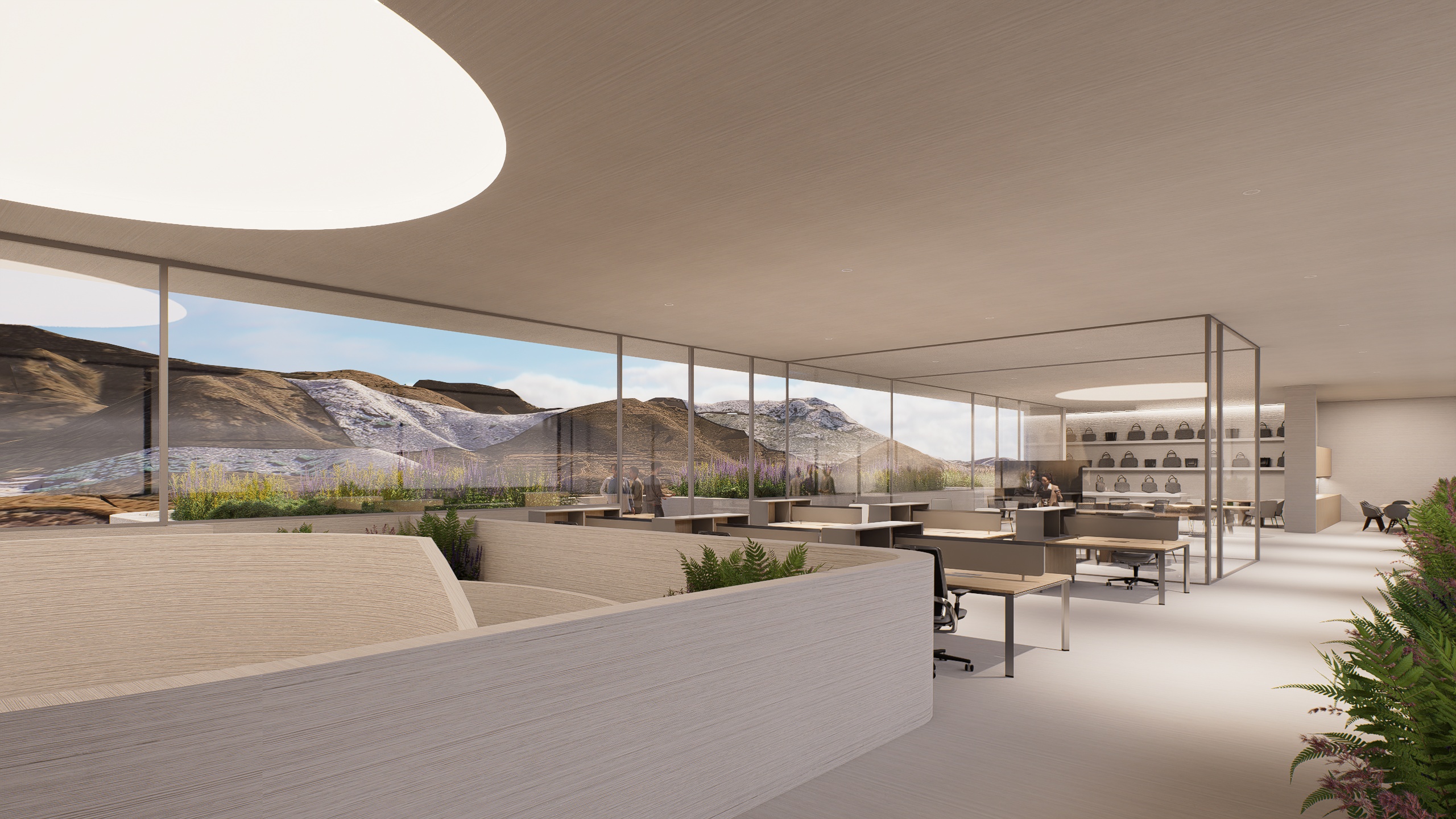
Hi @ela ! I just want to add more data to this topic, I don’t know if it could help. Yesterday I tried rendering a video of the project and it looks perfectly fine. It seems to be only a loading issue affecting still renders, as opposed to video/animation rendering.
I’m attaching here a screenshot from that video, where the CESIUM background appears exactly as it should — consistent with the preview.
Thank you for providing the additional information and the screenshot.
Yes, some other users have also mentioned experiencing a similar behavior. We appreciate you sharing this detail, as it helps our team better understand and investigate the issue. If there are any updates or workarounds available, we will be sure to inform you.