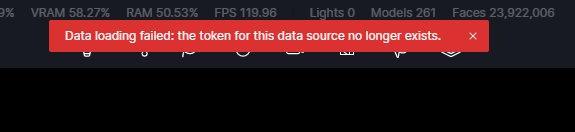
I’m using Cesium, but lately, every time I open the file, it gives me an error message:
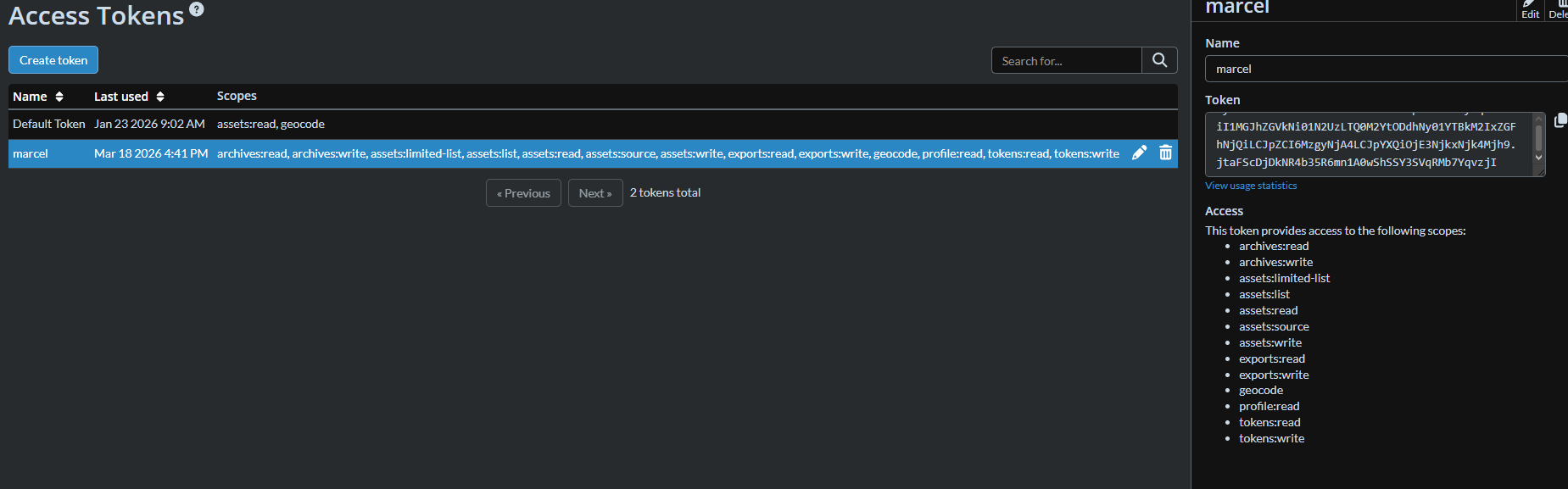
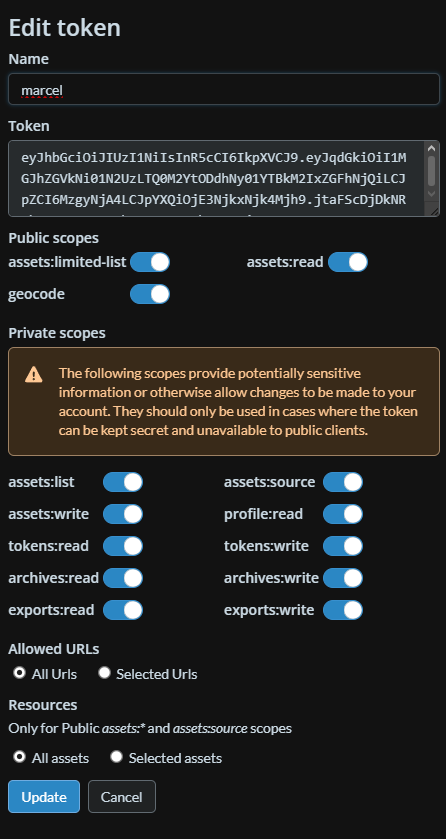
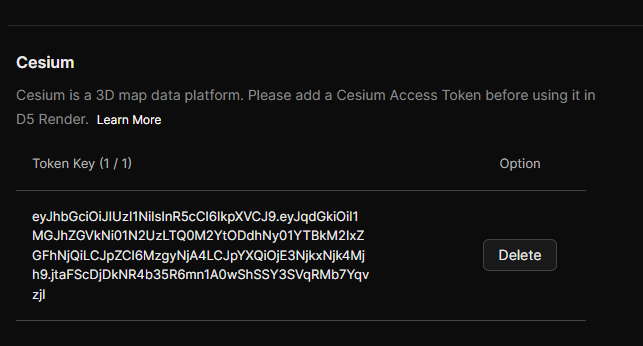
The token exists, and I’ve even tried deleting and creating a new one, but the error message persists. ive already tried to connect to another internet provider, but with the same results. Sometimes after 1 hour or so, the cesium data loads. what should i do?
The token permissions appear to be correctly set up, but the error still appears when reopening the file. Could you please try the following:
Try removing the token from D5 and adding it again, then restart D5 before opening the project file.
Test Cesium in a new empty scene to check if the data loads normally there. This will help us confirm whether the issue is only related to this specific file.
If the data sometimes loads after about an hour, it may also be related to Cesium streaming or connection to their servers at the time the file opens.
after 4 days battling cesium, i figure out that if I open a file with cesium missing, then log out and log in on d5 account , Cesium map instantly loads.
but now im facing a problem where cesium maps are missing , leaving hole on parts of the maps. Parts of the maps keep poping on and off, on the viewport and on the render.
Thank you for sharing your workaround and for your persistence in troubleshooting the Cesium issue.
Regarding the missing map content:
We are aware that this can occur in rendered images, though it does not affect animation/video renders. Our development team is actively looking into this, and a fix is planned for a future update.
We appreciate your patience while we work on a permanent solution.
@ela this holes on cesium maps appears on animation and image too on my side the same way that appears on the viewport, they keep poping in and out parts
Thanks for the update. This is actually new on our side, as previous reports we received only affected rendered images, not animations.
Could you please share a short screen recording showing the issue? It would also help a lot if you could send us your latest log files so our team can check this more closely.
You can send them to support@d5techs.com, kindly tas me and include the link to this forum post for reference. Thanks in advance.