Hi,
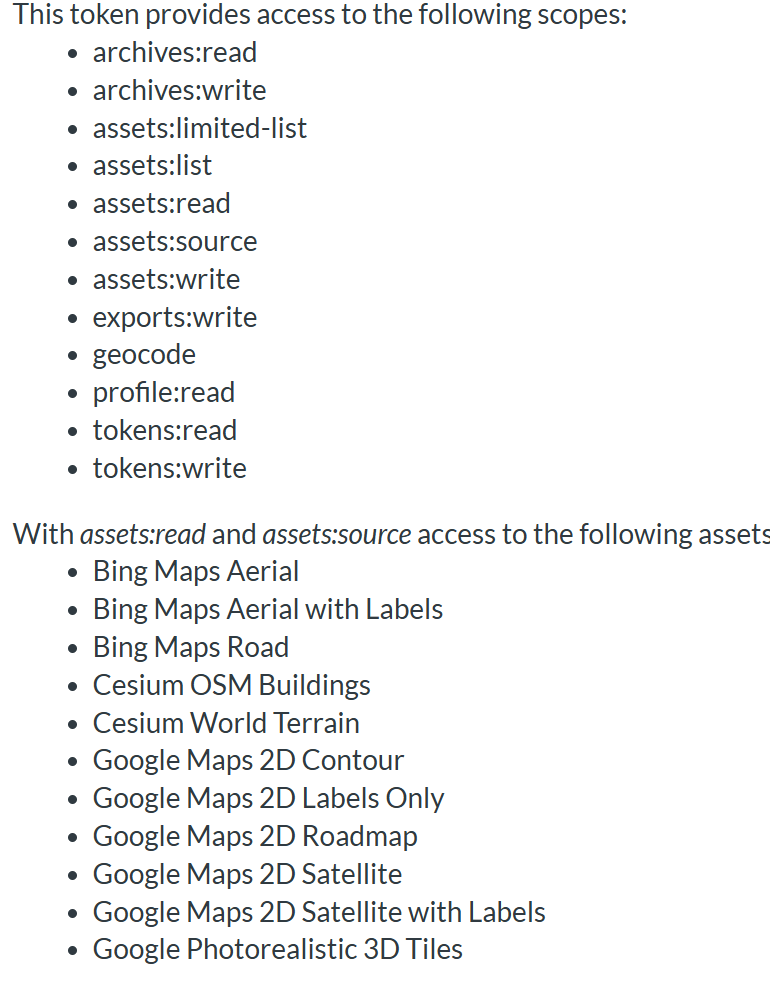
I have created a custom token(add it to my d5 workspace) and provided access to all the assets.
what is the problem here?
Swapnil
Hi,
I have created a custom token(add it to my d5 workspace) and provided access to all the assets.
what is the problem here?
Swapnil
I’m sorry for the inconvenience caused, and thanks for the screenshots.
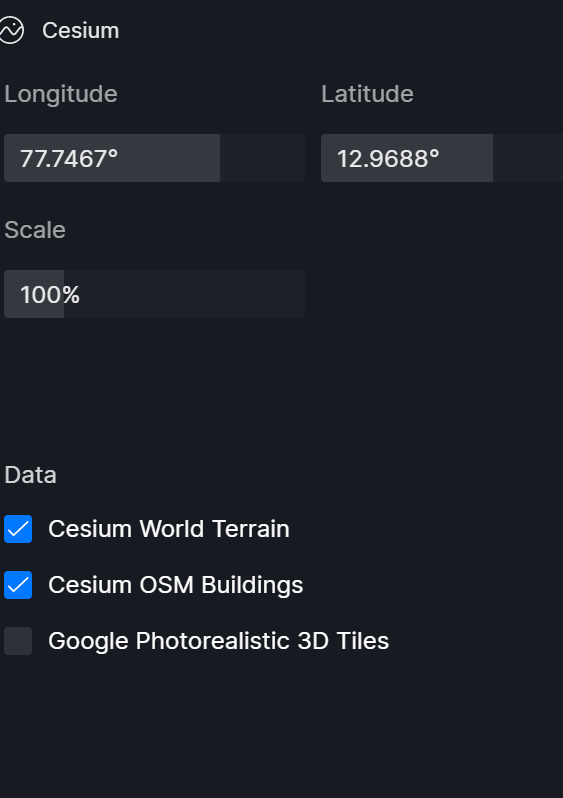
It seems your Cesium Ion token is correctly configured and includes all required scopes. The token has access to Cesium World Terrain and Cesium OSM Buildings, so this is not a permission or token issue.
At this point, the most likely causes are related to data loading, location, version, or network. Please check the following:
Thanks in advance and I look forward to your update.