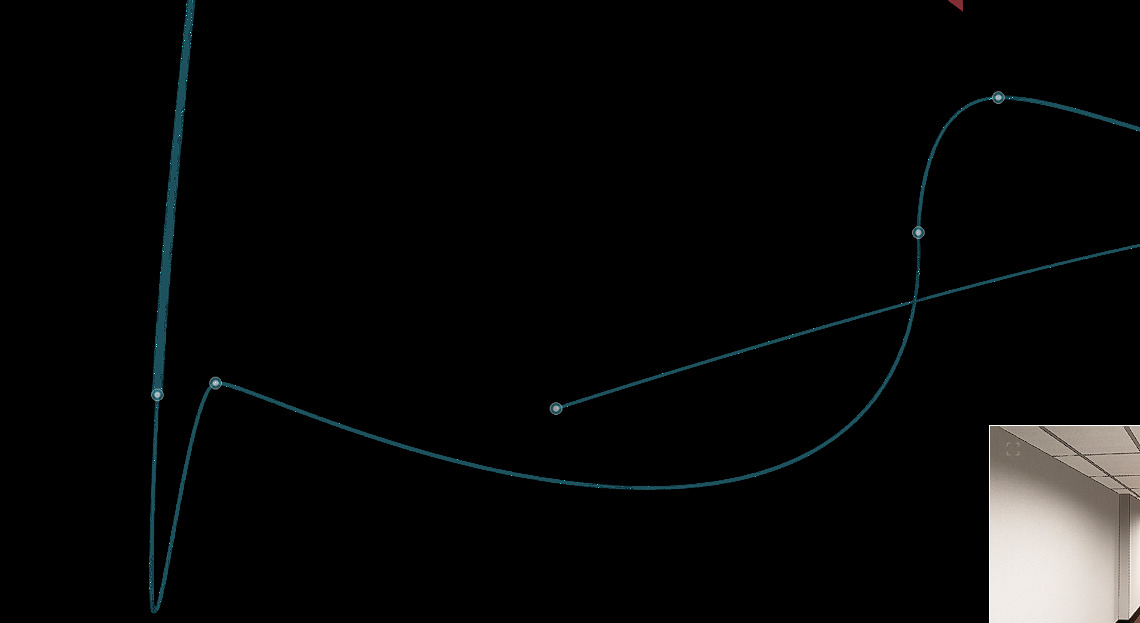
When I make camera shots in a project, my movement between the points is sometimes very unpredictable and as far as I can tell there is not an actual way to edit the path. If anybody knows how to fix this please let me know. I have attached a screenshot, the blue line is the path it automatically made and the white line is my desired path.
Hi @nolyn
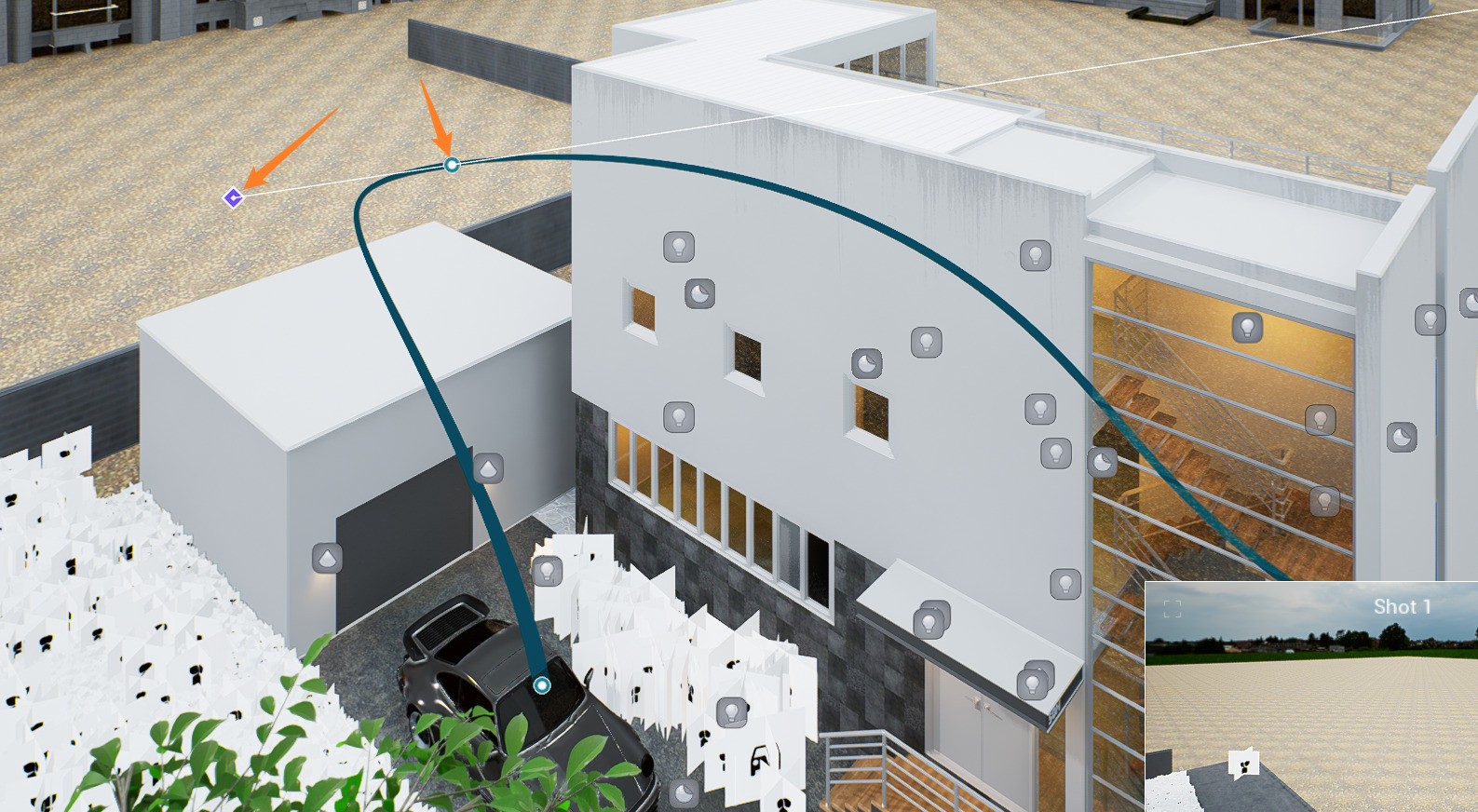
The camera path can be edited when you double-click the white points, then another blue dot will appear to adjust the curvature/path.
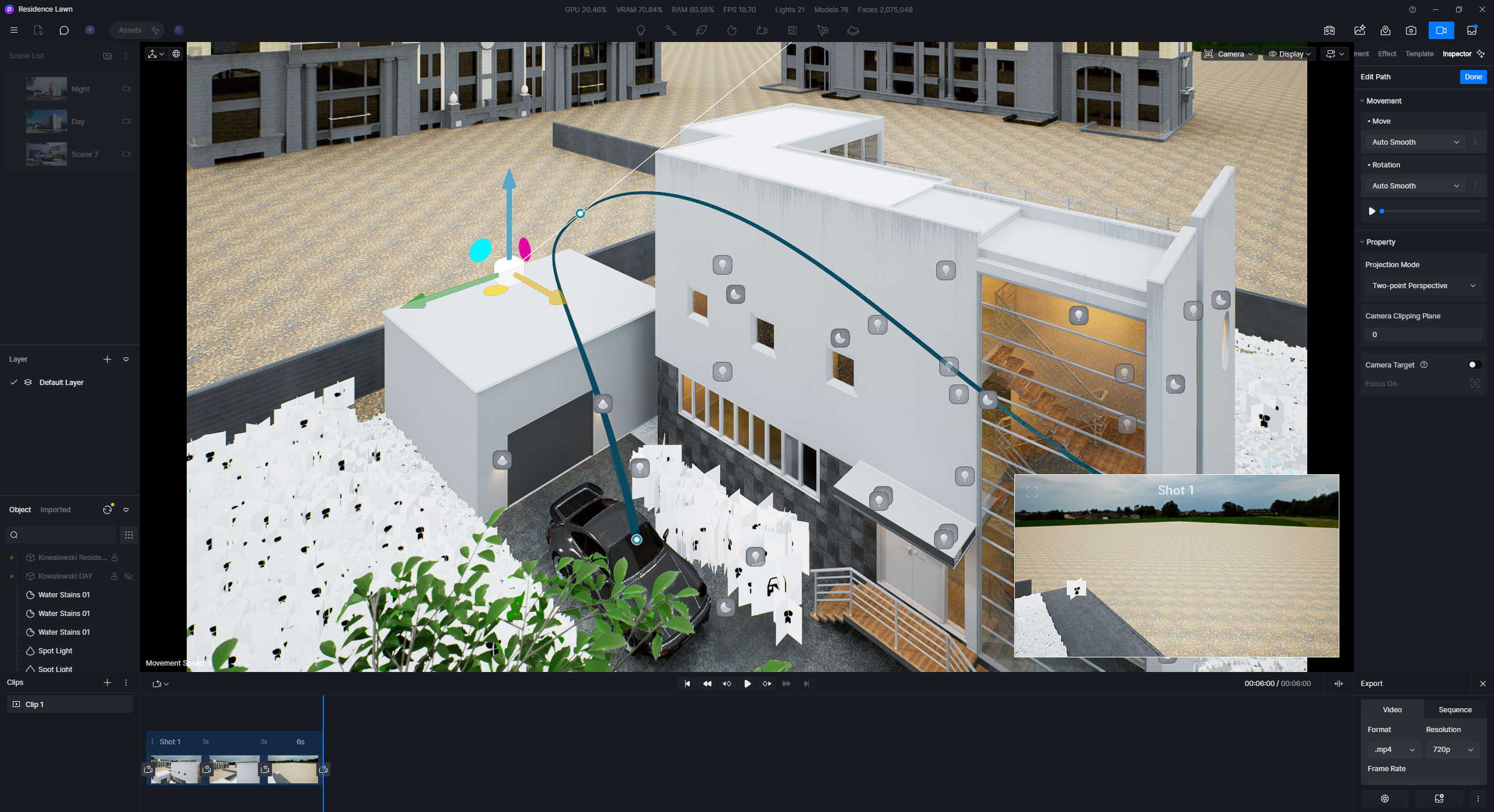
- Can you show us a video-recording from your end on how you adjust these paths?