Hello D5 Team,
I have been working with D5 for a few years now and have followed several updates. Thank you for the current update as well. As always, it brings new, very practical features.
Unfortunately, I am also a bit disappointed, as clear bugs in the software that I have reported multiple times here in the forum have still not been fixed.
I would like to post a list of bugs and suggestions for improvement here, with the hope that it will be seen and implemented.
- The reflection of the “Rect Light” is visible through objects. I have already reported this bug several times. reported here
- If you create a kind of photo studio (a white, closed room with lights), the display automatically gets brighter and brighter. If I render right at the beginning, it is quite dark. If I wait 2-3 minutes without doing anything and then start the rendering again, it turns out significantly brighter. reported here
- Some objects that are located behind others are not displayed in the Top View and Wireframe Mode.
- A simple feature like snapping is missing.
- The file names of textures that I have imported myself are not displayed. The tiny preview under “Base Color Map” is way too small. At the very least, the file name should appear on “mouse over”.
- Zooming with the scroll wheel (in the Top, Front, Left, Bottom, Back, Right views) is not good. At first, you zoom in normally, and then the zoom suddenly jumps way too much. This is very annoying.
- Copying in the object list (bottom left) is not possible using Ctrl+C, Ctrl+V. Ctrl+D doesn’t work here either. To copy, I always have to move the object in the editor.
- Groups (in the object window) automatically expand when moving objects. This is very annoying. In large projects, this creates super long lists. Cinema 4D has an option to “close all groups” for this.
- In all settings, only the period (dot) is accepted for numerical inputs. It would be really good if commas could also be accepted.
- A grid/step function when copying or moving would be very practical. This way, objects could always be moved or copied by a specific value.
- The AI often over-processes the renderings. It would be nice to have an option that, for example, only automatically adds signs of wear and tear, like scratches and fingerprints.
- When loading an fbx file, the position of the axes should be applied automatically. Why does this always have to be done manually via “Sync Pivot”?
- All new materials that come with importing an fbx file have “Normal” set to 1. Personally, I have to manually set it back to 0 in 90% of cases. Perhaps this value could automatically be left at 0 upon import?
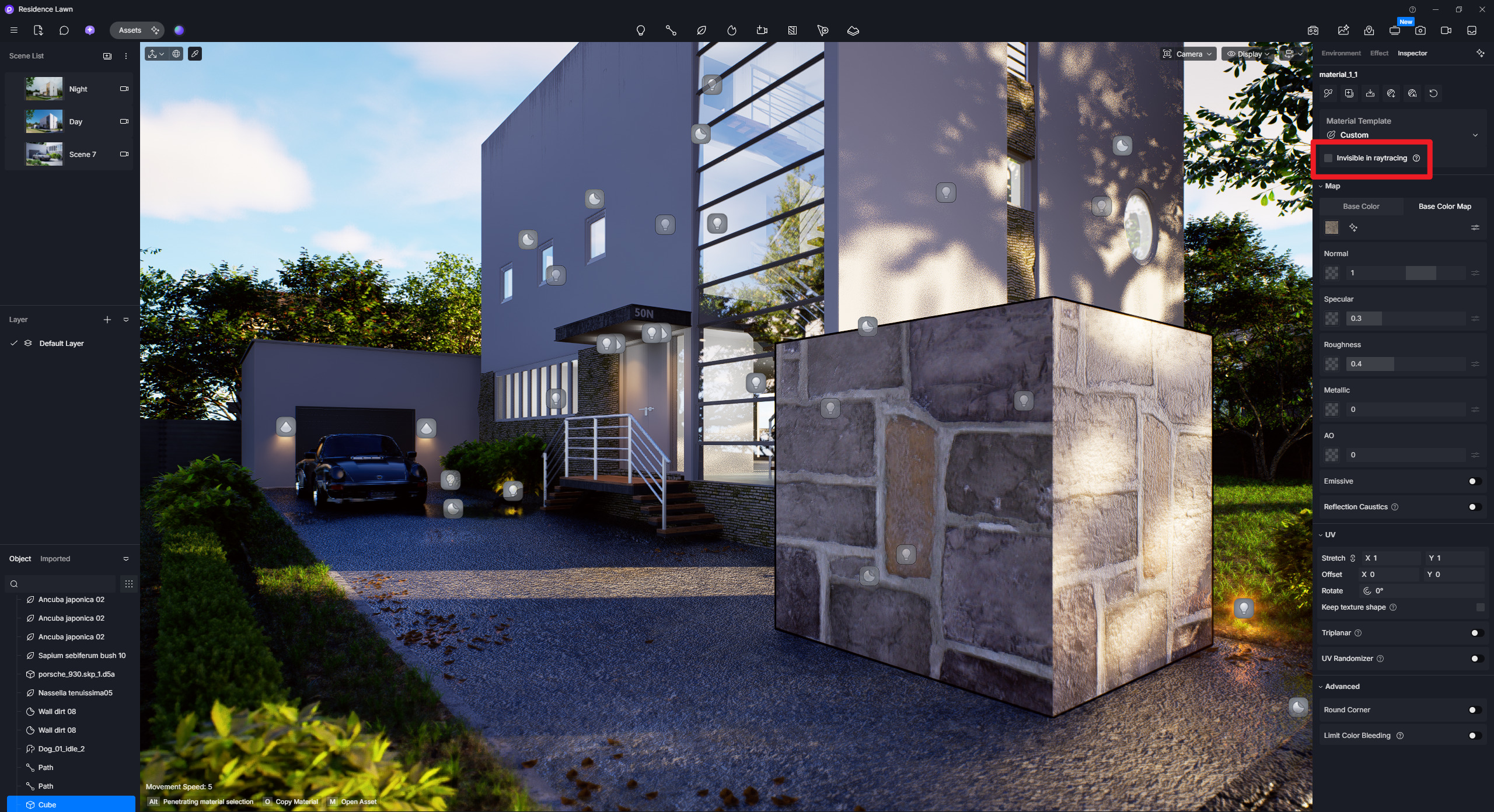
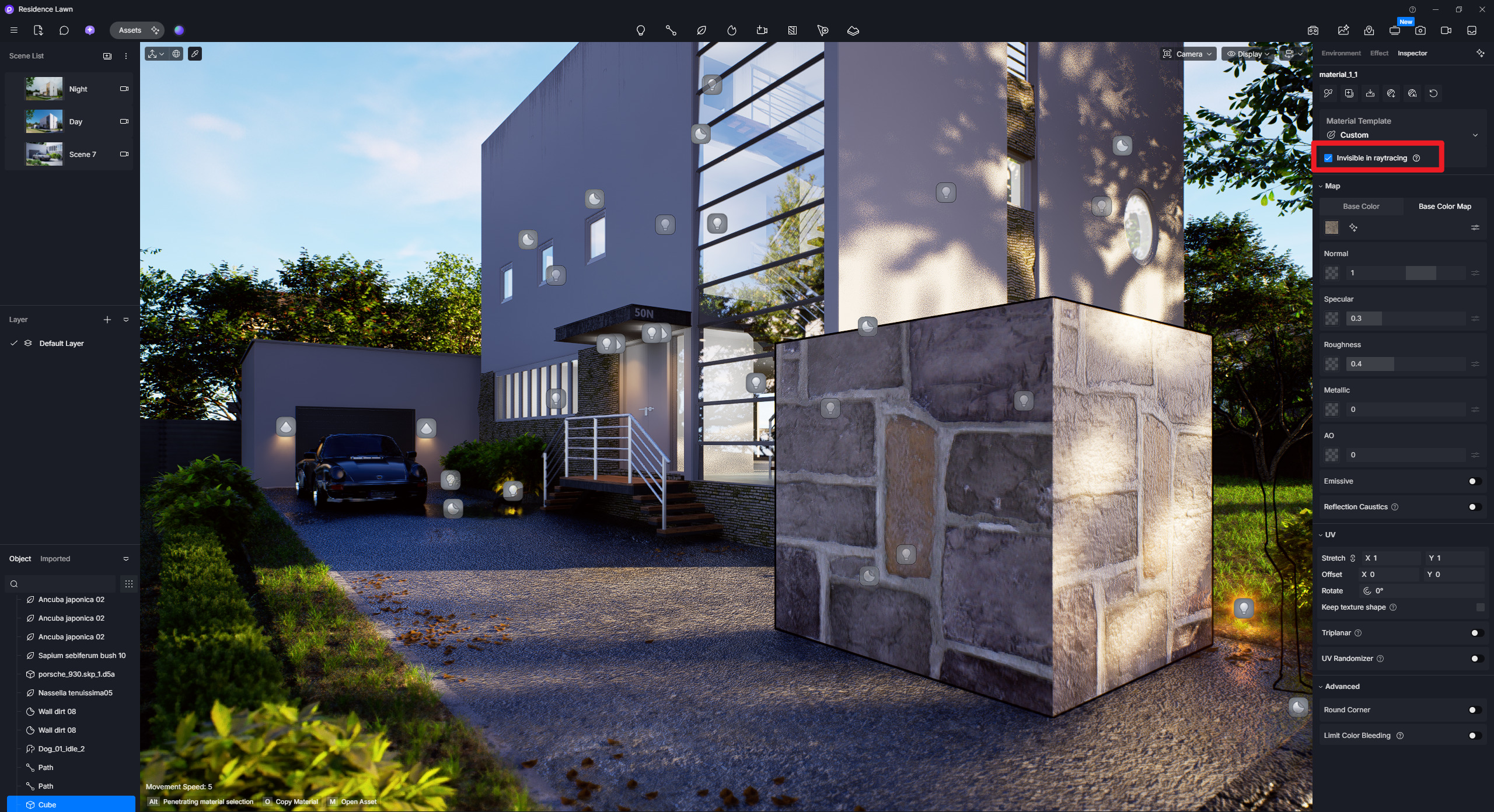
- The “Invisible in raytracing” option does not work correctly. The object with this material is still illuminated, and it casts and receives shadows.
Thank you and regards