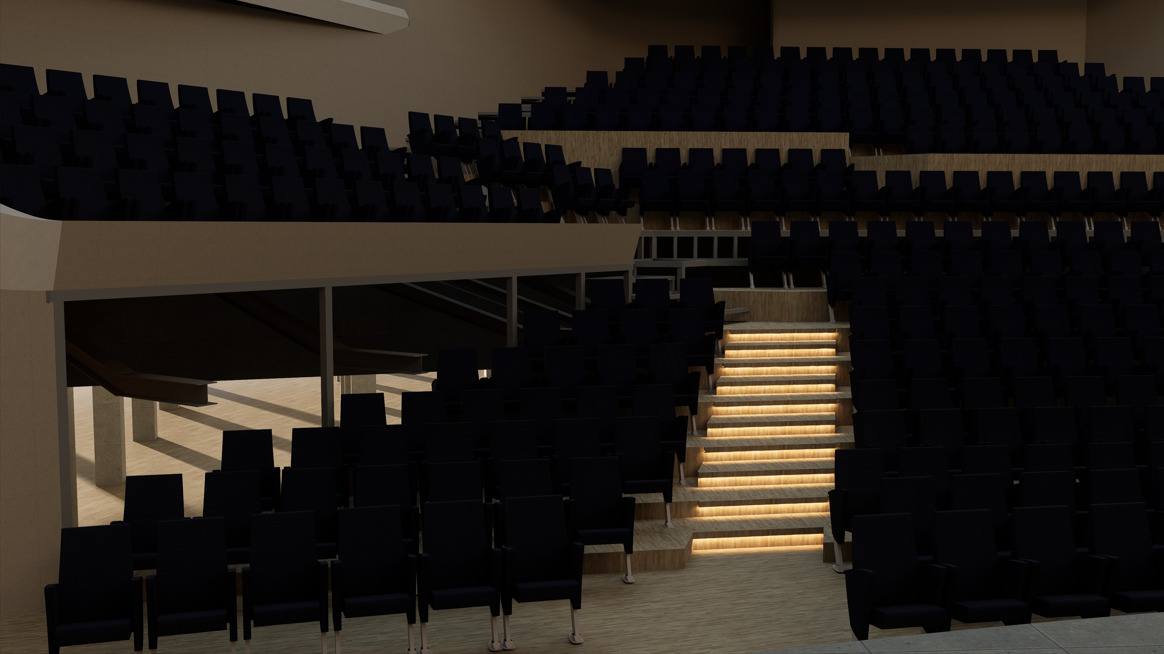
I am getting some bad blotches from the emissive materials, applied on the underside of an overhanging geometry. The emissive polygons are separated from the overhang, so there is no intersecting polys. I see in other threads with similar problems that there are some settings to test, whether it helps turning them on/off, and I have tried all those with no results. Of course, if I turn off the shadows, the blotches go away, but have no effect on the vertical surface (see screenshots)I also have a similar situation on a linear surface, which I was able to fix, by using linear lights, but since this particular case is curved, my only option is the emissive material. Can someone tell me if it’s a limitation from the area size, since this is a relatively thin strip? It’s almost looks like low light samples (from older render engine terminology), but I don’t know if there’s a way to adjust that in D5? I’ve tried subdividing the mesh, but seems to not matter.
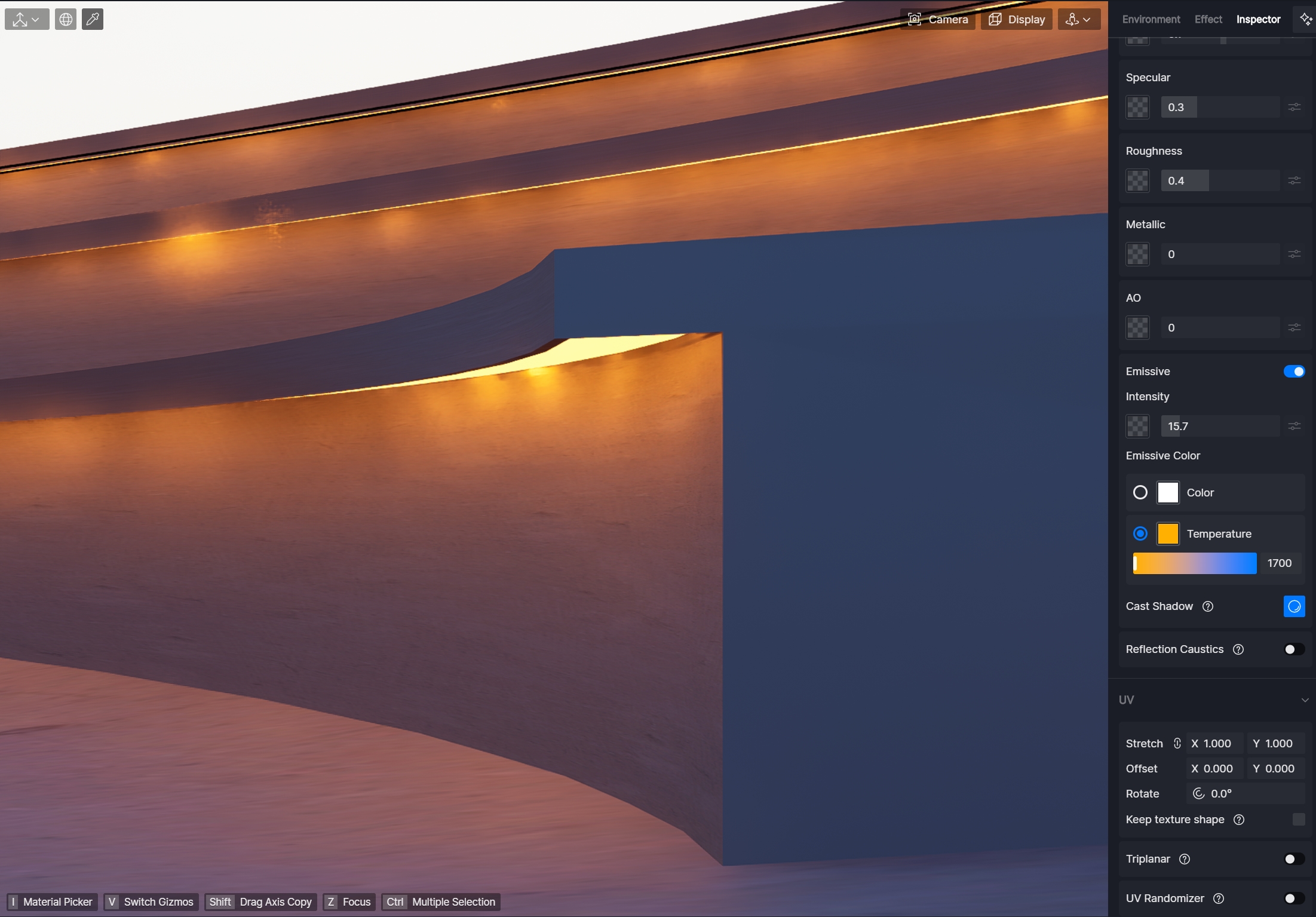
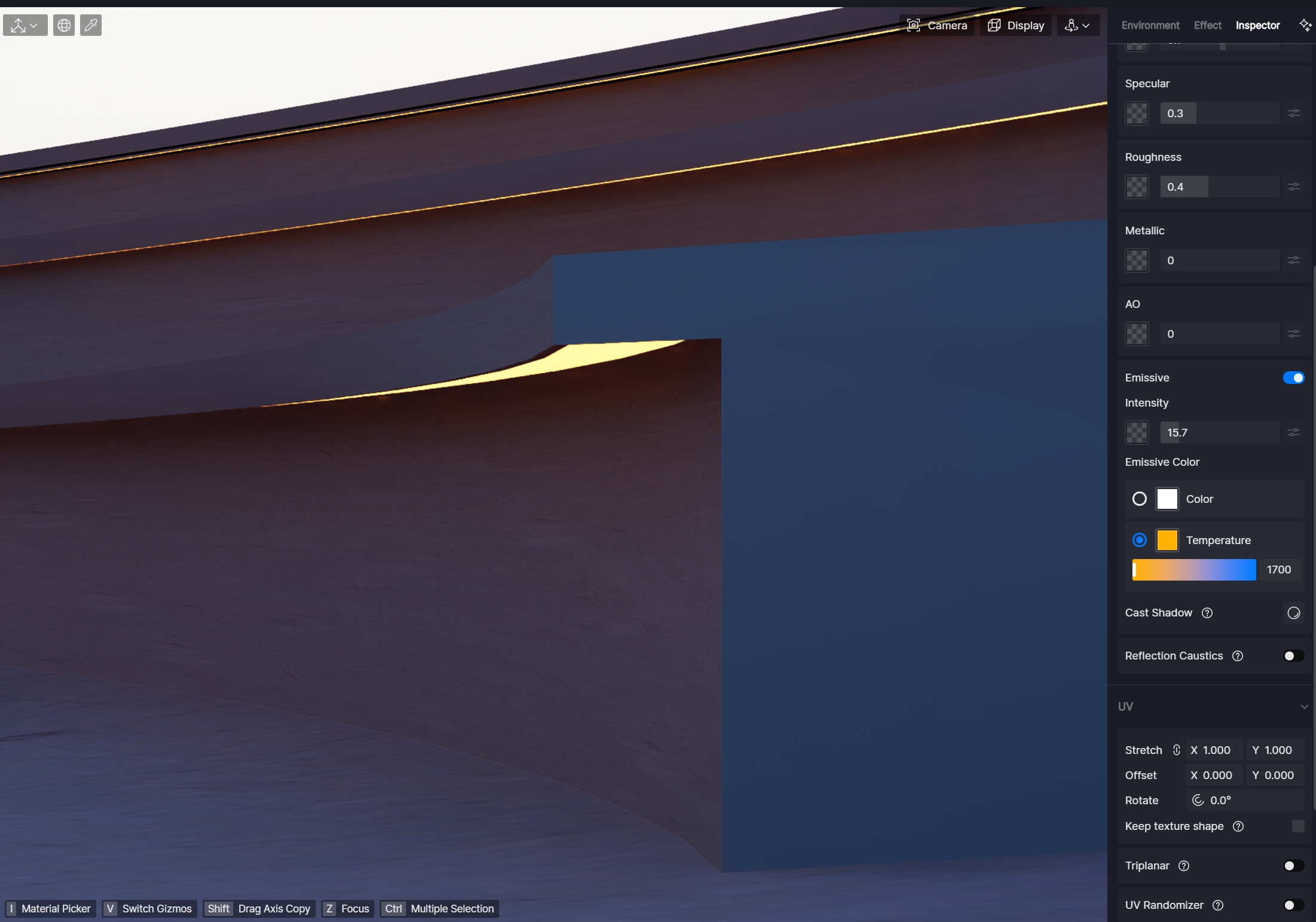
Hey, try keeping cast shadow option off and increase you Emissive Intensity to a higher number. If that does not work, I would add some sets of linears. 
Hi Clov, yes I’ve tried disabling that, but it has no effect either.
Hi Marina, cast shadow off gets rid of the blotches, but also gets rid of the light bounce on the vertical faces - no matter how high I increase the intensity. Since the emissive surface is hidden from view (unless you’re below, like my screenshots) the bloom and glare are also not visible at all.
Hi @ewest
Can you send me this file? You may send it to support@d5techs.com and have it titled Clov-Forum Blotchy Emissive Glow

Please let me know if you have sent it.
hi Clov - I’ve been trying to isolate the problem, since my file is pretty heavy and also under NDA. when I isolate just the objects in question I am able to get a much smoother appearance, so it seems that maybe there are other factors involved. i will continue to investigate
Hi @ewest
Indeed, I can’t replicate it on my end. If it’s possible to isolate this particular surface and place it in a different file, that would be a good alternative.
Hi @Clov I have the same problem as this post.
1st pict
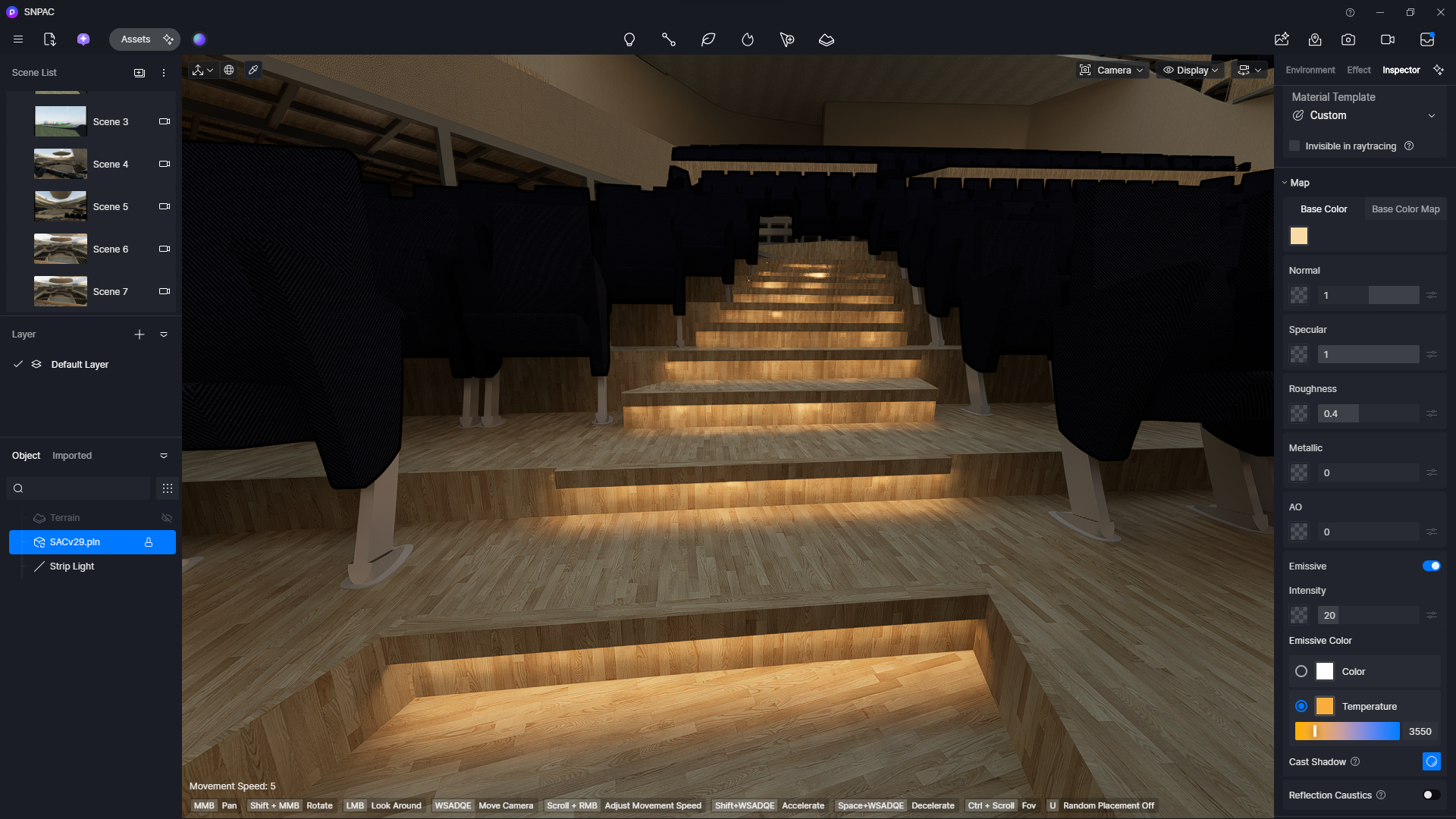
I used emissive material for the lights on the stairs. But as in the image above, at close range it might not be that noticeable and there’s no problem with the emissive light. But when the emissive light point is far from the camera, like in the image on the stairs above, the emissive light starts to get blotchy. And the further away the camera is, the more dim or disappear the emmissive effect will be if the intensity is low, or blotchy if the intensity is 100%.
2nd pict.
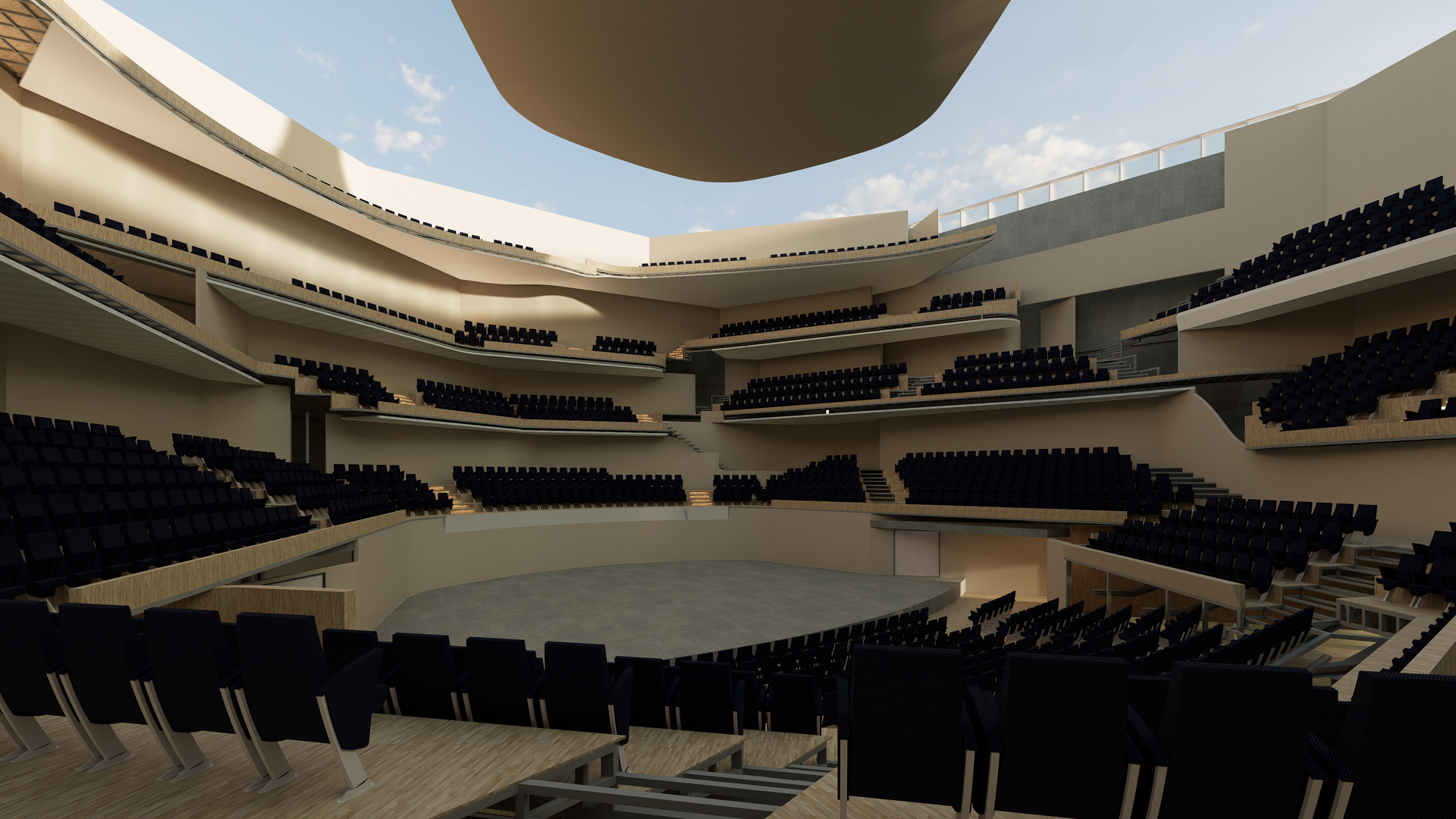
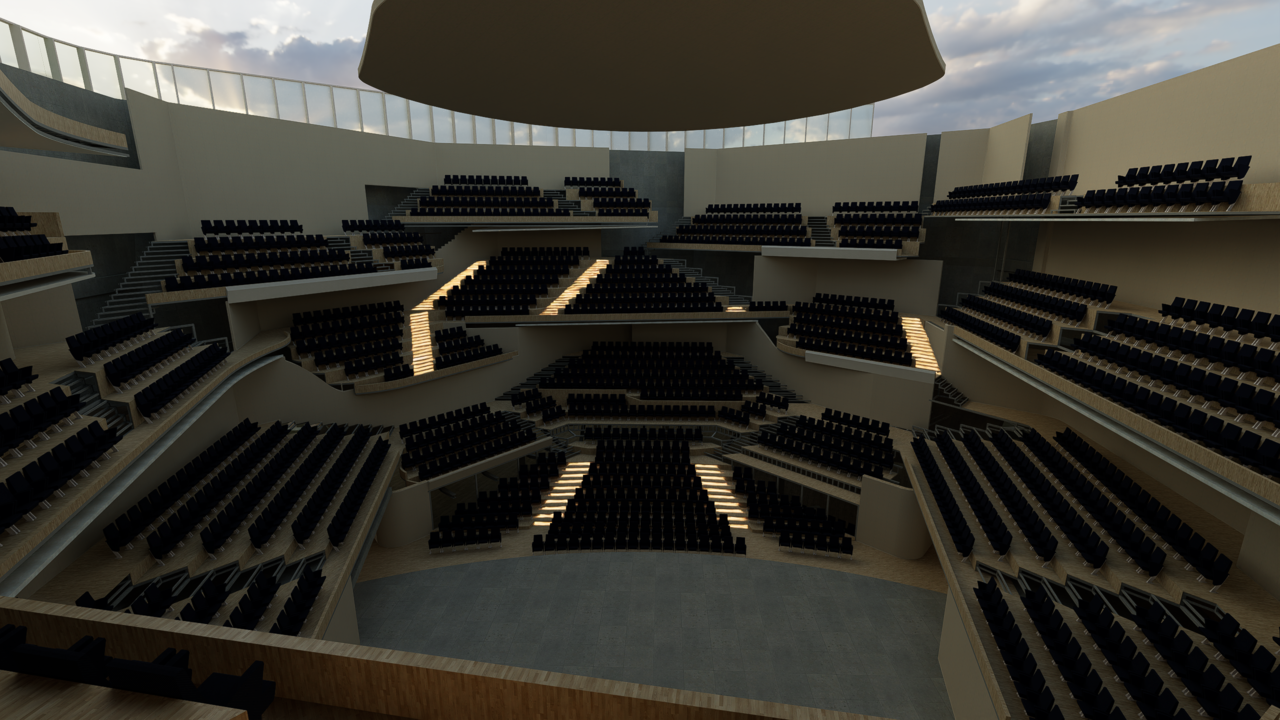
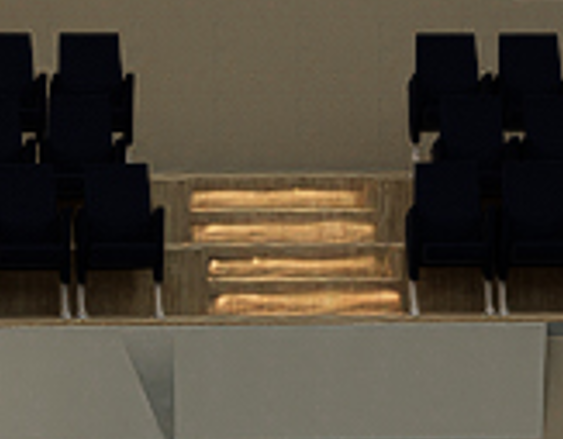
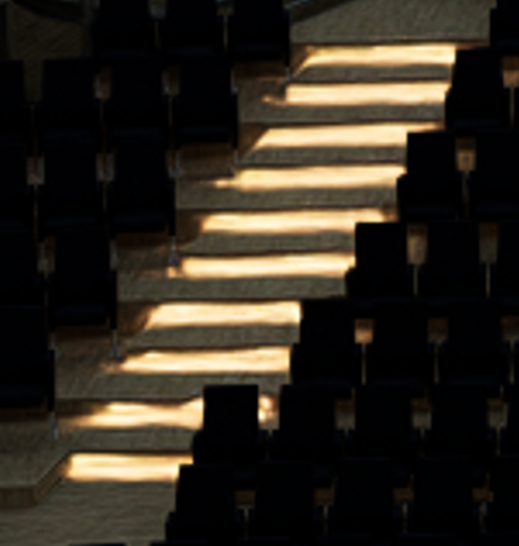
While I was still in the display to install materials and objects, because the camera was too far from the emissive light, the light was invisible or blotchy. And when I rendered the emissive light, it was also rendered poorly. And if I zoomed in, it looked like the light was a bit wavy.
any suggestion? I’ve been on several forums that have issues with emissive light, and I’ve also tried ways to fix it, like turning off super resolution, frame gen, etc.
(btw i use archicad to make the 3D model)
Hi @nantarasyad0 You can disable LOD from the settings to see if there’s any improvement. If possible, please share the D5 file so i can test it on my end.
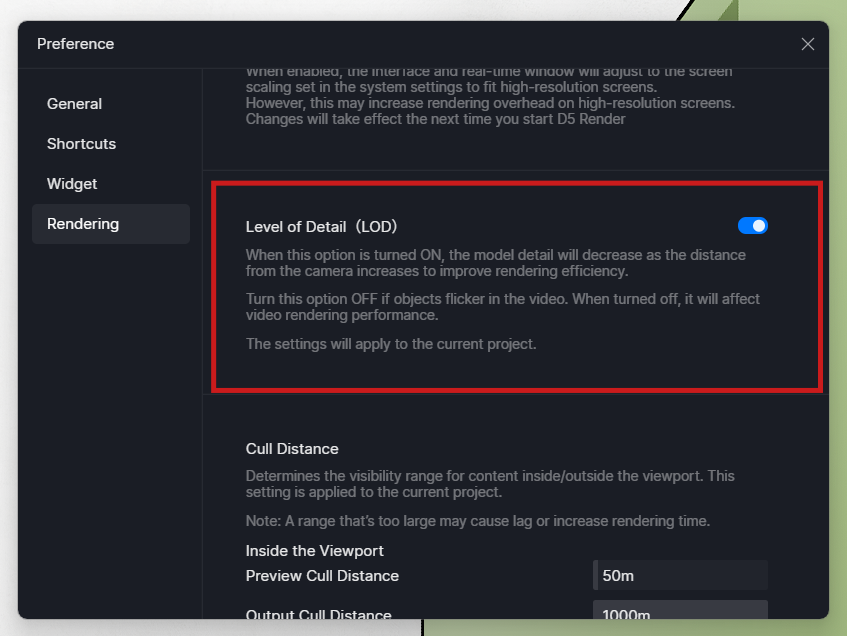
Hi @nantarasyad0 I was able to test the file you sent. The issue is a known one where thin strip lights produce blotchy effects in the preview. The issue is not visible in the output. You can disable the LOD and increase the bloom effect for better results. Thank you.