Hi,
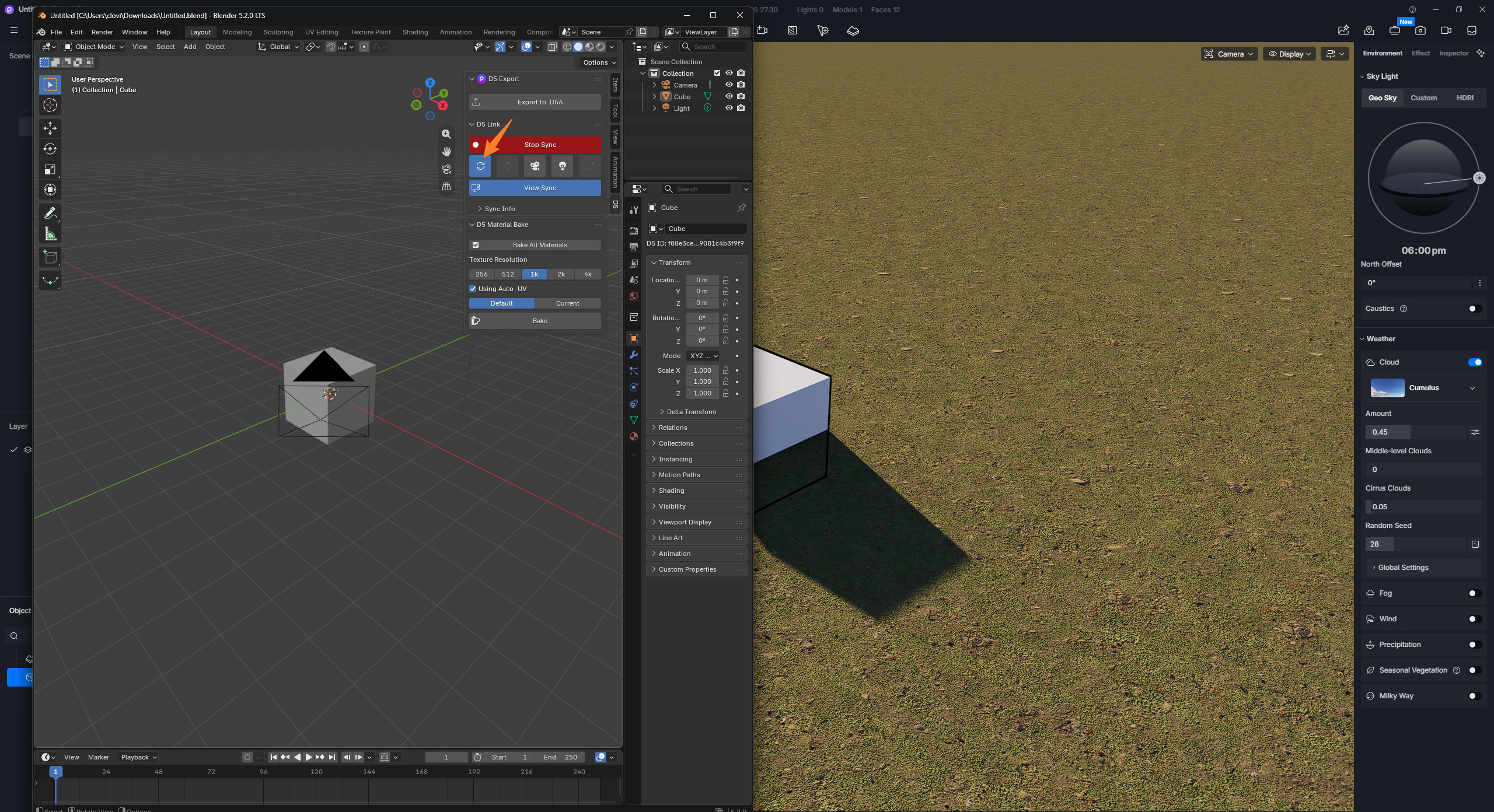
Maybe I’m missing something, but I can’t get the new feature listed in the D5 Render 3.1 update notes to work:
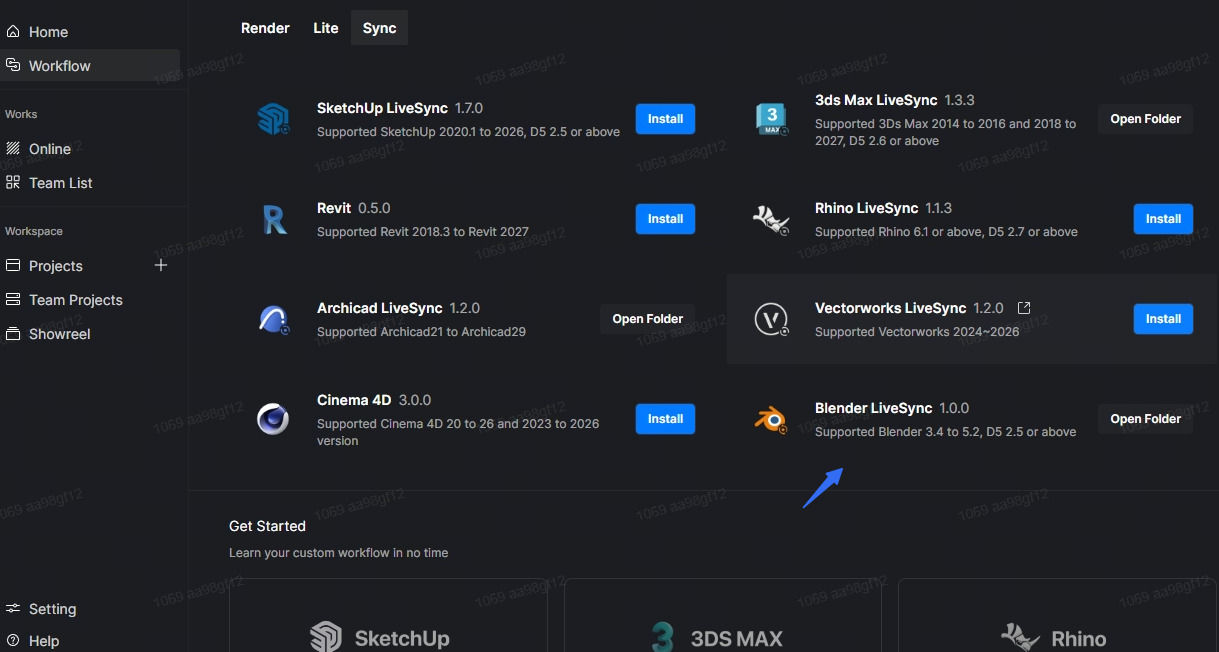
“The new D5 LiveSync Plugin for Blender connects Blender and D5 Render in real time. Edits you make to models, materials, and lighting in Blender sync straight into your D5 scene, with no repeated manual syncing or export/import.”
I downloaded the latest plugin version from the website, D5_Sync_Blender_usa_0.10.0.0032 , and updated D5 Render to version 3.1.
The plugin works in Blender, but it behaves exactly as it did before. I still have to click Start Sync every time I want to update the content in D5 Render.
As I understand it, the new functionality was supposed to work live. This means that when I edit something in Blender, the changes should automatically appear in D5 Render without me having to click Start Sync again.
Am I misunderstanding how this feature is supposed to work, or is there something else I need to enable?