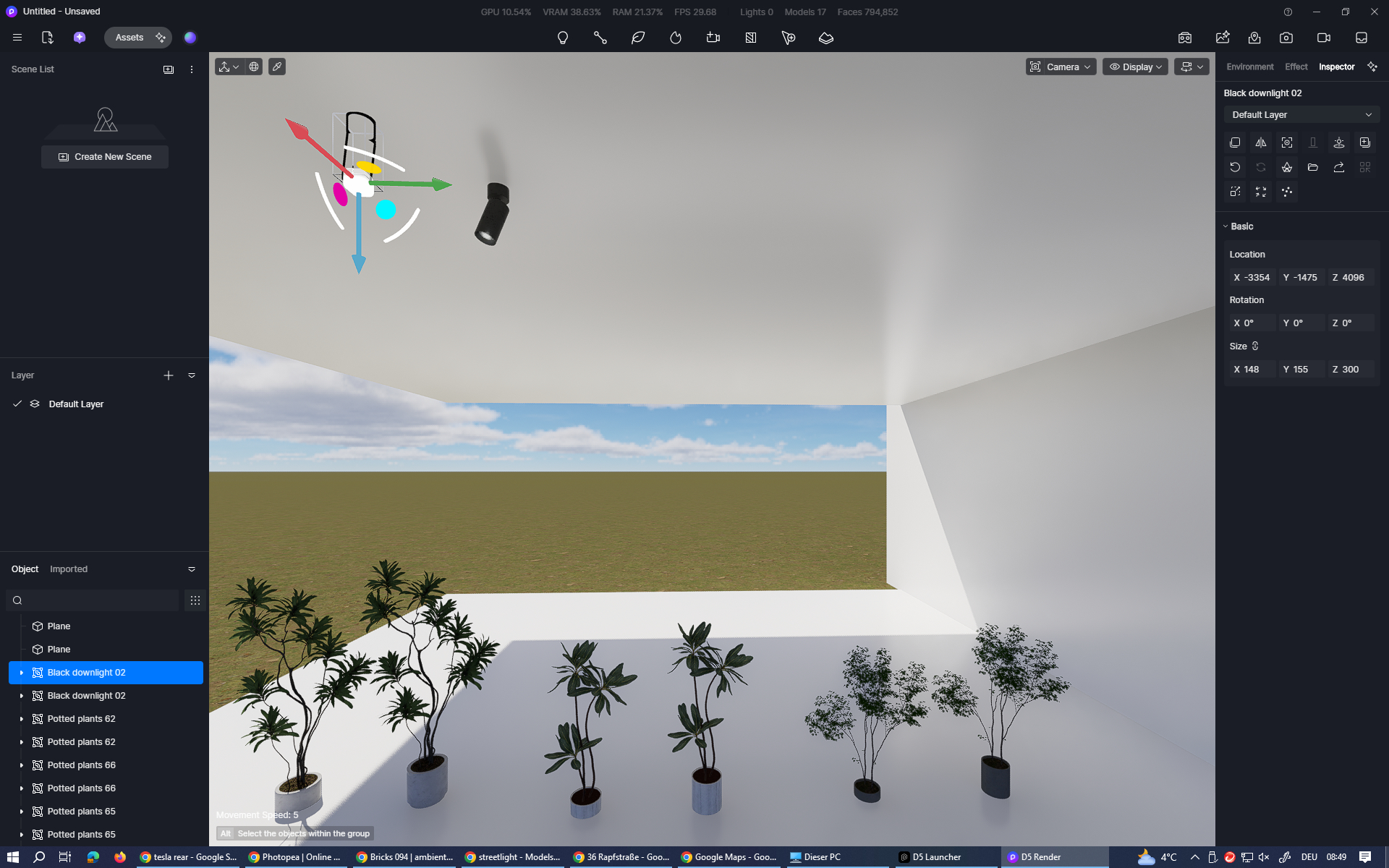
until now it happened only with potted plants (but not all of them). in the attached screenshot you can see 3 examples. left one is how it is placed when inserted, right one how it should be.
there is also an example for the downlights. left one you can’t see, because it’s IN the ceiling when the asset is placed in the scene (because pivot point is on the bottom of the object). i did not check every object in the downlights folder, but it seems that almost every downlight has the pivot point on the bottom. so, when placing downlights you have to manually move every light down.
Thank you for bringing this to our attention. Currently, there is no way to manually change the origin (pivot) position due to the following limitations:
Potted Plant 65 is a composite model, and the composite model .d5a assets do not allow manual editing of the origin position.
For individual models, the default origin position is set to the bottom center. At the moment, the product does not support attaching adsorption-type components (such as ceiling lights or downlights) with a top-center origin.