Hi everyone—I’ve placed a few assets, including some Asset- path distributions or scatter areas, etc.
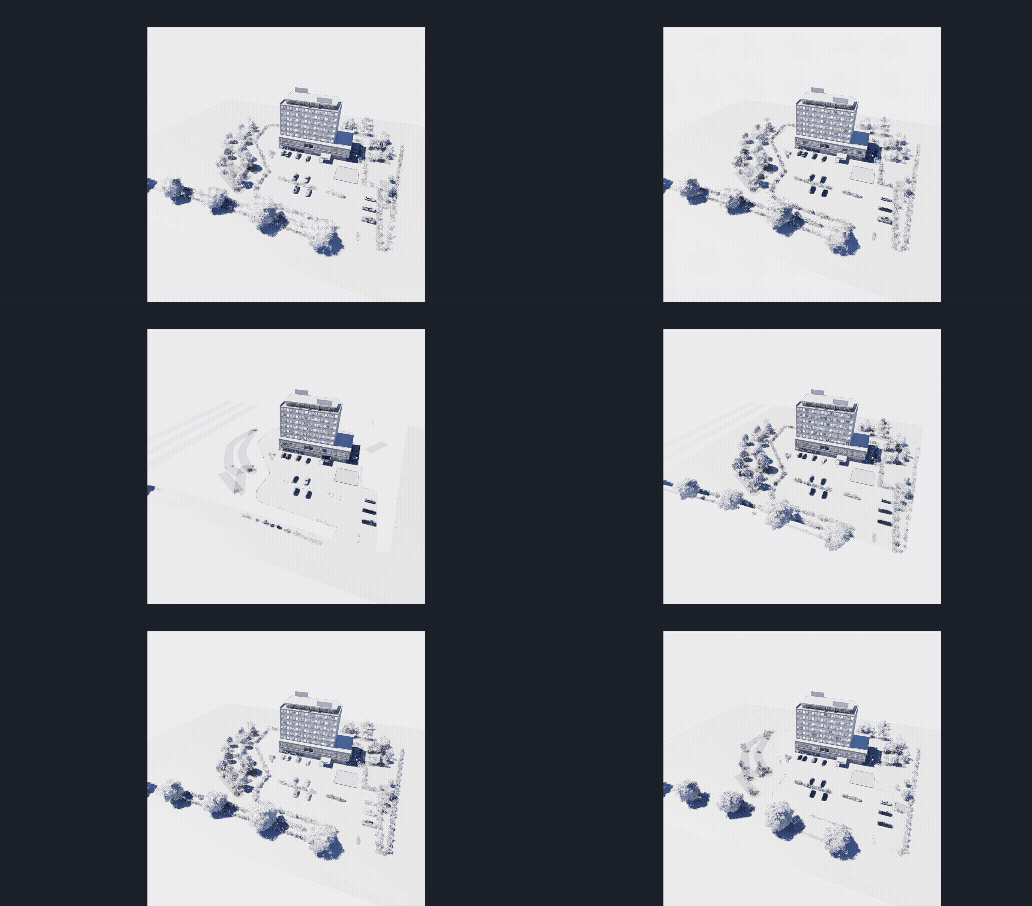
Starting today, all assets are no longer displayed consistently; instead, they’re constantly flickering and aren’t rendering.
All other model objects, however, are being displayed and rendered.
Can someone please help me figure out what I need to do now?
Hi @e.gieg
Please provide us with the following:
- Screen recording showing the issue
- D5 Render Version that you’re currently running
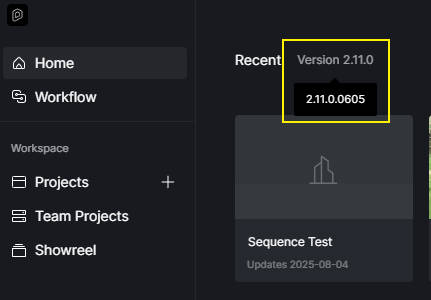
Additional questions for clarification:
- Does this occur in all of your files or only specific ones?
- Where is your D5 Workspace located? Ideally, you should have full control over it. Please check.

1 Like
Thanks for the quick feedback.
I’ll pass this information—especially the requirement for full access to the > C:\D5 WorkSpace < directory—directly on to our IT admins for implementation.
Our (team) version is 3.0.1
[  We’re all still complete D5 beginners who are currently making the switch from Enscape to D5—so thank you for your help and patience! ]
Best
Hi @e.gieg
No worries. By chance, can you update to version 3.1.1?
If not, you can send me the D5 file so I can test it on my end.

- You may generate a Google Drive link or a WeTransfer link containing the file, then send it to me privately here in the forum.
1 Like
 Update: full access to the C:\D5 WorkSpace directory has been established—the error I reported above has not occurred again so far.
Thank you!
Sorry for what’s probably the dumbest  question here ( don’t tell anyone):
You wrote “update to version 3.1.1” above.
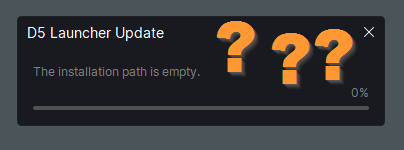
How does an update work in D5?
Hi @e.gieg
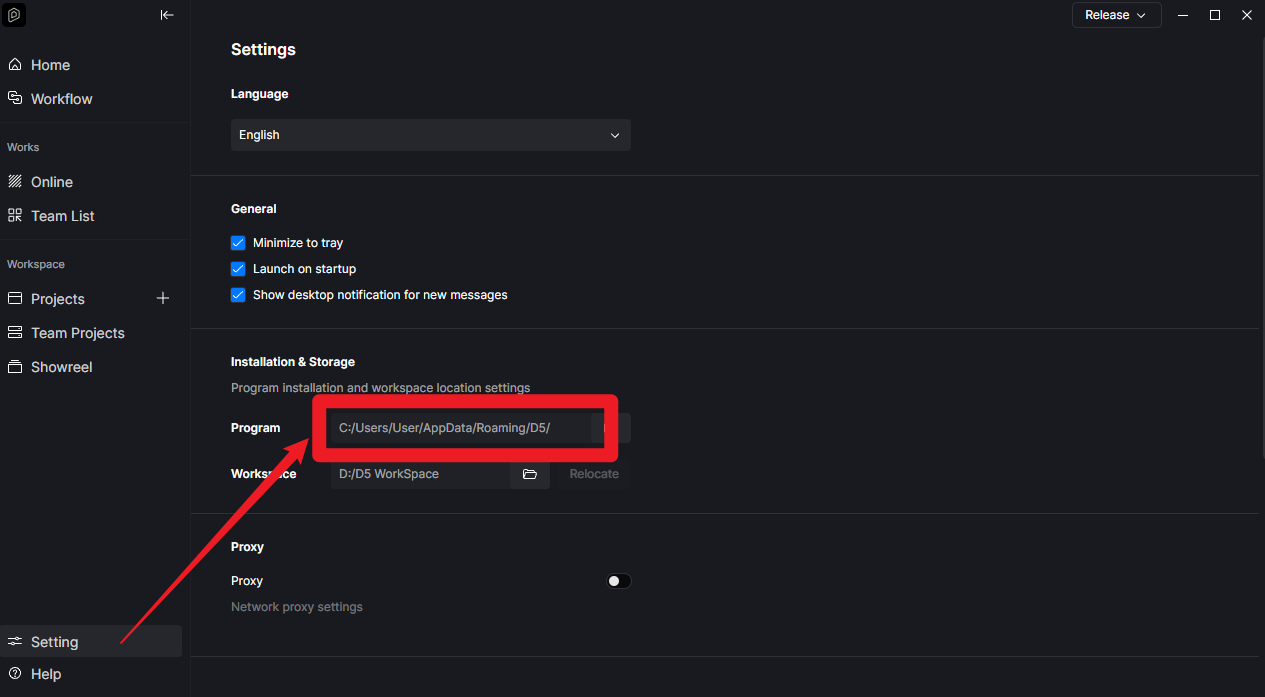
Normally, this shouldn’t happen. D5’s update will automatically proceed once you confirm it. But in this case, the issue may be related to your device’s permissions for the installation path where D5 Launcher or D5 is located.
- Please locate this path in your file explorer and recheck whether you have full control
- If you do have an IT Department in your company, I think it would be best to have them assist you in modifying this setting.
1 Like