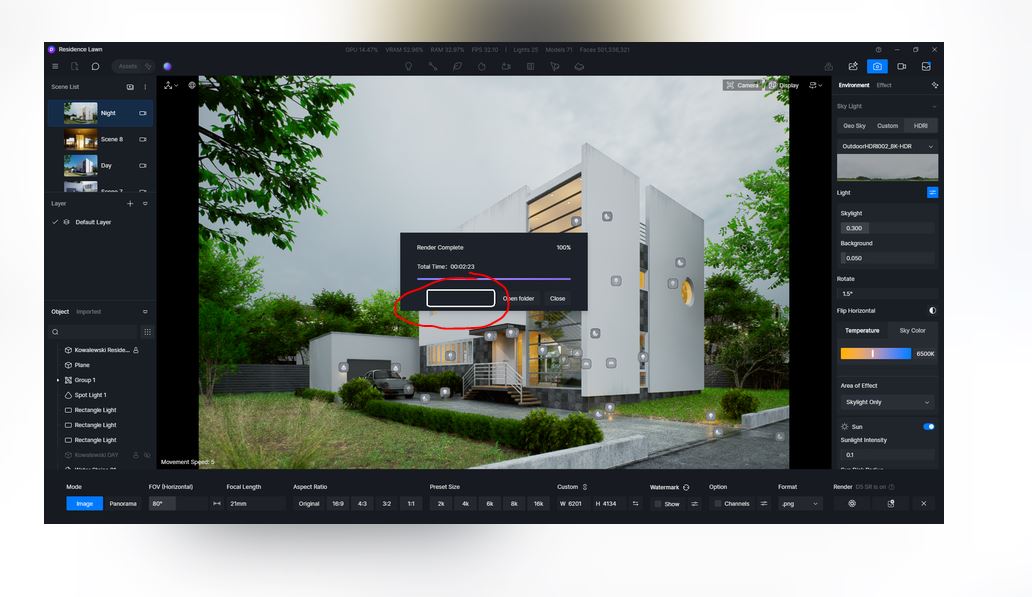
Hello, can anyone help me on this? the Ai-processing tab is missing after the render how shall i do this?,
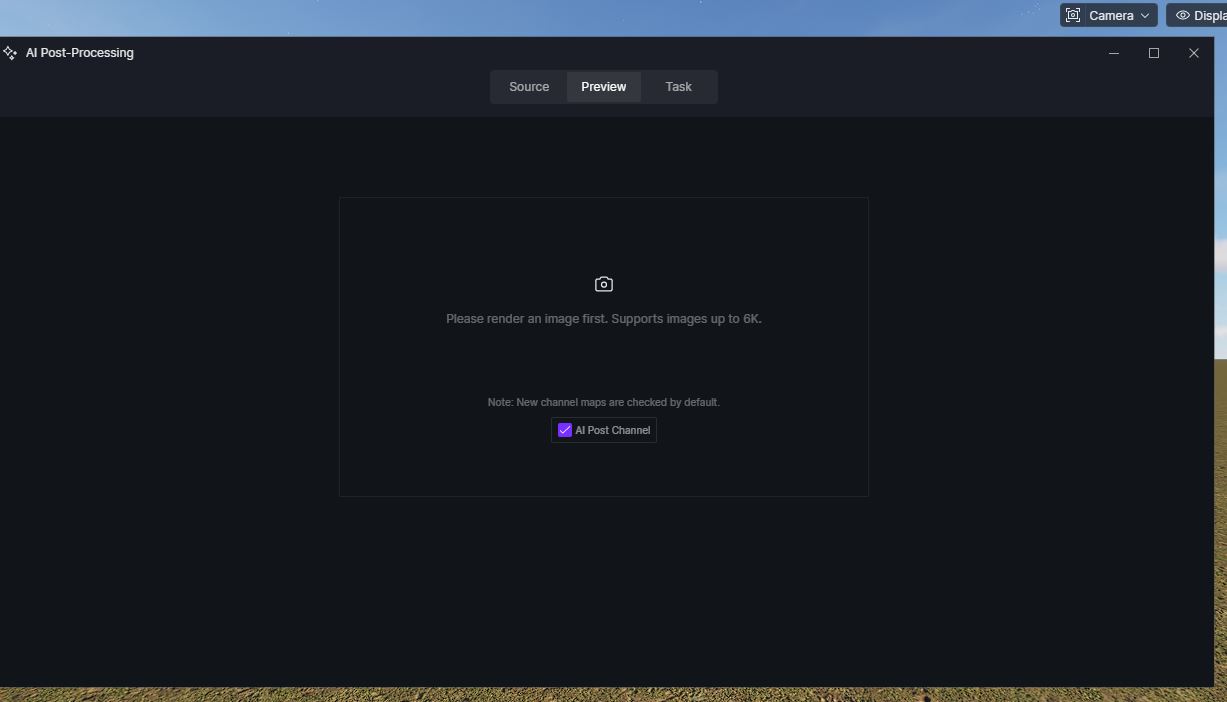
Please check the ff:
-
Save your project to a local folder (avoid cloud/network drives with special characters).
-
Ensure resolution ≤6000 px on both dimensions.
-
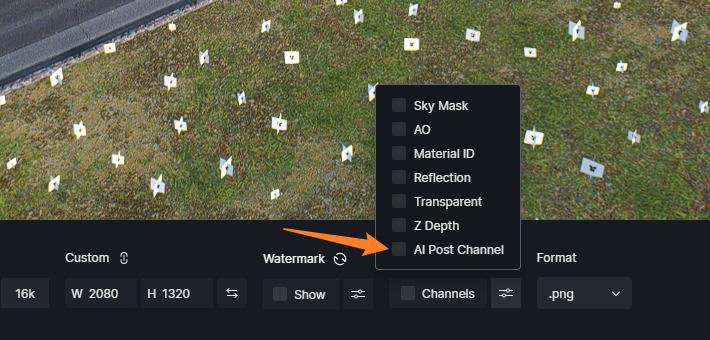
After rendering, check if “AI Post Channel” was enabled.
-
If the button still doesn’t appear, restart D5 Render twice (wait 5–6 minutes between restarts), as some transient issues require this.
If the problem persists, please provide:
- Your D5 Render version (current domestic: 3.0.1.0133, overseas: 3.0.1.0683)
- Whether the project is saved locally
- The render resolution and save path (check for
&,#, etc.)