I can’t see the images of my AI projects in D5. I can’t see the ones I’m trying to create either. They’re just sitting there without images. Is there a problem with your servers?
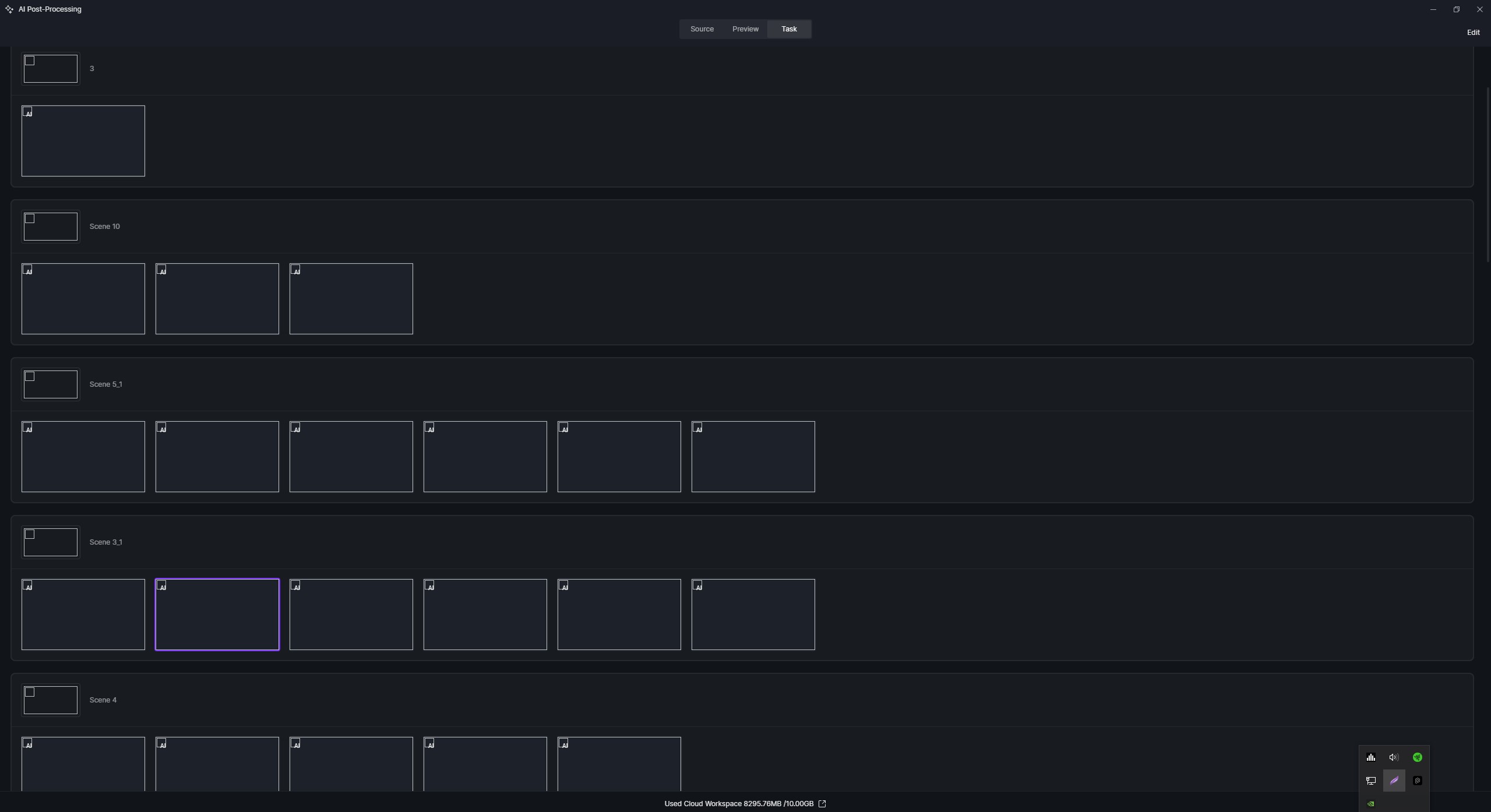
Enhancer, style transfer, etc. are working fine. These commands function without problems, but the images aren’t loading; they give errors. Sometimes it works fine during the day, then I can’t access the images again. Most likely, there’s a problem with your server. It’s not working consistently.
I know this isn’t controllable. The Enhancer section is always saved over the network. When I want to download the file, I save it to my chosen local location. But this has nothing to do with local location. It’s a network issue.
Please try saving to a local drive path and see if it works. Its usually due to network issues
Hi @Furkan
We did have an AI Maintenance last 09:00, Monday, April 28, 2026 (Beijing Time, UTC+8) (Equivalent to 18:00, Sunday, April 27, 2026 PT) which lasted for 10 minutes only.
To add James’ suggestions,
- Check if there are any blocks on your end from your Firewall
- If you’re using a VPN, please try to disable it.
- Try to connect to another network, preferably your mobile data, to see if the issue persists.
- Please also check the folder path of the output location (final render) to see if the original image is still there.
1 Like
- I don’t use a VPN.
- I don’t have any firewall restrictions.
- I don’t have any problems with output locations; everything is in the correct location.
-
Send us your logs privately.
-
You’ve mentioned “The Enhancer section is always saved over the network. When I want to download the file, I save it to my chosen local location”

- Send us a screenshot of where the original image was located in your Local C or D drive, and ensure you have full control
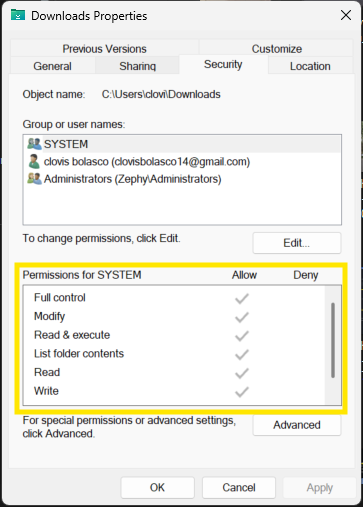
- Aside from AI Enhancer, are you able to use other AI Tools normally?
1 Like
I can convert a render from scratch, all the AI tools seem to work. But I can’t see the results, and when I try to download them, the generated results don’t download.
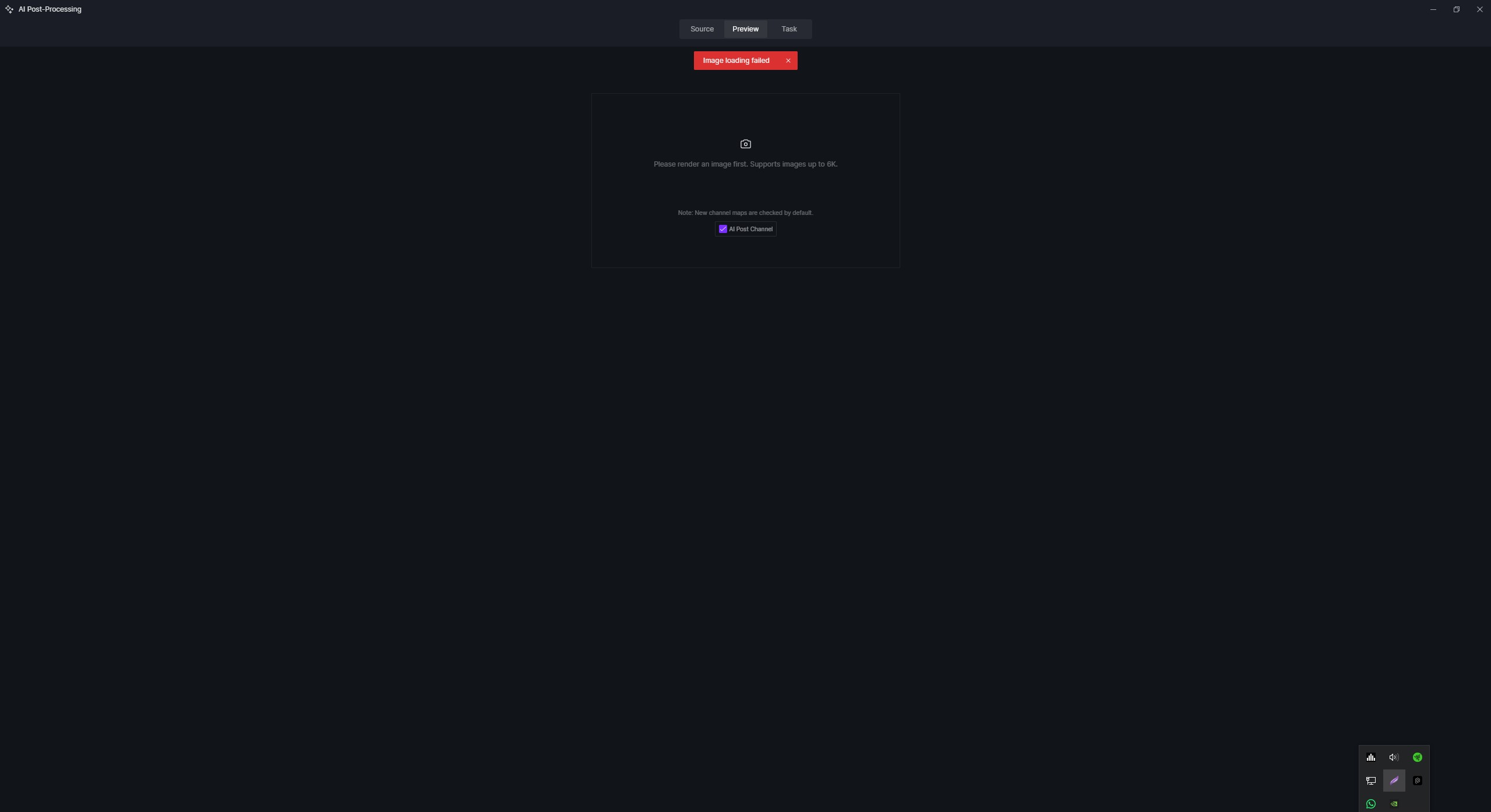
Where do I put the zip file?
Hi @Furkan
You can generate a WeTransfer link or a Google drive, then send it to me privately.
Additionally,
1 Like
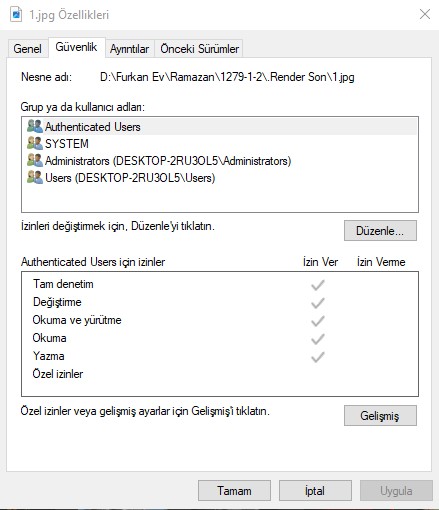
Hi @Furkan
Thanks for attaching your logfile. I will privately send you the relevant domains/IP addresses shortly. Please whitelist them on your network or firewall, then restart D5 Render, and then check whether the thumbnail images load properly.
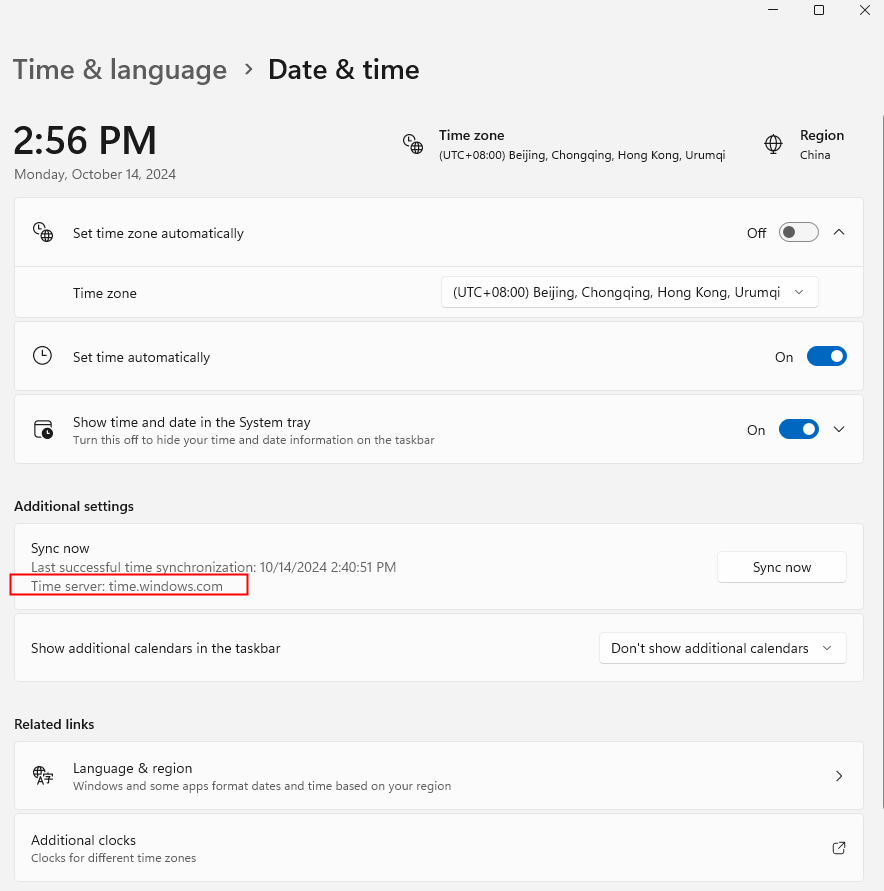
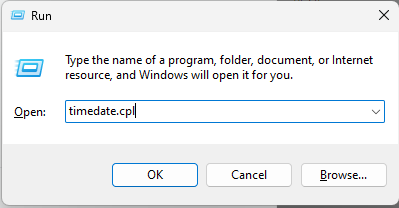
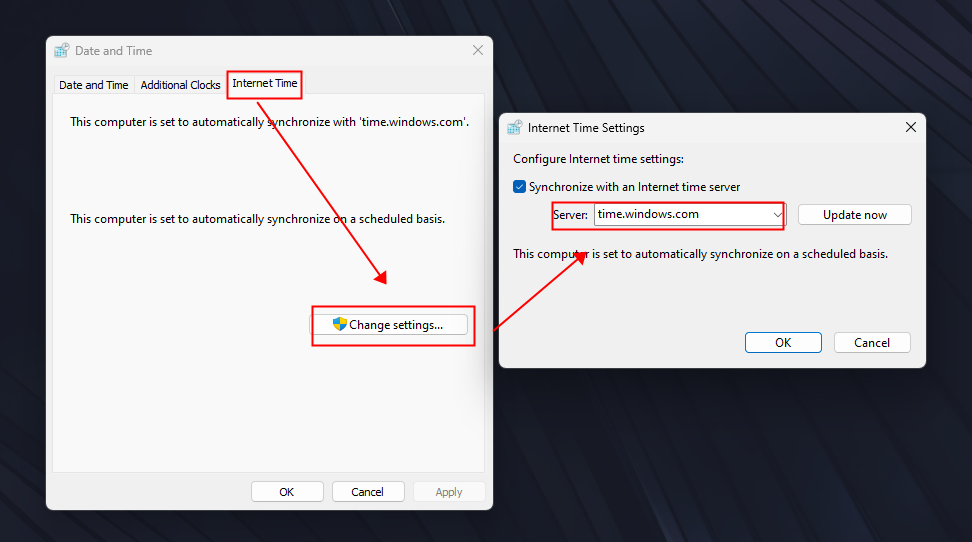
Also, please check if your device’s system time is synchronized with your local network time. If the Time server is not time.windows.com, open win+R, enter timedate.cpl, and then update in Internet Time Settings. Let me know if it helps.