Hi,
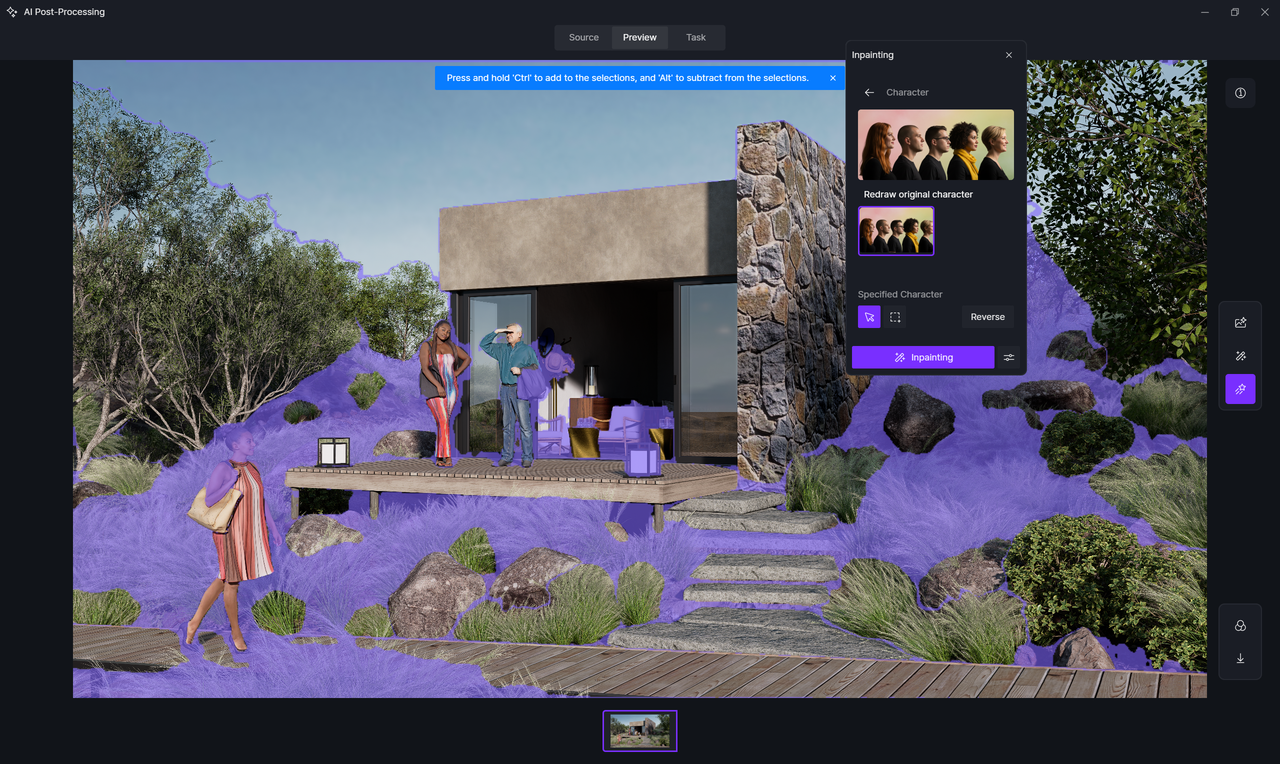
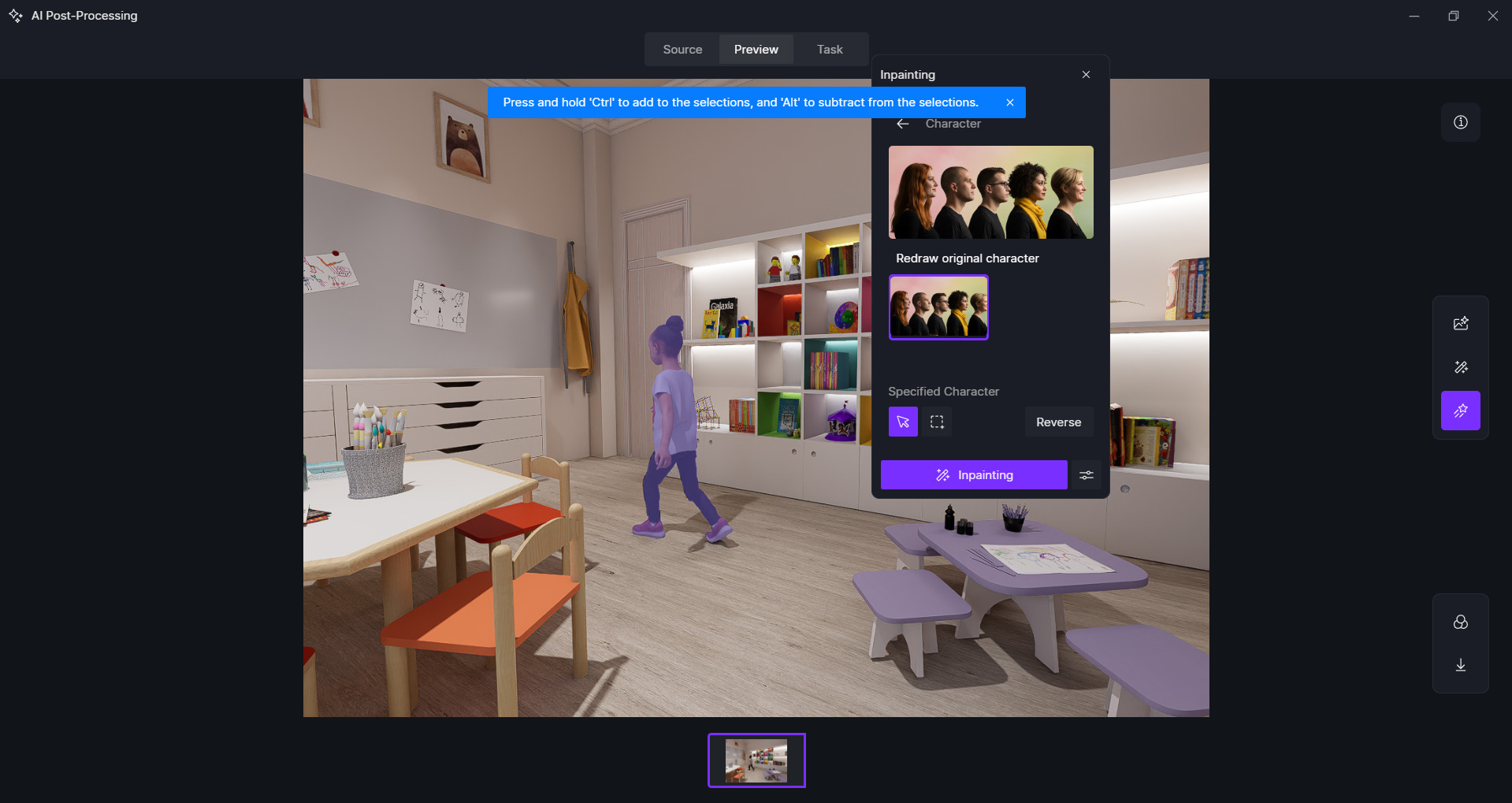
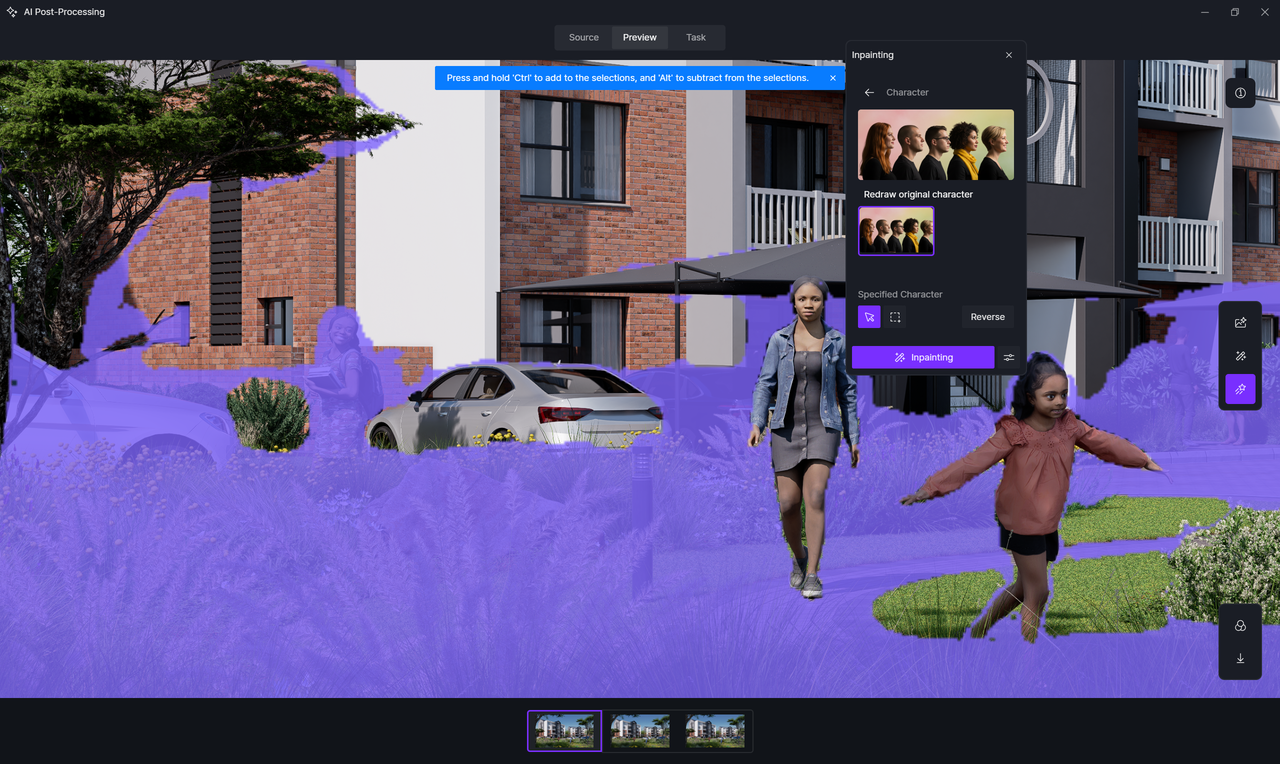
When in AI post-processing the AI character inpainting is not working as per attached image.
I selected the person and in character mode and all the surrounding areas get selected.
Please help
Thanks
Quentin
Hi,
When in AI post-processing the AI character inpainting is not working as per attached image.
I selected the person and in character mode and all the surrounding areas get selected.
Please help
Thanks
Quentin
Hi @3Dquin
Thanks for reaching out. I tried testing the AI character inpainting on my end, and it seems to be working normally.
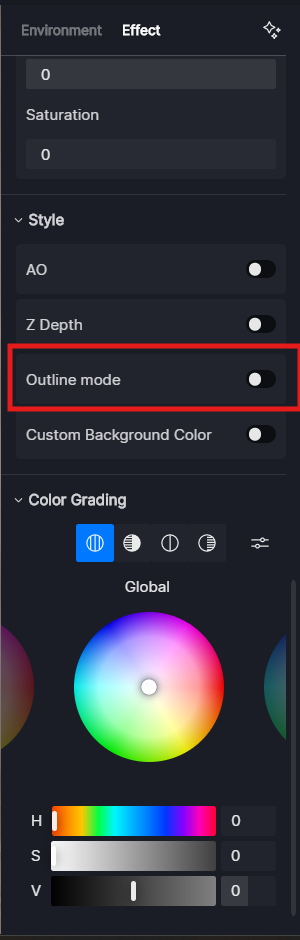
Could you please check if Outline Mode is enabled? When Outline Mode is on, it can sometimes cause the selection to include surrounding areas instead of just the character. If it is enabled, please disable it and try again.
Hi Ela,
Thanks for your reply.
No, outline is not on.
I did find that the character inpainting was working again as it should but now out of the blue it has stopped again.
Not sure why this is happening.
Regards
Quentin
Hi @3Dquin
Thanks for the update. Since the character inpainting occasionally works, it might be related to your internet connection. Could you please check if your connection is stable or try switching to another network?
I’ll send you the domains to whitelist and a network testing tool via private message. Please run the test and let me know the results, and if whitelisting helps.