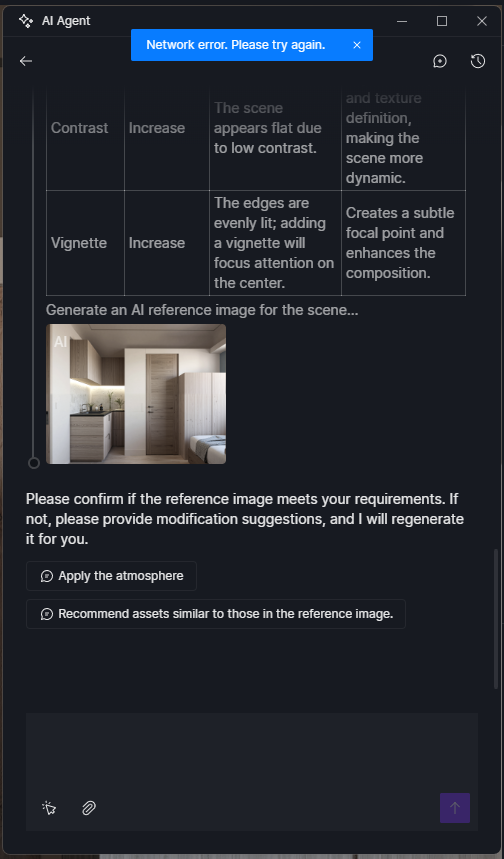
Ai agent Network Error. Please try again later.

Trying for last 2-3 hours. When clicking on “apply the atmosphere” button. It says “Network error. Please try again later”

I prepare all my models in 3DS max with open PBR, so I only purchased pro because of Ai features.

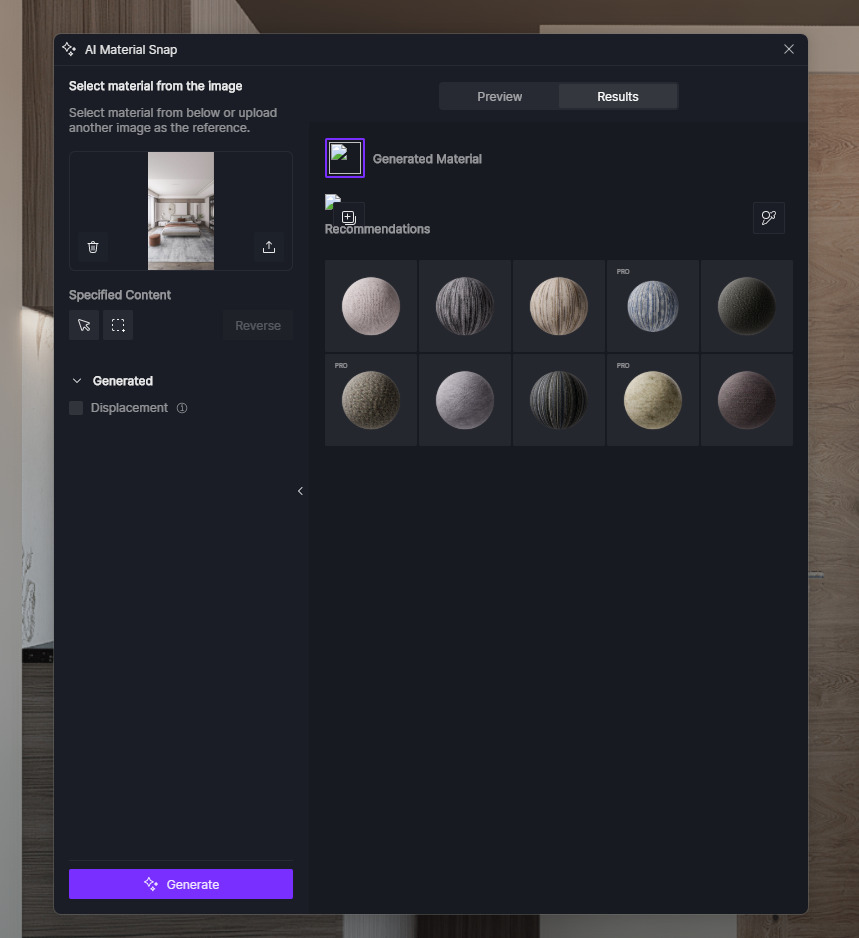
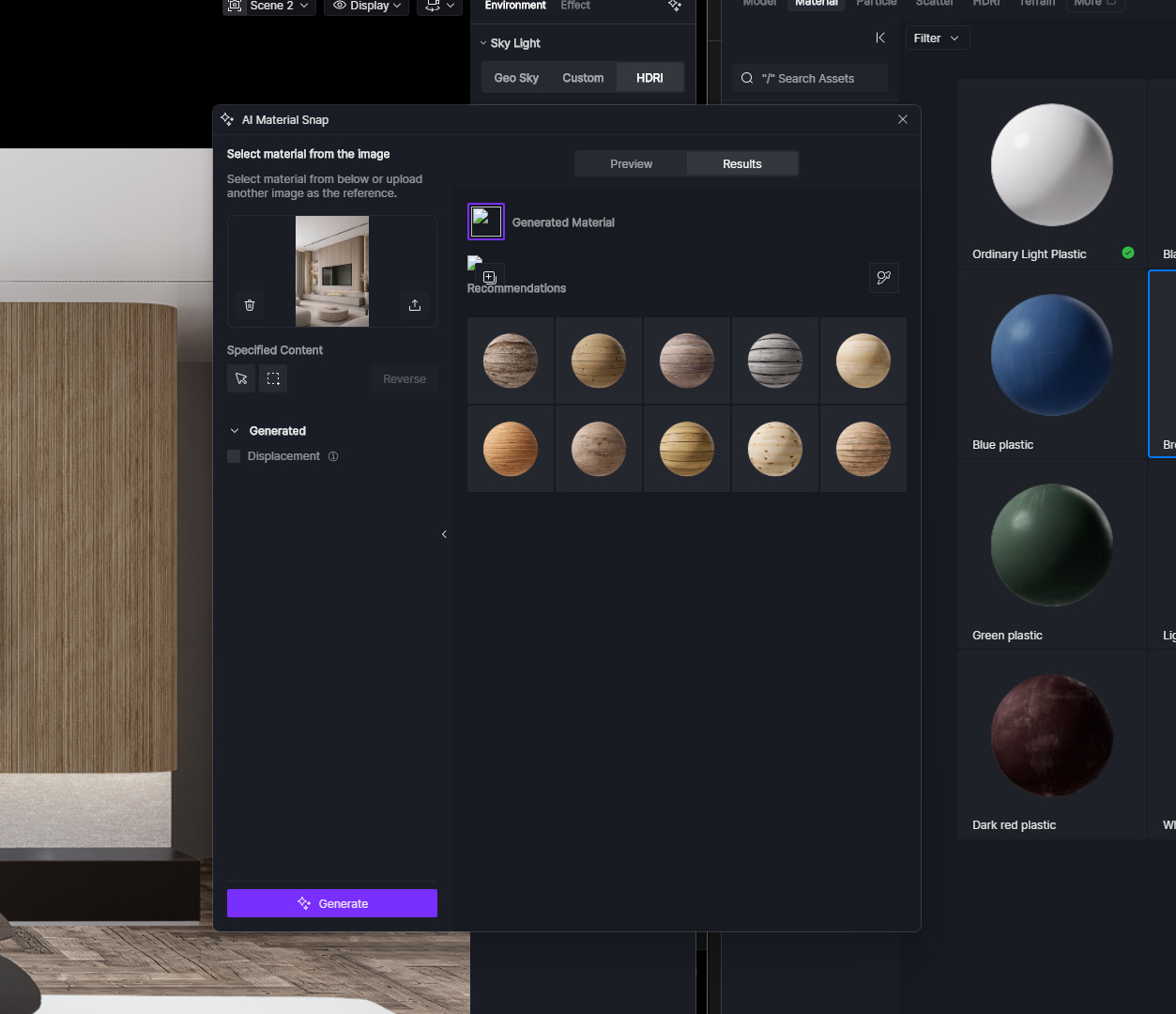
Ai material Snap works only 1 time out of 10 or more, so much time wasting.

please me fix this. My client will give me bad feedback because of late deliveries.

Hi @rijo_kumar

I apologize for the inconvenience. Can you please try to use it again?

I would also like to make sure the following:

  • Have you tried using a different network? Perhaps mobile data?
  • How about VPN? Try to disable it
  • Aside from the AI Agent and Atmosphere Match, does your AI Enhancer work normally?

If the issue still persists, please send us your log files.

Now its working after 10 hours, Does it have network issue when many people are using Ai features at the same time ?

  • Have you tried using a different network? Perhaps mobile data?
    My PC is connected with LAN cable, doesn’t have wifi adapter.
  • How about VPN? Try to disable it
    No VPN or VPN software installed.
  • Aside from the AI Agent and Atmosphere Match, does your AI Enhancer work normally?
    Ai enhancer is working but Ai material snap is not working, it starts generating material, then half way through “no-image” small icon.

dumps_d5_new_launcher.zip (366 Bytes)
logs_AppData_Local.zip (3.7 MB)
logs_d5_immerse.zip (3.7 MB)
logs_d5_newlauncher.zip (96.9 KB)

can’t upload single log zip files because of file size.

Hi @rijo_kumar yes its been resolved, from our end. In case you run into a problem like that again please update us

Thanks, but material snap still not working. Any idea why ?

Hi @rijo_kumar sorry for the inconveniece, try connecting to another network and see if the issue persists
Disable VPN/Firewall and antivirus
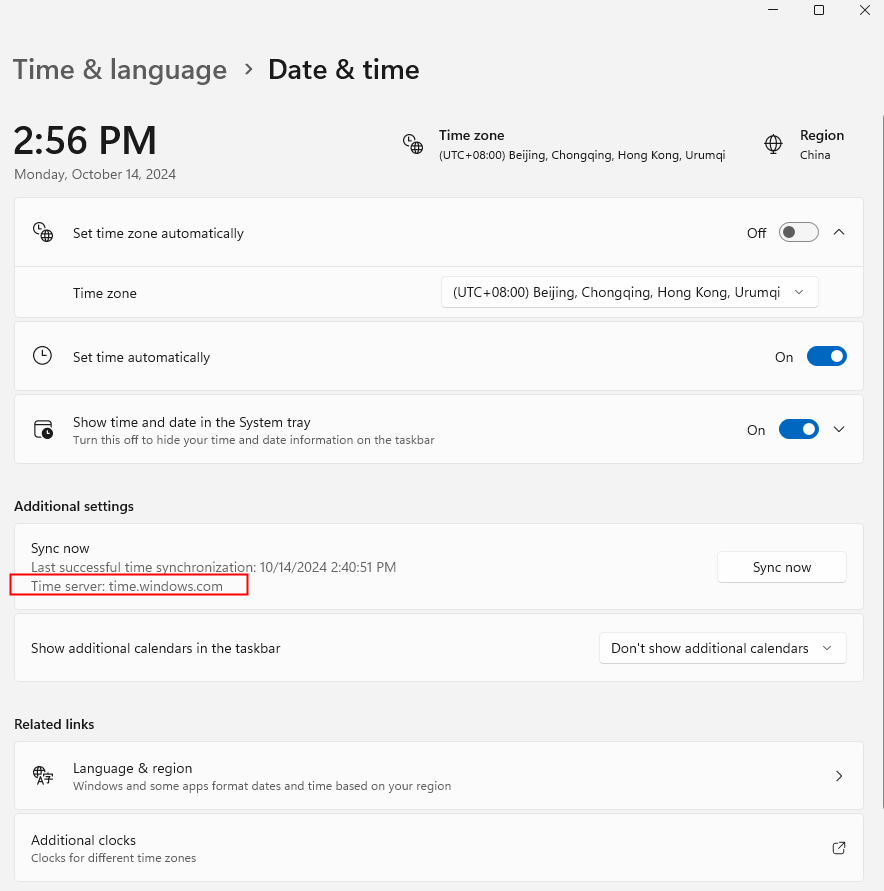
And make sure your system time is correct