hks
January 28, 2026, 6:22am
1
Hi there,
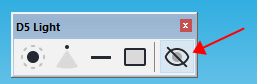
I use D5 pro and the light paneel in SKP25 pro to position my lights direktly in SKP.
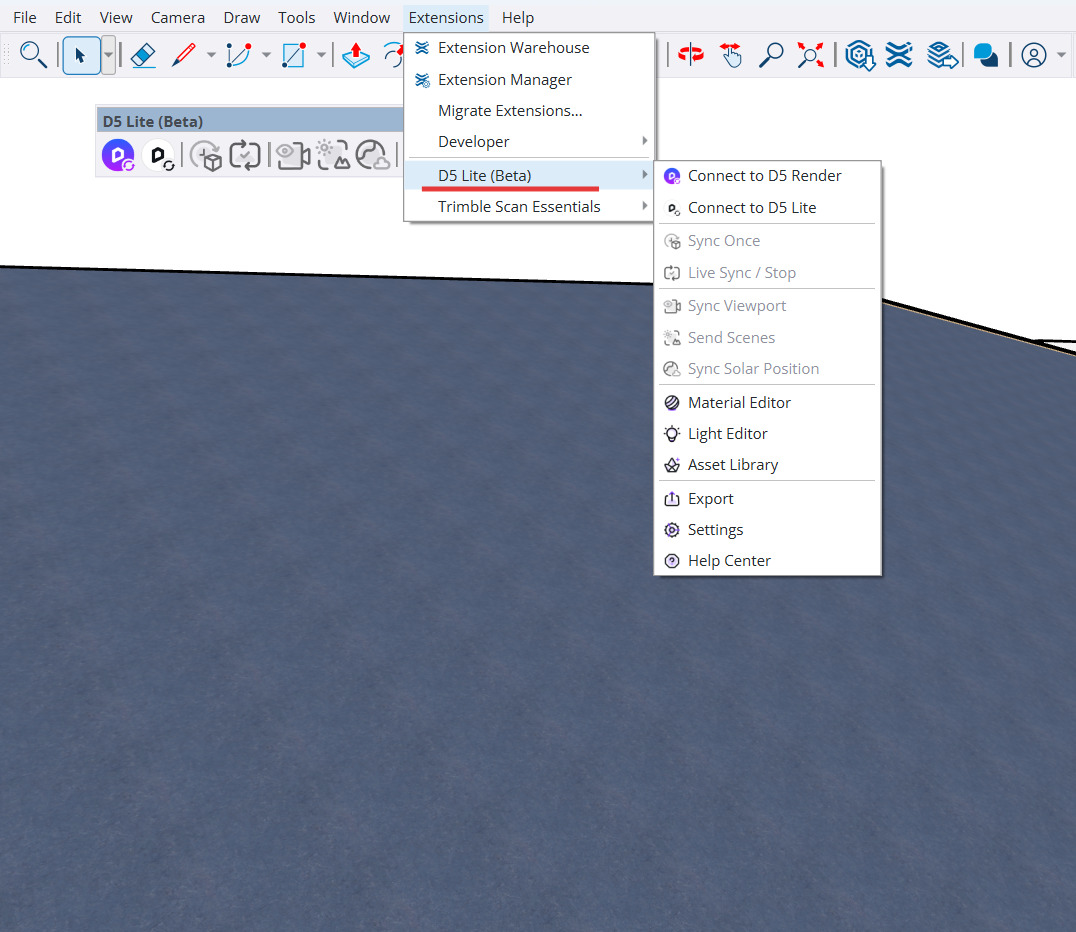
After I installed D5 Lite this paneel is hidden. I have only the D5 “pink” button and the lite version with lights in SKP.
I looked up in my extensions but I cannot bring up this paneel in SKP.
Is there a workaround to have both paneels, or does I need to uninstall the lite extension?
Best regards
Hi @hks To access the new plugin toolbar, you must install the latest version of the plugin. Please download it from the link below: D5 for SketchUp Real-time Rendering Workflow
hks
January 29, 2026, 9:08am
3
Hi Anthony,
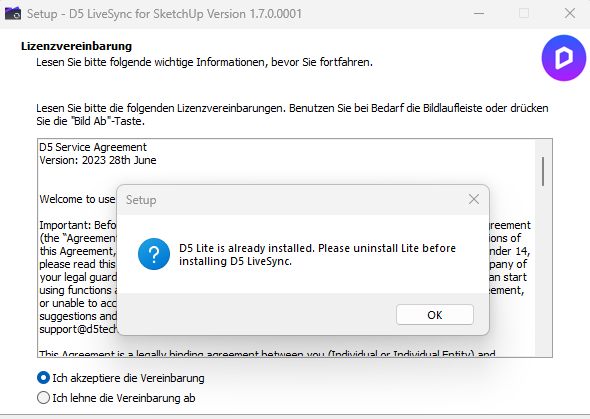
I can only use lite or d5pro sync.
But both are very usefull in my works. Maybe there come a update from you?
Hi @hks what version of D5 lite did you install? Could you please share a screenshot of your system information?
hks
January 30, 2026, 8:34am
5
Hi, I use NVIDIA RTX 4070 on ASUS Laptop.
My question was: Why it is not possible to install both apps (lite & full)?