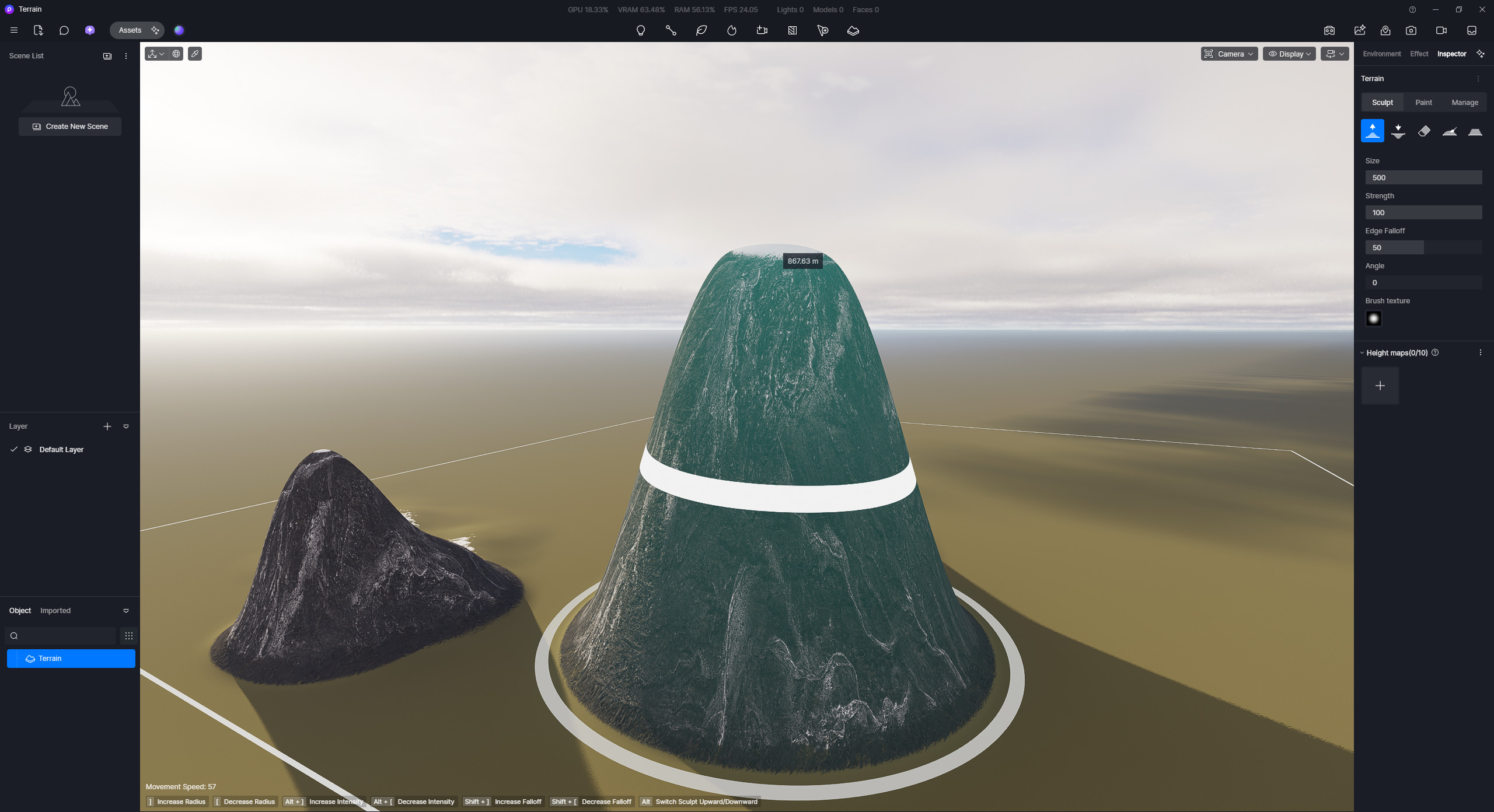
Adjust terrain to clouds height

Hi there,

With the new cloud feature I want to make my project in the moutains rise up above clouds. solutions :

1- lower clouds: even with height settings at 0.01, which is the lowest, cloud still are too heigh. I tested all clouds. If you want to rise above you need to be at arround ±1500m altitude min.
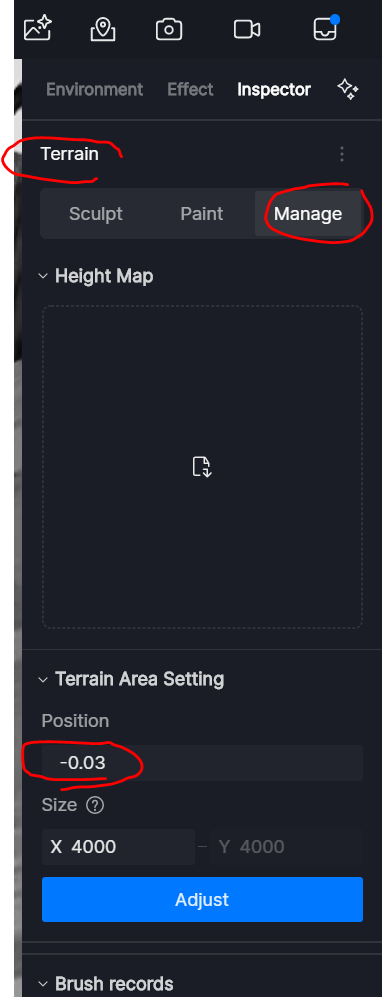
2- raise the project: I have a sculpted topography, and the option allow me to raise this topography up de 500m max… why not more -.-’ ??. I would need 2000 at least to have good control over the clouds.
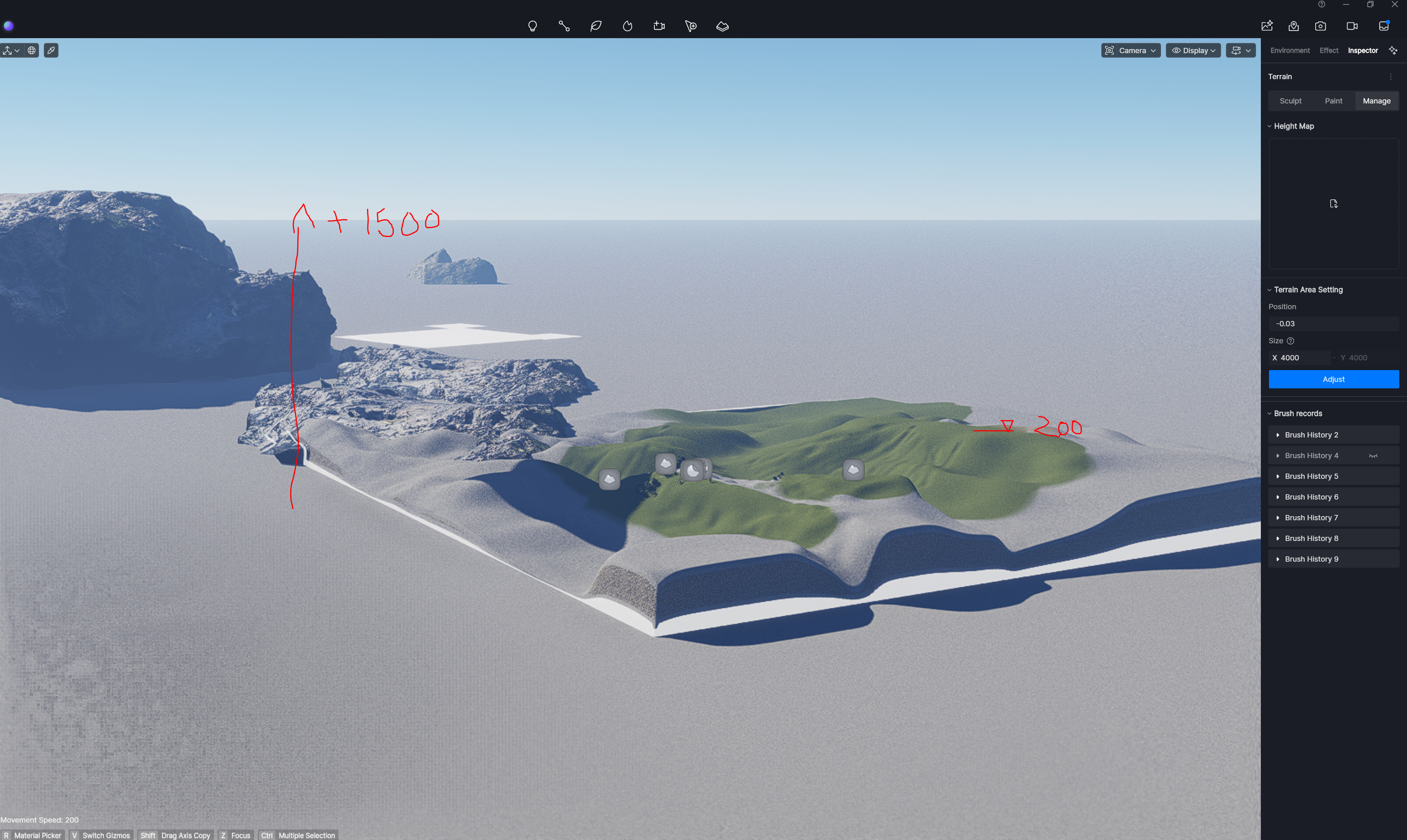
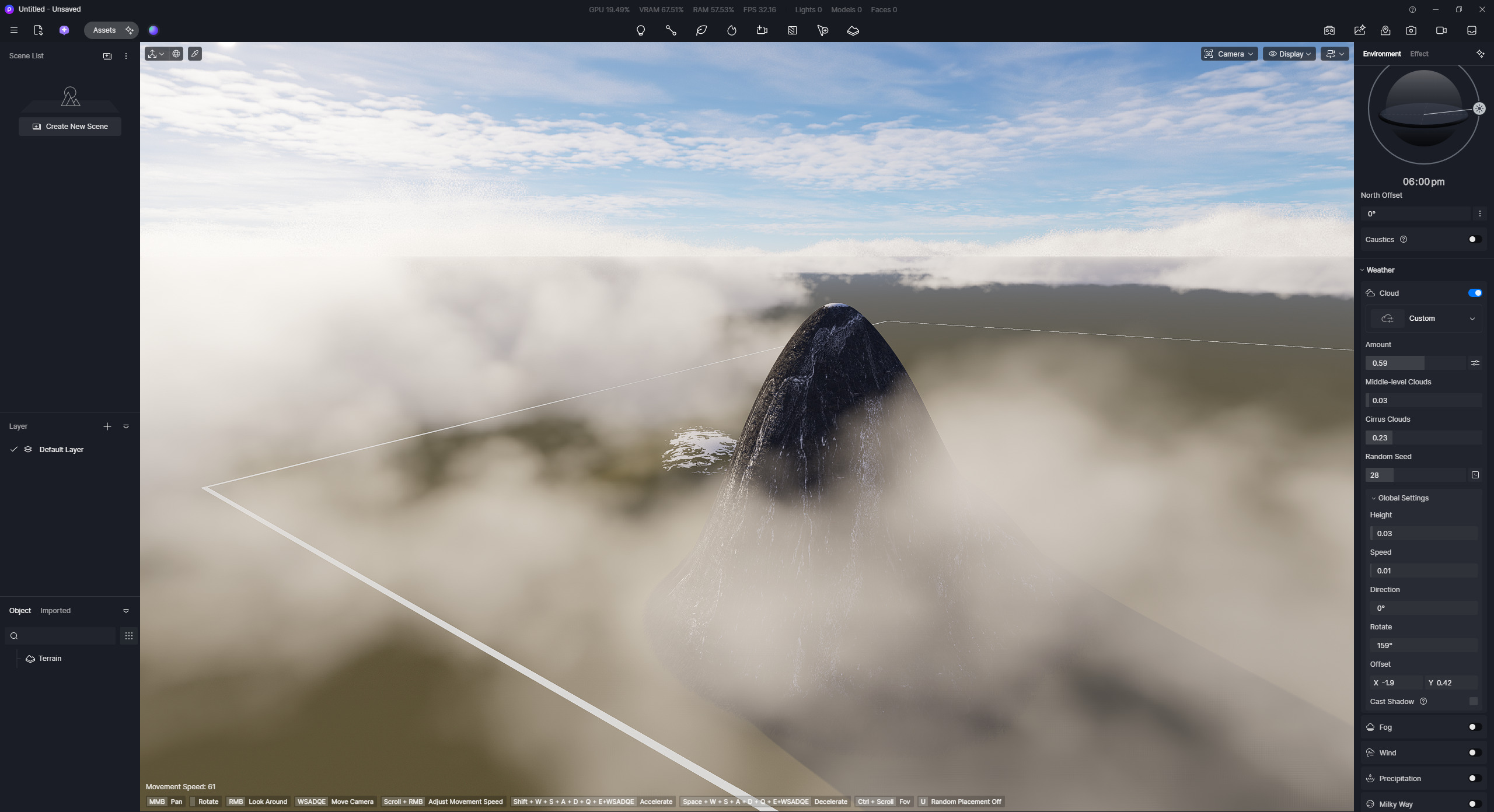
Am I missing something ?

Thanks
CC

Hi @charles.collin.2

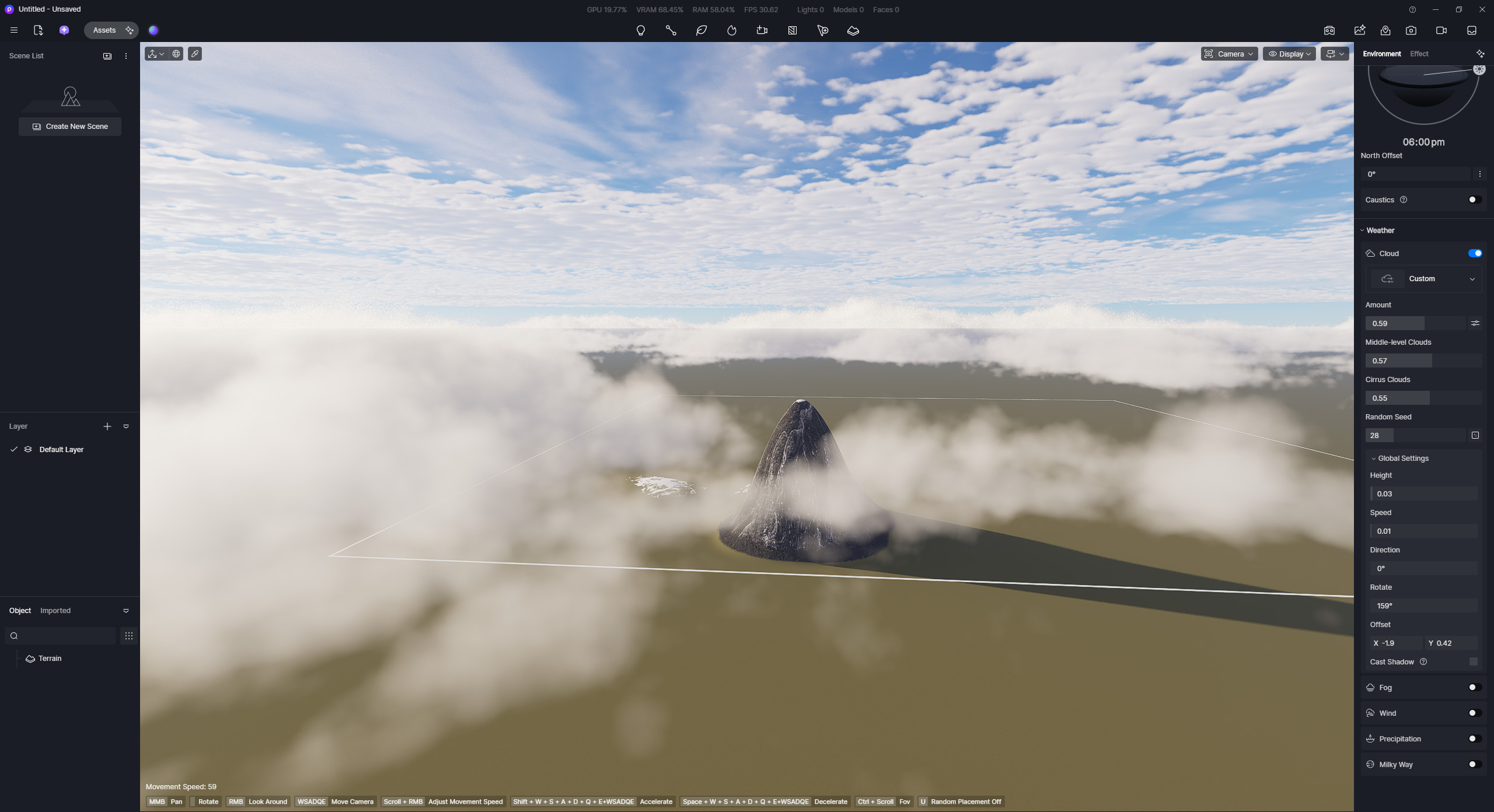
Are you trying to recreate something similar to this?


I experimented with the cloud features.

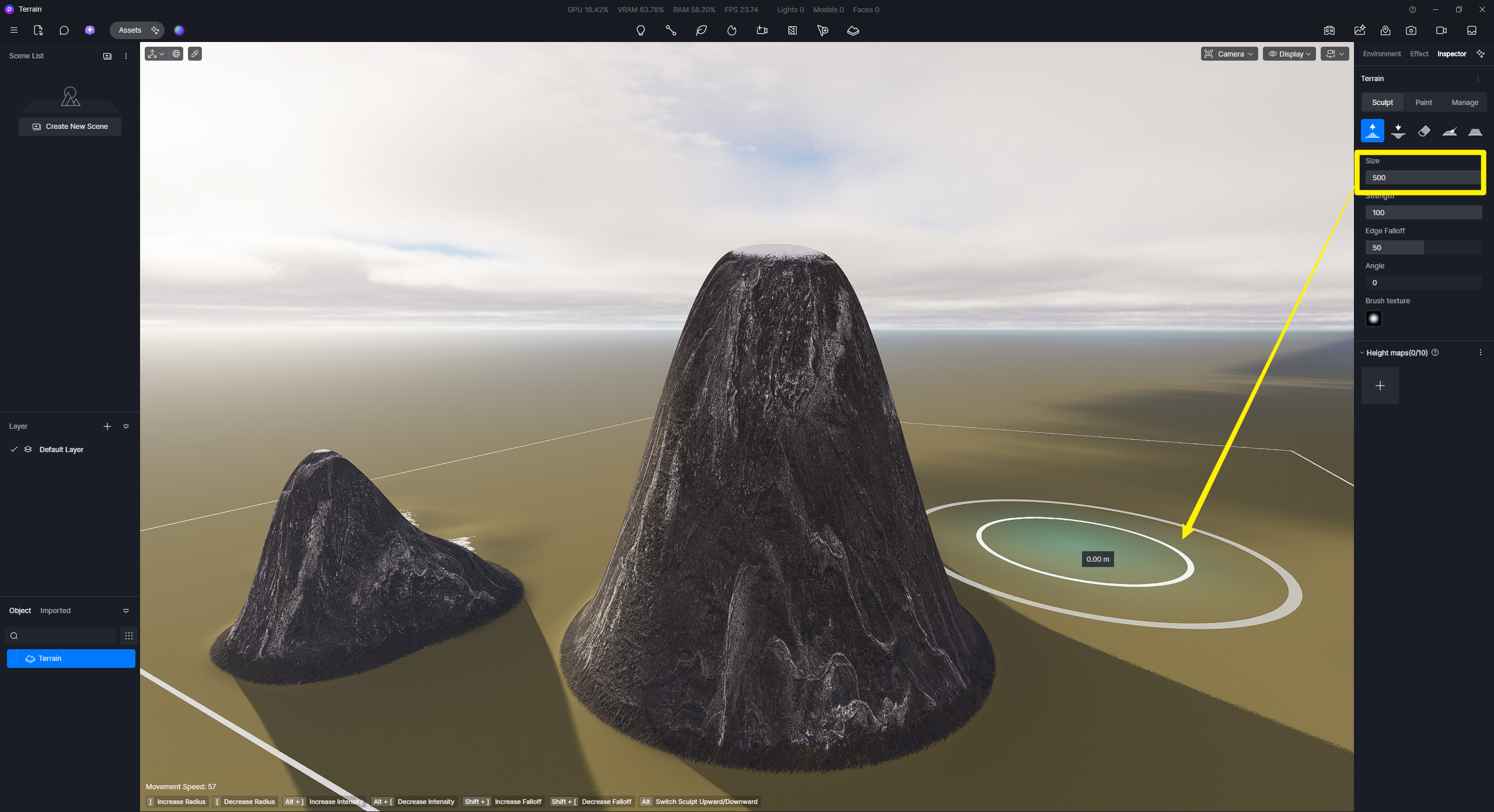
  • I used the Sculpt Tool to set the height to over 200 meters.
  • I adjusted the clouds’ height and other parameters to make them appear as if they are interacting with the terrain.

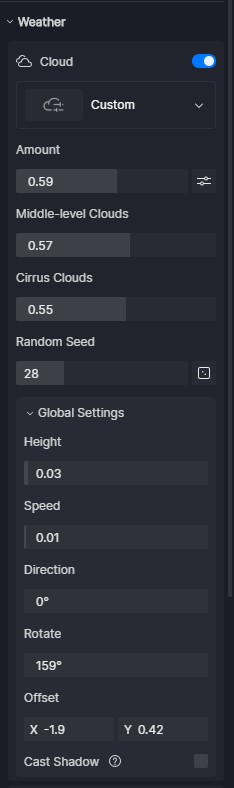
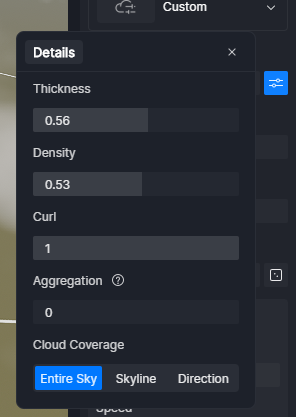
These are the settings that I have used:


image

Hi @Clov

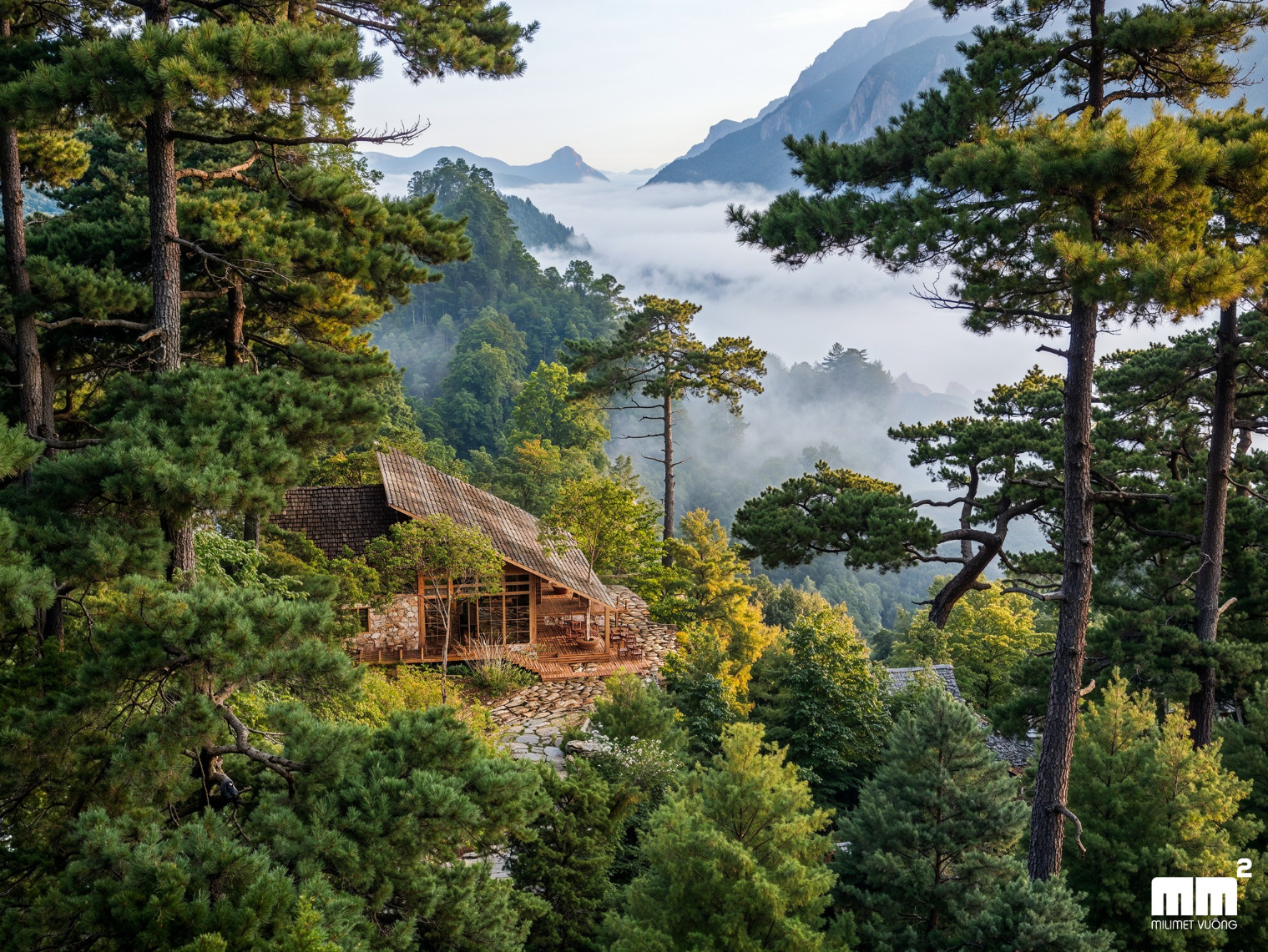
I’m after this effect :

Cloud must be seen from above and be compact/dense.

This is why the limitation of 500 as max uplift the terrain is not enough. Could the slider be pushed to an higher limit? thanks :slight_smile:

CC

Hi @charles.collin.2

Just to clarify,

@Clov hi,

I’m refering to these settings :


the max is 500.

Because I’ve already sculpt the whole topography and I want to move it all at once upward.

CC

Hi @charles.collin.2

Thank you for clarifying. We will consider this a feature request.

  • As you confirmed, the current limit is only 500. Even if you input numbers greater than 500, it will be locked out.