Adding grass bump/normal map to aerial photo texture on large site

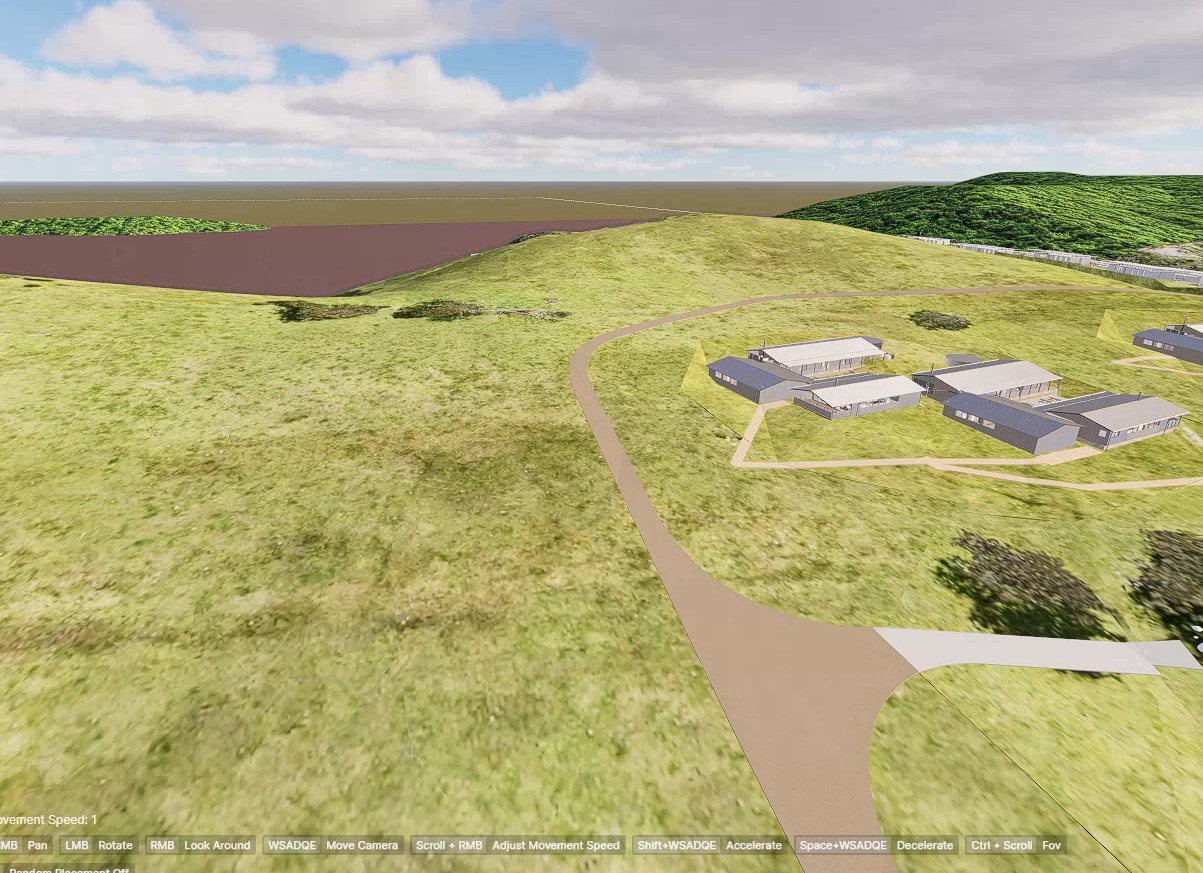
Hi all, I am working on a large site and I have mapped an aerial photo across the whole ground surface as my base texture. It looks great but feels flat and I want to add some grass bump/normal detail on top of it.

The problem is that when I try to add a normal map, the UV tiling controls affect both the aerial photo and the normal map at the same time. My aerial photo needs to stretch across the whole site once, but the normal map needs to tile many times to look right.

Does anyone know the best way to keep the big photo as the normal map while using a different-scale normal map?
Thanks

Hi @molmedo

This is currently a limitation. D5 doesn’t support independent map scaling in a single material yet, so layering (via geometry or decals) is currently the best solution.

As a workaround, you can use a second layer/overlay surface.

  • Duplicate your ground plane and offset it slightly upward
  • Keep your aerial image on the base mesh (scaled once across the whole site)
  • Apply a grass material to the duplicate
  • Reduce its color influence and rely mostly on the normal/roughness

Please let me know if it helps.