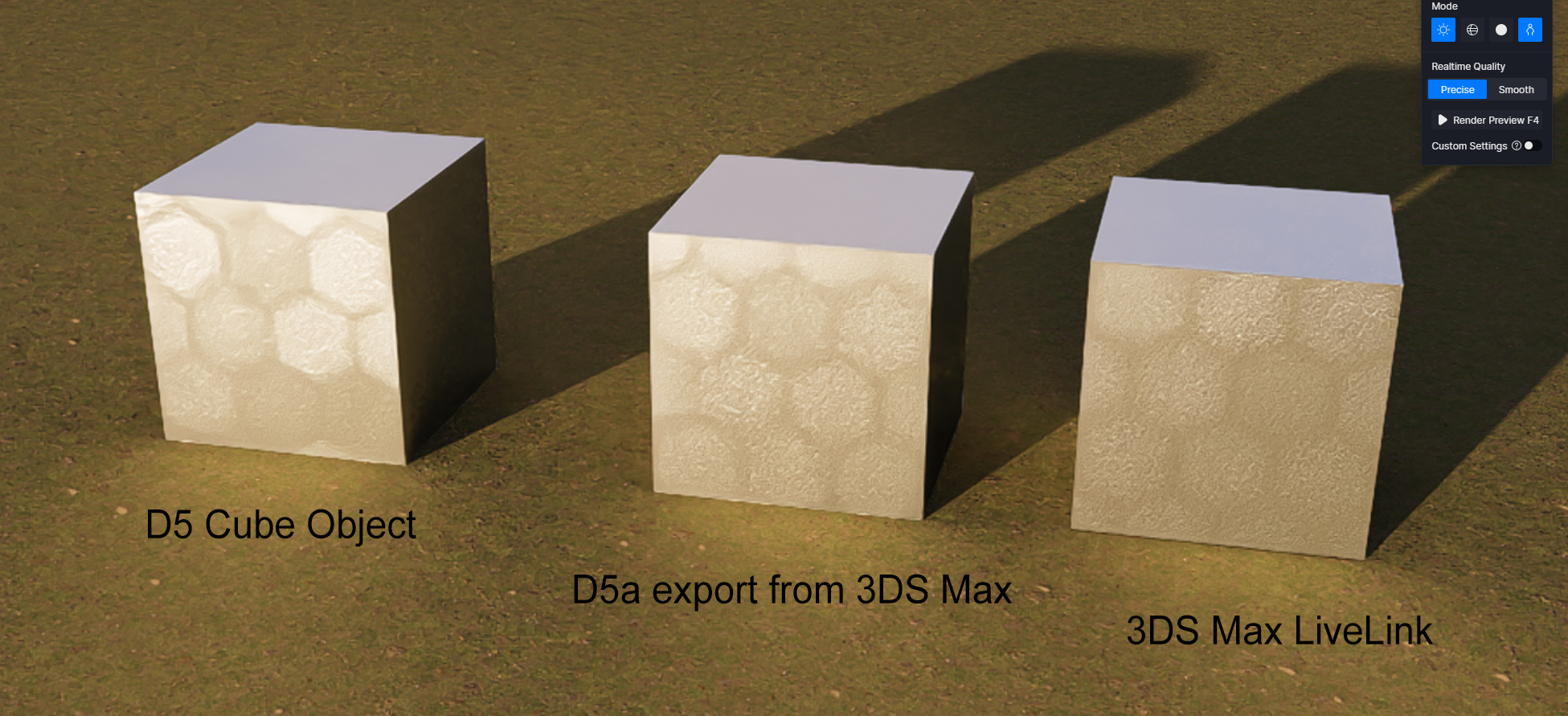
Using the UV Randomizer causes a grid pattern to appear like in the attached image.
Is this a bug?
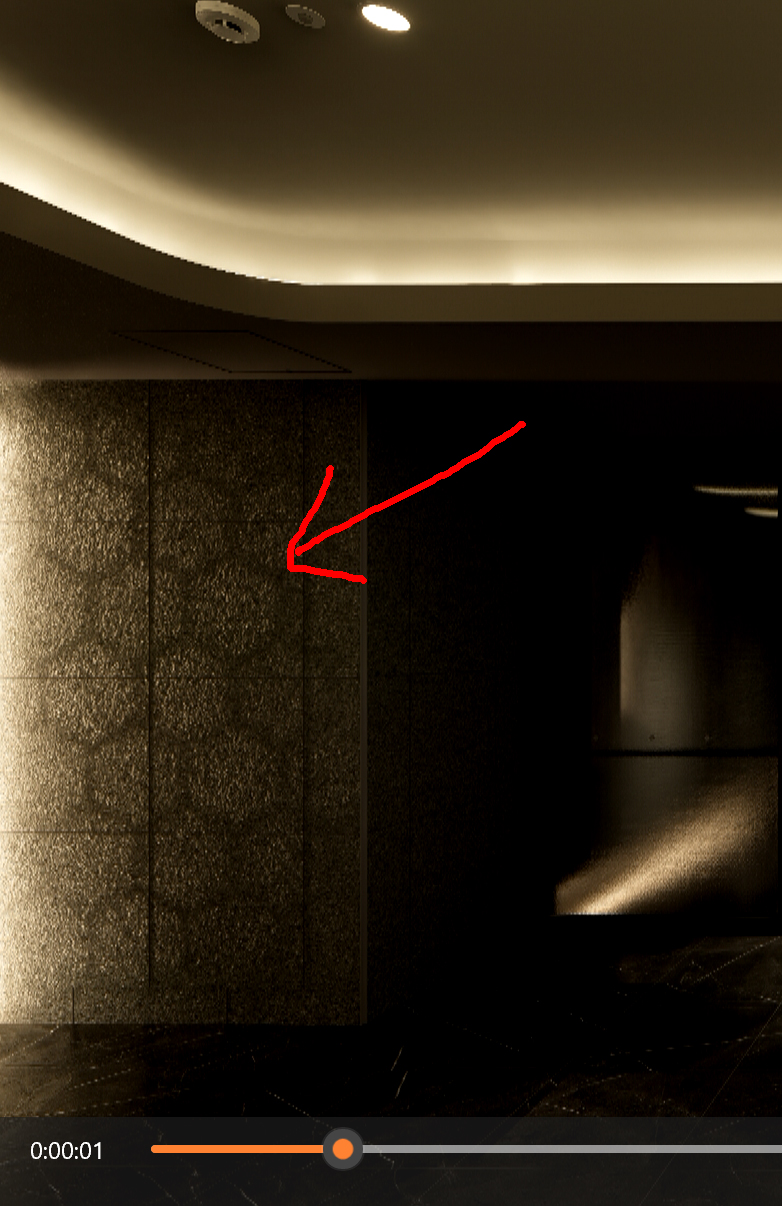
hi,
is this material from D5 asset or imported texture.
if imported then check texture border edge are not having line.
Sorry for the lack of explanation.
There are no lines involved.
The issue is with the hexagon grid.
what is material name in asset, i’ll check at my end.
or can u share project .
Thank you very much for your help.
It is difficult to transfer the data, but I will send you a preview.
The material was exported from 3ds Max.
There are no complex settings — it is a simple V-Ray material setup.
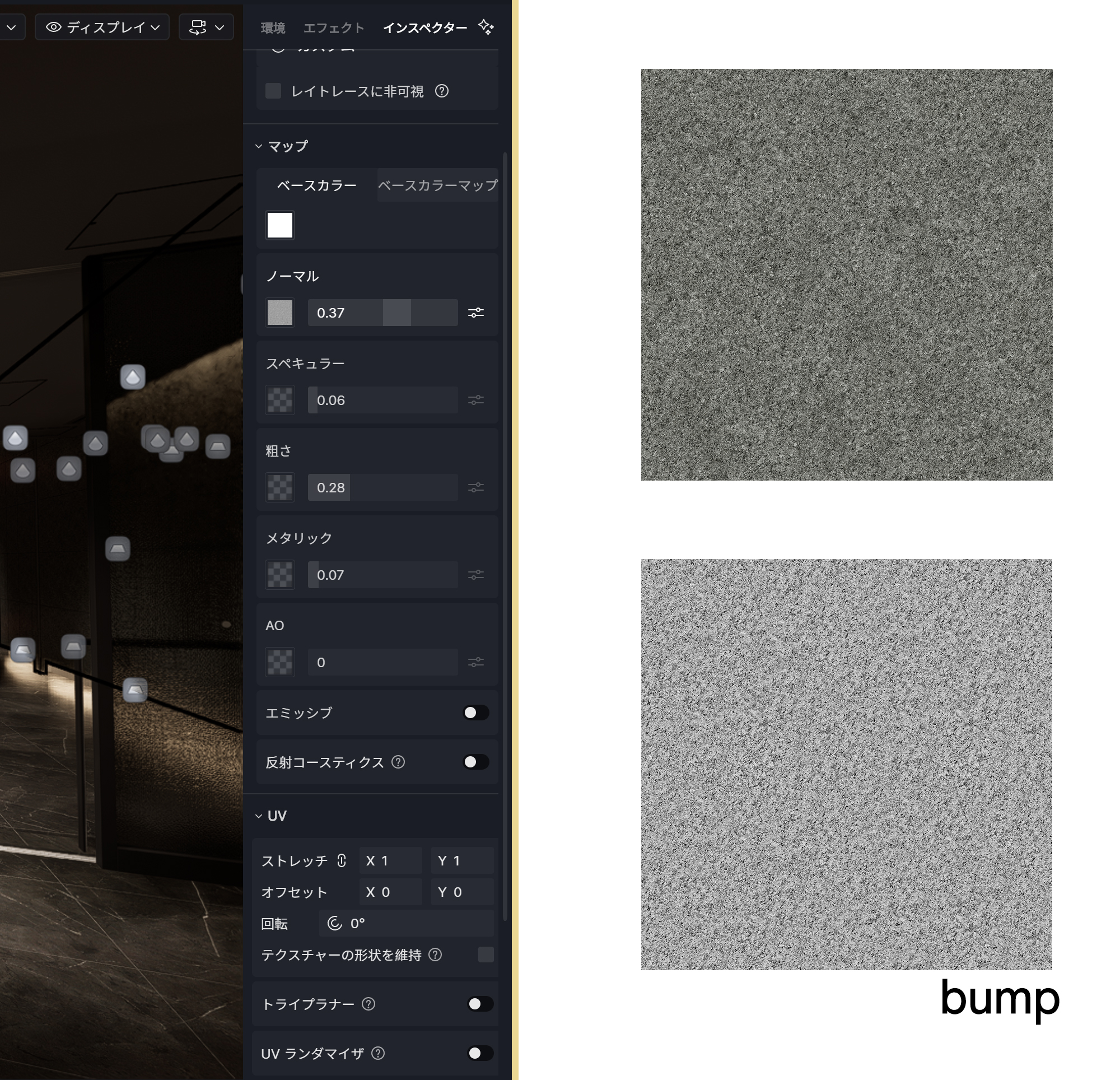
ok, have u applied UVW modifier to this in 3dsmax, if not apply and check in D5.
and try triplaner for same in D5.
Of course, I tried both options, but neither of them worked.
I don’t recall this issue occurring in the version from two releases ago.
When I disable UV Randomizer, the grid-like pattern disappears.
can u share max file in 2020 ver . with that object and texture only
Through map exports and various tests, we have identified an additional issue.
This pattern appears not only when exporting other models, but also when using LiveSync. It occurs with all materials, including D5’s default materials and materials that use UV Randomizer.
Based on these results, it seems to be a critical bug affecting the entire system, not limited to a specific model or material.
When can we expect this issue to be fixed?
Hi @d5-pl-01
Sorry for the inconvenience caused. Could you answer a few questions:
- How was the material exported from 3ds Max? (FBX, OBJ, or another format?)
- Does the UV map in 3ds Max have overlapping islands, multiple channels, or non-uniform scaling?
- Have you tried applying the UV Randomizer to a simpler material or a D5 Asset Library material — does the same grid/hexagon pattern appear?
Please also provide your D5 log file and send it over to support@d5techs.com. Tag me in your email and include the link to this forum post for reference. Thanks!
It happens even without 3ds Max involved.
This issue occurs even with D5’s default materials.
Is this happening only to me?
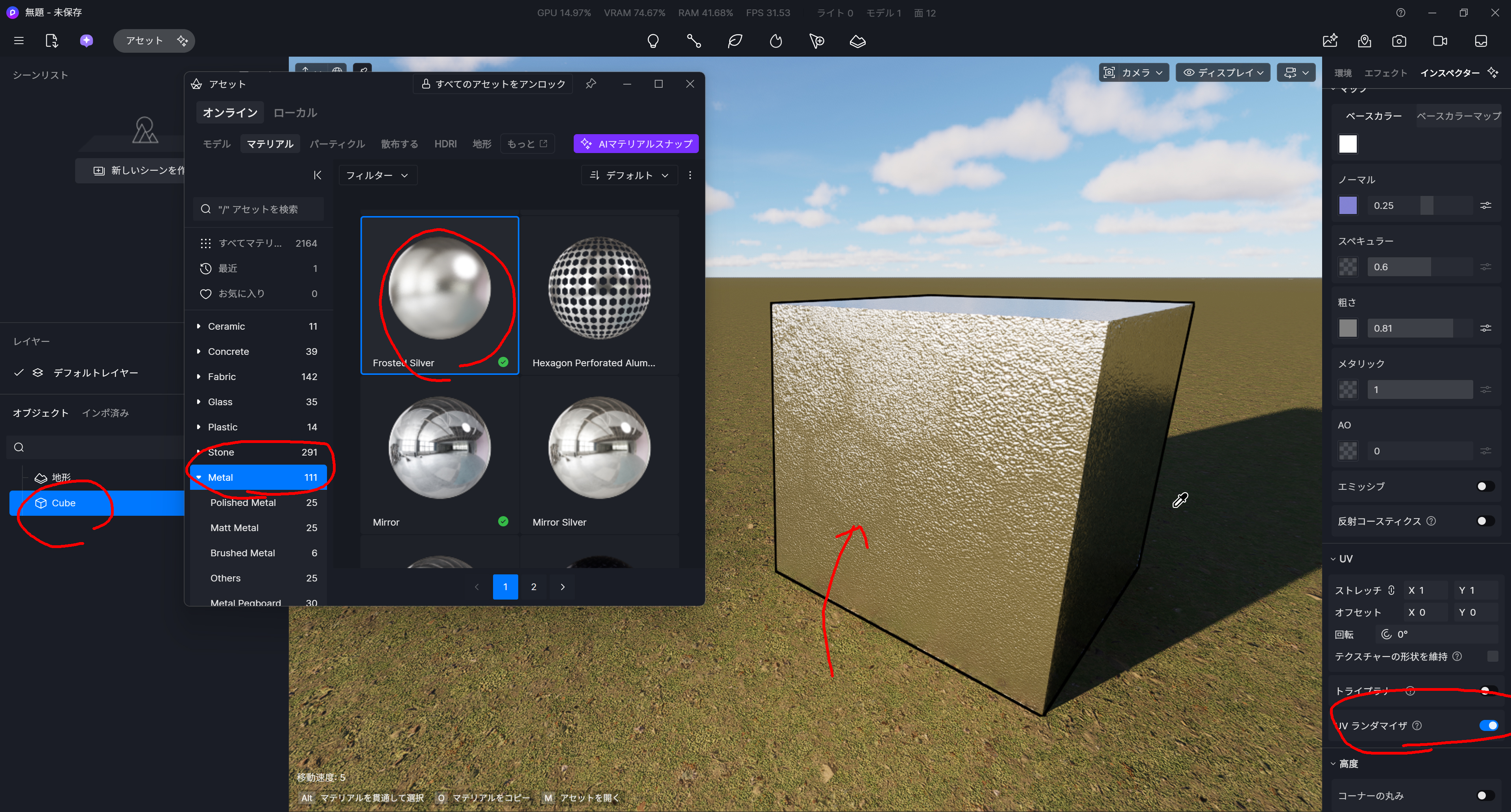
Hi @d5-pl-01
I tried it on my end and unfortunately, could not replicate the issue.
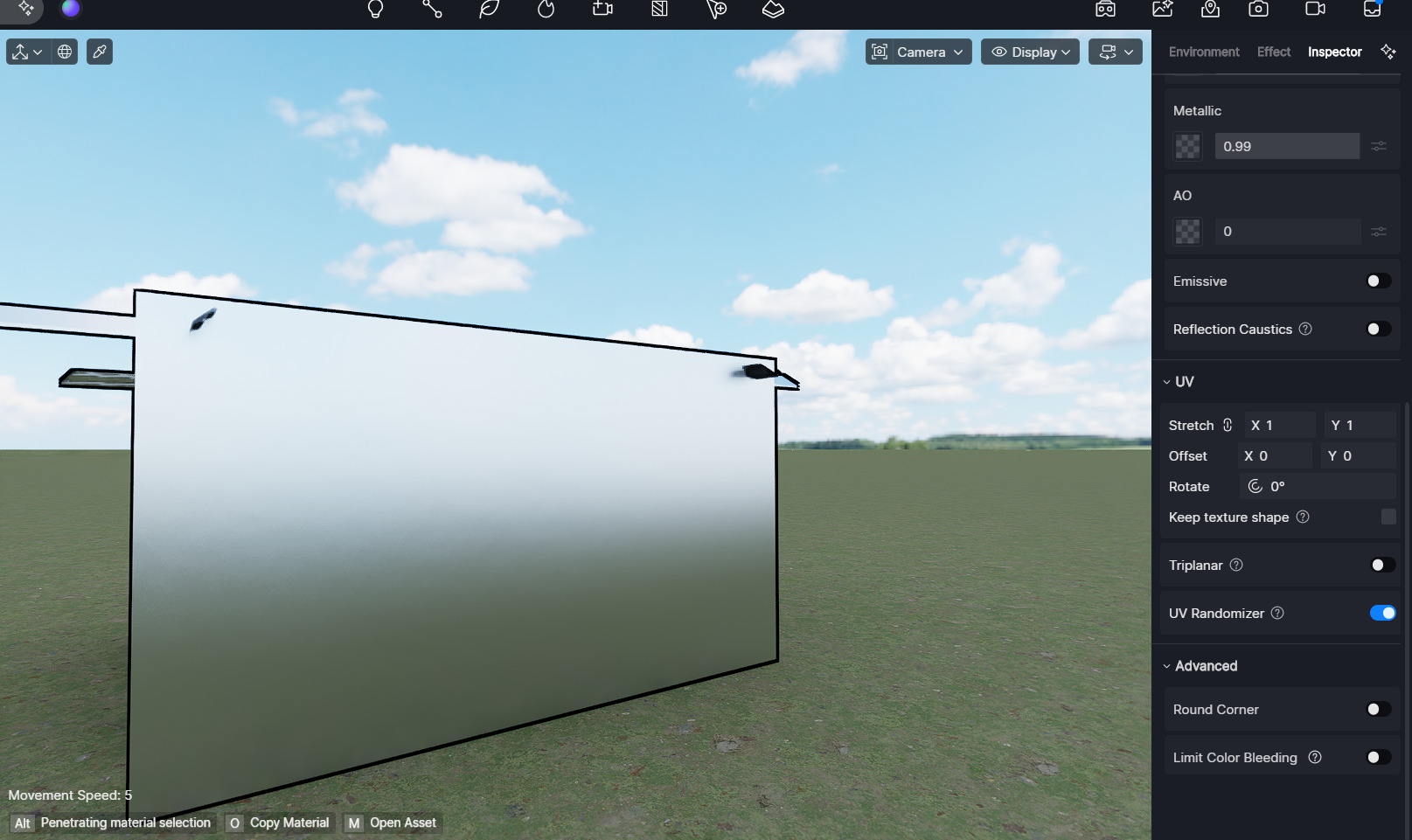
Please collect your log files and send them over to support@d5techs.com. Tag me in the email together and include the link to this forum post for reference. Thanks
Just to confirm, is your version 3.0.1.0683?
I thought it might be an issue with my PC, so I tested it on multiple computers, but the same problem occurs on all of them.
I have discovered additional information.
It turns out that the issue only occurs with a specific material.
■ Metal
The problem occurs with Frosted Silver, but it does not occur with Brushed Aluminium Alloy.
When exporting with a Standard Material (Diffuse + Bump, verified), the issue does not occur.
However, when exporting with a V-Ray Material (Diffuse + Bump, verified), the issue does occur.
Did you test using the Frosted Silver material that I specified?
It seems like it may not have been tested.
It appears that the root cause of the issue is importing materials created in V-Ray (with maps applied) into D5.
For your reference, even when using V-Ray, the issue does not occur if no maps are applied — for example, with a normal map that has no additional maps attached, the problem does not appear.
Hi @d5-pl-01
Yes, I am using version 3.0.1.0638 and tested the exact material asset you mentioned (Frosted Silver). Would you please share your log files with me? Thanks!
Hi @d5-pl-01
May I know the email address you used to contact us? I’m unable to find an email associated with your username on our end.
Thanks for your help, and I look forward to your reply.
It seems this hasn’t been fixed yet. Is this on the roadmap to be addressed?