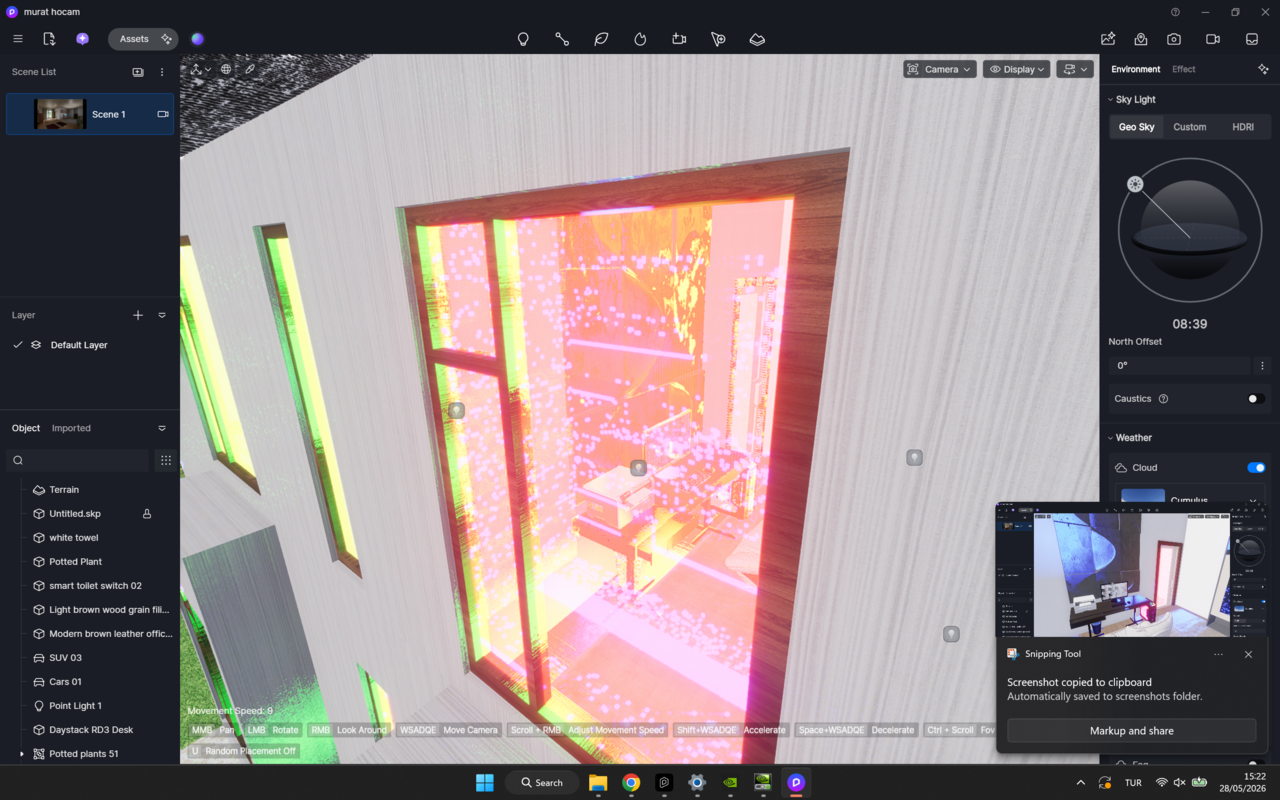
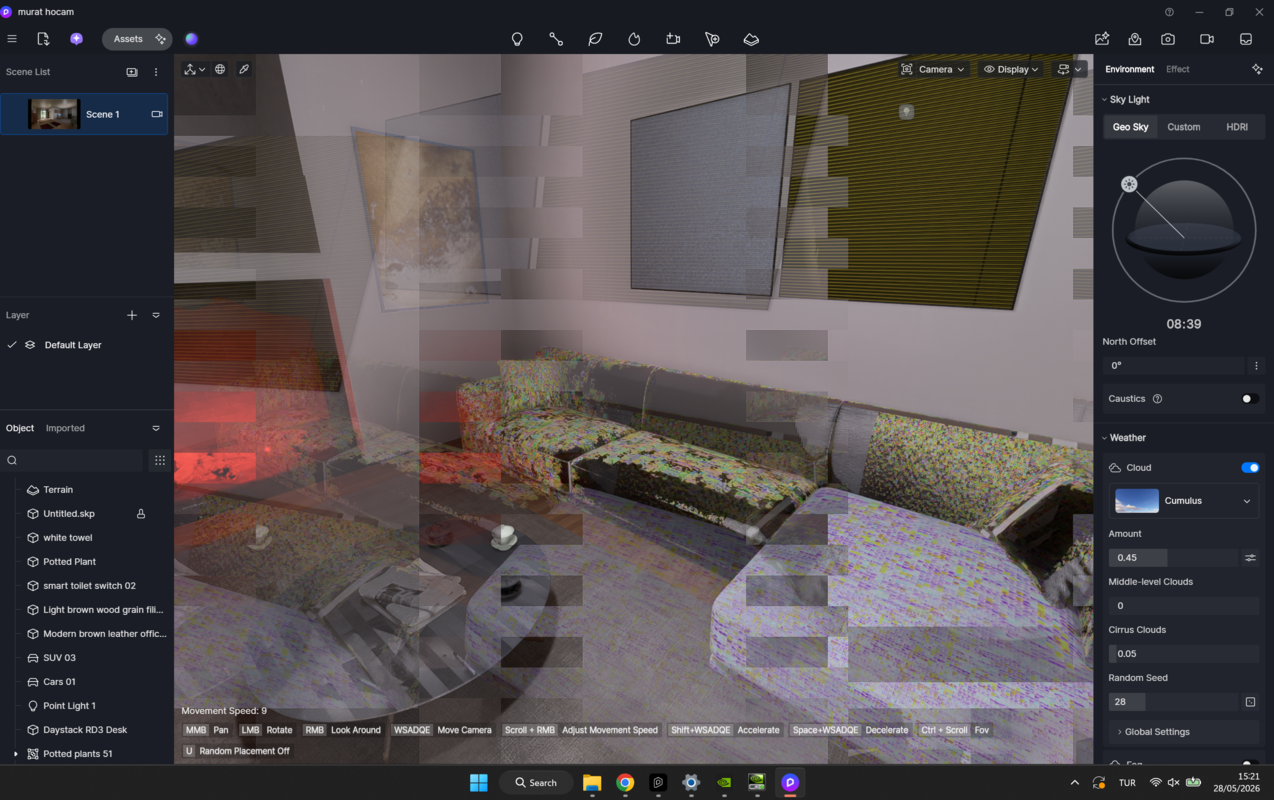
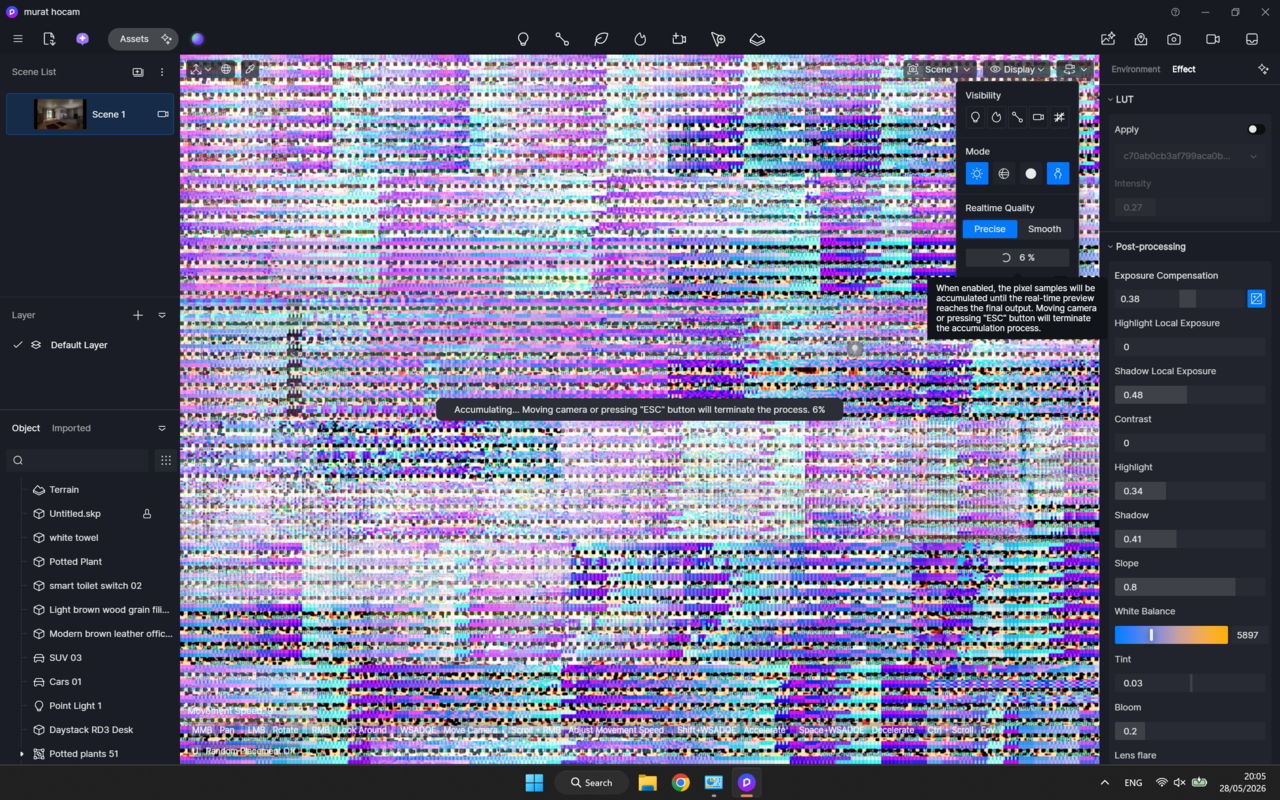
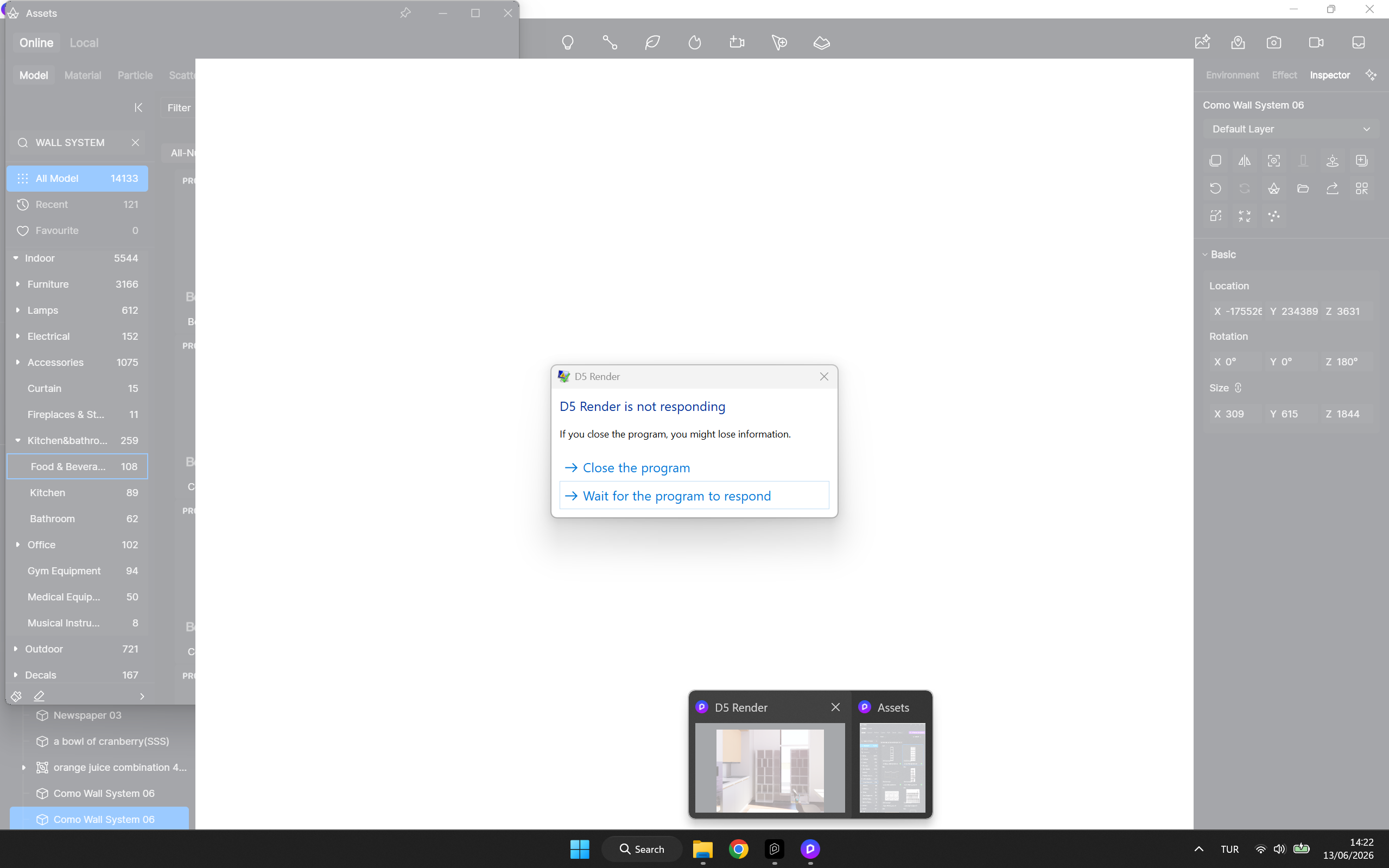
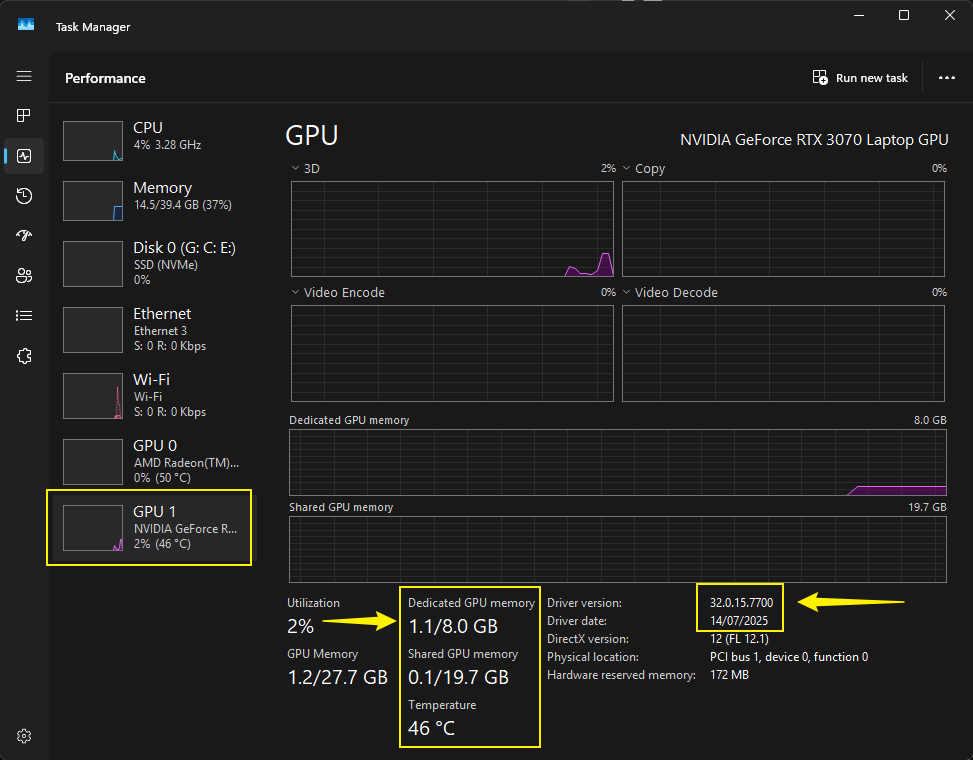
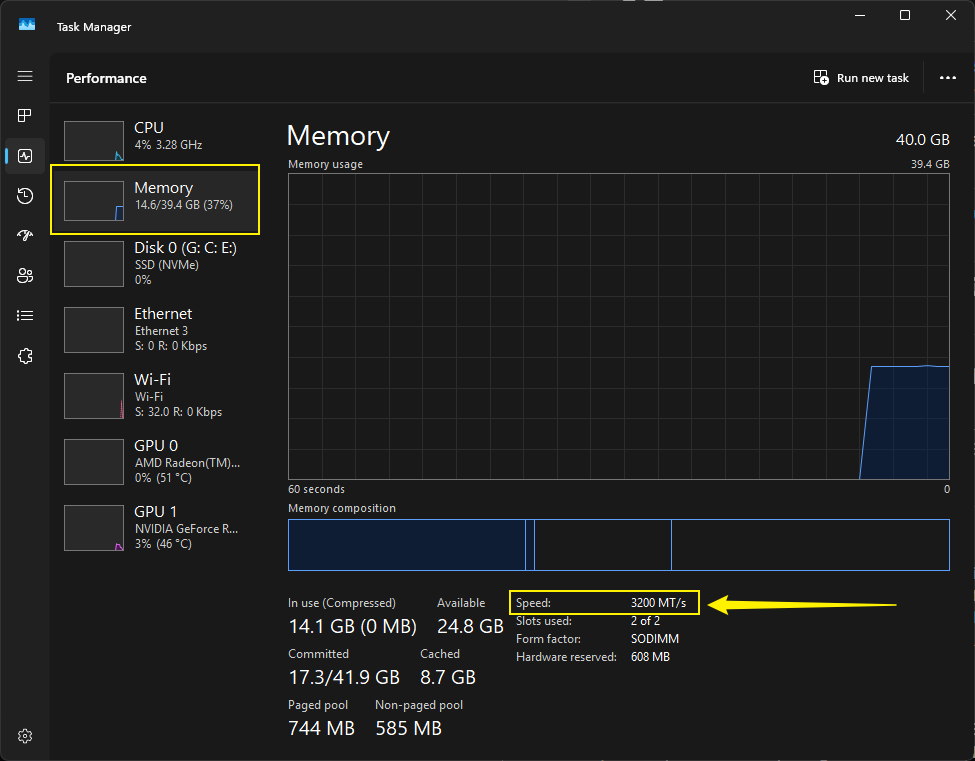
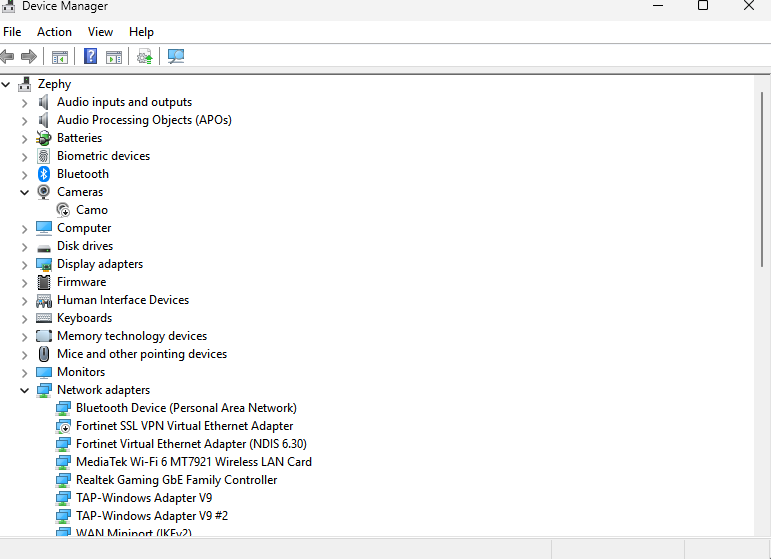
I’m having a really frustrating problem, and for some reason, it keeps happening with every new project I start. I don’t work on large-scale projects or do extensive rendering, and I believe my computer system is in good shape, but despite that, when I use D5 Render, the program shuts down on its own, and sometimes it freezes—it’s even causing damage to my computer.
The computer restarts on its own, displaying a blue screen error with the message “DMA Violation.” Please take a look at the attached screenshots. You’ll get a better idea of exactly what the problem is.
I’m counting on your support.
I want to use D5 Render more effectively, and I really love this program.
The screenshot you provided shows the abnormal visuals when this file is opened. Do you experience this issue with all of your D5 files? What about empty or demo scene files?
This problem is often caused by an excessive number of polygons in your 3D modeling software. However, since you mentioned experiencing a blue screen when using D5, this issue may be an isolated case.
A DMA Violation blue screen (often shown as DRIVER_VERIFIER_DMA_VIOLATION) typically indicates that Windows detected an unauthorized or invalid Direct Memory Access (DMA) operation by a driver or hardware device.
Common causes include:
Faulty or incompatible device drivers
Recent hardware changes (GPU, PCIe cards, USB devices, docking stations)
BIOS/UEFI configuration issues
Problems with virtualization or memory protection features