I’ve watched and followed countless videos that “show” how to get an animated max character into D5. I’ve followed the steps shown and none of them work. I’ve tried Mixamo characters and CC5 characters and all with the same result. Either the import fails or the mesh comes in but the animation does not control the mesh. Bottom line, D5 does not import max animated characters. Bummer.
hi,
i have workflow to import animated character. hope that will help you out.
- import mixamo character to 3dsmax . apply texture if missing.
- make sure skin modifier is applied to all mesh.
- add edit mesh to all geometry.
- select all geometry and export fbx. ( dont select helpers )
- select all geometry and export abc. ( dont select helpers )
- import .fbx first to d5 render, should appear white.
- apply textures to pick and assign textures. like i have below.
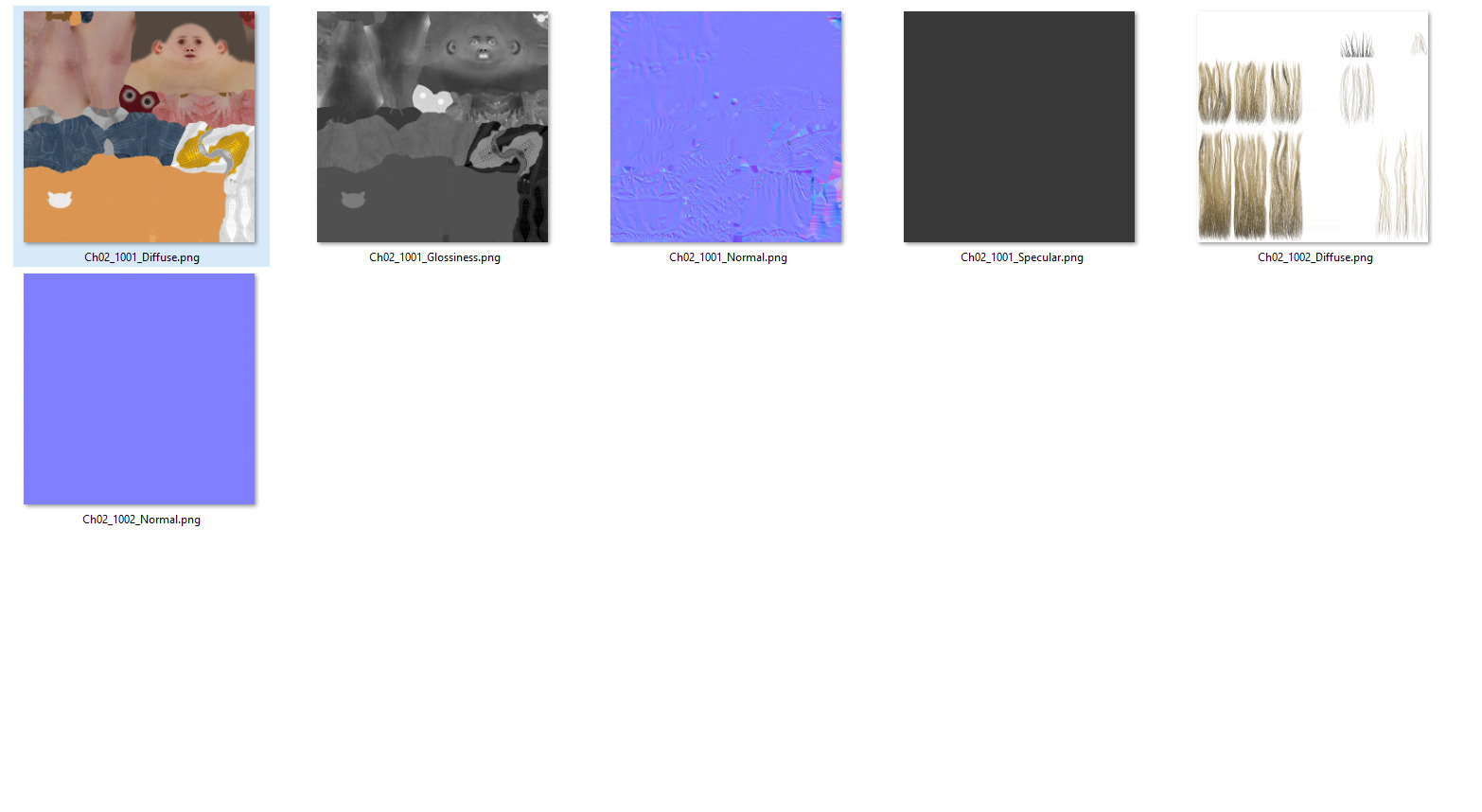
- now import .abc, should appear white.
- now select animated character and stop playing.
- now start picking materials from fbx static mesh and apply to abc character.
- you can attach various object to animated charater in 3dsmax . like i attched kettle ball to hand helper.
sharing still and final animattion
Still image
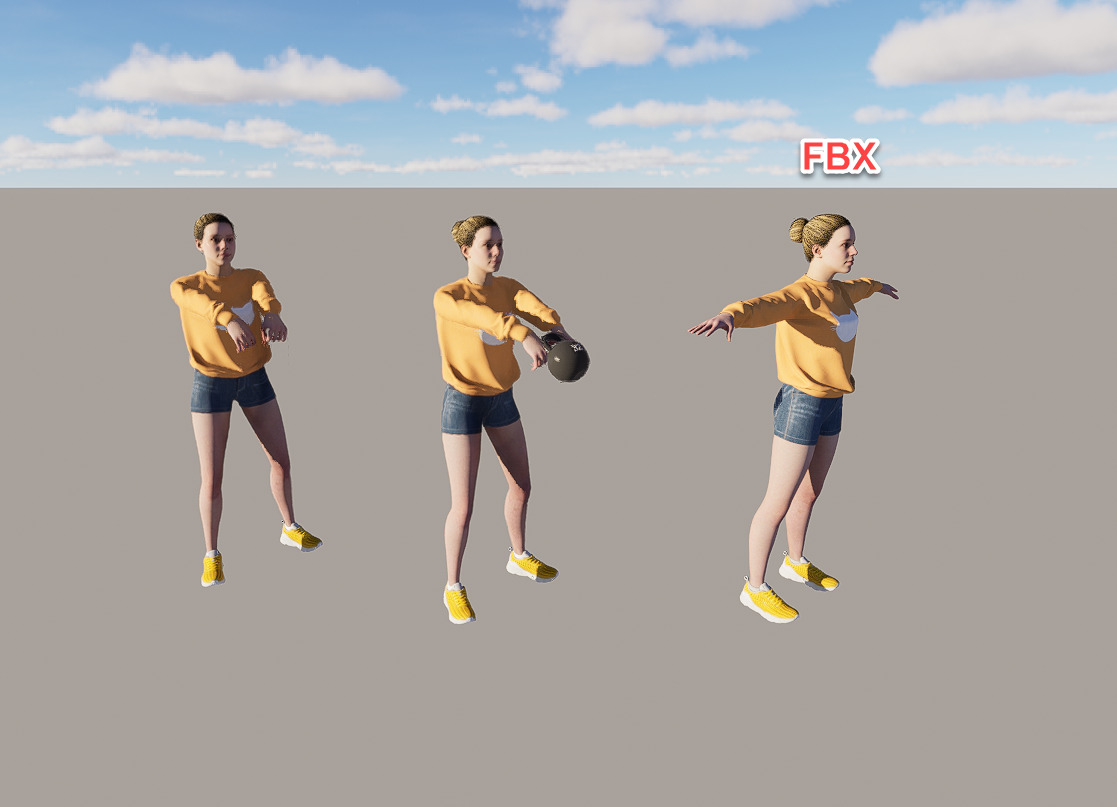
Thank you Clov and visualplus for your responses. I have now successfully imported a mixamo character. I stand corrected. A person can successfully import an animated character into D5. Whoohoo!
Hi @meah2016
To clarify on your previous response.
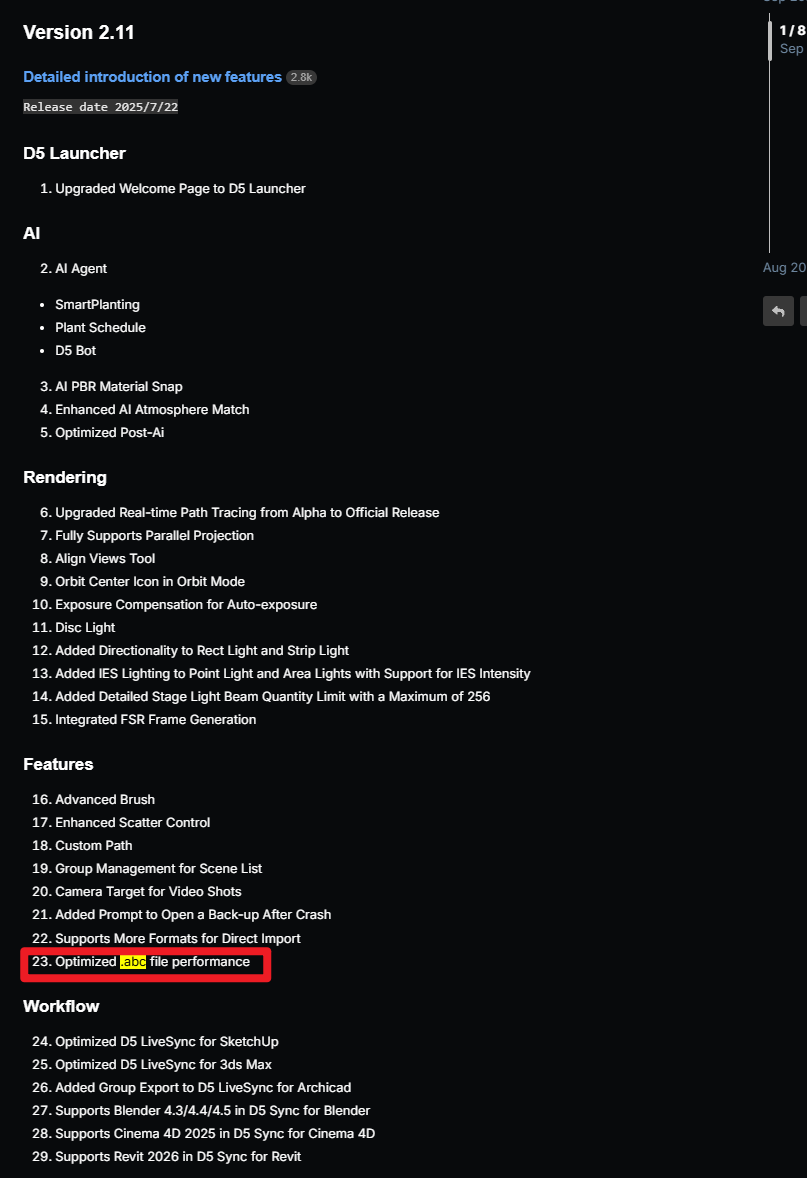
The link I’ve provided still has the same process, but the conclusions are not the same. Before, there was limited support for alembic files but with the recent updates it was further improved.
Got it. Thanks again. (apologies for the previous frustrated response. )